
The Property Card — front and back
Front and back of a property card: header, the numbers, the Property button, mortgage / insurance / taxes, the footer, Unit / Inspect / History / Sell, and the units-and-tenants side.
Transcript
Intro0:00
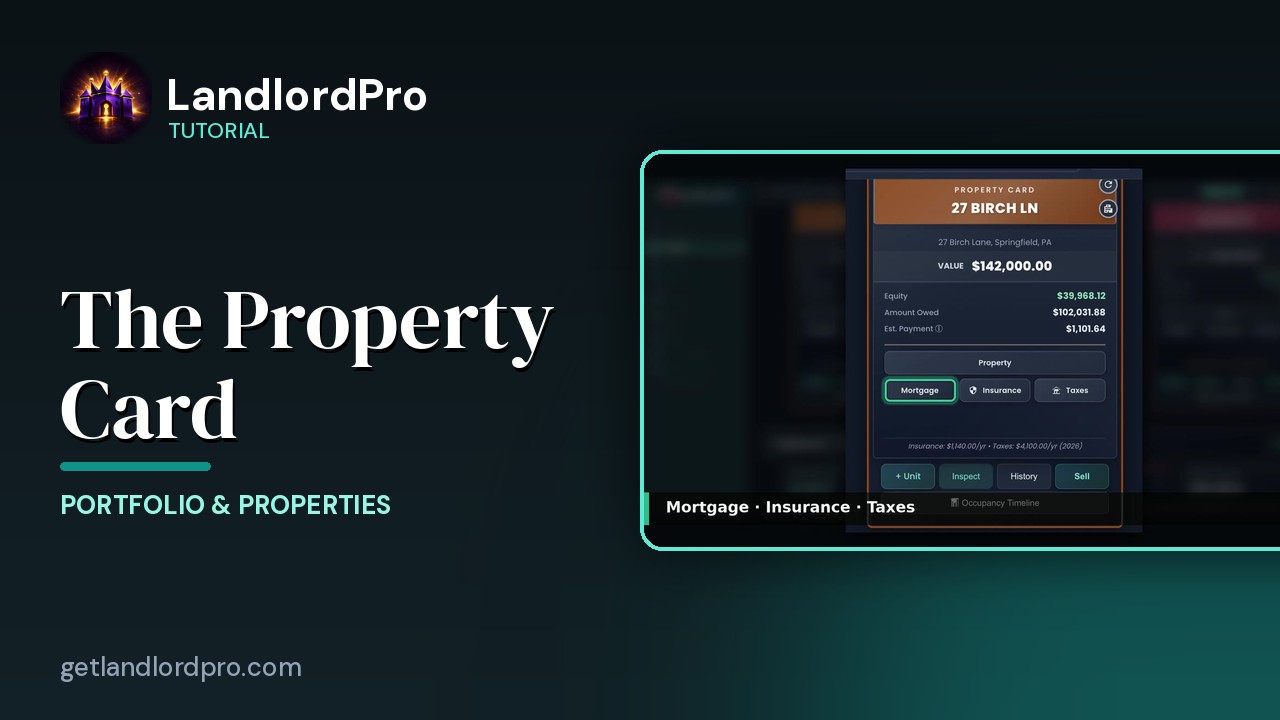
Every property gets a card, and the card is a command center. Let's go top to bottom.
Header0:07
The header carries the property name. The two icons on the right flip the card over and open the photo gallery. Below that, the address and the current value.
The numbers0:18
Then the three numbers that matter. Equity, value minus what you owe, amount owed, the live mortgage balance, and estimated payment, principal and interest, plus escrow taxes and insurance once you've entered those. Green means you're building equity.
Property button0:36
Property opens the details. Address, purchase date and price, land and building value, and the depreciation that comes out of them.
Mortgage · Insurance · Taxes0:45
Mortgage holds your loan. Lender, rate, term, extra principal payments, and your 1098 records. With no loan it reads no mortgage with a check. Insurance holds every policy with auto renew reminders and an escrow switch. Taxes, county, school and other bills by year. A warning triangle means nothing's entered there yet. The footer sums it up.
Footer1:08
Insurance and taxes per year and depreciation when you've entered a purchase price. Below the card, add a unit, run an inspection, move in, move out or routine unit by unit.
Unit · Inspect · History · Sell1:15
Open the history report or sell the property with the full tax picture worked out for you and the occupancy timeline, a month by month bar of every tenant across the property's life with the vacancy gaps in between. Now flip it over. The back is your units.
The back: units & tenants1:41
One panel per unit, beds, baths, rent and status, occupied or vacant with edit unit right there. Below it, the tenant. Name, lease dates and this month rent status. In the same tenant icon bar, you'll find everywhere a tenant's name appears. Send a bill, record a payment, remind, contact, message, portal, renew. Arrow through the units. The dots show where you are. Edit the tenant or jump straight into their portal. Front for the money, back for the people. That's a property card. Get LandlordPro. Free to try. The address is on your screen.
More in Portfolio & Properties
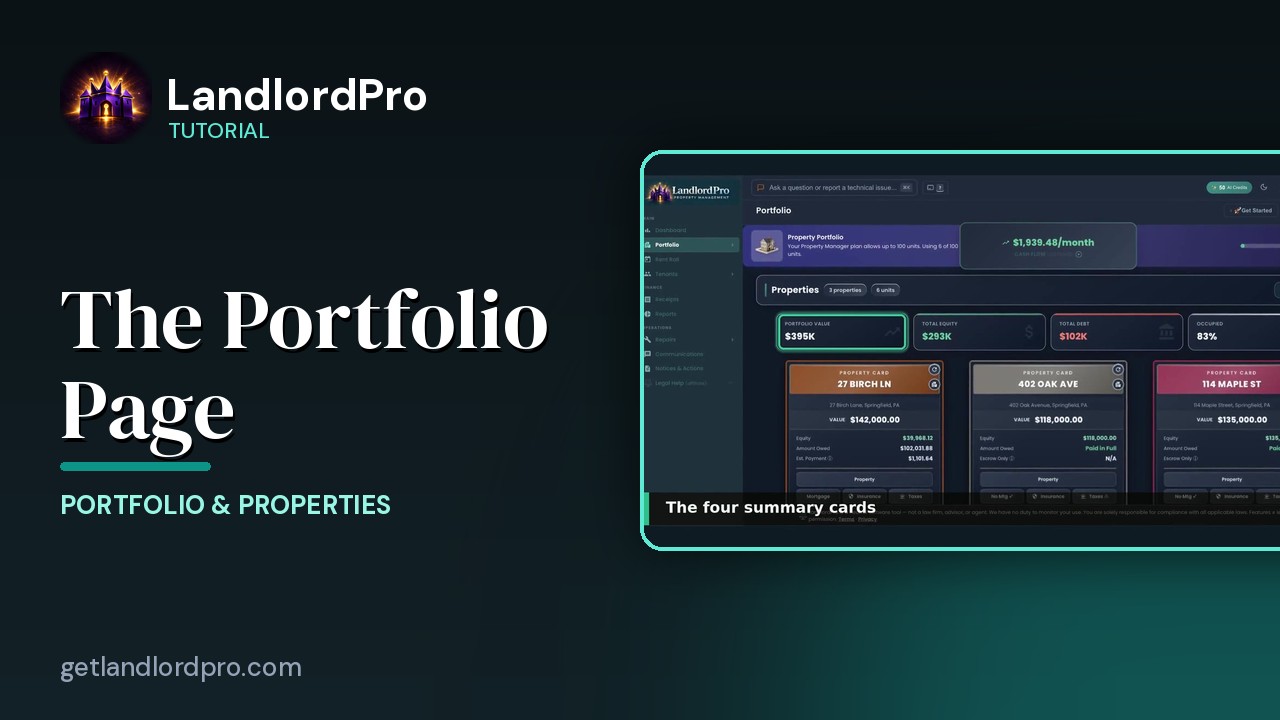
The Portfolio Page — own, owe, earn
What you own, what you owe, what you earn: Pro vs Focus, headings and Manage, summary cards, property cards,…
2:31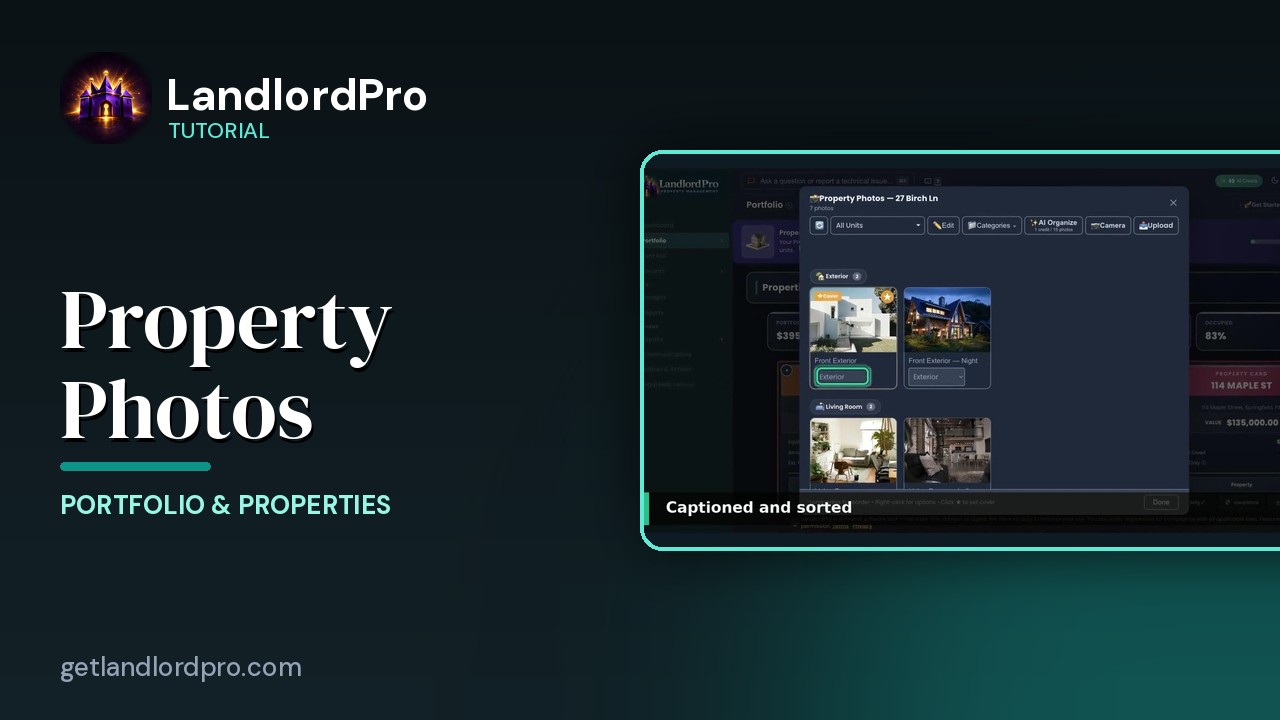
Property Photos — shoot once, advertise everywhere
Upload or shoot photos, let AI organize them, pick a cover, set categories and order, and reuse the same…
2:26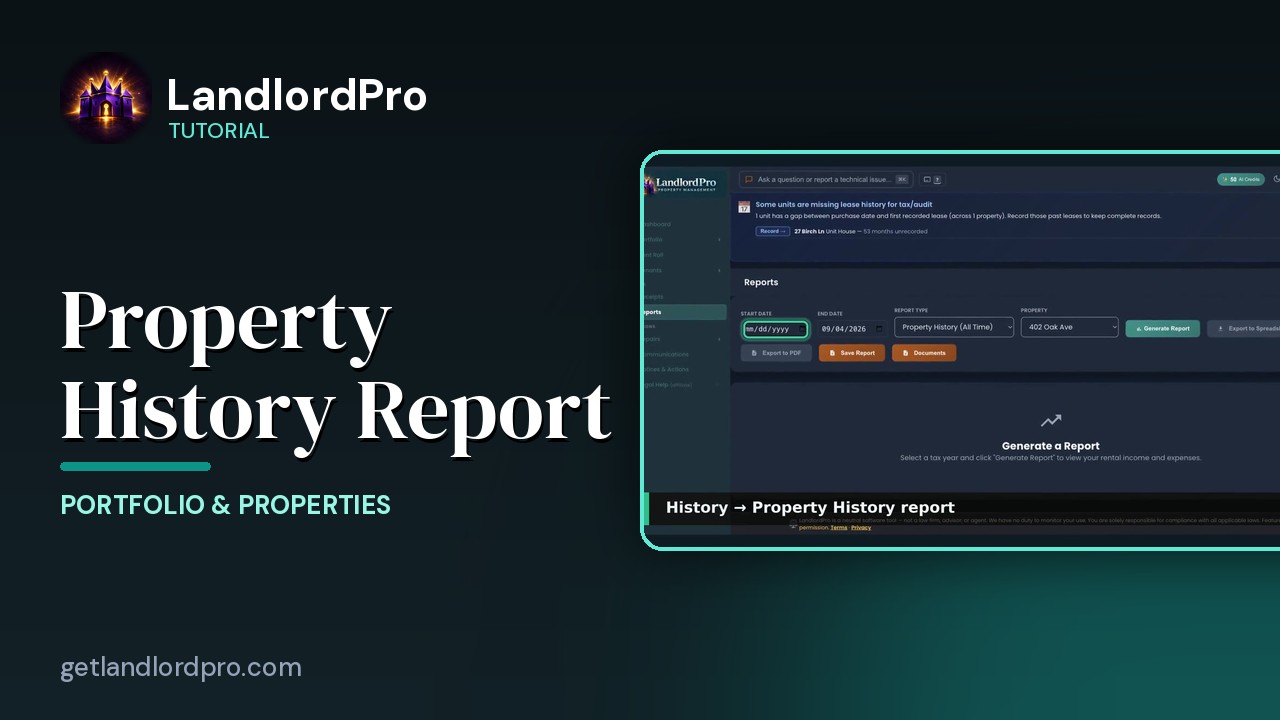
The Property History Report
A quick look at the Property History report — everything that has happened to a property, in one…
0:21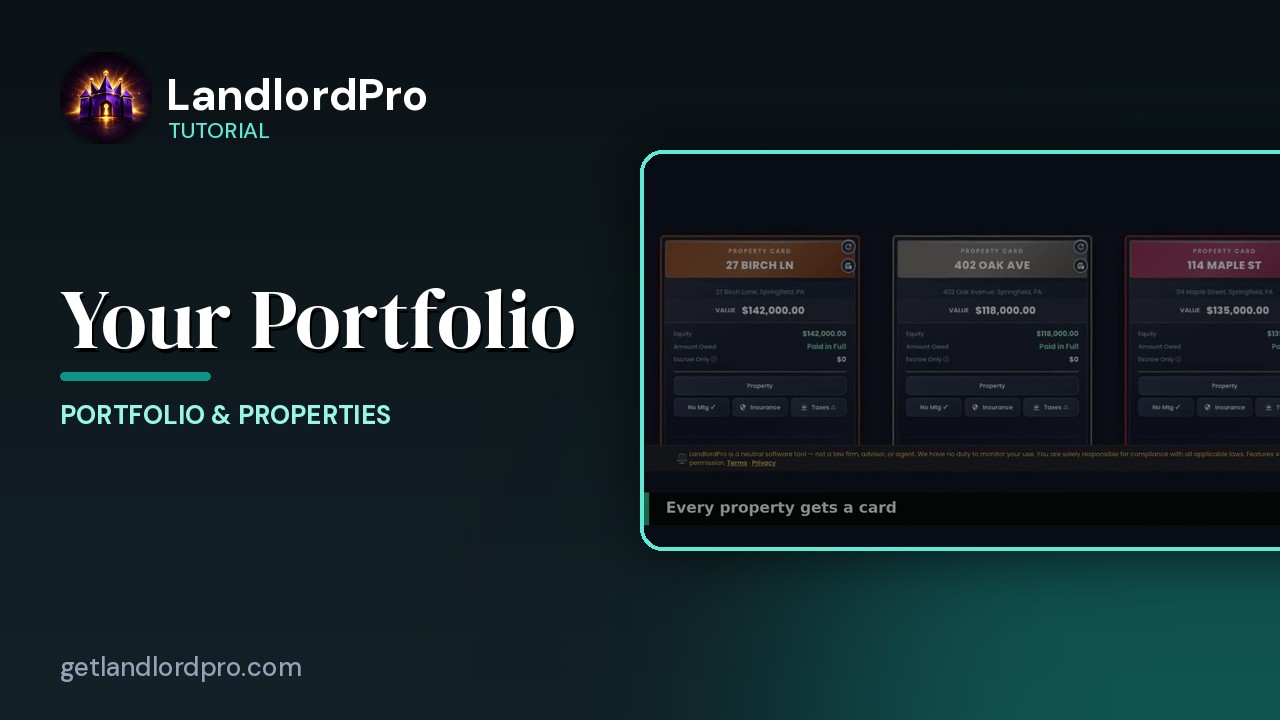
Your Portfolio (quick look)
A 30-second look at property cards and the Manage menu on the Portfolio page. LandlordPro is one tool for…
0:34All tutorials: the LandlordPro tutorial library · free tools: landlord calculators · help center.
See it on your own properties
LandlordPro is one tool for the whole job of being a landlord: ads built in minutes and pushed to Zillow, applications that pre-screen on your own criteria, leases created and e-signed in minutes, a tenant portal with ACH or Venmo payment, one-click messaging to every tenant in a building, phone contacts that sync as tenants are added, AI receipt scanning straight into Schedule E reports, guided photo move-in/move-out records, and a rent roll that does it all.
Try LandlordPro free →LandlordPro is not a law firm and does not give legal advice. Consult an attorney for your state and situation.