
The Portfolio Page — own, owe, earn
What you own, what you owe, what you earn: Pro vs Focus, headings and Manage, summary cards, property cards, equipment, debt, and reports.
Transcript
Overview0:00
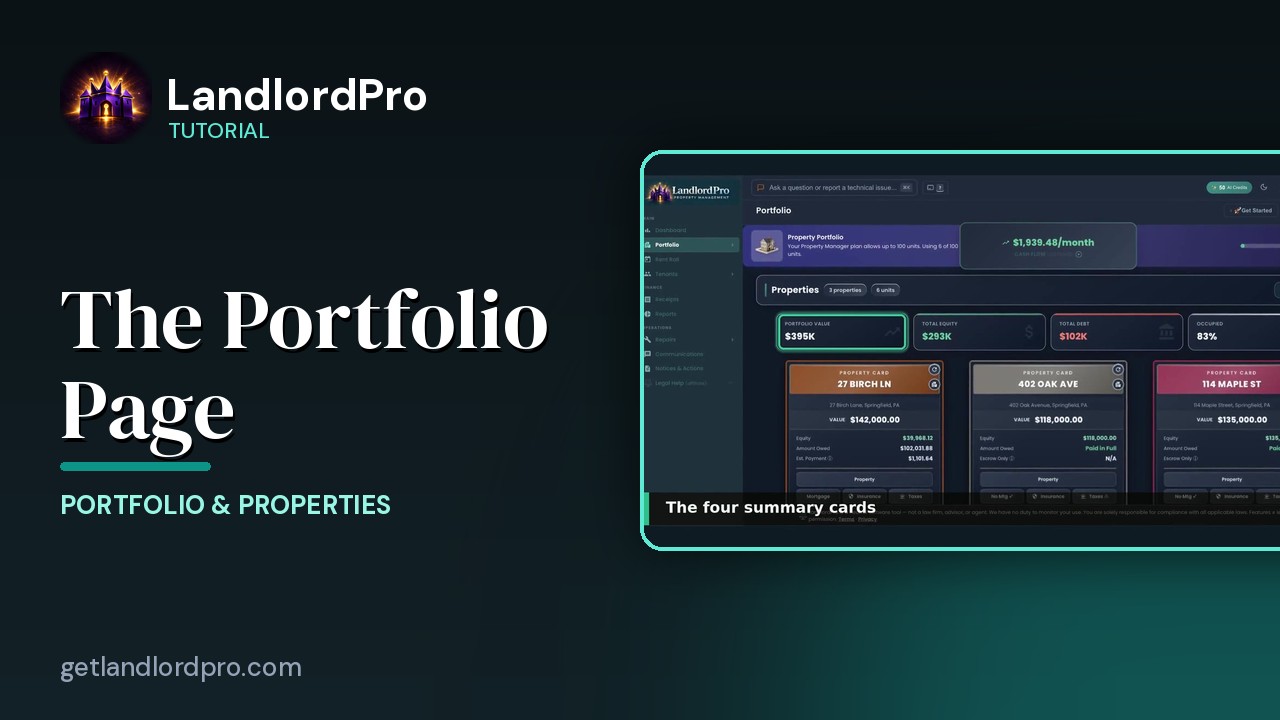
This is your portfolio page. Every property, every piece of equipment, and every debt on one page. Up top, the cash flow card, which has its own video. And next to it, the switch that changes how the whole page looks. Pro or Focus. Pro shows everything as a grid.
Pro vs Focus0:16
Focus puts one card front and center, with the rest fanned out behind it. Arrow keys or swipe to move, escape to switch back. On a phone held upright, Focus is automatic.
Headings & Manage0:30
Every section has a heading with its counts, and a manage menu on the right. Properties first. Manages where you add a property. Run will it cash flow on a deal you're considering. Import a spreadsheet of properties. Flip every card at once. That's also the F key or delete one.
Summary cards0:48
Then for summary cards. Portfolio value. What everything is worth. Total equity. Value minus what you owe. Total debt. Every mortgage balance added up. And occupied. The share of your units with a tenant in them.
Property cards1:05
Below them, the property cards. Each card is a command center for that property. Its numbers, its mortgage, insurance, and taxes. Units, inspections, history, and sale. They get their own video.
Equipment1:18
Scroll down for equipment. Mowers, trucks, trailers, appliances. Anything you'd appreciate. It's summary cards. Total book value, this year's depreciation. What's still financed and the monthly payments. Manage adds or removes equipment. Each equipment card has details. Financing, insurance, fees, and maintenance. And a sell button at the bottom.
Debt1:42
And debt. Hellock repair loans, credit cards, and lines of credit. Either linked to a property or business credit. It's summary. Total debt, monthly payments, average APRA, and available credit. Manage here adds a hellock or repair loan. A credit card or line of credit, or deletes one. Every balance and payment flows into your cash flow and your reports.
Reports2:06
Reports come straight off the cards too. History on any property opens the all time property history report. Every unit, every month, who paid what. And the vacancy gaps between tenants. Everything you own, everything you owe, and what it all makes. That's the portfolio page. Get LandlordPro. Free to try. The address is on your screen.
More in Portfolio & Properties
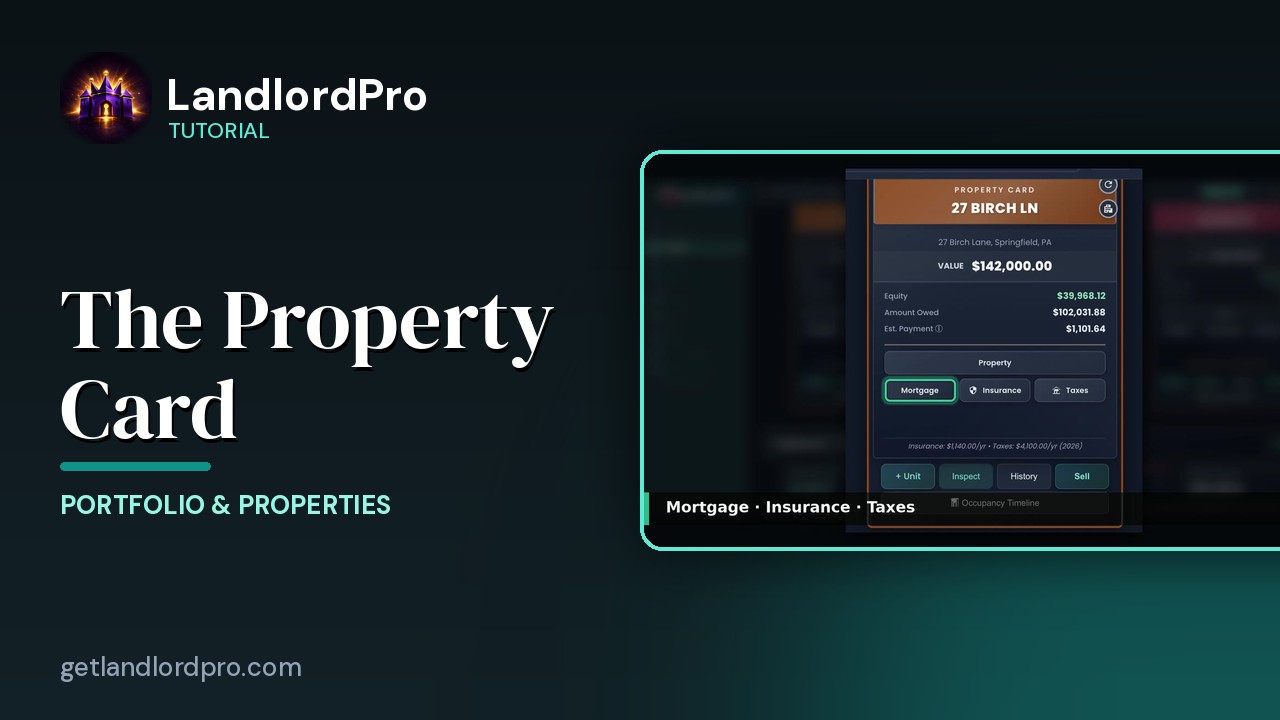
The Property Card — front and back
Front and back of a property card: header, the numbers, the Property button, mortgage / insurance / taxes,…
2:20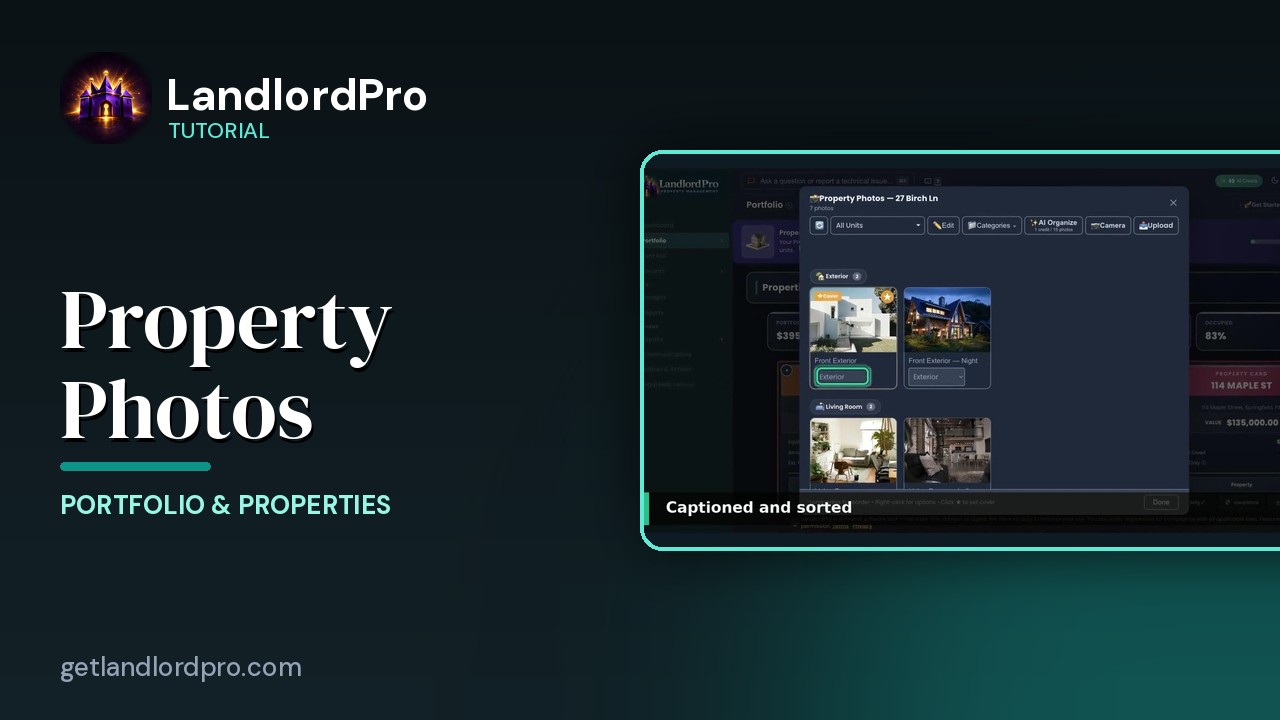
Property Photos — shoot once, advertise everywhere
Upload or shoot photos, let AI organize them, pick a cover, set categories and order, and reuse the same…
2:26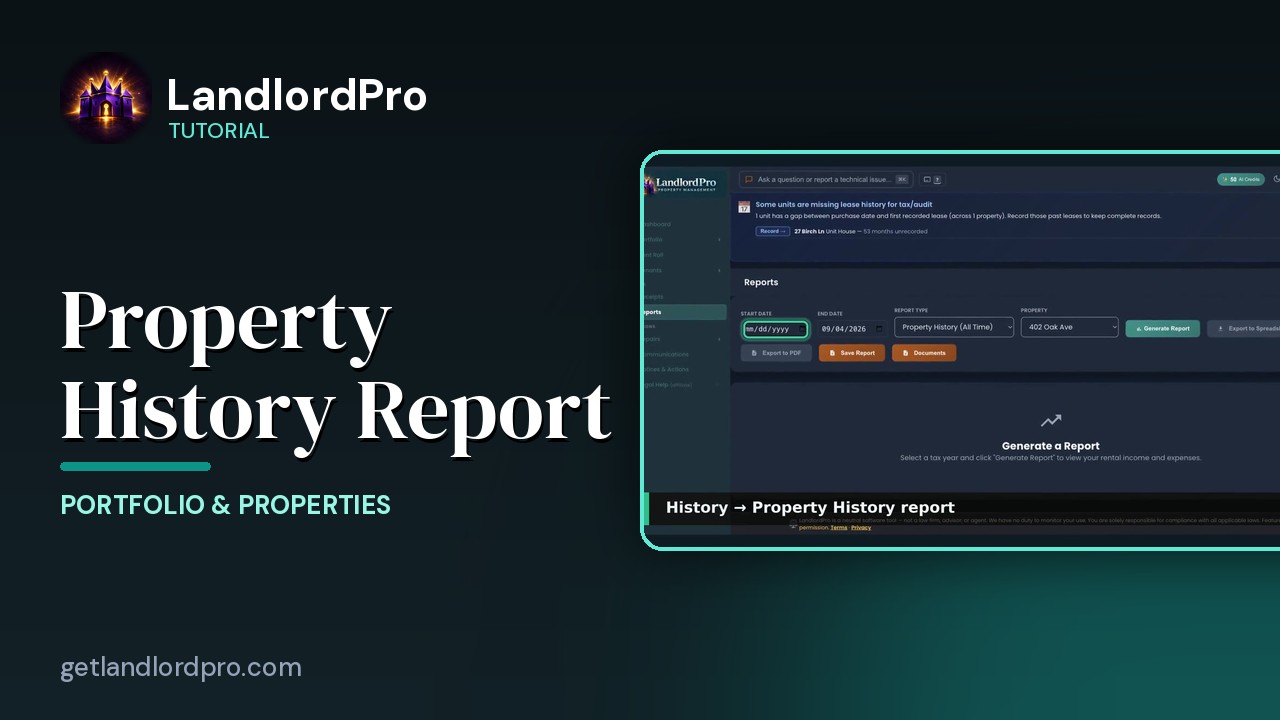
The Property History Report
A quick look at the Property History report — everything that has happened to a property, in one…
0:21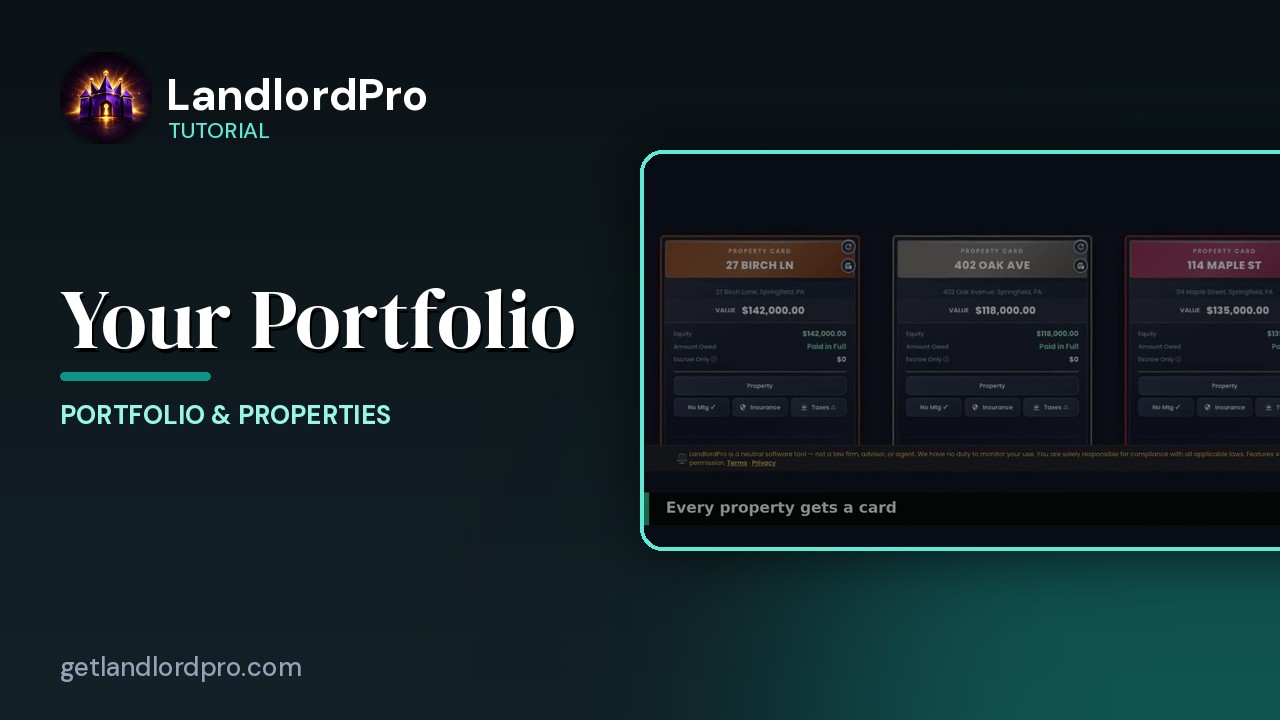
Your Portfolio (quick look)
A 30-second look at property cards and the Manage menu on the Portfolio page. LandlordPro is one tool for…
0:34All tutorials: the LandlordPro tutorial library · free tools: landlord calculators · help center.
See it on your own properties
LandlordPro is one tool for the whole job of being a landlord: ads built in minutes and pushed to Zillow, applications that pre-screen on your own criteria, leases created and e-signed in minutes, a tenant portal with ACH or Venmo payment, one-click messaging to every tenant in a building, phone contacts that sync as tenants are added, AI receipt scanning straight into Schedule E reports, guided photo move-in/move-out records, and a rent roll that does it all.
Try LandlordPro free →LandlordPro is not a law firm and does not give legal advice. Consult an attorney for your state and situation.