
The Property History Report
A quick look at the Property History report — everything that has happened to a property, in one place. LandlordPro is one tool for the whole job of being a landlord: ads built in minutes and pushed to Zillow, applications that pre-screen on your own criteria, leases created and e-signed in minutes, a tenant portal with ACH or Venmo payment, one-click messaging to every tenant in a building, phone contacts that sync as tenants are added, AI receipt scanning straight into Schedule E reports, guided photo move-in/move-out records, and a rent roll that does it all. Try it free: https://getlandlordpro.com LandlordPro is not a law firm and does not give legal advice. Consult an attorney for your state and situation.
Transcript
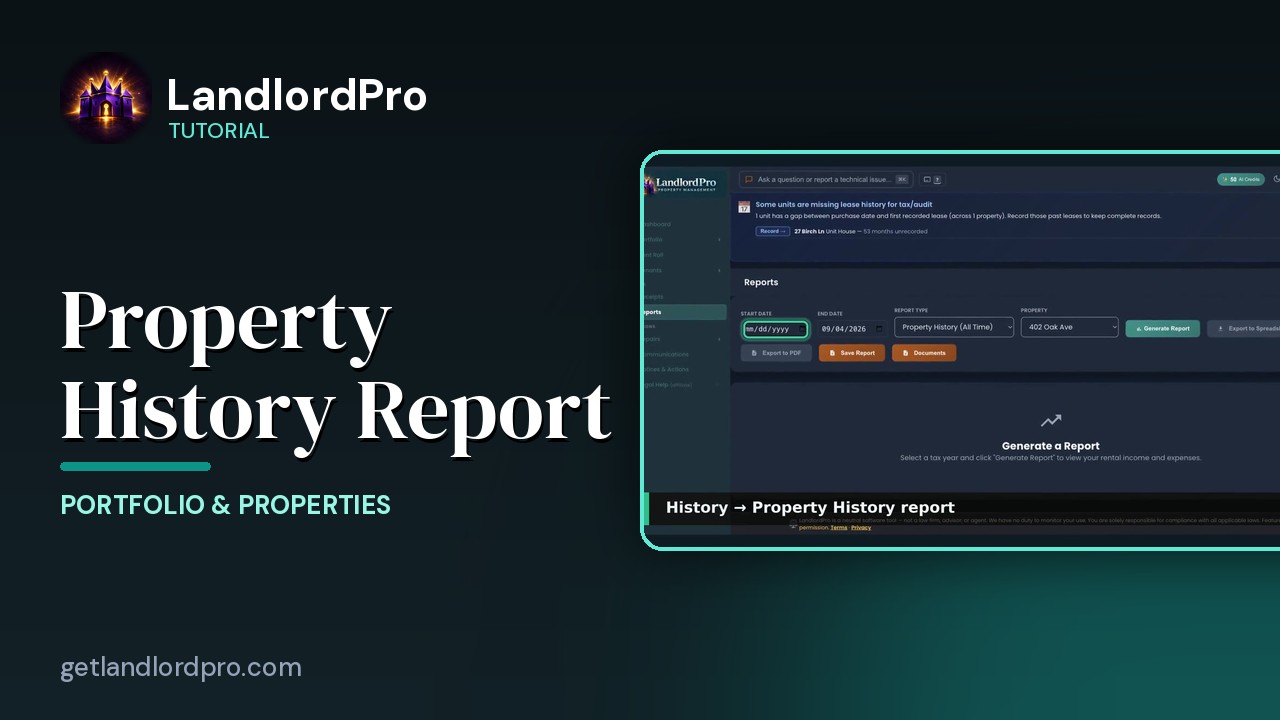
History takes you to reports with property history, all time, and this property already selected. Set a start date, then generate report. Every unit, every month. Who is there, what was due, what was paid, and when, with vacancy stretches called out. Export it to PDF or a spreadsheet, or save it to documents.
More in Portfolio & Properties
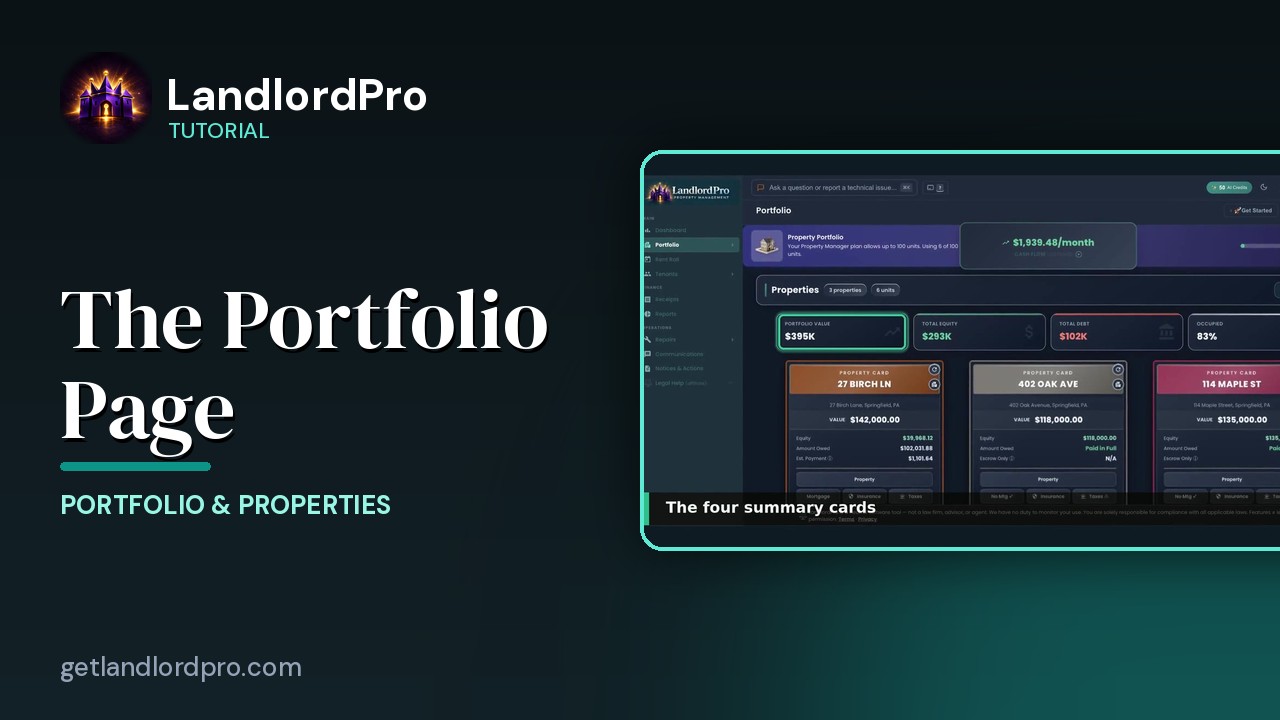
The Portfolio Page — own, owe, earn
What you own, what you owe, what you earn: Pro vs Focus, headings and Manage, summary cards, property cards,…
2:31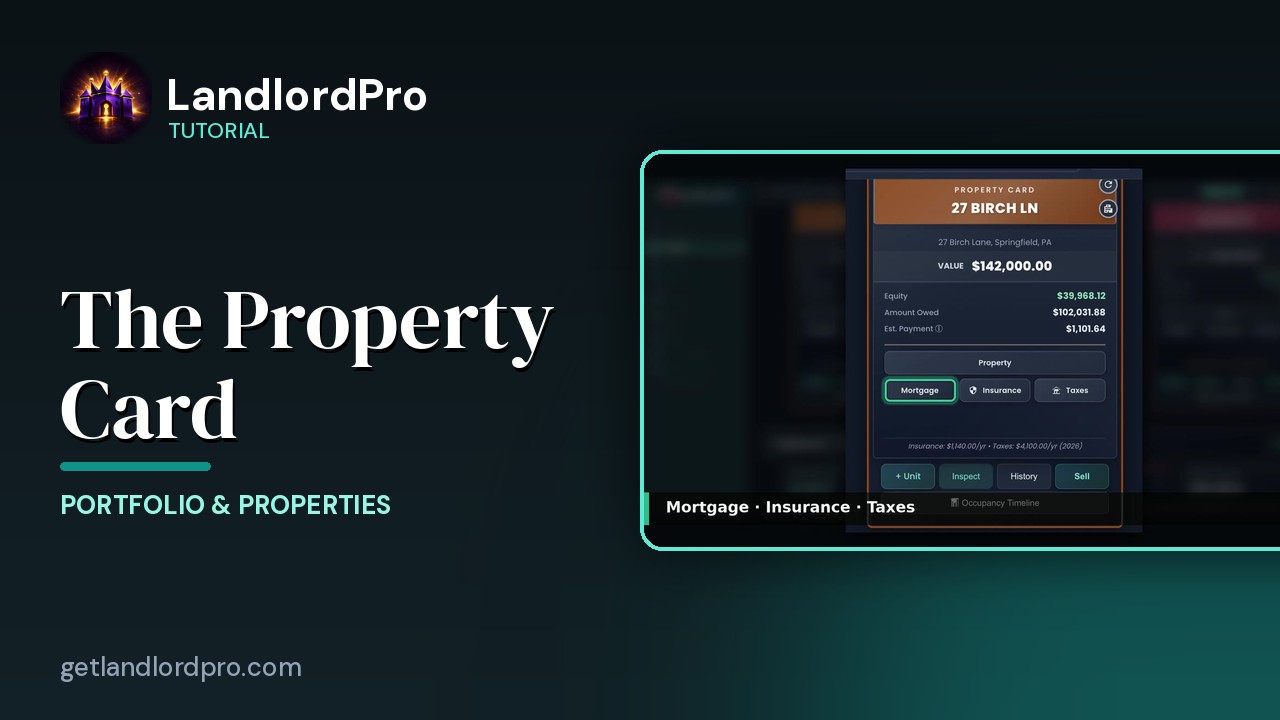
The Property Card — front and back
Front and back of a property card: header, the numbers, the Property button, mortgage / insurance / taxes,…
2:20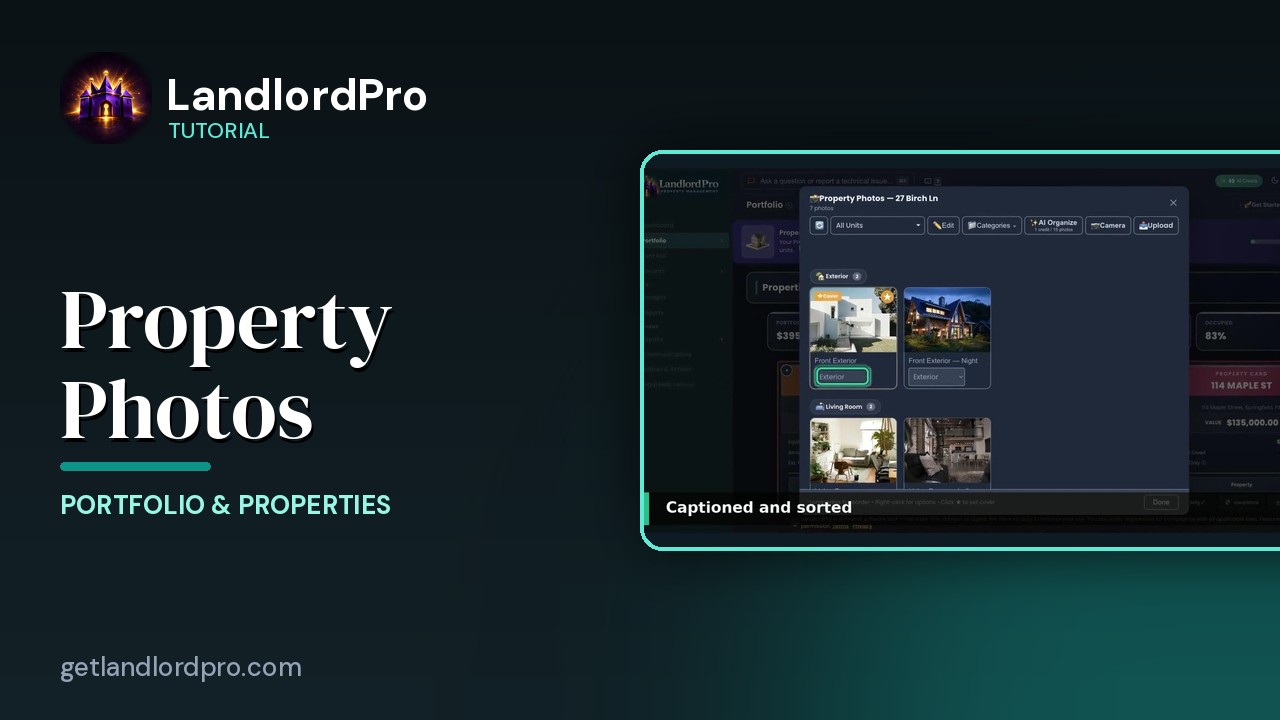
Property Photos — shoot once, advertise everywhere
Upload or shoot photos, let AI organize them, pick a cover, set categories and order, and reuse the same…
2:26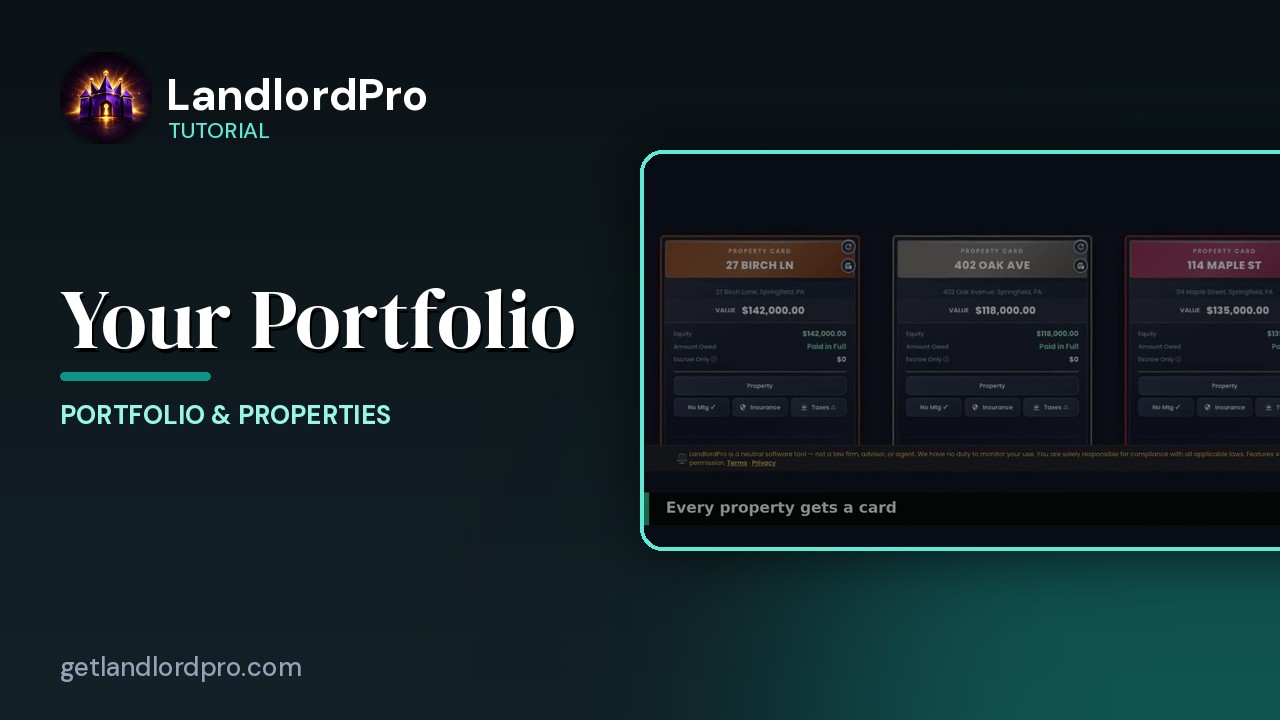
Your Portfolio (quick look)
A 30-second look at property cards and the Manage menu on the Portfolio page. LandlordPro is one tool for…
0:34All tutorials: the LandlordPro tutorial library · free tools: landlord calculators · help center.
See it on your own properties
LandlordPro is one tool for the whole job of being a landlord: ads built in minutes and pushed to Zillow, applications that pre-screen on your own criteria, leases created and e-signed in minutes, a tenant portal with ACH or Venmo payment, one-click messaging to every tenant in a building, phone contacts that sync as tenants are added, AI receipt scanning straight into Schedule E reports, guided photo move-in/move-out records, and a rent roll that does it all.
Try LandlordPro free →LandlordPro is not a law firm and does not give legal advice. Consult an attorney for your state and situation.