
LandlordPro Video Tutorials
35 short walkthroughs, page by page — each with chapters and a full transcript. Also on our YouTube channel.
Start Here
New to LandlordPro? The two-minute overview, then the Dashboard and Settings walkthroughs.
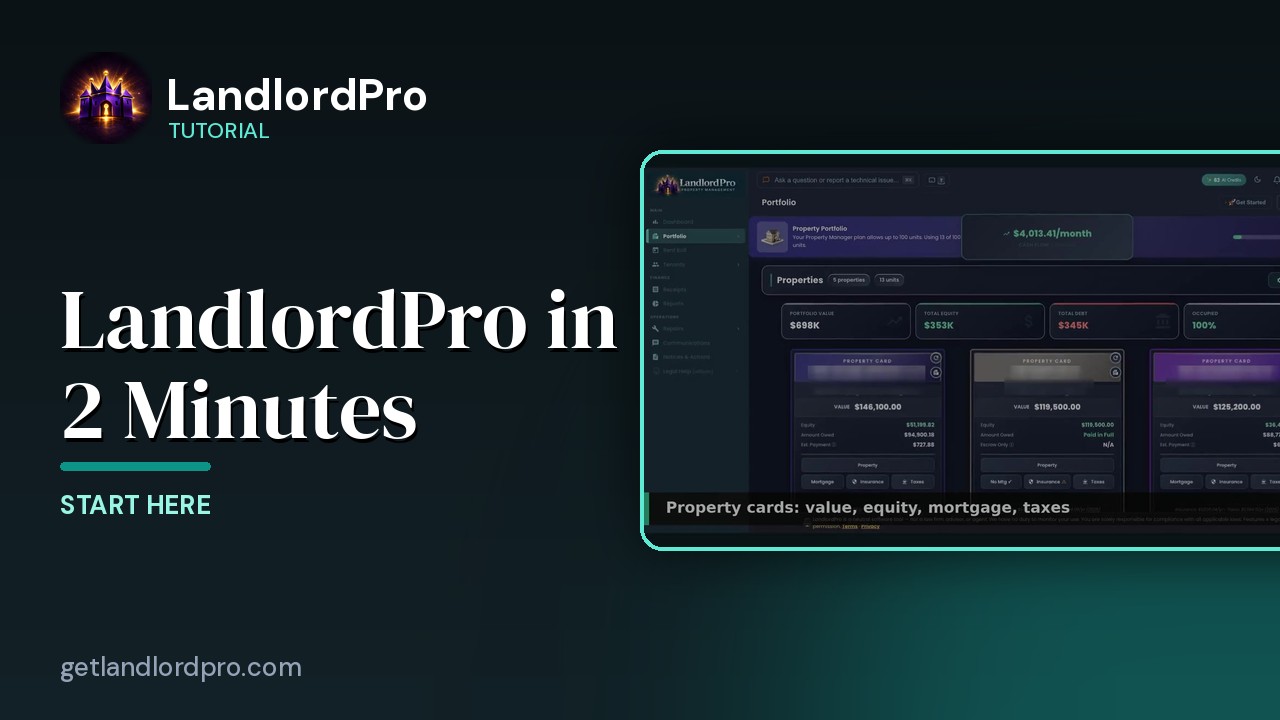
LandlordPro in 2 Minutes
Everything LandlordPro does for an independent landlord, in about two minutes: dashboard, earnings, rent…
1:44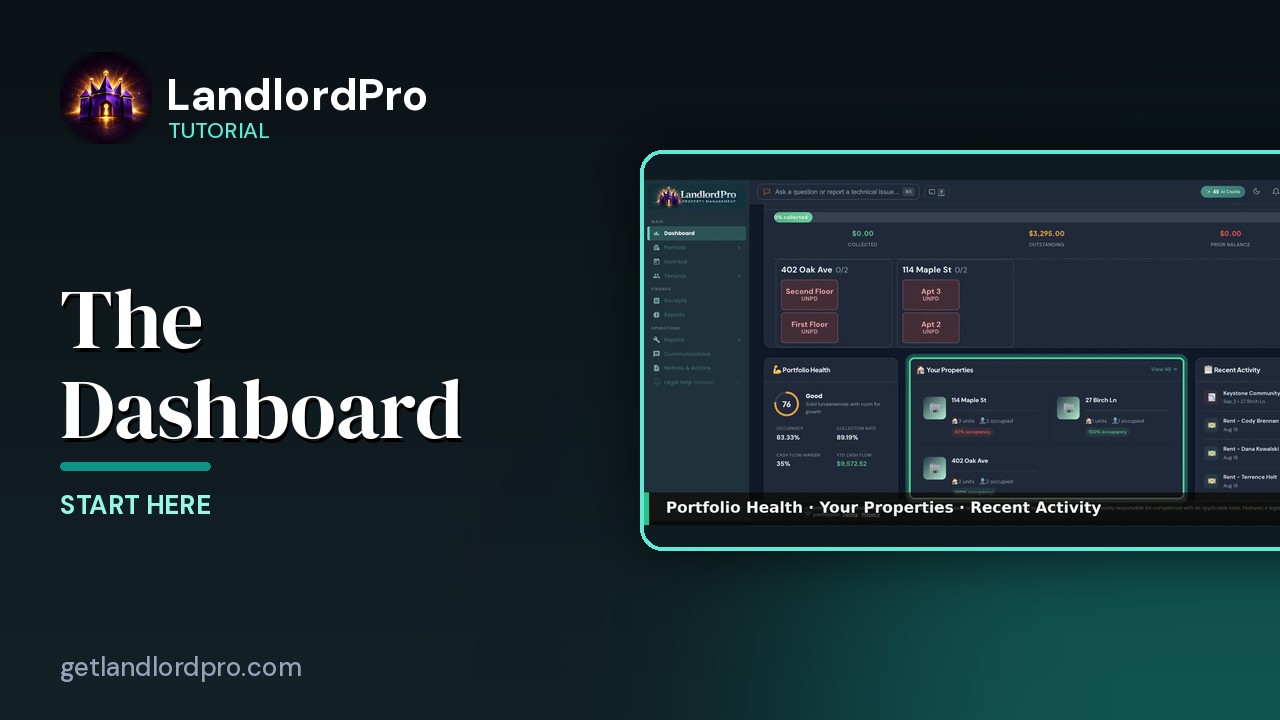
The Dashboard — everything that needs you today
A tour of the LandlordPro dashboard: shortcuts, key metrics, rent collection, what needs attention, prime…
4:03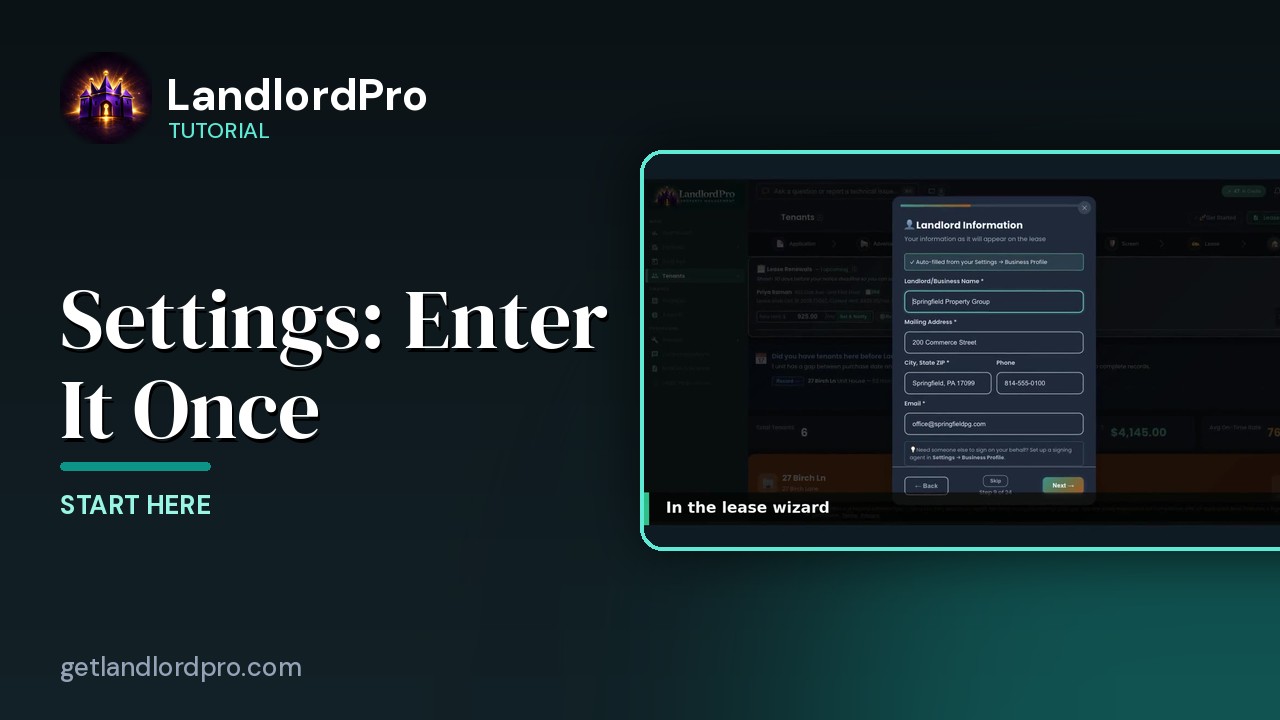
Settings — enter it once, it shows up everywhere
Fill in Settings once and it follows you everywhere: the business profile lands in the lease wizard, payment…
2:27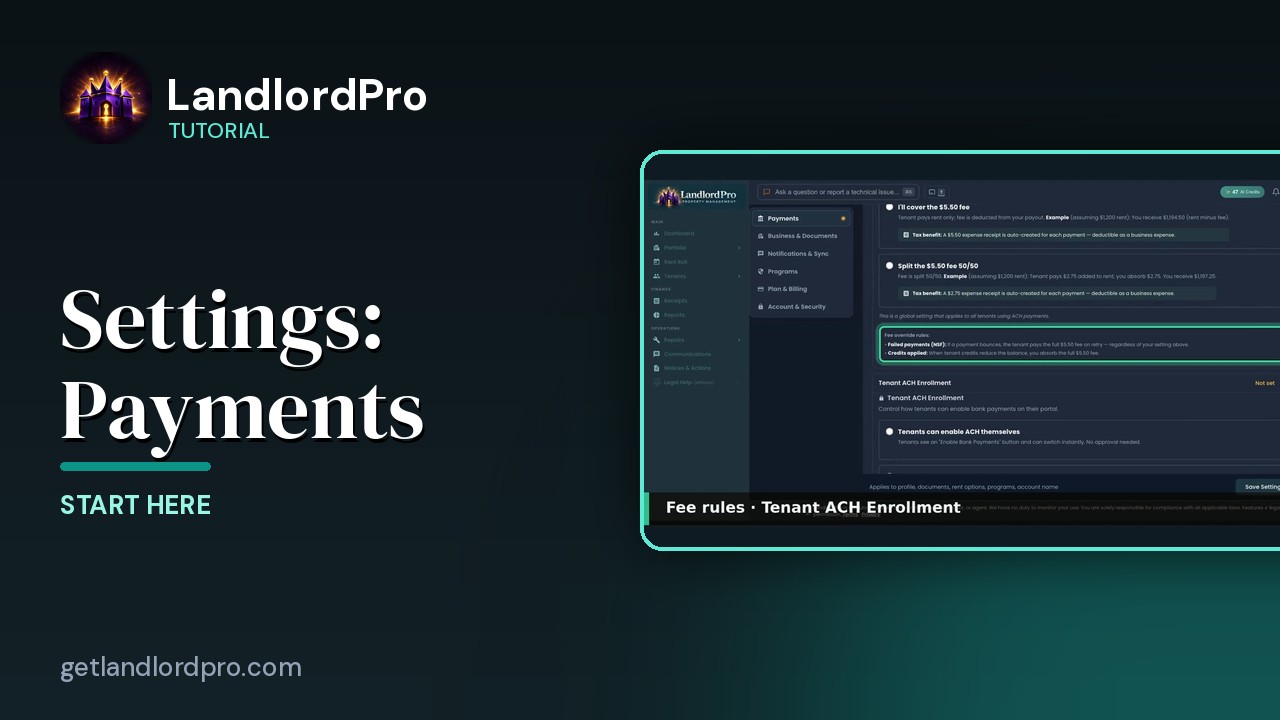
Settings · Payments — option by option
Every Payments setting explained: what happens once Stripe is connected, the ACH processing fee and who pays…
3:36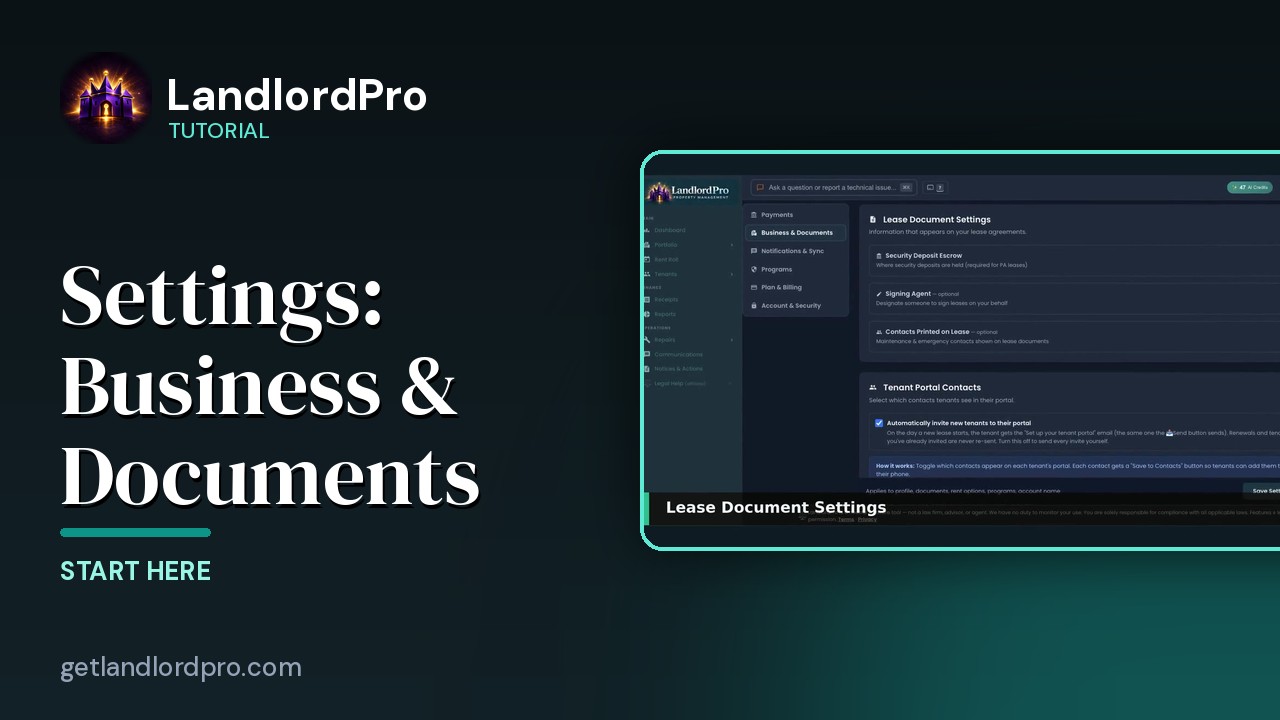
Settings · Business & Documents — option by option
Where your business profile goes, lease document settings, escrow and signing agent, the contacts printed on…
2:48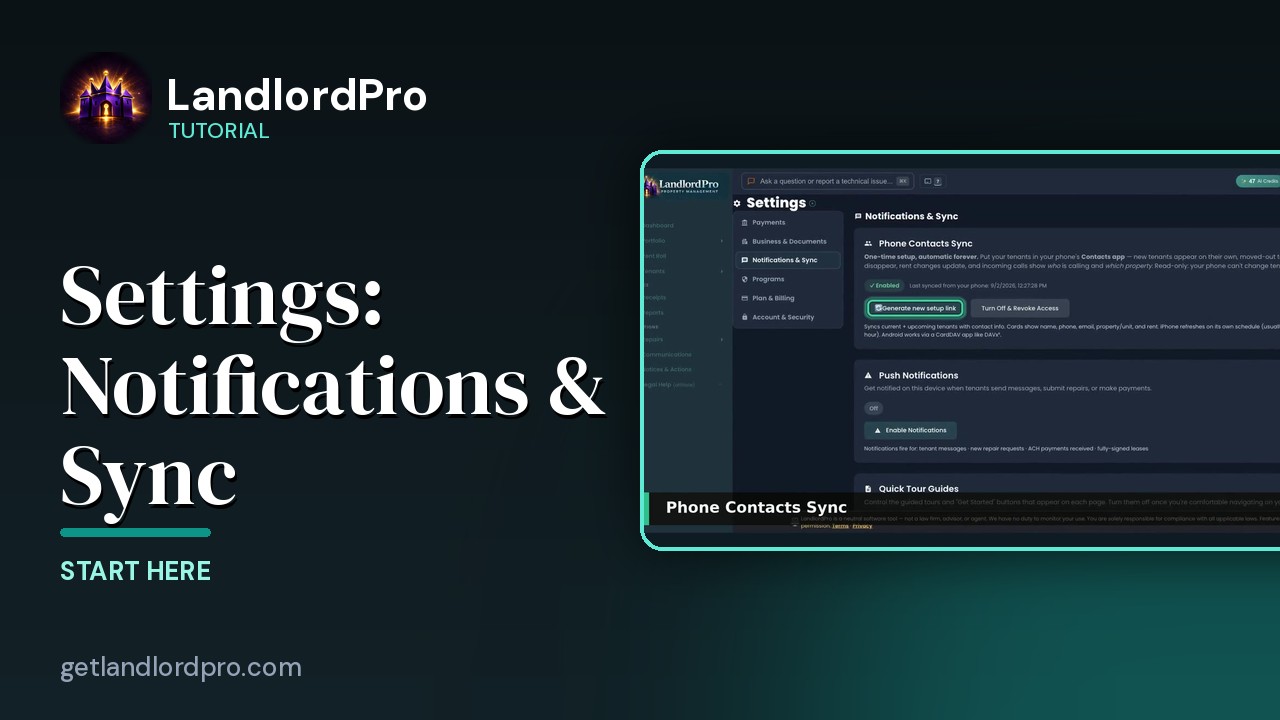
Settings · Notifications & Sync — option by option
Push notifications, Quick Tours, and the sync settings that keep your phone and calendar…
1:03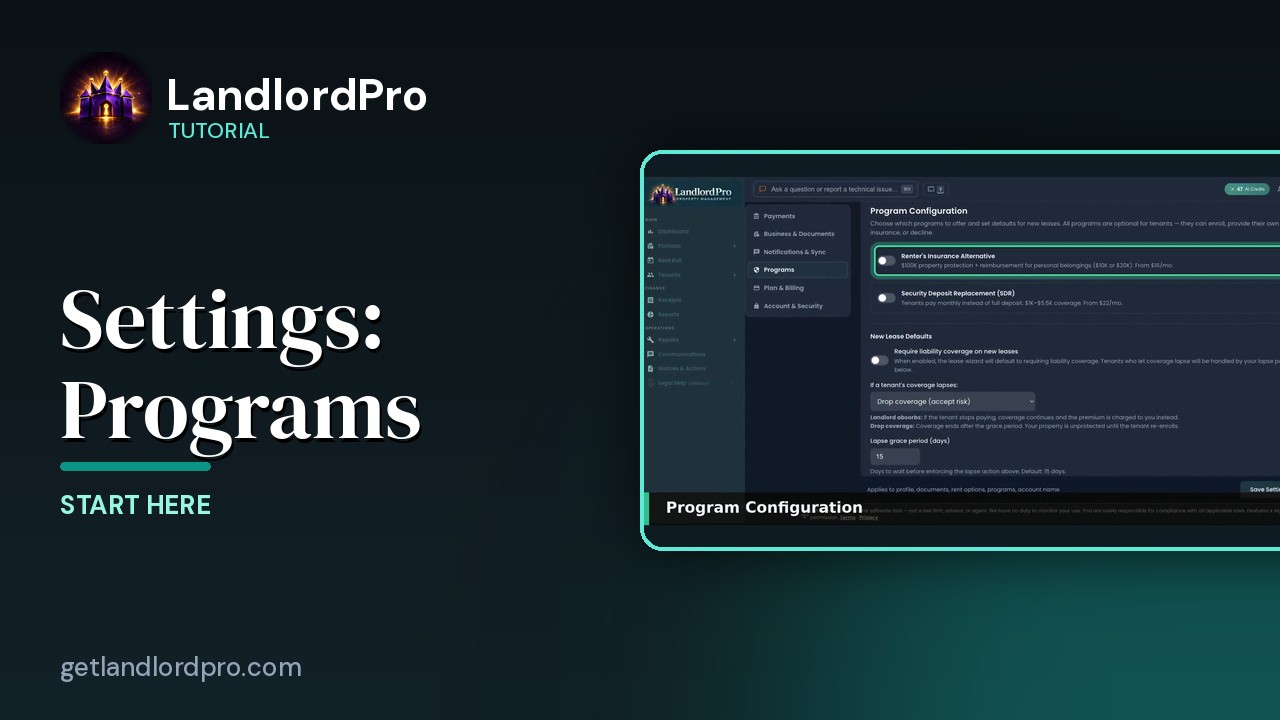
Settings · Programs — option by option
Program configuration, absorbing the premium, Vendor Reviews, and radius matching for the vendor…
1:48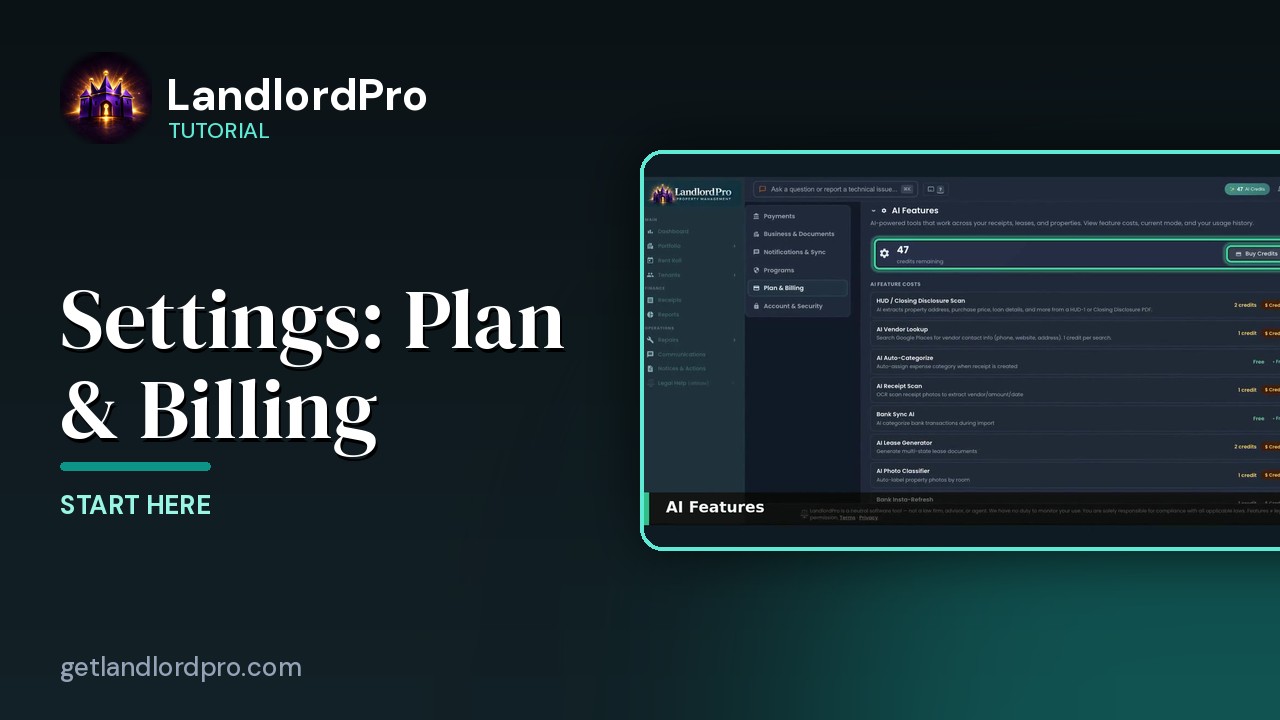
Settings · Plan & Billing — option by option
AI features, usage, your plan, and the setup…
1:01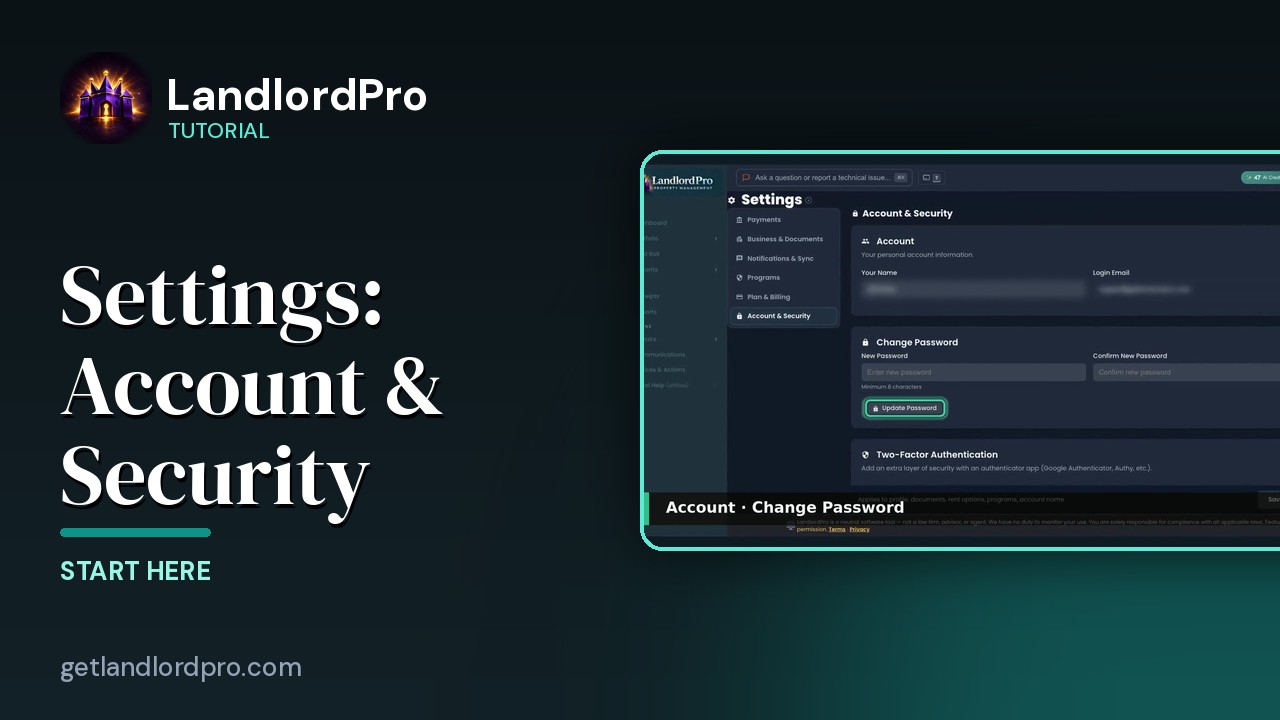
Settings · Account & Security — option by option
Two-factor authentication, trusted devices, and account…
0:45Rent Roll & Money
Collecting rent and keeping the books: the rent roll, unit cards, cash flow, receipts with AI scanning, and one-click reports straight into Schedule E.
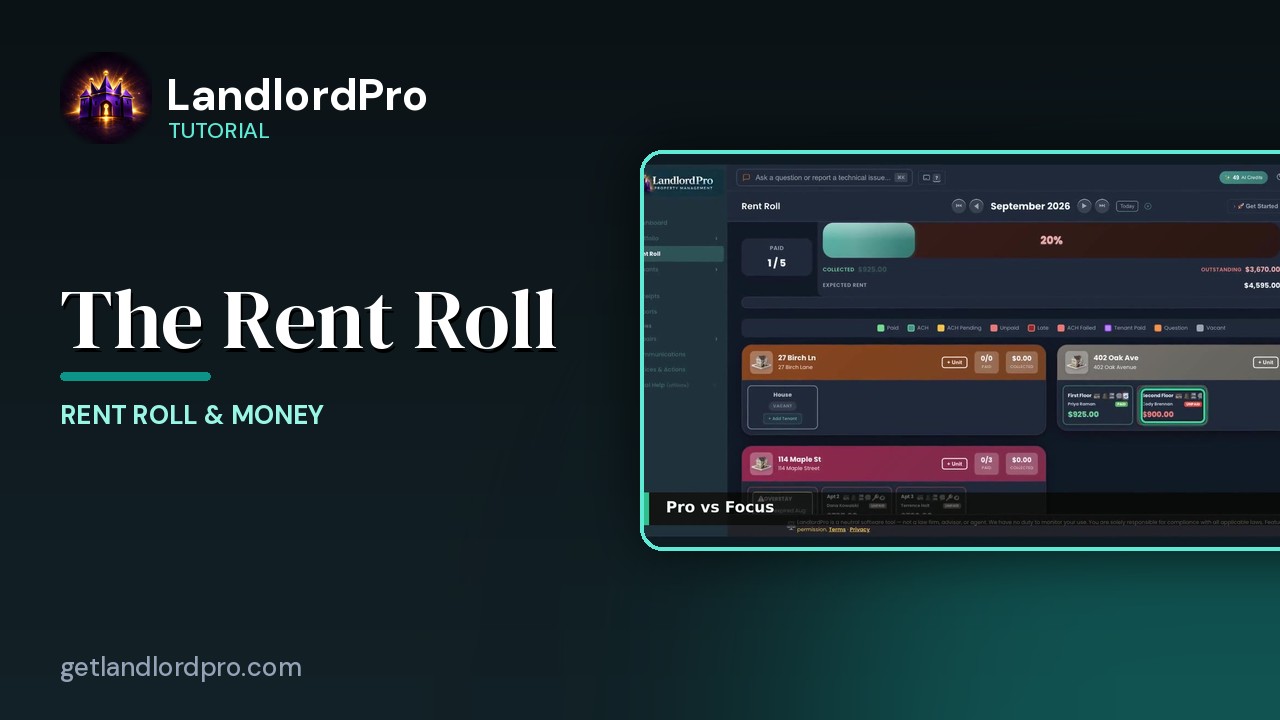
The Rent Roll — one month, every unit
The rent roll that does it all: one month, every unit, with payments, late payments, credits and discounts.…
2:59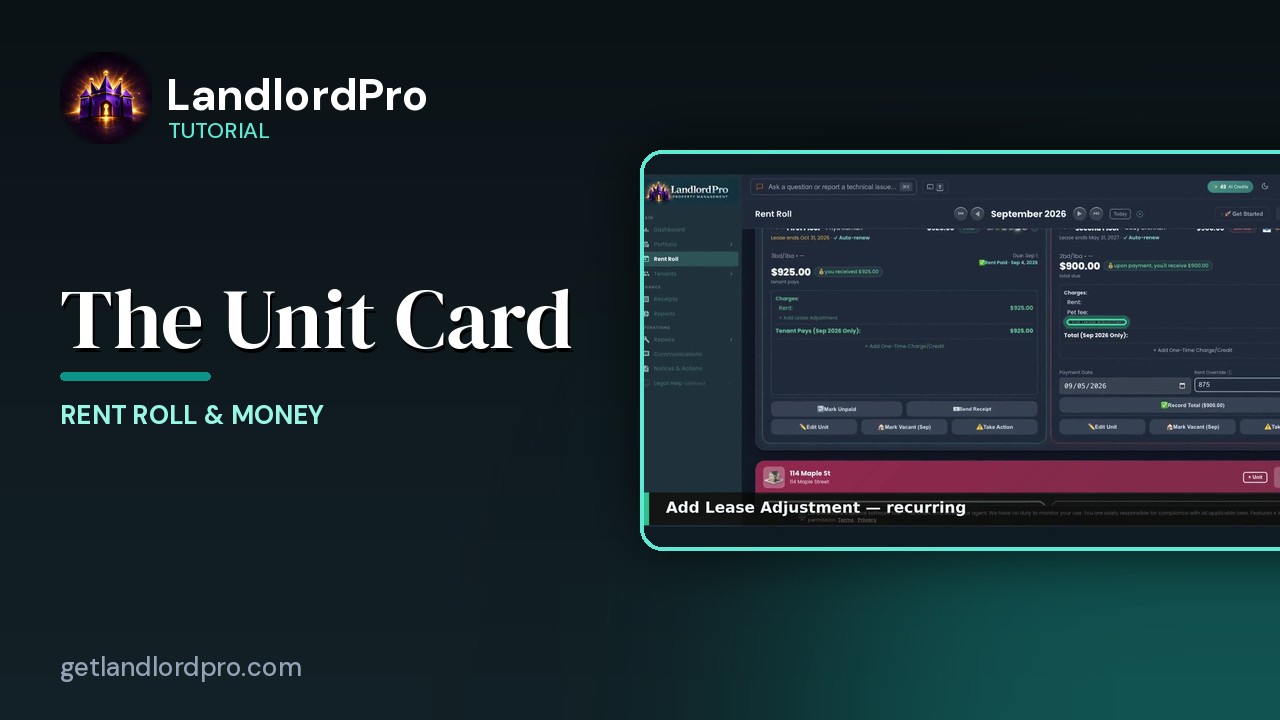
The Unit Card — button by button
Every button on a rent roll unit card: the icon bar, the numbers, lease adjustments, one-time charges,…
2:05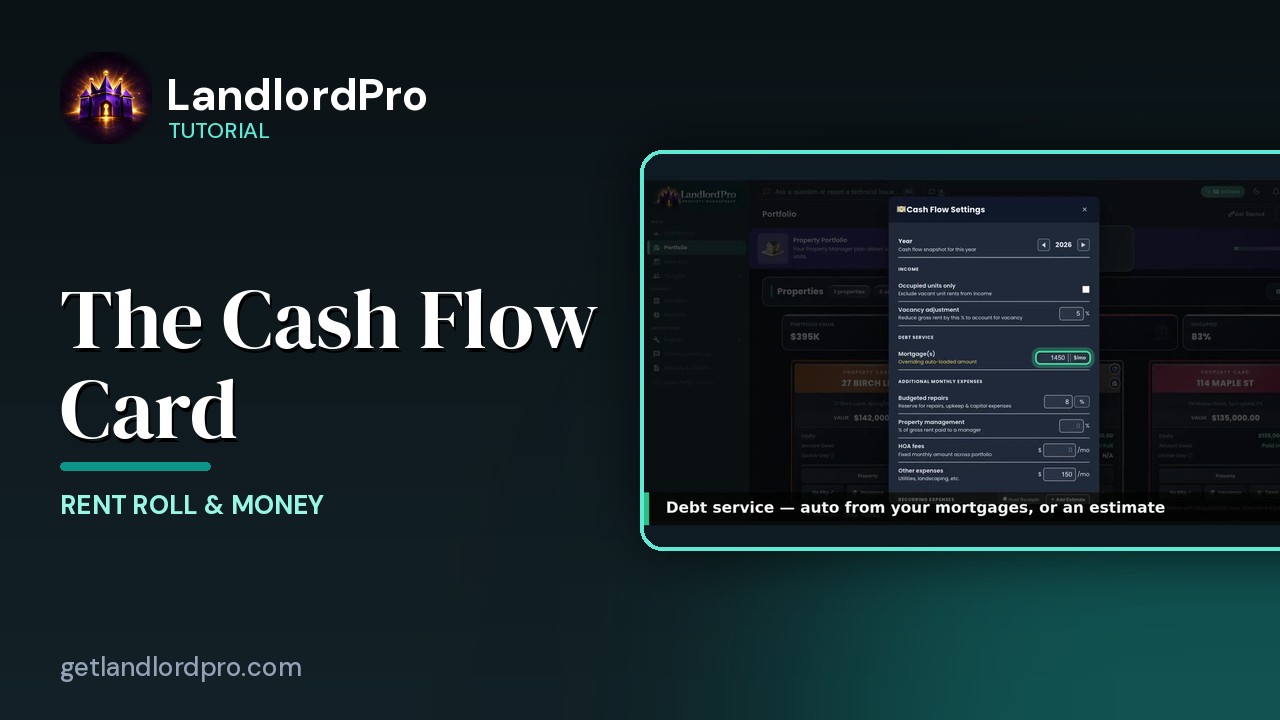
The Cash Flow Card — real cash flow, on your terms
Real cash flow per property, on your terms: year and income, debt service, expenses, estimates or hunted…
2:03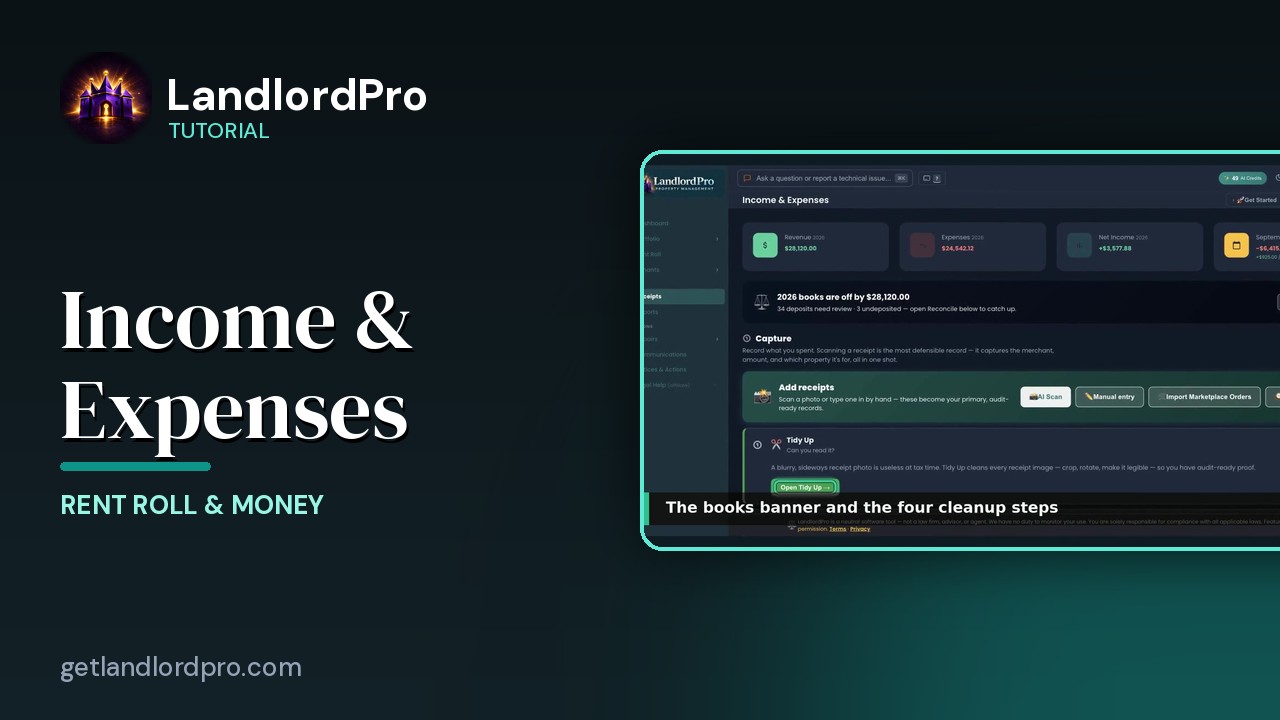
Income & Expenses — capture, reconcile, report
Capture receipts with your phone as the scanner, let AI read them, tidy up, reconcile against the bank,…
3:12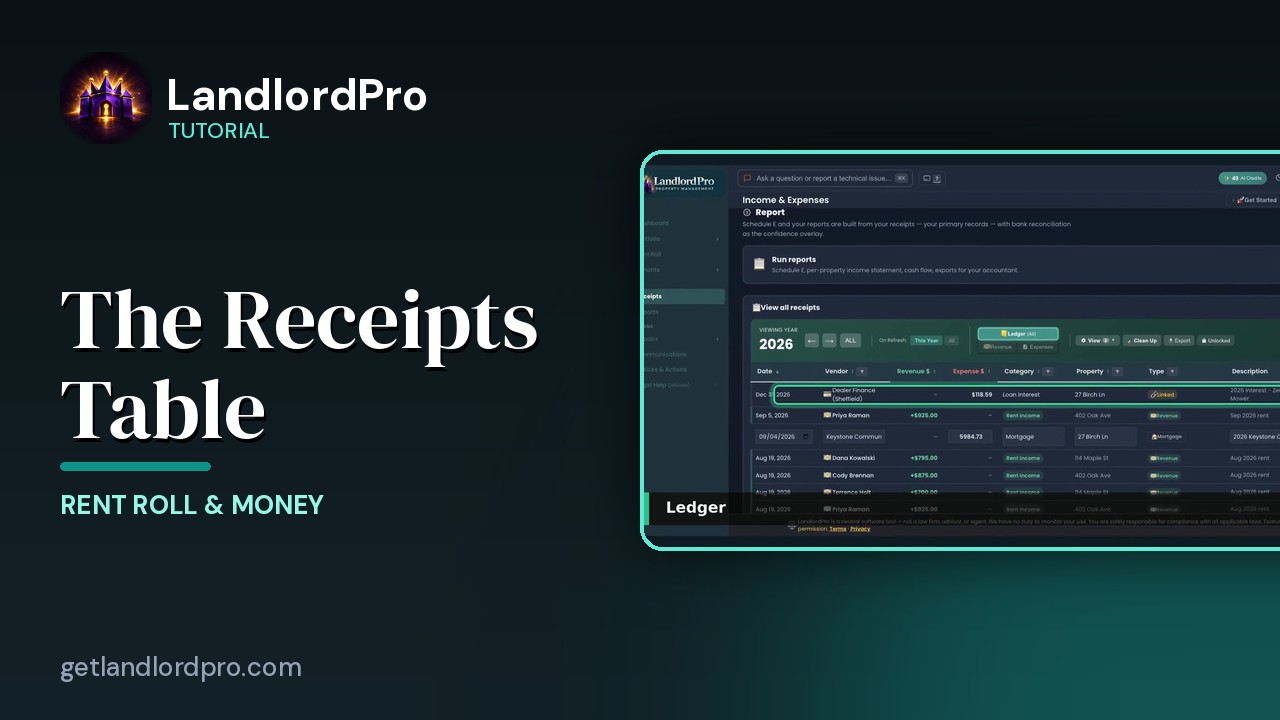
The Receipts Table
Working the receipts table: year and views, revenue, the ledger, view options, row actions, estimates and…
2:07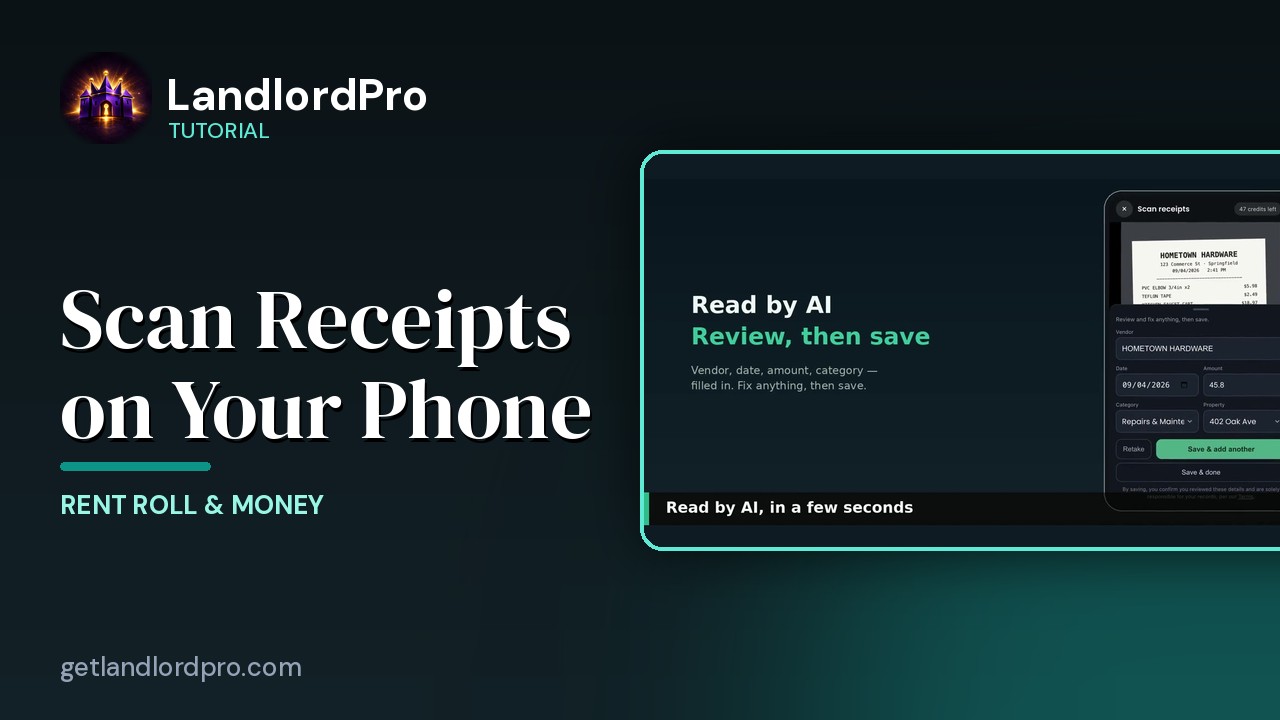
Scanning Receipts on Your Phone
Snap a receipt on your phone, let AI read it, save and add another — it's already in your receipts when you…
1:18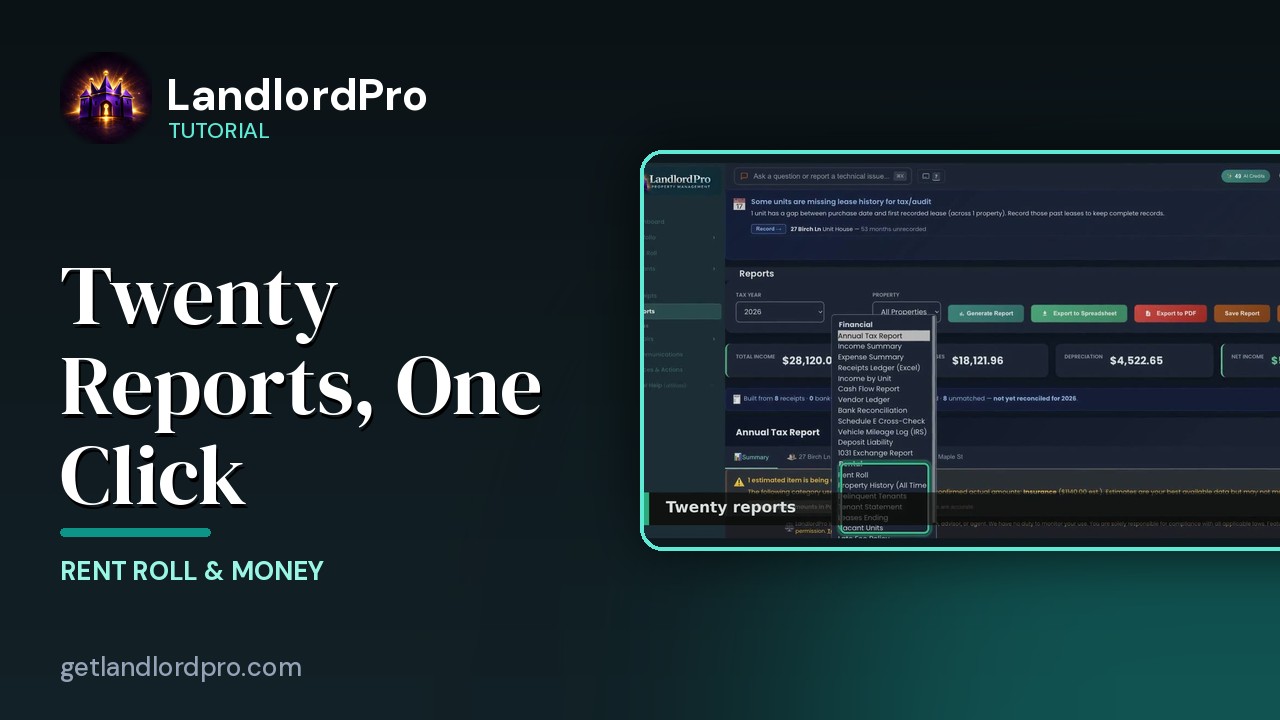
Reports — twenty reports, one click
Twenty landlord reports, one click each: the Annual Tax Report, summaries and estimates, categories and…
2:30
Magic Phone Scanner — receipts from your phone
Your phone becomes the receipt scanner: connect it to the desktop by QR code or text, snap receipts, and…
1:58Tenants & Leases
From application to lease to move-in: the tenant pipeline, tenant cards, lease creation and e-signing, the photo move-in checklist, phone contacts, communications, and notices.
Tenants — the whole pipeline, one page
The whole tenant pipeline on one page: seven stages from application to lease, renewals, past tenants, the…
3:42
The Tenant Card
Reading a tenant card: status and icon bar, nudges, lease and money, late / on-time rate, payment history,…
1:40
The Tenant Icon Bar
Manage tenant settings and communication at a glance: send a bill, payment card, reminder bell, contact card,…
3:24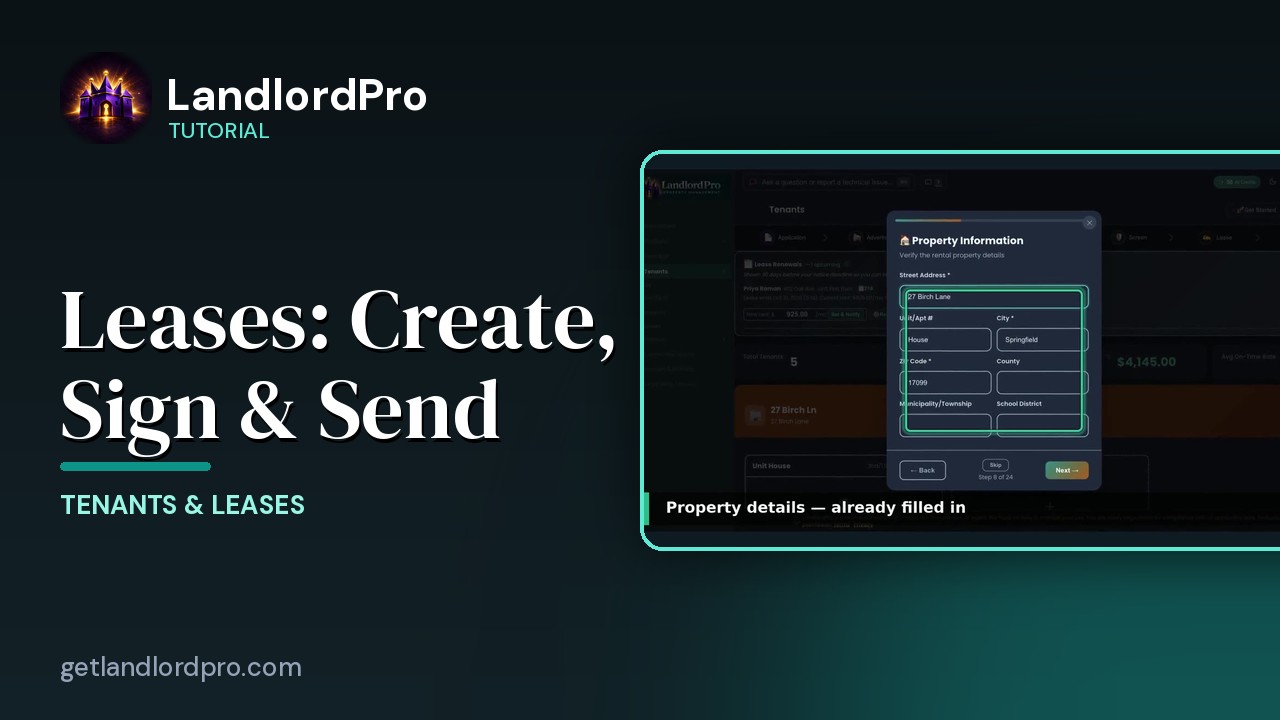
Leases — Create, Import, Sign & Send
Create a lease in minutes with the wizard, bring your own with an AI scan, or store a signed copy; then…
4:40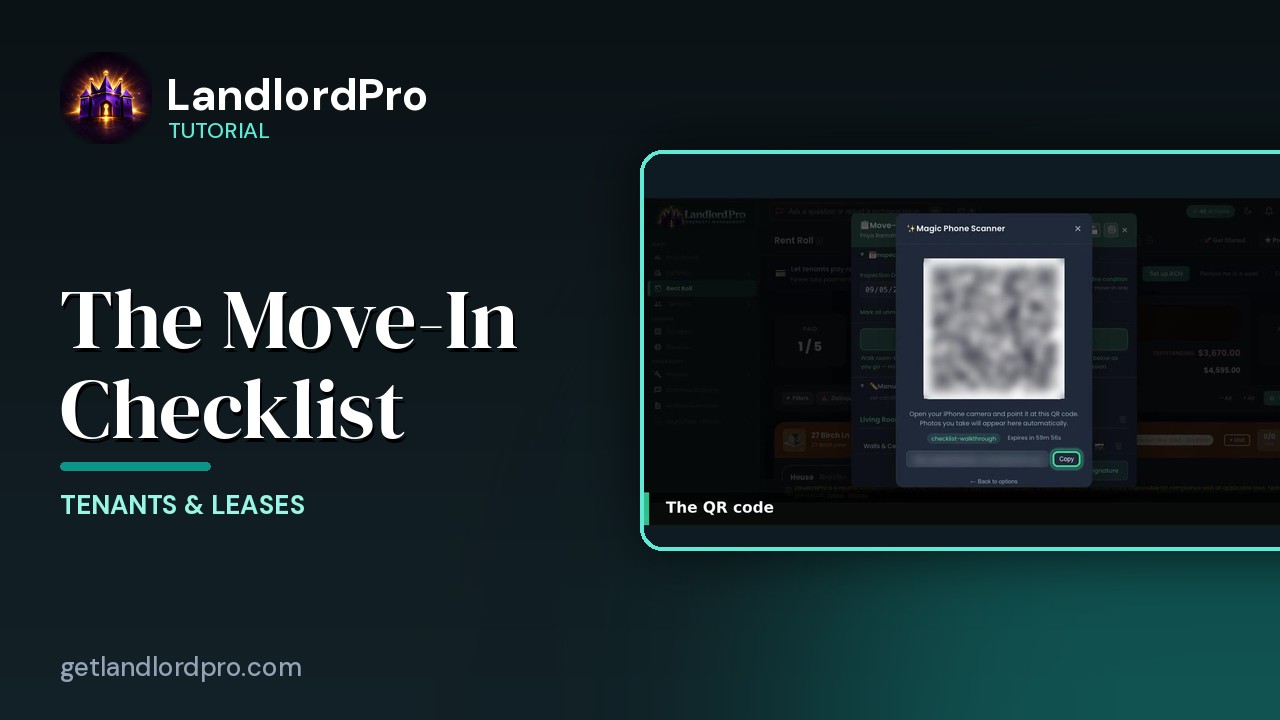
The Move-In Checklist — guided photo walkthrough
Use your phone as the camera for a guided room-by-room move-in / move-out condition record, then send it to…
4:12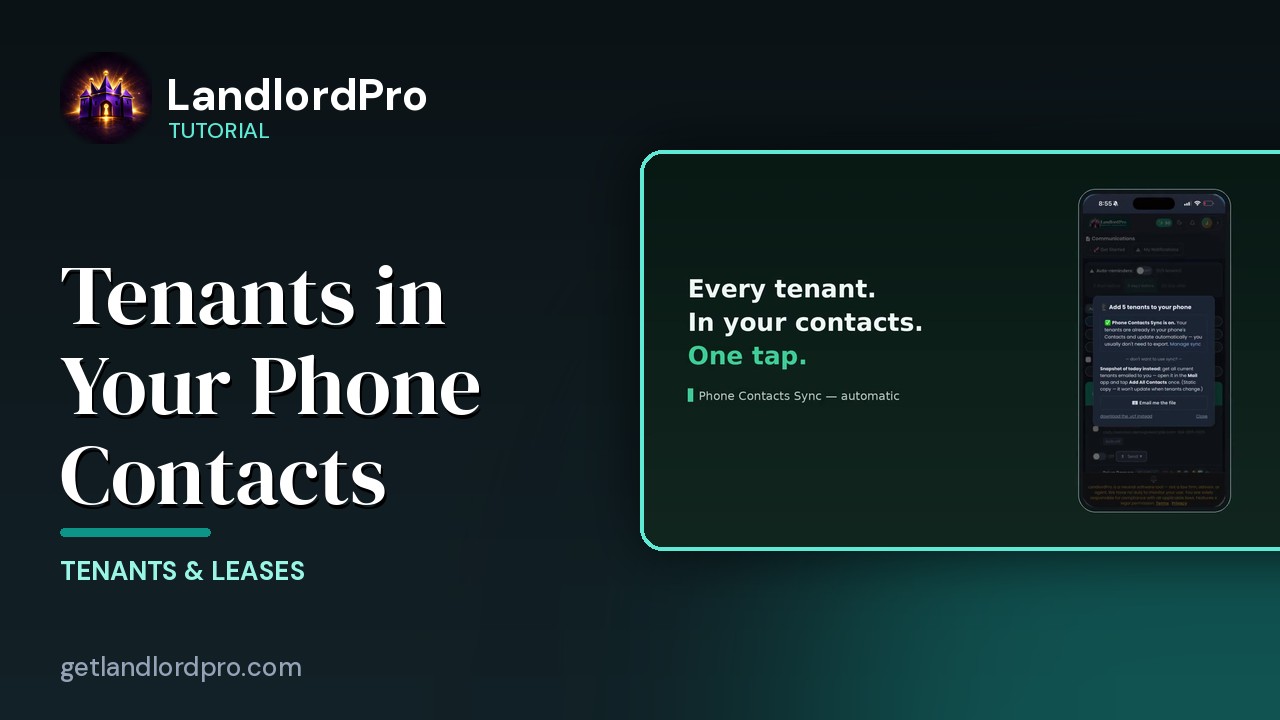
Tenants in Your Phone Contacts
Your tenants land in your phone's contacts automatically as they're added — with the rent amount right on the…
1:01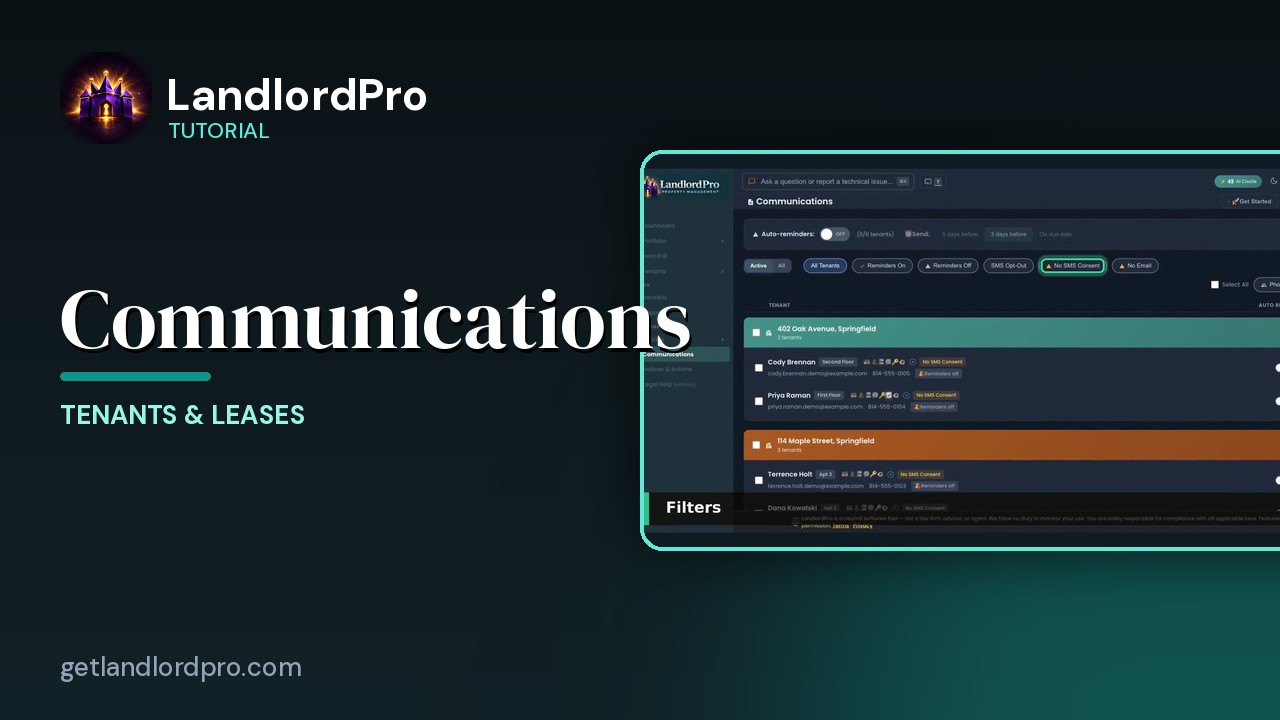
Communications — reminders, consent, one-tap sends
Auto-reminders, filters, the tenant row, the send menu that messages every tenant or every tenant in one…
2:07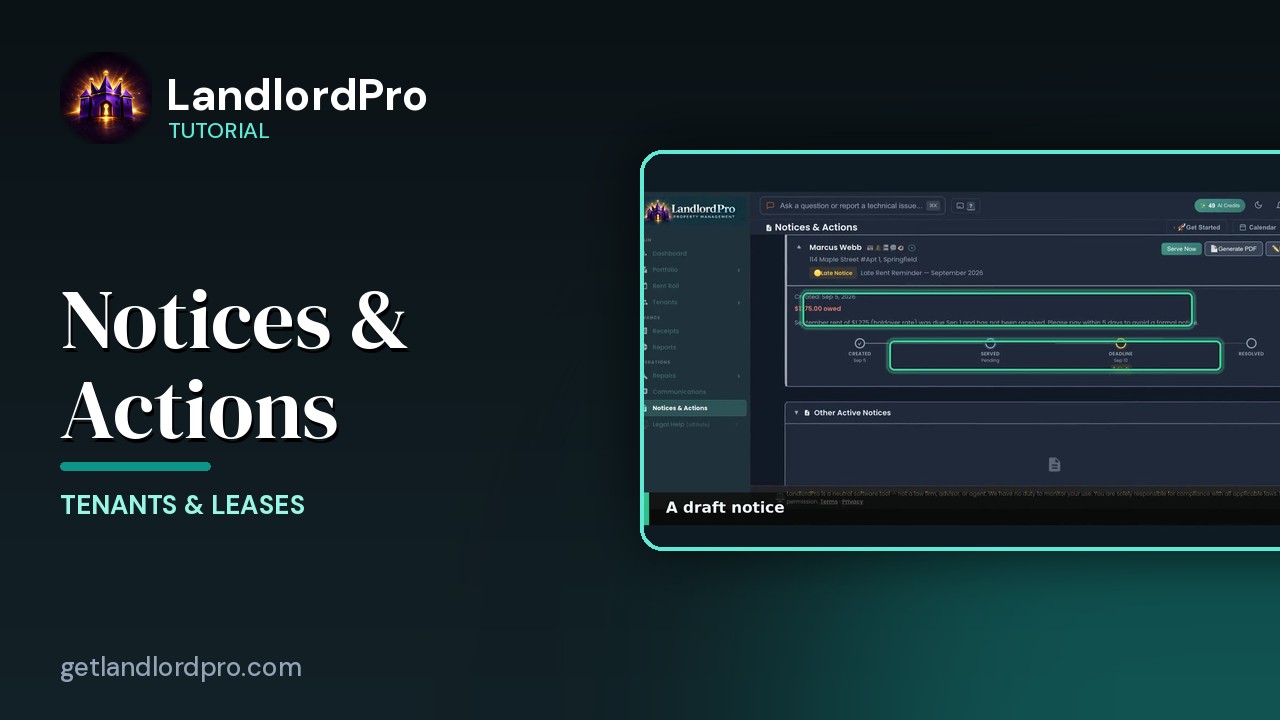
Notices & Actions — the paper trail
The paper trail: the calendar, counters and filters, drafting and sending a notice, the state eviction…
2:46Tenant Portal
What landlords get, and a tour for tenants — paying rent by ACH or Venmo, receipts, messages, repair requests, photos, documents, deposit, and renewal.
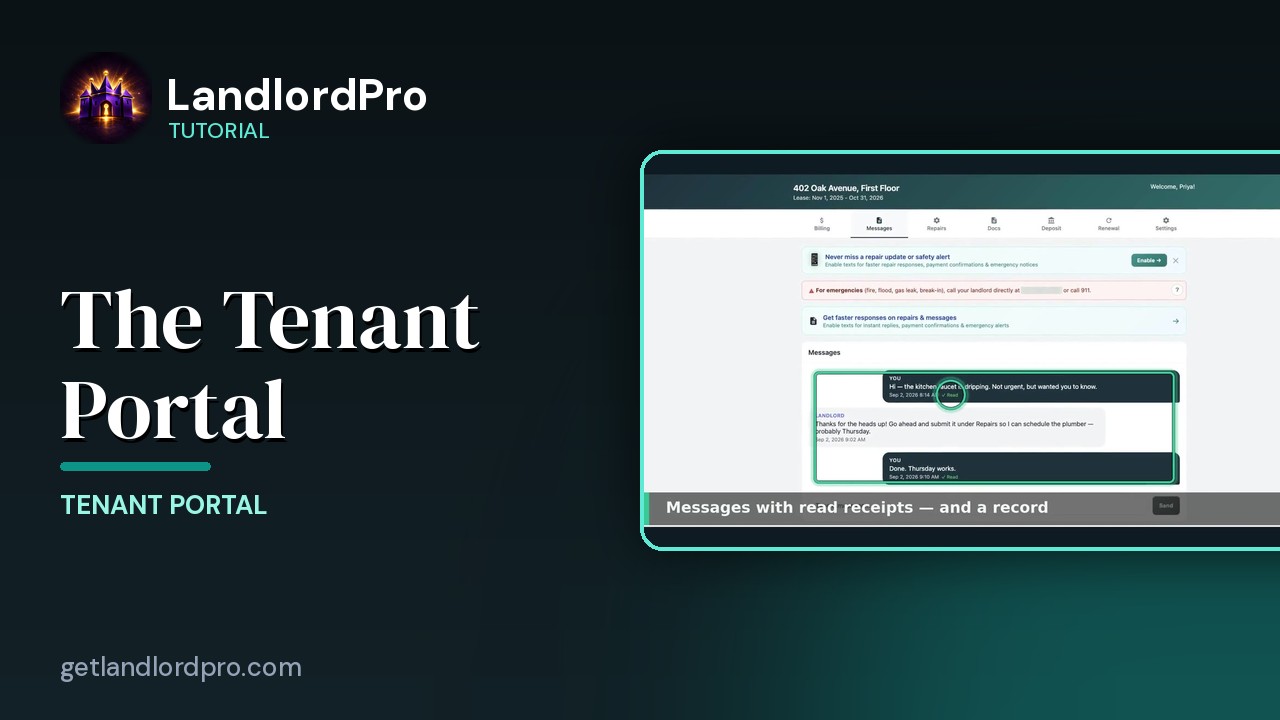
The Tenant Portal — what your tenants get
What your tenants get: a link and PIN, billing and ACH/Venmo payment, history and receipts, messages, repair…
2:18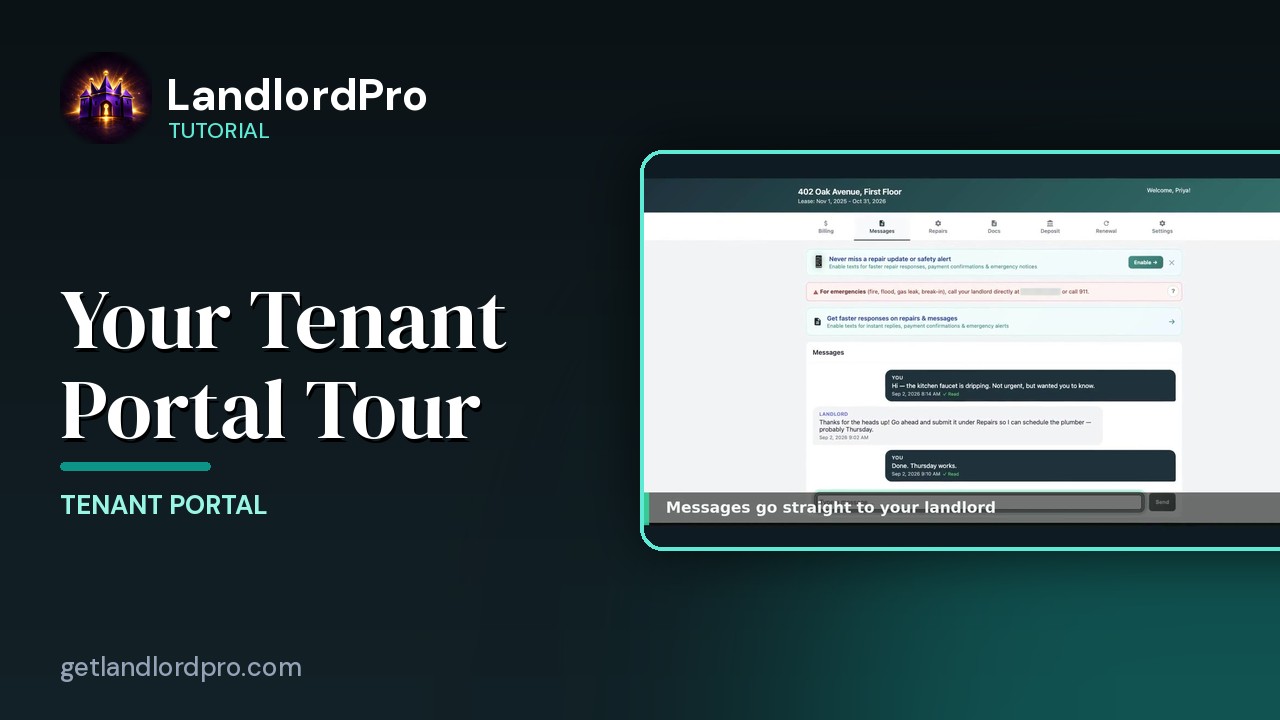
Your Tenant Portal — a 2-minute tour (for tenants)
For tenants: your PIN, paying rent, receipts, messages, repair requests, Quick Fix, photos, documents, your…
2:14Portfolio & Properties
What you own, owe, and earn: the Portfolio page, property cards, property photos, and the Property History report.
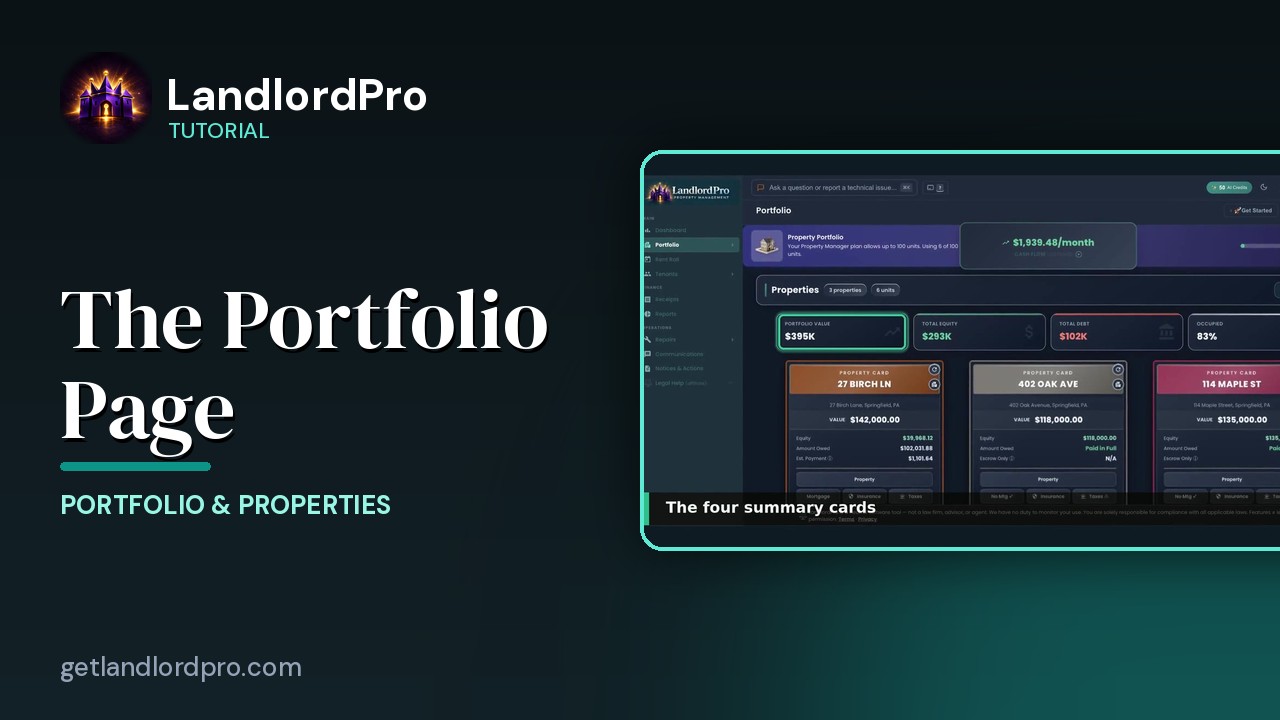
The Portfolio Page — own, owe, earn
What you own, what you owe, what you earn: Pro vs Focus, headings and Manage, summary cards, property cards,…
2:31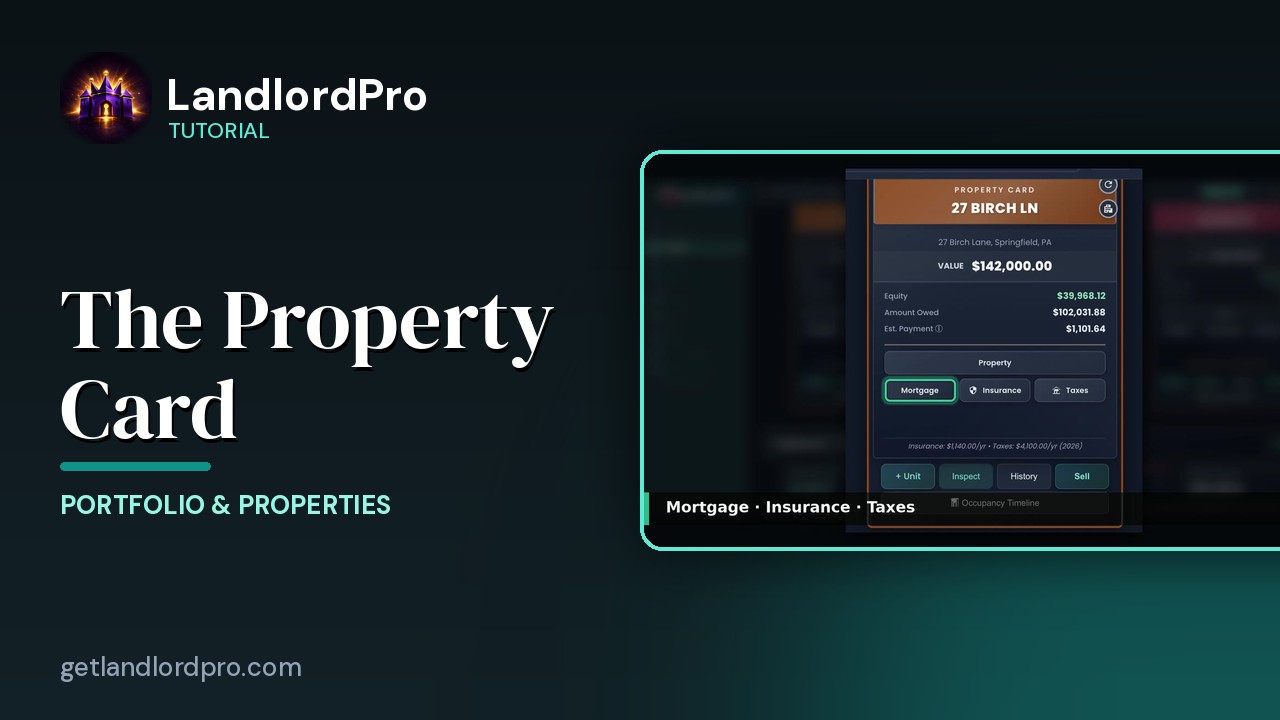
The Property Card — front and back
Front and back of a property card: header, the numbers, the Property button, mortgage / insurance / taxes,…
2:20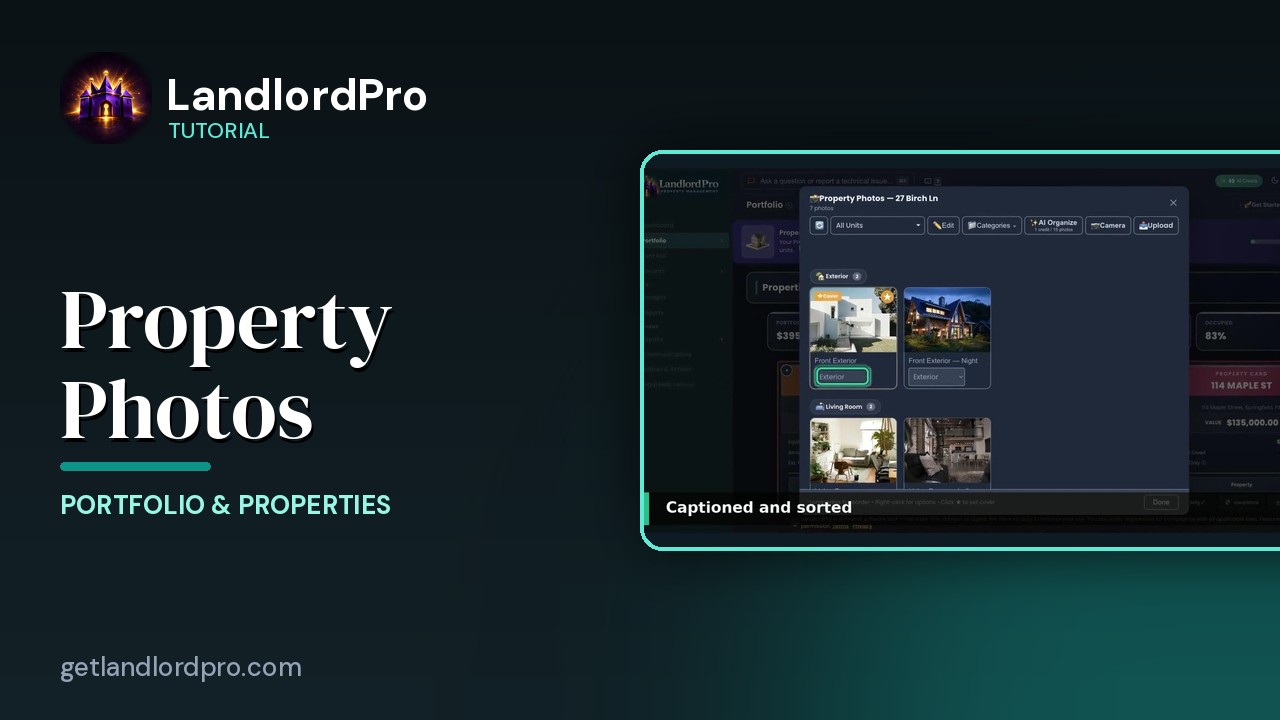
Property Photos — shoot once, advertise everywhere
Upload or shoot photos, let AI organize them, pick a cover, set categories and order, and reuse the same…
2:26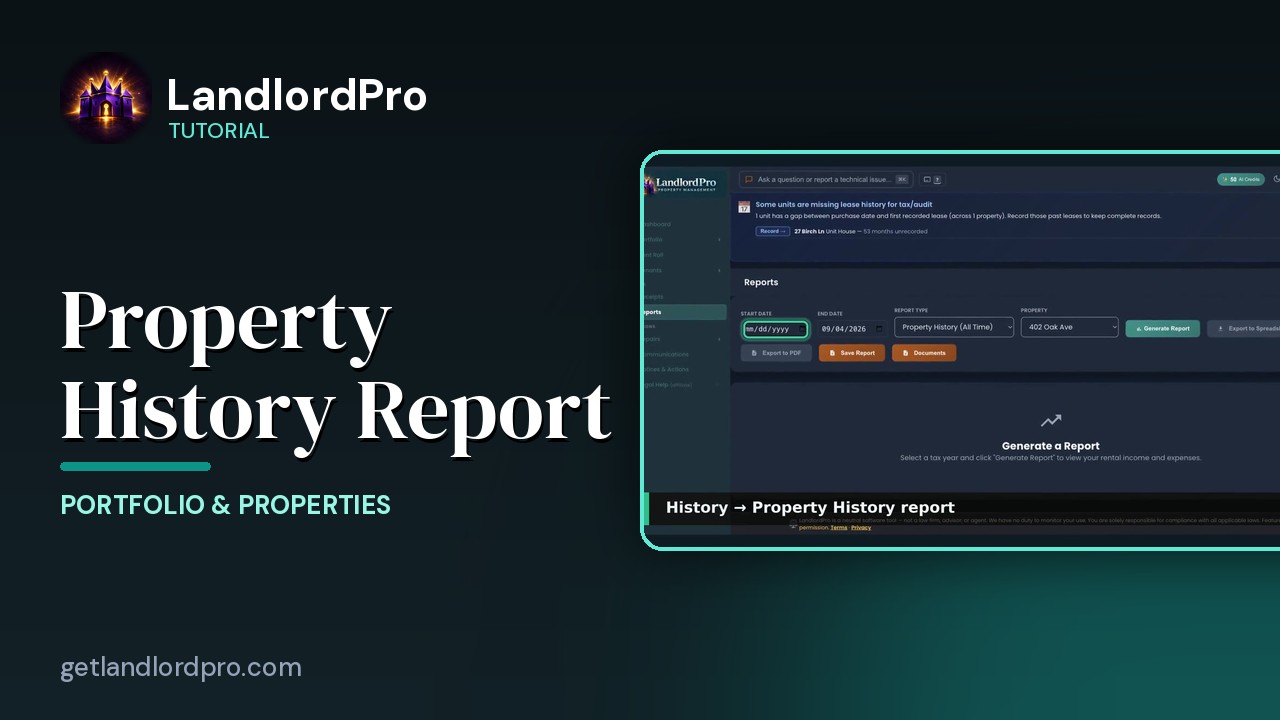
The Property History Report
A quick look at the Property History report — everything that has happened to a property, in one…
0:21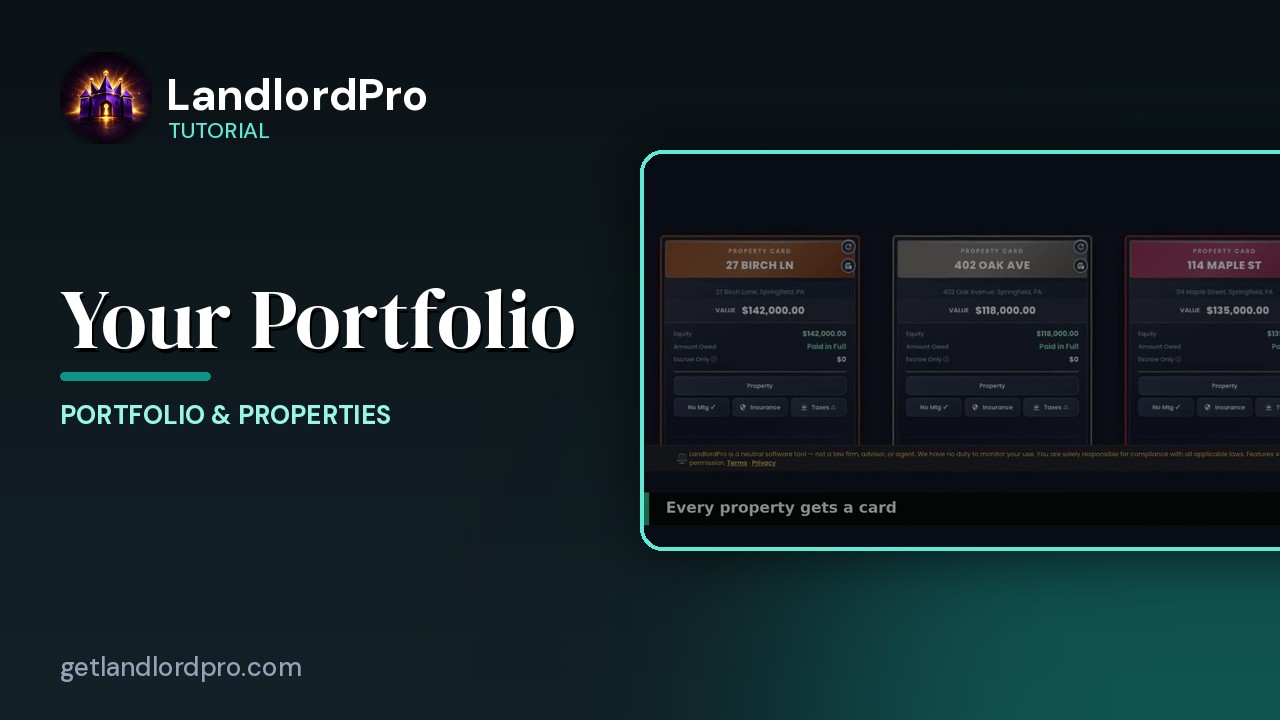
Your Portfolio (quick look)
A 30-second look at property cards and the Manage menu on the Portfolio page. LandlordPro is one tool for…
0:34Repairs & Maintenance
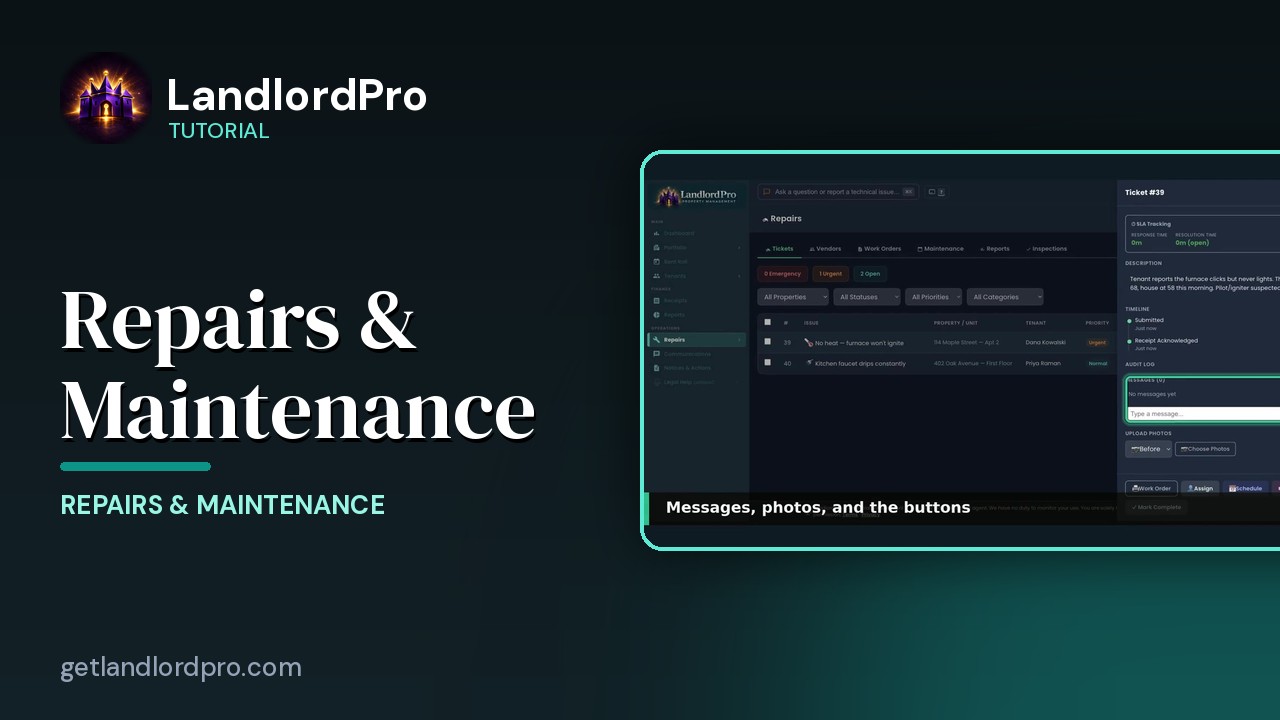
Repair tickets, vendors, work orders, scheduled maintenance, and inspections.
Power Tools
The calculators: Does It Cash Flow? and the Mortgage Payoff Planner.
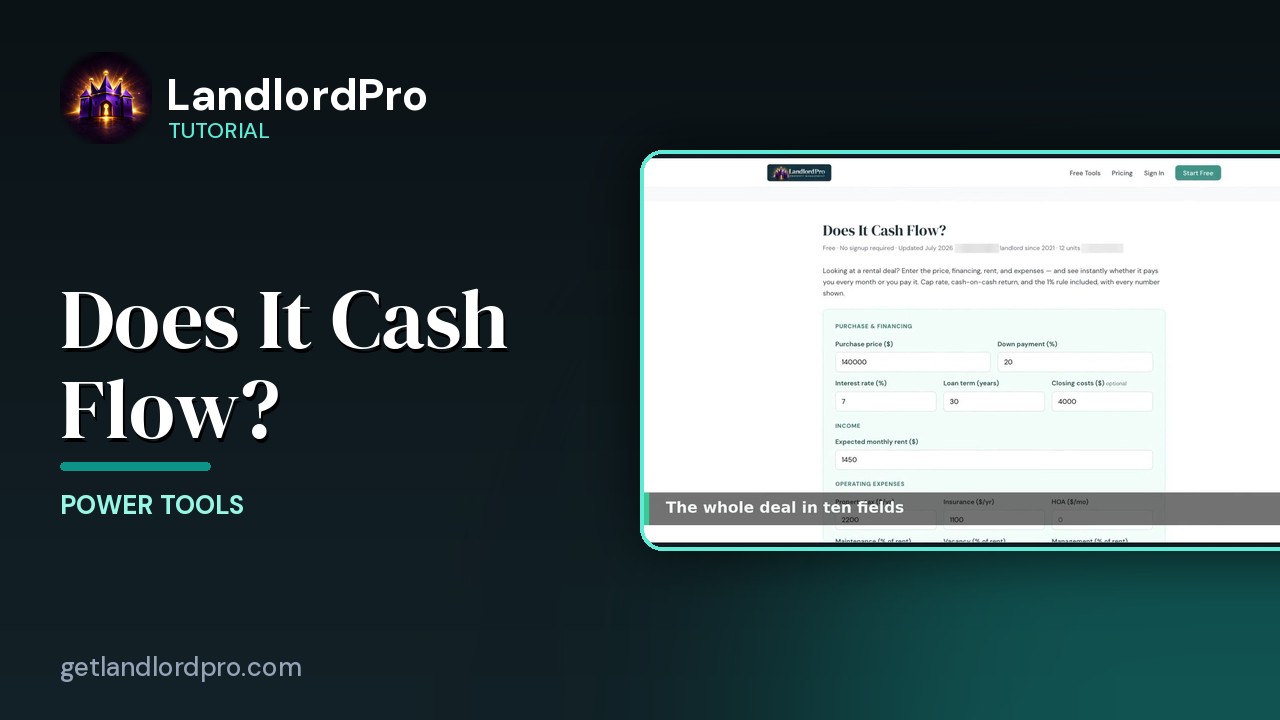
Does It Cash Flow? — the free deal check
Type in a deal and find out in a minute whether it cash flows — with the 1% rule, cash-on-cash and cap rate…
1:03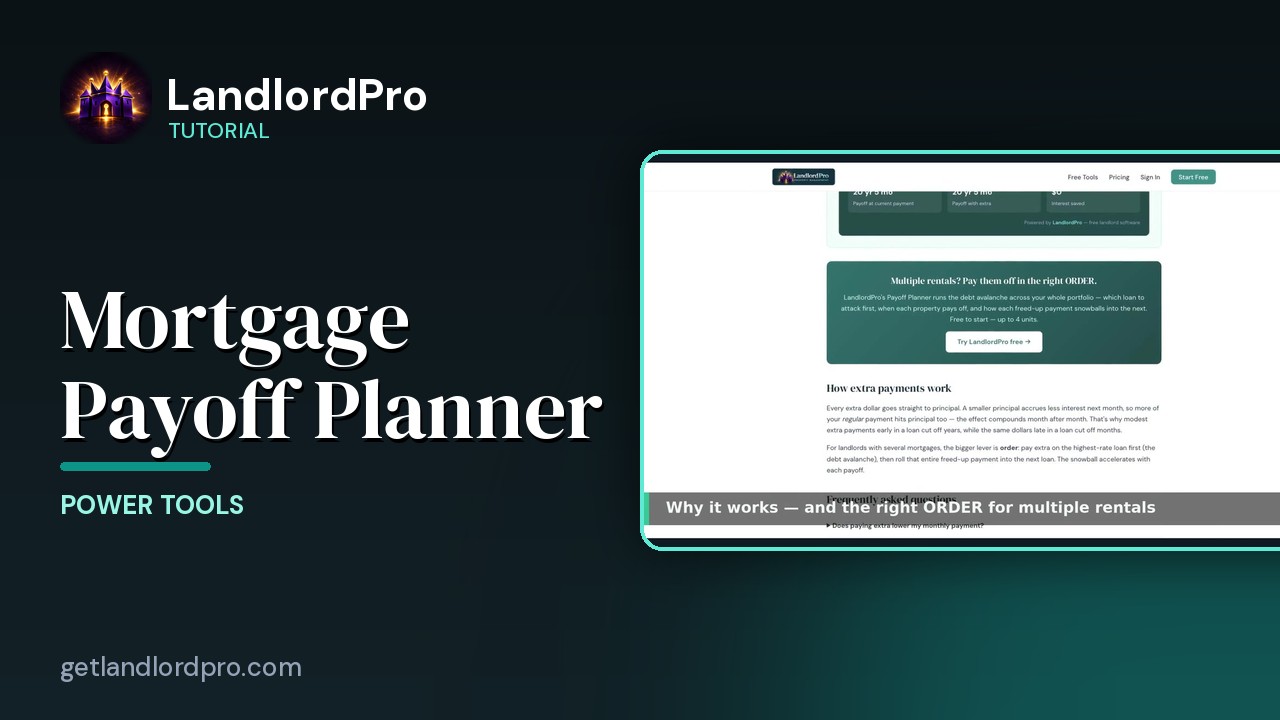
Mortgage Payoff Planner
See what extra principal does to a mortgage: baseline, extra payments, the cascade across loans, the…
2:37See it on your own properties
LandlordPro is one tool for the whole job of being a landlord: ads built in minutes and pushed to Zillow, applications that pre-screen on your own criteria, leases created and e-signed in minutes, a tenant portal with ACH or Venmo payment, one-click messaging to every tenant in a building, phone contacts that sync as tenants are added, AI receipt scanning straight into Schedule E reports, guided photo move-in/move-out records, and a rent roll that does it all.
Try LandlordPro free →LandlordPro is not a law firm and does not give legal advice. Consult an attorney for your state and situation.