
Settings · Account & Security — option by option
Two-factor authentication, trusted devices, and account security.
Transcript
Intro0:00
Account and Security Account is your personal name and login email, separate from the business profile, and the name is what the save settings bar refers to as account name. Change password takes a new password twice, minimum eight characters, then update password.
Two-Factor · Trusted Devices0:17
To factor authentication adds an authenticator app, Google Authenticator, Authy or similar, to every login. Enable 2FA walks you through it, and we recommend it. Trusted devices list the browsers you verified. Each is remembered for 30 days, and a new or unrecognized device is asked for email verification first. Get LandlordPro. Free to try. The address is on your screen.
More in Start Here
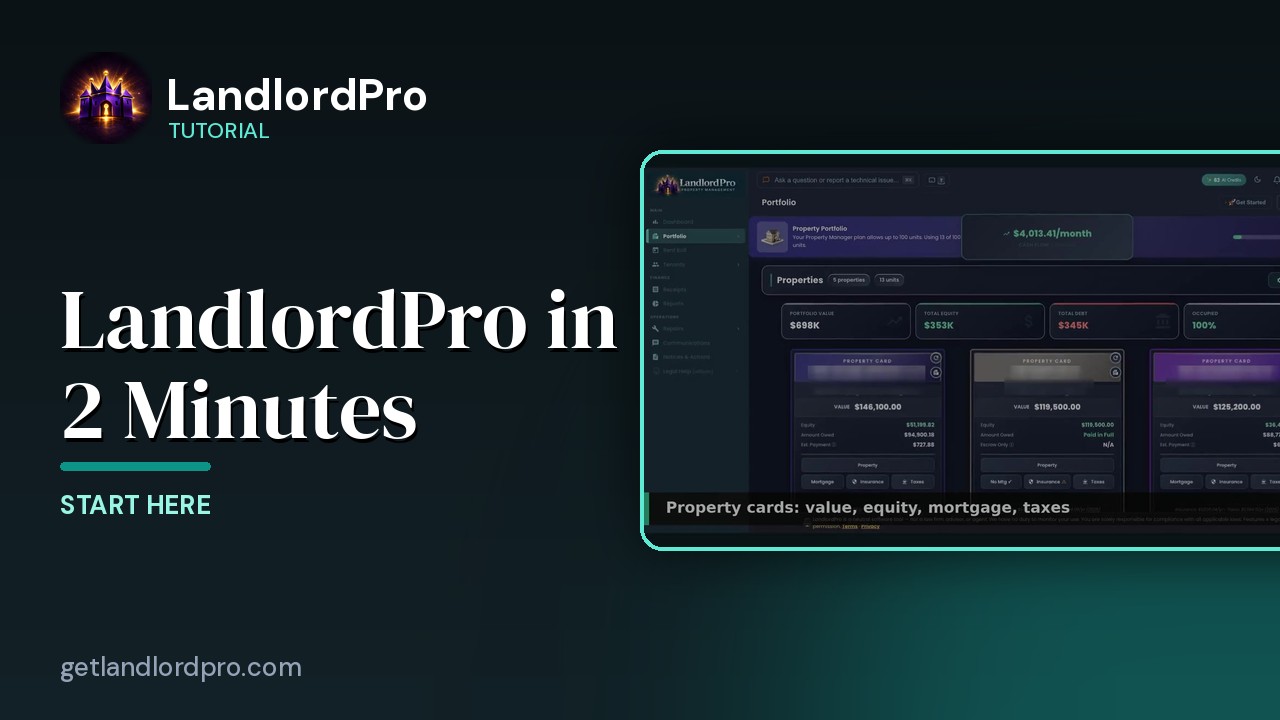
LandlordPro in 2 Minutes
Everything LandlordPro does for an independent landlord, in about two minutes: dashboard, earnings, rent…
1:44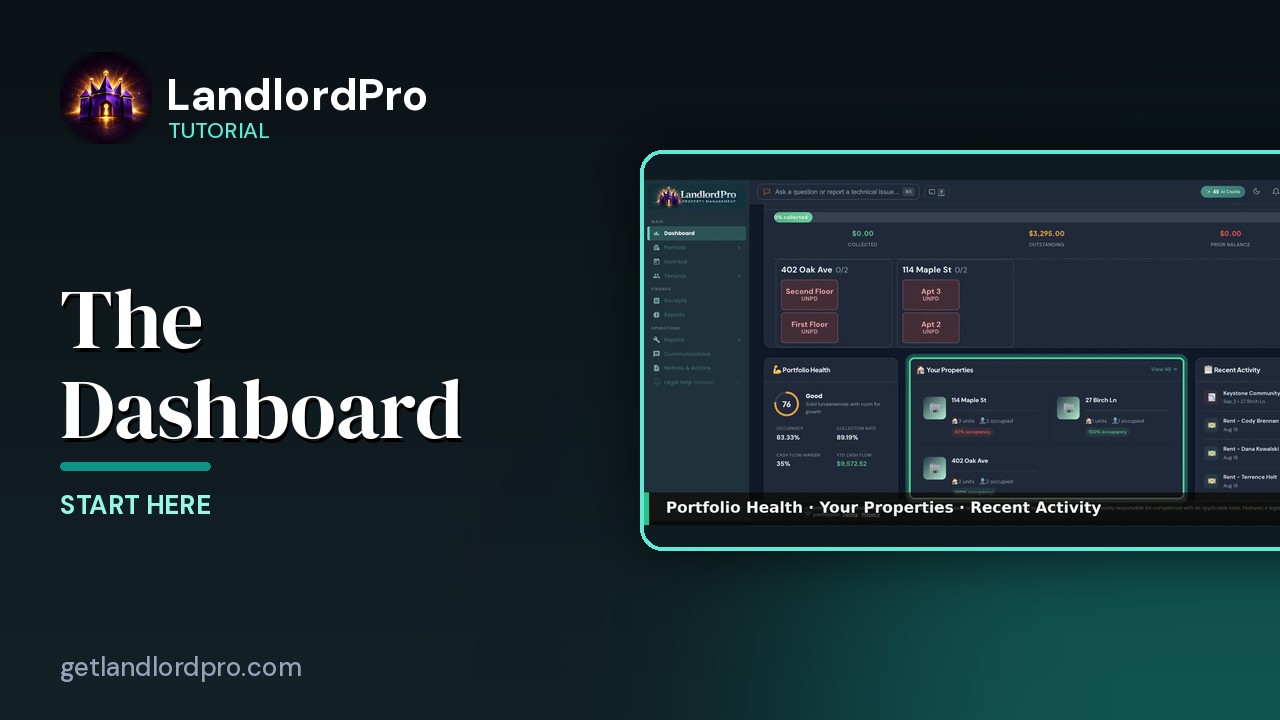
The Dashboard — everything that needs you today
A tour of the LandlordPro dashboard: shortcuts, key metrics, rent collection, what needs attention, prime…
4:03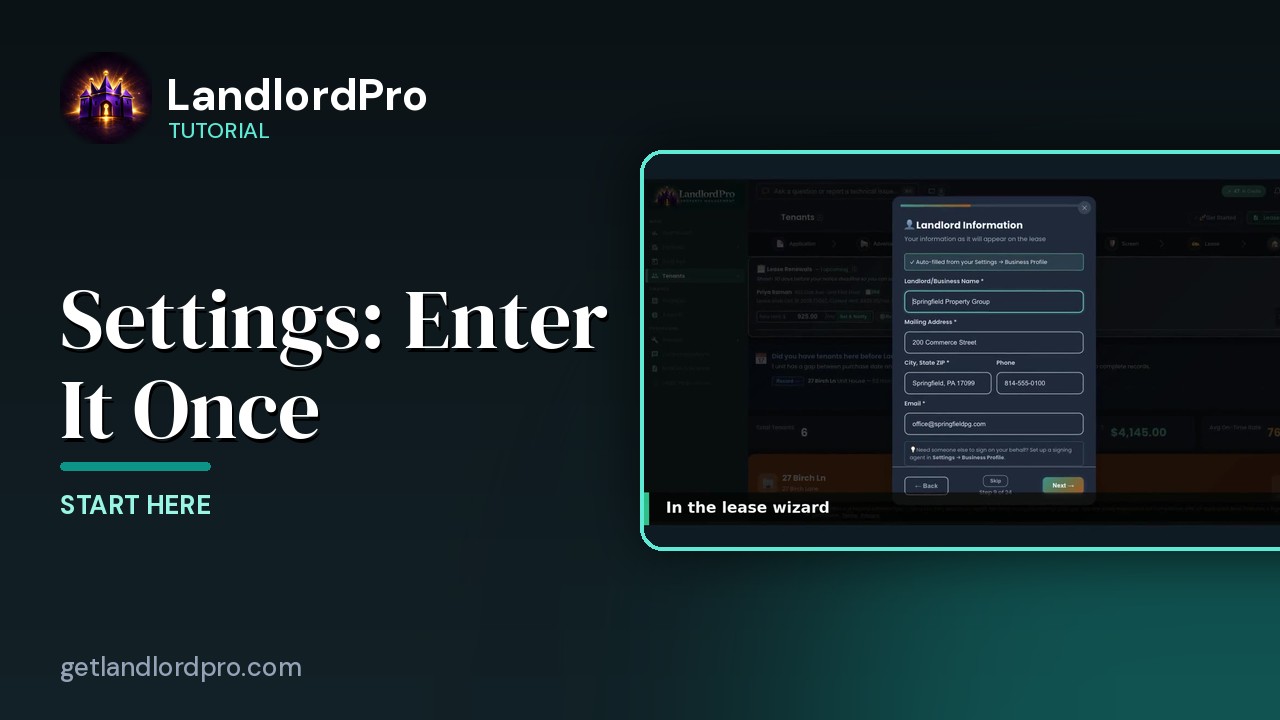
Settings — enter it once, it shows up everywhere
Fill in Settings once and it follows you everywhere: the business profile lands in the lease wizard, payment…
2:27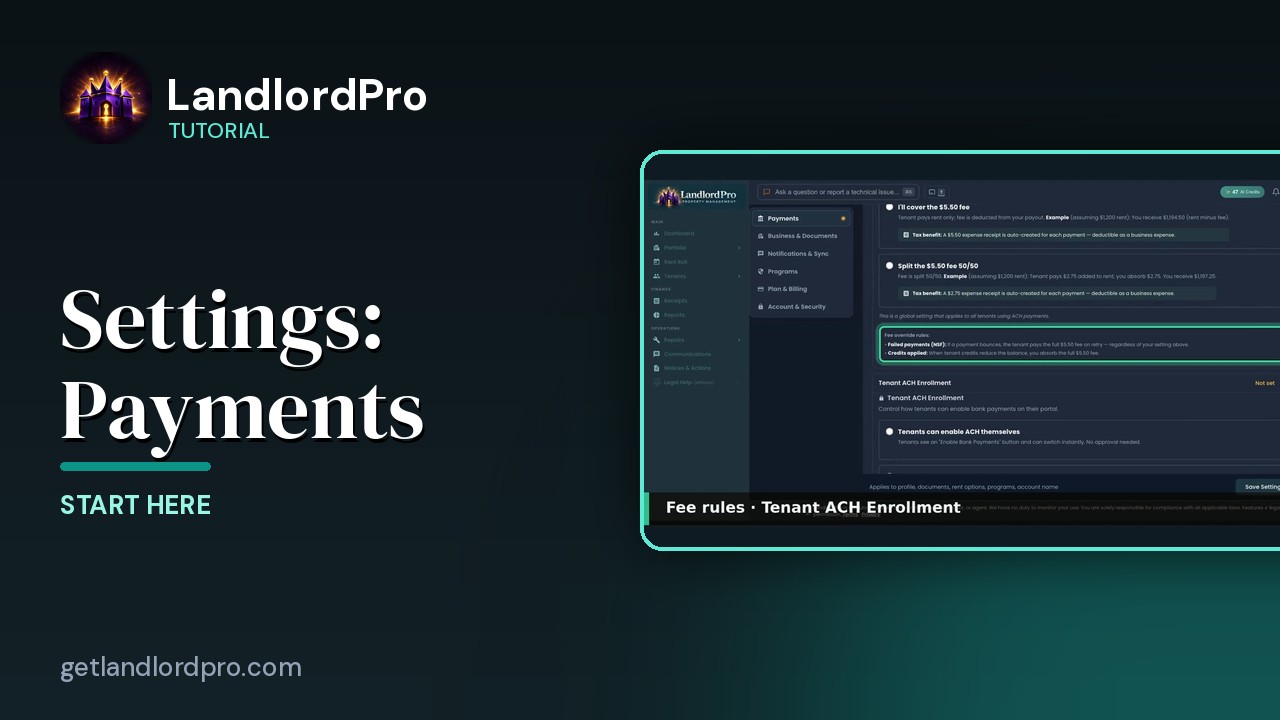
Settings · Payments — option by option
Every Payments setting explained: what happens once Stripe is connected, the ACH processing fee and who pays…
3:36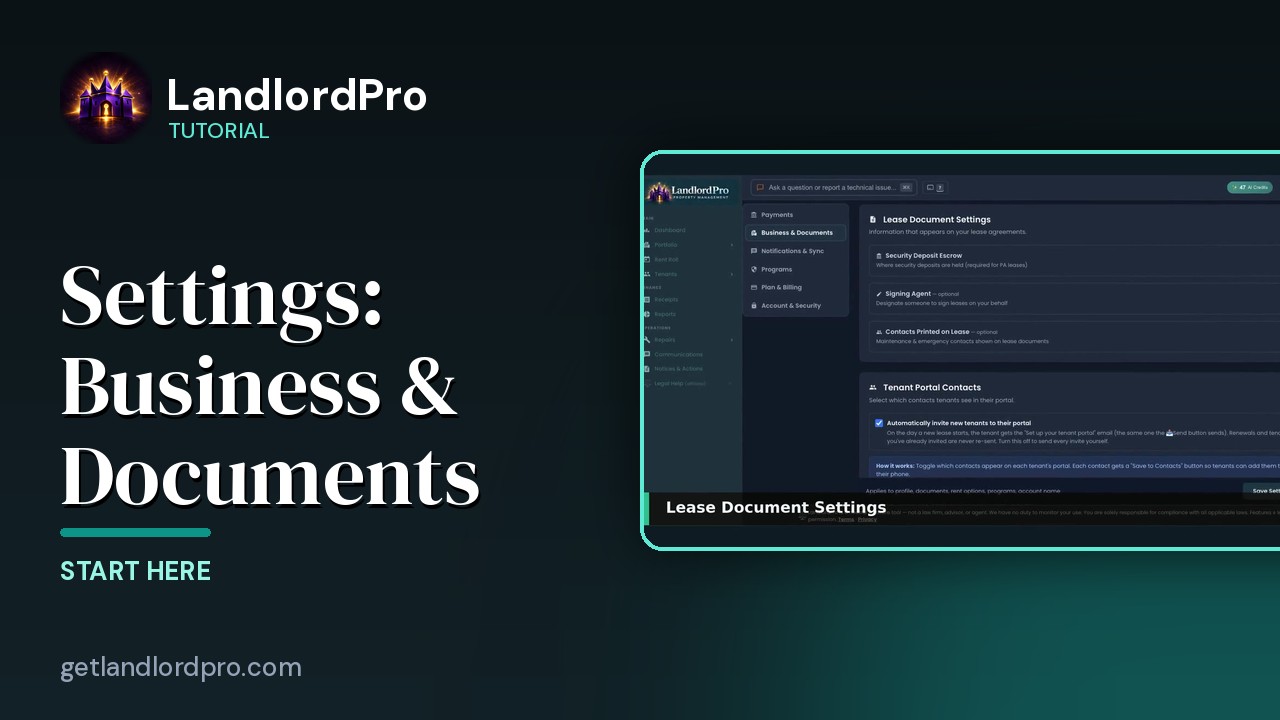
Settings · Business & Documents — option by option
Where your business profile goes, lease document settings, escrow and signing agent, the contacts printed on…
2:48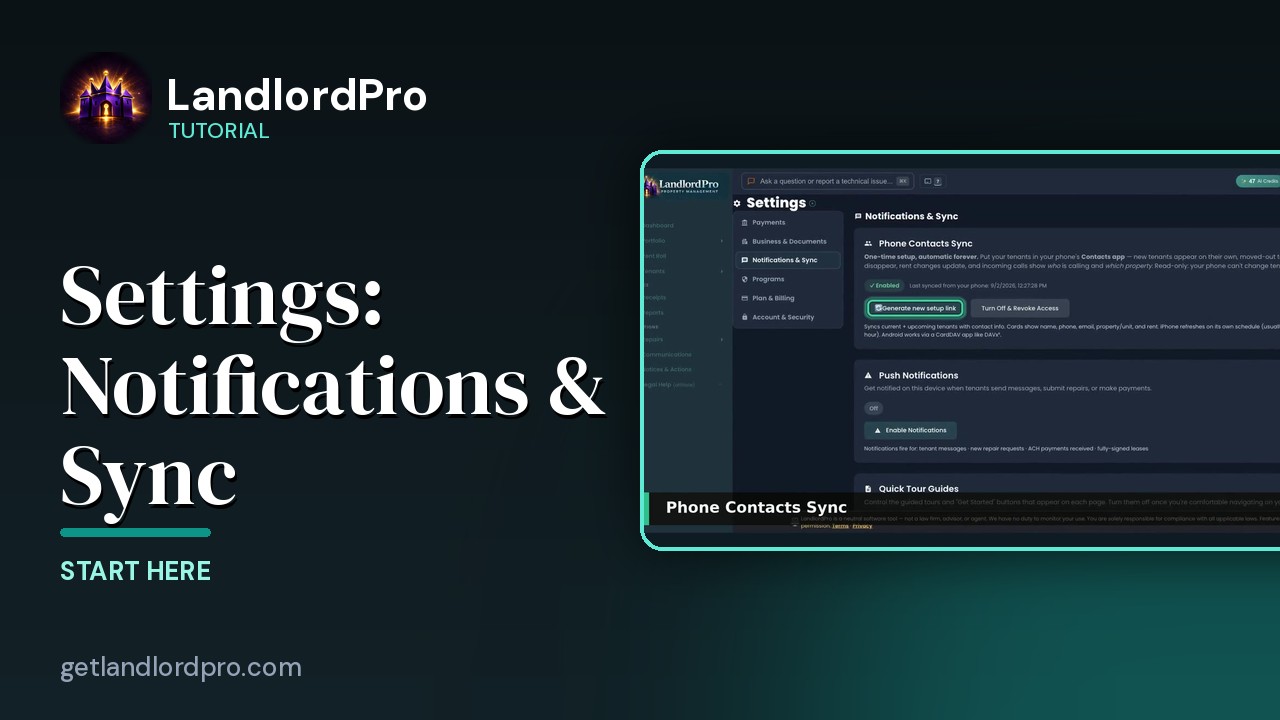
Settings · Notifications & Sync — option by option
Push notifications, Quick Tours, and the sync settings that keep your phone and calendar…
1:03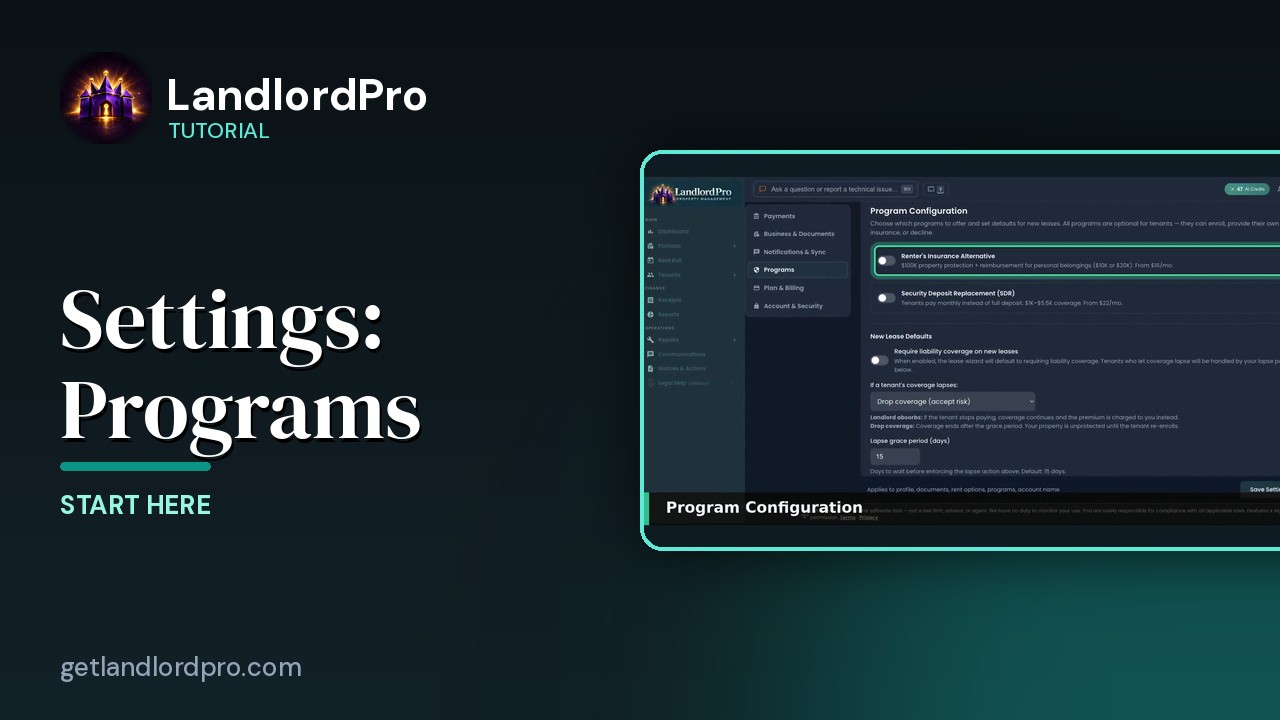
Settings · Programs — option by option
Program configuration, absorbing the premium, Vendor Reviews, and radius matching for the vendor…
1:48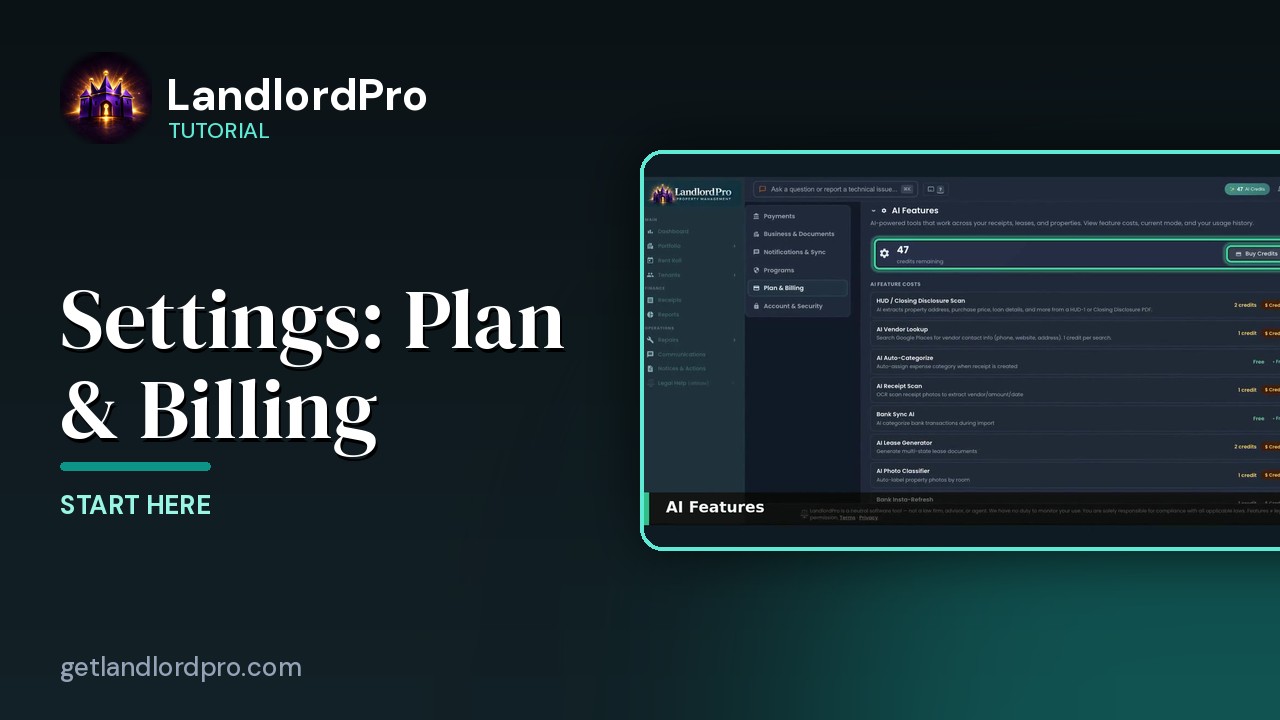
Settings · Plan & Billing — option by option
AI features, usage, your plan, and the setup…
1:01All tutorials: the LandlordPro tutorial library · free tools: landlord calculators · help center.
See it on your own properties
LandlordPro is one tool for the whole job of being a landlord: ads built in minutes and pushed to Zillow, applications that pre-screen on your own criteria, leases created and e-signed in minutes, a tenant portal with ACH or Venmo payment, one-click messaging to every tenant in a building, phone contacts that sync as tenants are added, AI receipt scanning straight into Schedule E reports, guided photo move-in/move-out records, and a rent roll that does it all.
Try LandlordPro free →LandlordPro is not a law firm and does not give legal advice. Consult an attorney for your state and situation.