
Property Photos — shoot once, advertise everywhere
Upload or shoot photos, let AI organize them, pick a cover, set categories and order, and reuse the same photos in your listing.
Transcript
Intro0:00
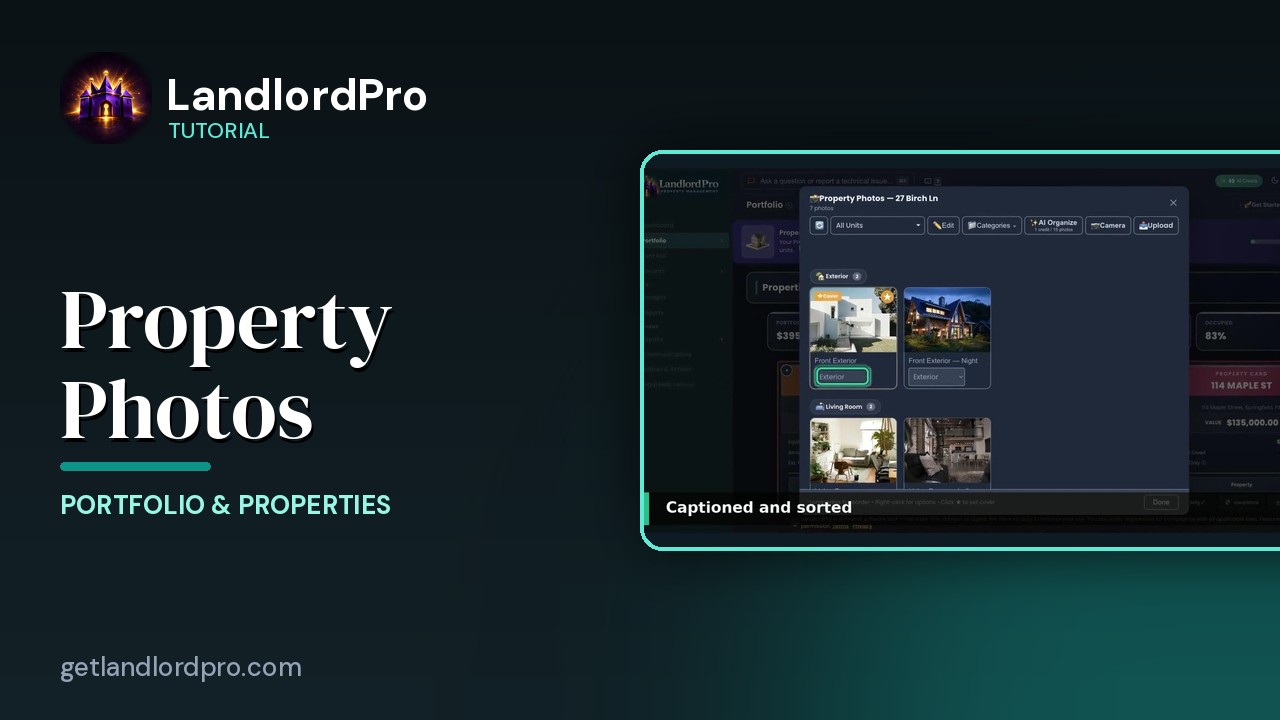
Property Photos. One place for every picture of a property. And one set of photos that follows the property everywhere. The card, your listings, and the feed that goes out to Zillow and the other sites. You take them once.
Upload & Camera0:14
Upload from your files several at a time. JPEG, PNG, or hike straight off an iPhone. Or camera. On your phone, it opens the camera, and you shoot room by room. On a desktop, it's the file picker. They land in general, until you sort them.
AI Organize0:31
Then AI organize. One credit per 15 photos. It looks at each picture, writes a caption, and files it under a category. Exterior, living room, kitchen, bathroom, bedroom, amenity. Seven photos, sorted and captioned in a few seconds. Captions are editable, and the drop down under each photo moves it if the AI guessed wrong.
Cover photo0:54
The star sets the cover photo. That's the thumbnail people see first on Zillow, in the feed, and in your ads, so make it the best exterior shot you have. Categories. Group by category on or off, and set category order.
Categories & order1:05
This order is the order your listing shows the photos. Exterior first, then a walk through the house. Drag to change it. It's saved per property. Right click any photo. Set as cover, rename, change its category, or delete it.
Right-click / select / lightbox1:21
Long press and drag to reorder inside a category. Edit turns on select mode. Tick several or select all, and delete them in one go. Click a photo for the full size view, and arrow through the set. On a multi-unit property, the unit filter matters.
Per-unit vs property-wide1:42
Property-wide photos, the exterior, the laundry room, go with every unit's listing. A unit's own photos go only with that unit. And here's the payoff. Open advertise on that unit,
Same photos in your listing1:54
and the same photos are already in the listing kit. Same captions, same order, same cover. It's one set of photos, not a copy. Change one here, and it changes there. Download all grabs them for a Facebook or Craigslist post, and the feed sends them to Zillow, apartments.com, and Zumper on its own. Shoot once, organize once, advertise everywhere. Get LandlordPro. Free to try. The address is on your screen.
More in Portfolio & Properties
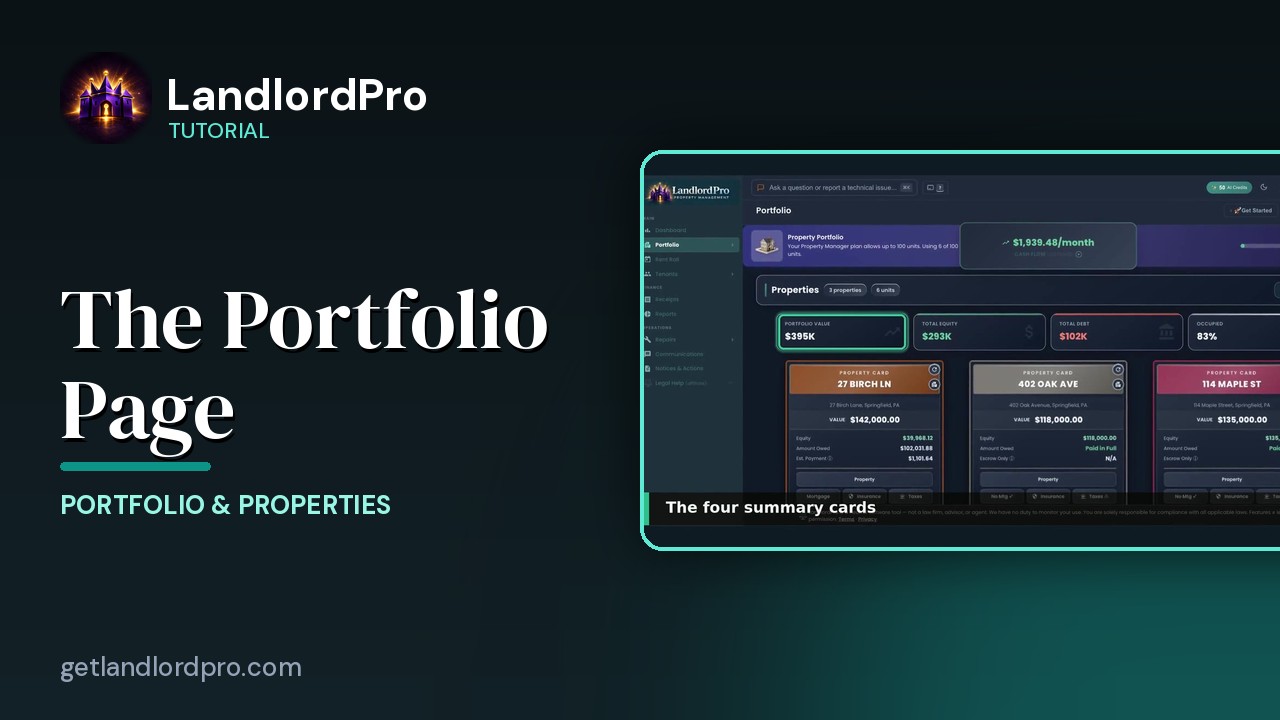
The Portfolio Page — own, owe, earn
What you own, what you owe, what you earn: Pro vs Focus, headings and Manage, summary cards, property cards,…
2:31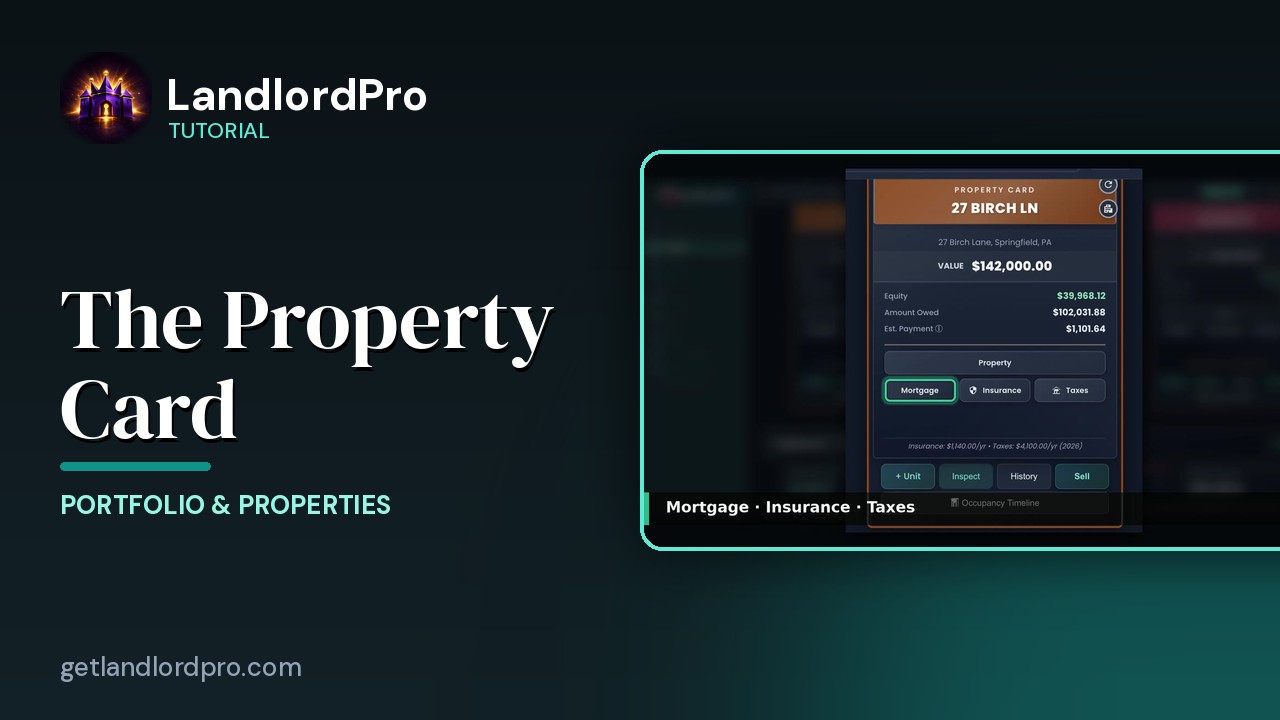
The Property Card — front and back
Front and back of a property card: header, the numbers, the Property button, mortgage / insurance / taxes,…
2:20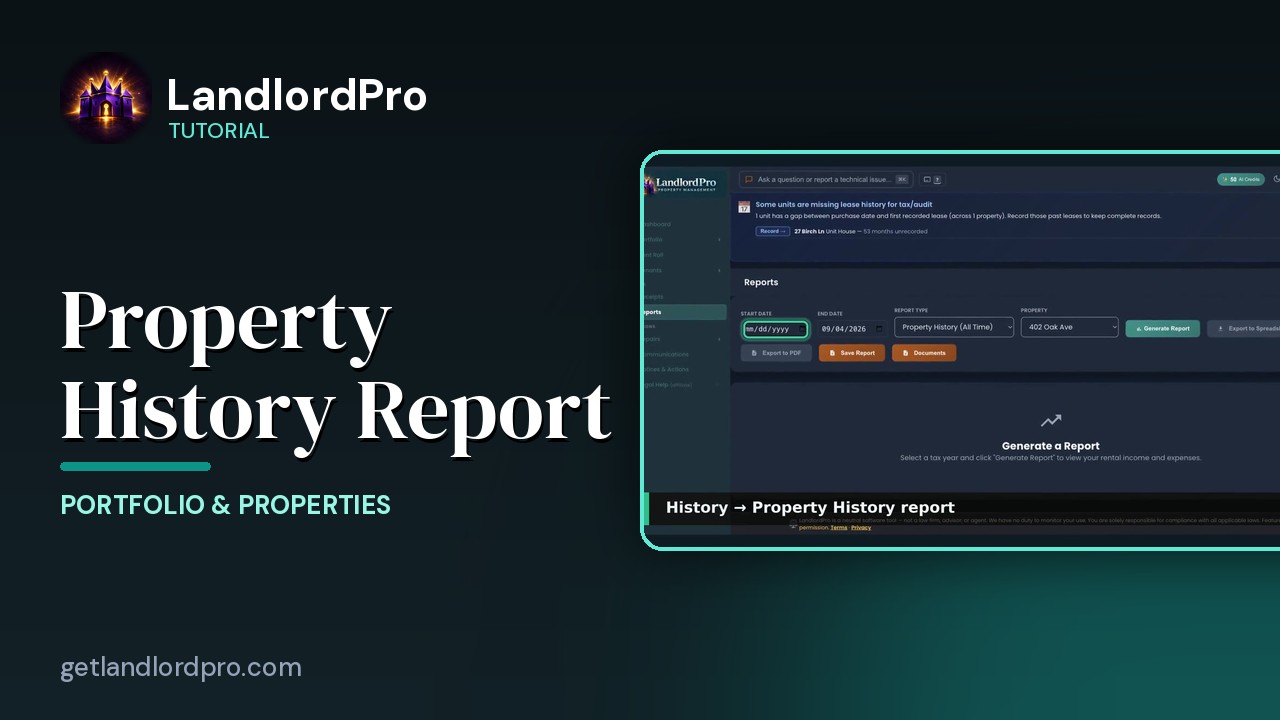
The Property History Report
A quick look at the Property History report — everything that has happened to a property, in one…
0:21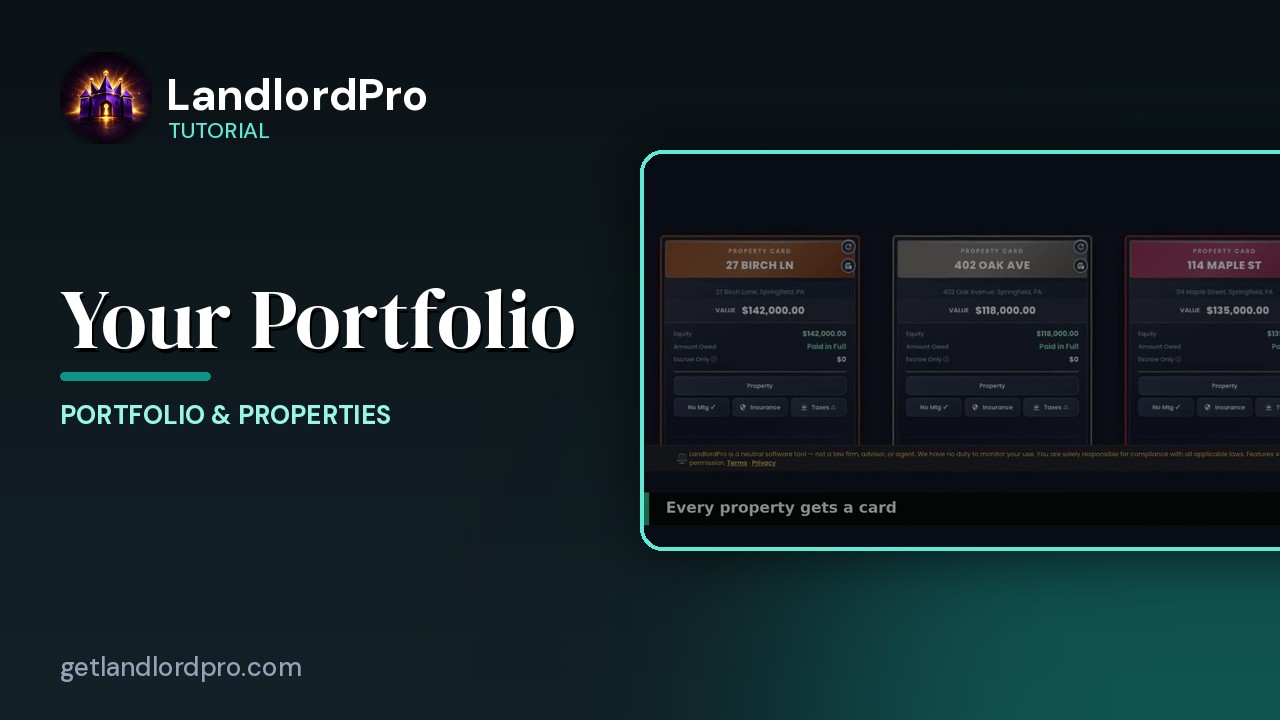
Your Portfolio (quick look)
A 30-second look at property cards and the Manage menu on the Portfolio page. LandlordPro is one tool for…
0:34All tutorials: the LandlordPro tutorial library · free tools: landlord calculators · help center.
See it on your own properties
LandlordPro is one tool for the whole job of being a landlord: ads built in minutes and pushed to Zillow, applications that pre-screen on your own criteria, leases created and e-signed in minutes, a tenant portal with ACH or Venmo payment, one-click messaging to every tenant in a building, phone contacts that sync as tenants are added, AI receipt scanning straight into Schedule E reports, guided photo move-in/move-out records, and a rent roll that does it all.
Try LandlordPro free →LandlordPro is not a law firm and does not give legal advice. Consult an attorney for your state and situation.