
Settings — enter it once, it shows up everywhere
Fill in Settings once and it follows you everywhere: the business profile lands in the lease wizard, payment methods power Pay Now in the tenant portal, lease document settings shape every lease, and the badges show what's still missing.
Transcript
Intro0:00
Settings is six areas down the left. Payments, Business and Documents, Notifications and Sync, Programs, Plan and Billing, and Account and Security. Each one has its own short lesson. This video is about the idea behind all of them. You type something once here, and LandlordPro carries it everywhere it's needed. A dot on the left means an area still needs you.
Business Profile, everywhere0:22
Take the business profile. Your company name, the formal name you want on documents, phone, mailing address, email, and time zone. Fill it in once, and it flows into every lease, the parties section on the review step, the business card tenants see in their portal, plus every notice and court packet, every rent reminder and bill, every rent and cash receipt, your application form and screening emails, the tenant and vendor portals, and the headers on your reports.
In the lease wizard0:50
Here's what that looks like in practice. This is the Landlord Information Step of the lease wizard. Nothing was typed. The green bar says auto-filled from your settings, business profile, and the name, mailing address, phone, and email are already there. And if someone signs on your behalf, the signing agent you set in settings gets the signing link instead.
Payment Methods → Pay Now1:12
Payment methods work the same way. Add Venmo, Zell, Cash App, PayPal, or a payment portal link, star one is the default, and every rent reminder, every one-time bill, and the tenants bill in the portal grows a one-tap pay-now button pointed at that handle. Change the handle here, and the next reminder already has it.
Lease Document Settings1:32
Lease document settings answer the lease wizard's questions before you get there. The bank that holds security deposits, required on Pennsylvania leases, arrives filled in on the deposit step. The signing agent shows up on review and generate, and the maintenance and after hours contacts print on the lease, and are the same emergency line tenants see in their portal.
The badges1:55
So treat the badges as your to-do list. A dot on the left, action needed on the right. Open the area, and it says exactly what's missing, usually with a wizard to finish it. One save settings button at the bottom saves profile, documents, rent options, programs, and your account name together. Complete settings once, and everything downstream, leases, notices, reminders, receipts, portals is already filled in. Get LandlordPro. Free to try. The address is on your screen.
More in Start Here
LandlordPro in 2 Minutes
Everything LandlordPro does for an independent landlord, in about two minutes: dashboard, earnings, rent…
1:44
The Dashboard — everything that needs you today
A tour of the LandlordPro dashboard: shortcuts, key metrics, rent collection, what needs attention, prime…
4:03
Settings · Payments — option by option
Every Payments setting explained: what happens once Stripe is connected, the ACH processing fee and who pays…
3:36
Settings · Business & Documents — option by option
Where your business profile goes, lease document settings, escrow and signing agent, the contacts printed on…
2:48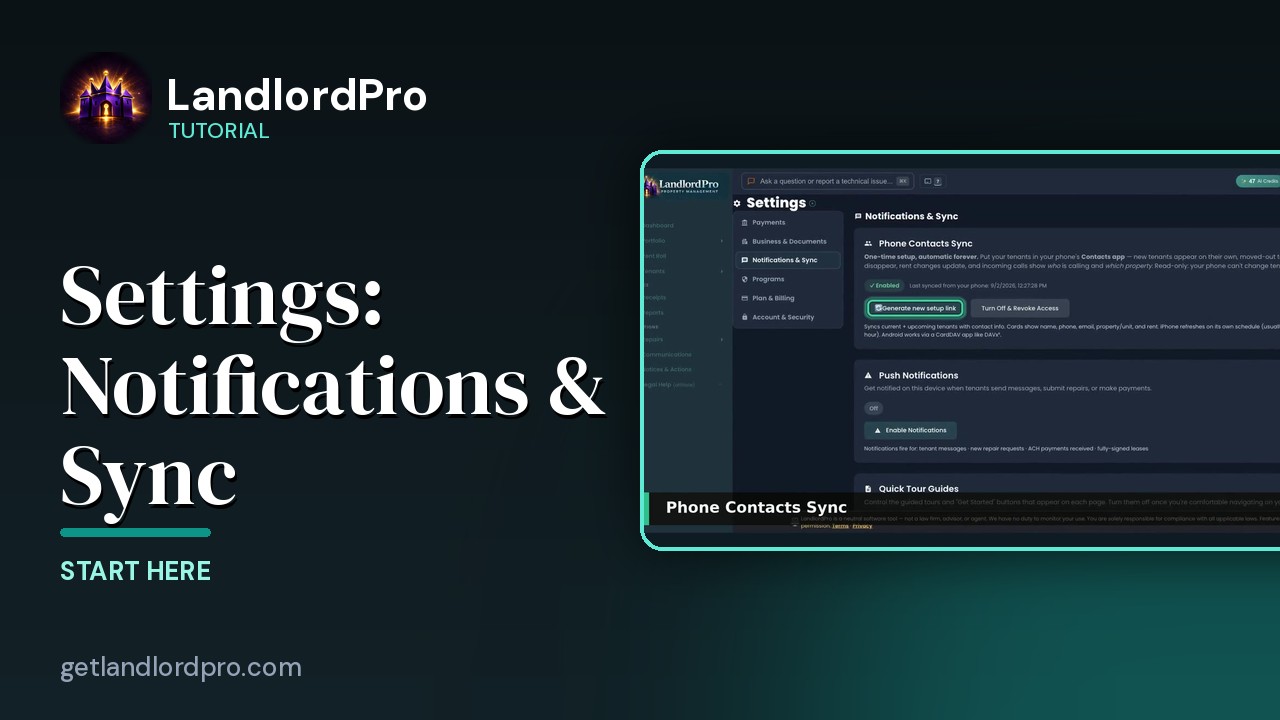
Settings · Notifications & Sync — option by option
Push notifications, Quick Tours, and the sync settings that keep your phone and calendar…
1:03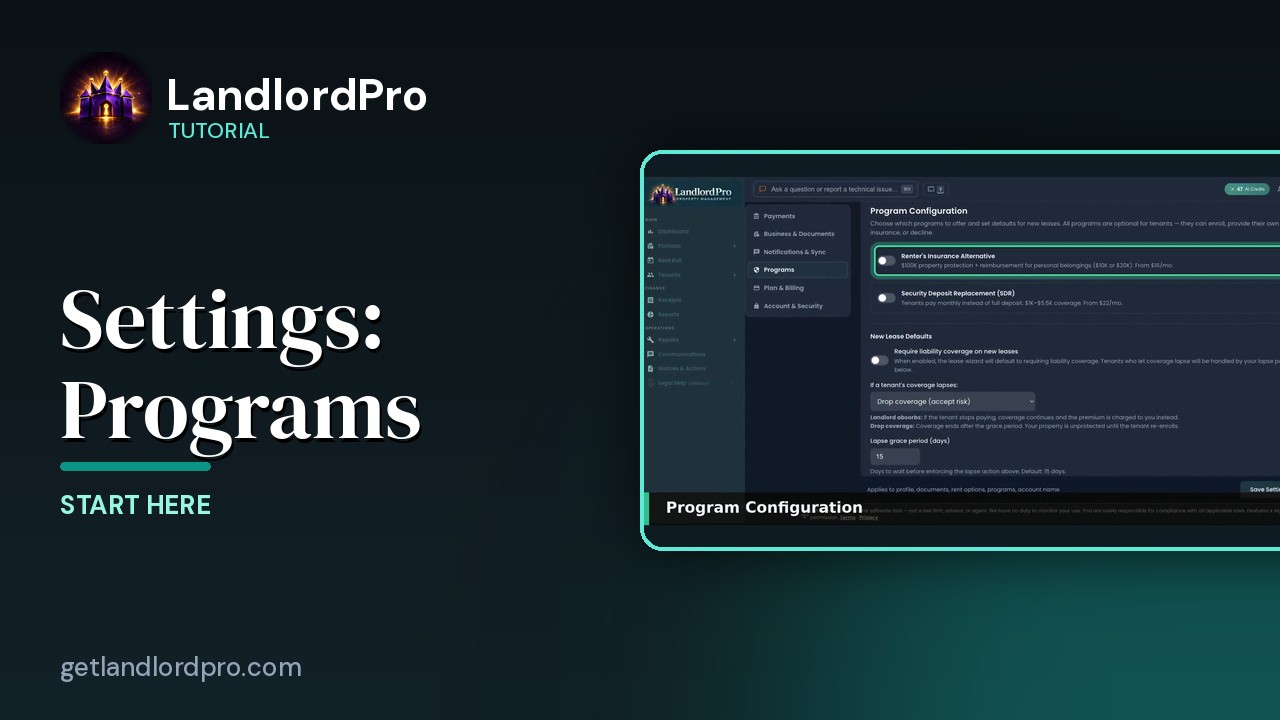
Settings · Programs — option by option
Program configuration, absorbing the premium, Vendor Reviews, and radius matching for the vendor…
1:48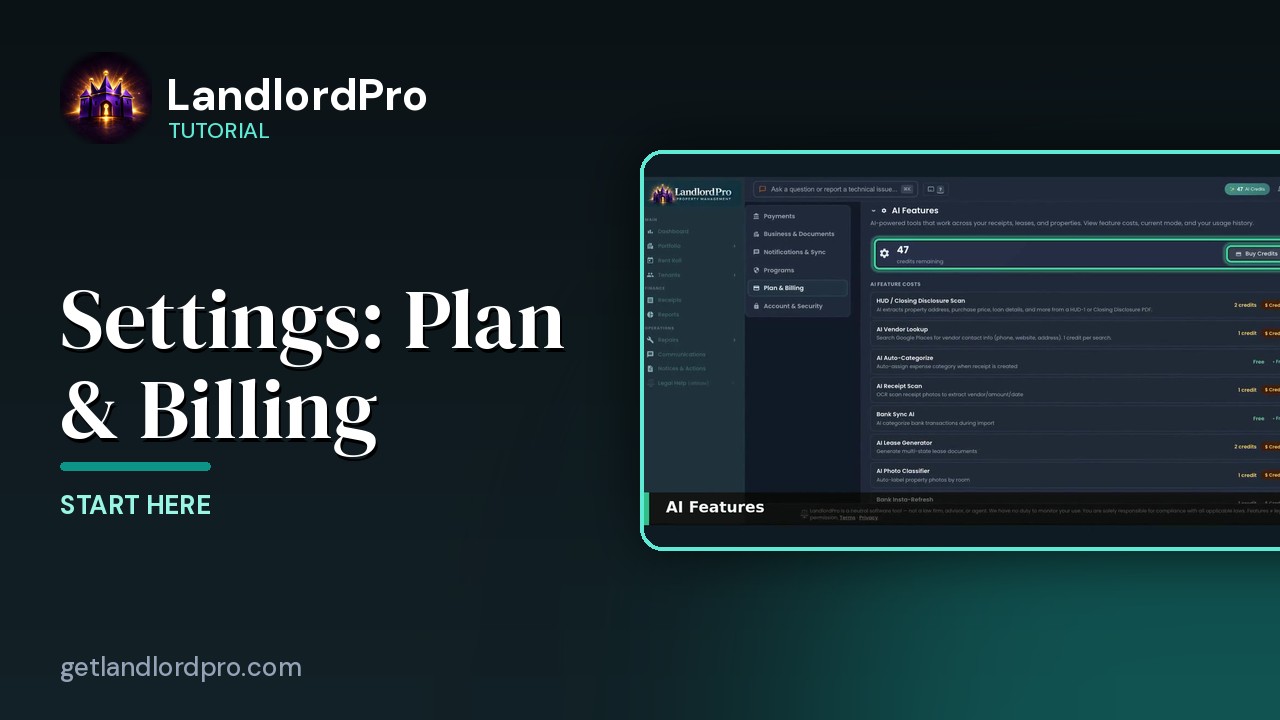
Settings · Plan & Billing — option by option
AI features, usage, your plan, and the setup…
1:01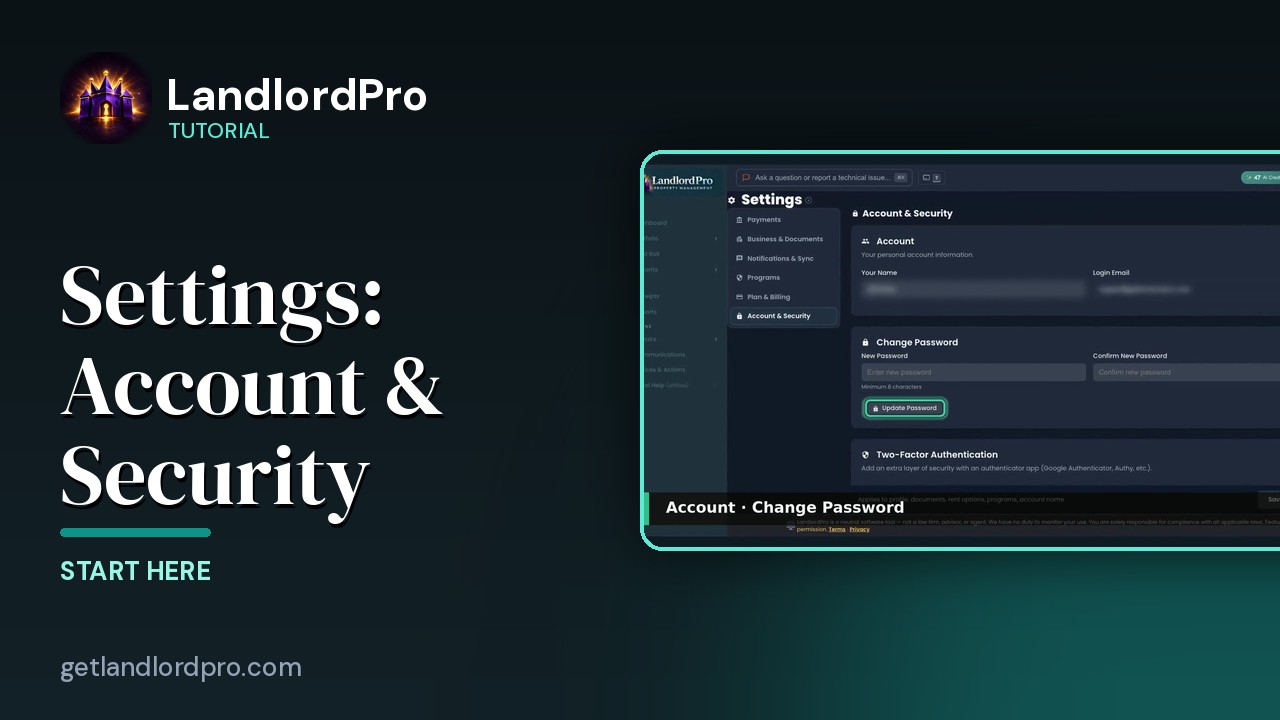
Settings · Account & Security — option by option
Two-factor authentication, trusted devices, and account…
0:45All tutorials: the LandlordPro tutorial library · free tools: landlord calculators · help center.
See it on your own properties
LandlordPro is one tool for the whole job of being a landlord: ads built in minutes and pushed to Zillow, applications that pre-screen on your own criteria, leases created and e-signed in minutes, a tenant portal with ACH or Venmo payment, one-click messaging to every tenant in a building, phone contacts that sync as tenants are added, AI receipt scanning straight into Schedule E reports, guided photo move-in/move-out records, and a rent roll that does it all.
Try LandlordPro free →LandlordPro is not a law firm and does not give legal advice. Consult an attorney for your state and situation.