
The Dashboard — everything that needs you today
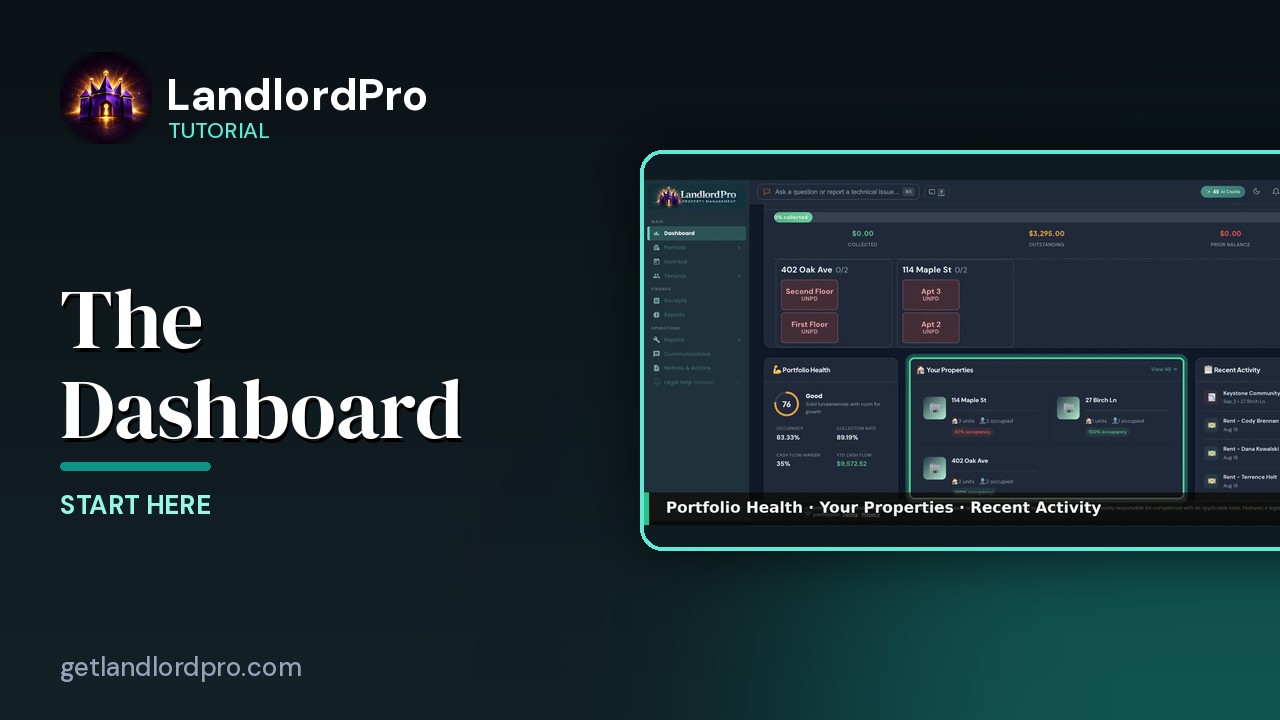
A tour of the LandlordPro dashboard: shortcuts, key metrics, rent collection, what needs attention, prime candidates and renewals, a layout you can drag into your own order, the phone view, and the calendar with sync.
Transcript
Intro0:00
Your dashboard. The first thing you see every day. A greeting, today's date, a row of shortcuts, two tabs, overview and calendar, and a grid of widgets you can arrange yourself. Let's go through it.
Shortcuts0:13
Shortcuts are one tap, jumps into the things you do most. Scan a receipt, record a payment, broadcast an alert to tenants. Scan a lease, open the rent roll, advertise a listing. The pencil on the end lets you change them.
Customize shortcuts0:27
Pick up to six from the full list. Add a property or tenant, generate a lease, add an expense, a repair ticket, a legal notice, screen a tenant, reports import. Save and the header is yours.
Key Metrics0:40
Key metrics across the top. Collected this month with its trend against last month. Occupancy rate, net cash flow, the same number as the cash flow card on your portfolio page, and total units.
Rent Collection0:53
Rent collection. Months progress bar, then collected, outstanding, and any prior balance carried forward. Below that, every unit as a tile. Green is paid, red is unpaid. The arrows move between months, and a tile takes you straight to that unit in the rent roll.
Health · Properties · Activity1:11
Portfolio Health scores the whole portfolio out of 100, from occupancy, collection rate, cash flow margin, and year-to-date cash flow. Your properties lists each one with units and occupancy. You all goes to the portfolio. Recent activity is the latest payments and receipts as they land.
Needs Attention & Action Required1:30
Needs attention is your to-do list. Expiring leases, vacant units, overdue rent, pending leases, open maintenance, with the action right there on the row. Action required is the deadline column. Deposit settlements, renewals, insurance expirations, each with days left and a button that does the thing.
Candidates · Renewals · Lifetime1:50
Prime candidates surfaces the strongest screening applicants from your leasing pipeline when you're advertising. Upcoming renewals, leases ending soon, auto-renew flagged with a review button, and lifetime earnings, all-time income, net, and rental income for each property.
Customize the layout2:08
Hold down anywhere on the dashboard to customize it. Drag a widget to move it, drag its edges to resize, tap the minus to remove it. Remove widget's weight in the widget shelf, next to ones you haven't tried yet. Getting started, standalone metric tiles, a cash flow widget, and will it cash flow? Plus adds one back. Done saves the layout.
On your phone2:30
On your phone the same dashboard folds into tiles. The icon, the name, and one number each. Tap a tile to open it. Tap the play button on a tile for that widget's part of this video. The open widget takes the full width, with everything the desktop card shows. The carrot folds it back into a tile. Hold down on the dashboard, and every widget becomes a row. The arrows move it up or down. The minus removes it. Done saves the order. Widget shelf opens the same drawer as the desktop. Anything you removed, and the widgets you haven't tried yet. Plus puts one back on the dashboard.
Calendar3:08
The calendar tab. Rent due dates, mortgage, and debt payments. Tax deadlines, inspections, and lease events, all generated for you from what's already in LandlordPro. Add puts in your own events, taxes filters to the tax ones, export downloads the month, and month or week changes the view.
Add your own events3:27
Your own events take a title, date, optional time, a category, and a repeat, so a quarterly inspection or an annual filing shows up every time.
Sync3:37
And sync. Subscribe to your LandlordPro calendar from Google Calendar, Outlook, or Apple Calendar. And every event shows up on your phone and updates on its own. Everything that needs you today, in one screen, arranged the way you like it. That's the dashboard. Get LandlordPro. Free to try. The address is on your screen.
More in Start Here
LandlordPro in 2 Minutes
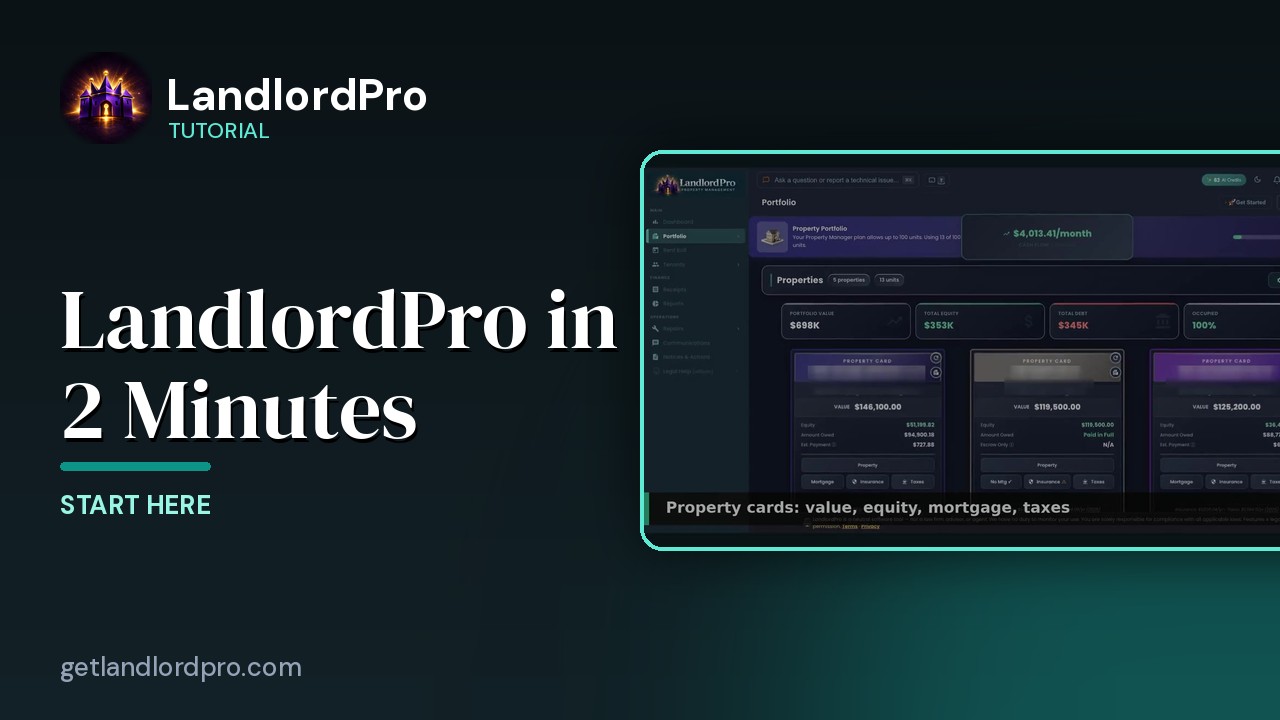
Everything LandlordPro does for an independent landlord, in about two minutes: dashboard, earnings, rent…
1:44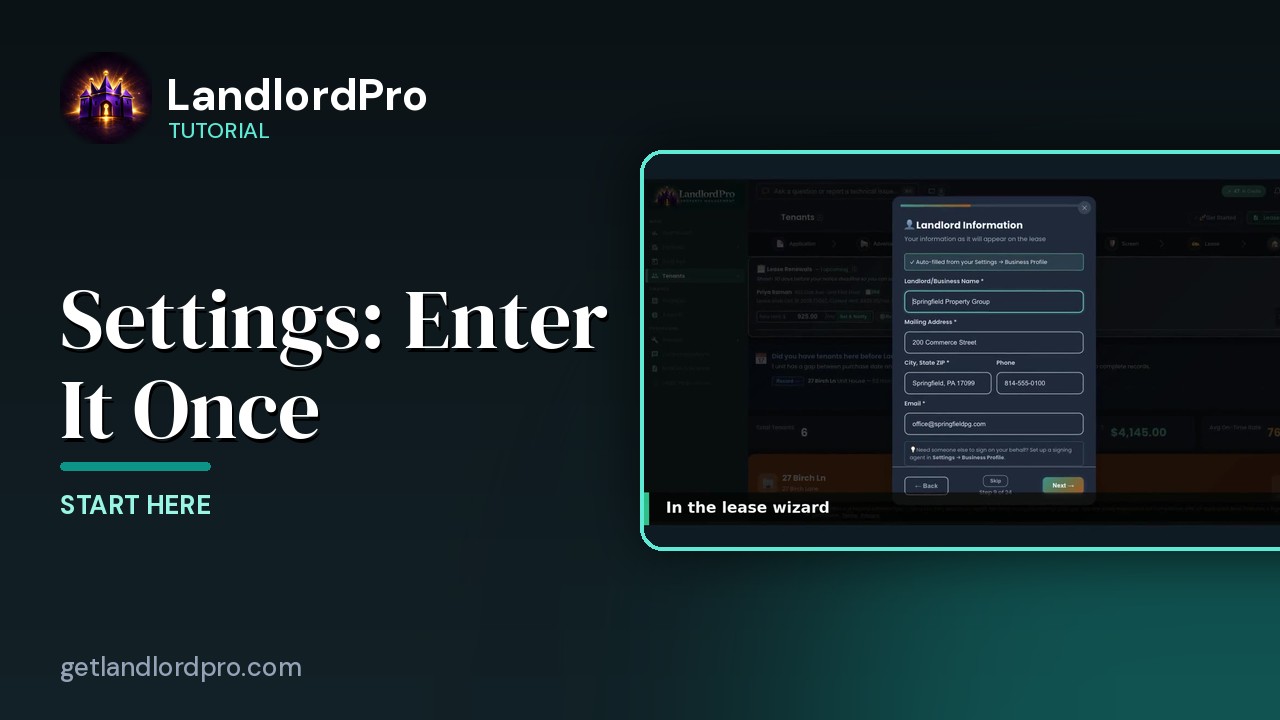
Settings — enter it once, it shows up everywhere
Fill in Settings once and it follows you everywhere: the business profile lands in the lease wizard, payment…
2:27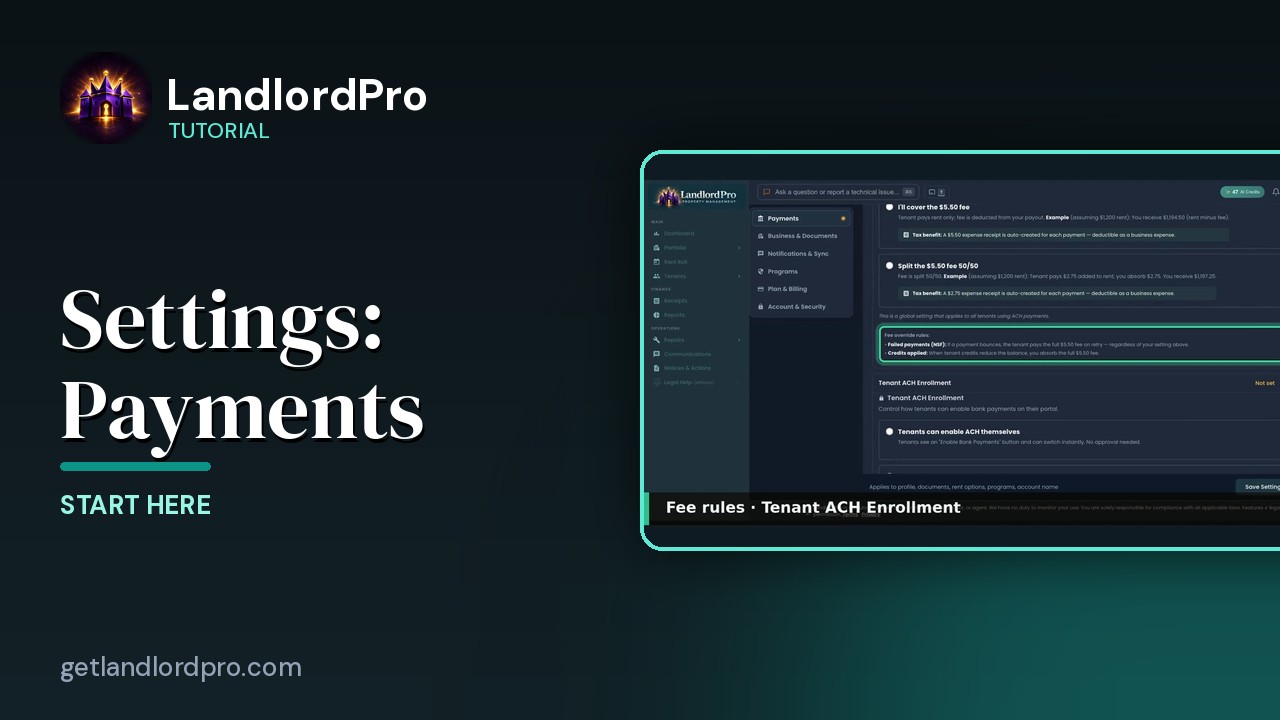
Settings · Payments — option by option
Every Payments setting explained: what happens once Stripe is connected, the ACH processing fee and who pays…
3:36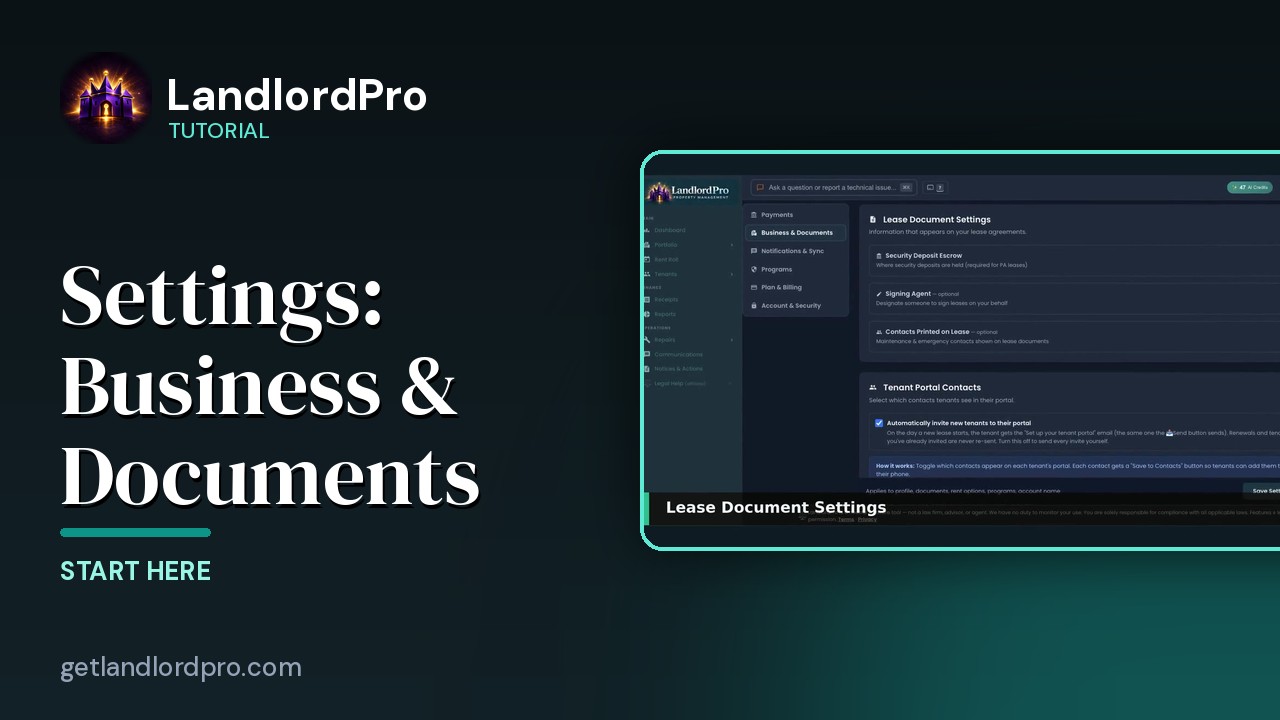
Settings · Business & Documents — option by option
Where your business profile goes, lease document settings, escrow and signing agent, the contacts printed on…
2:48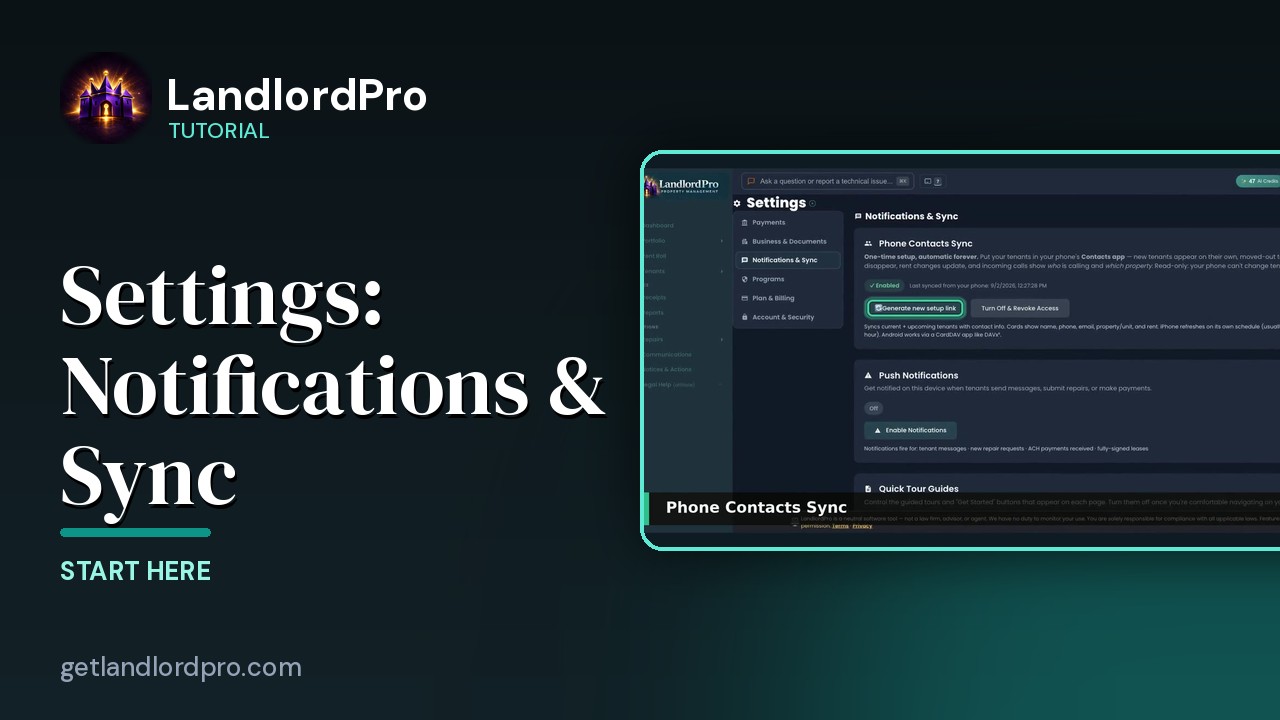
Settings · Notifications & Sync — option by option
Push notifications, Quick Tours, and the sync settings that keep your phone and calendar…
1:03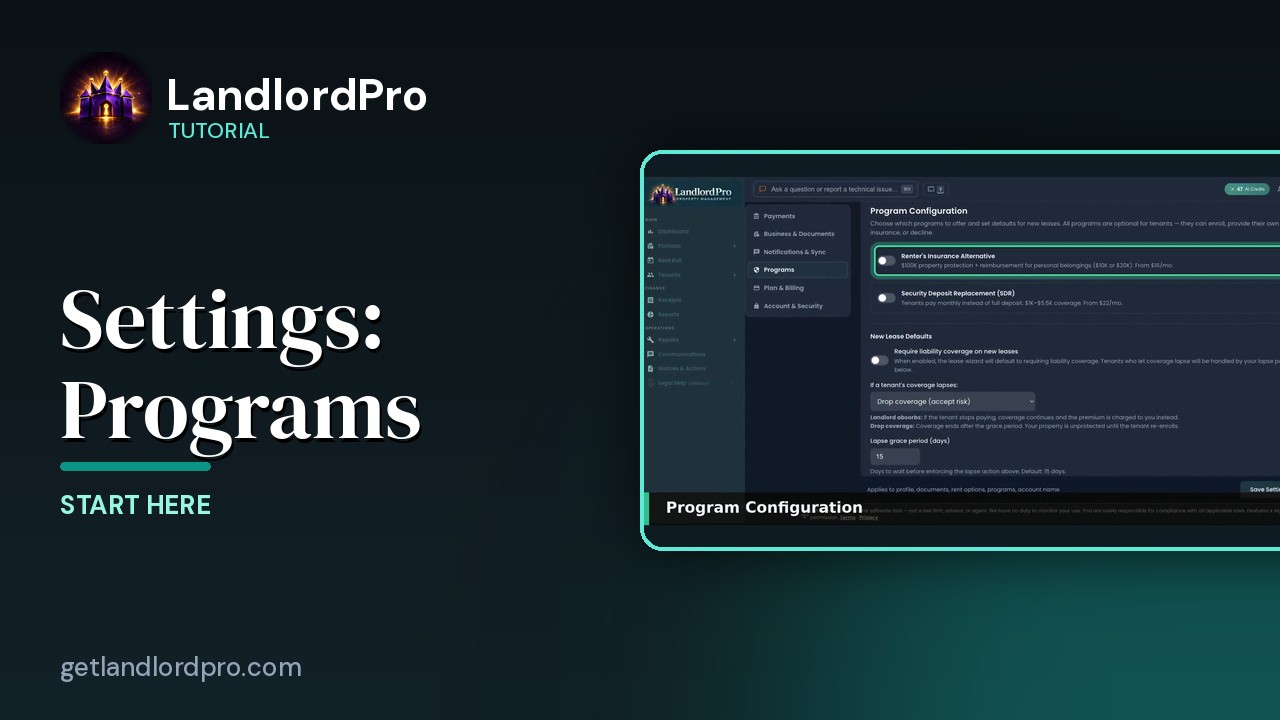
Settings · Programs — option by option
Program configuration, absorbing the premium, Vendor Reviews, and radius matching for the vendor…
1:48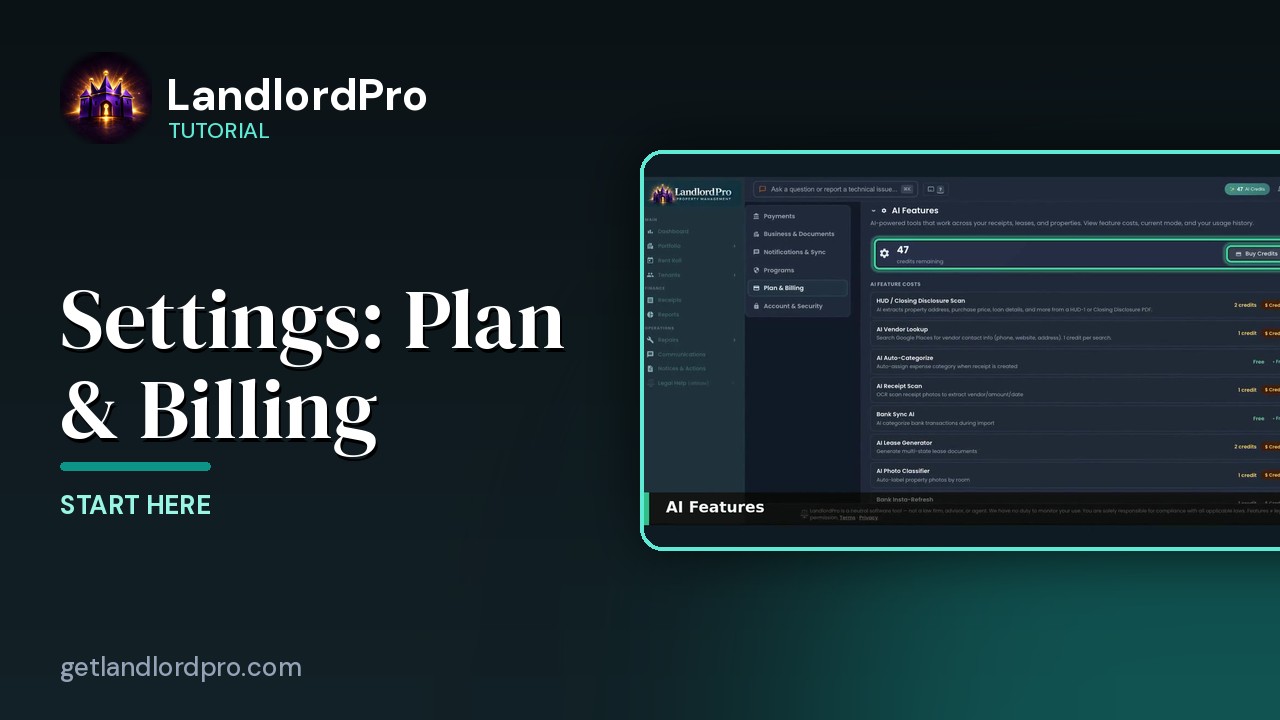
Settings · Plan & Billing — option by option
AI features, usage, your plan, and the setup…
1:01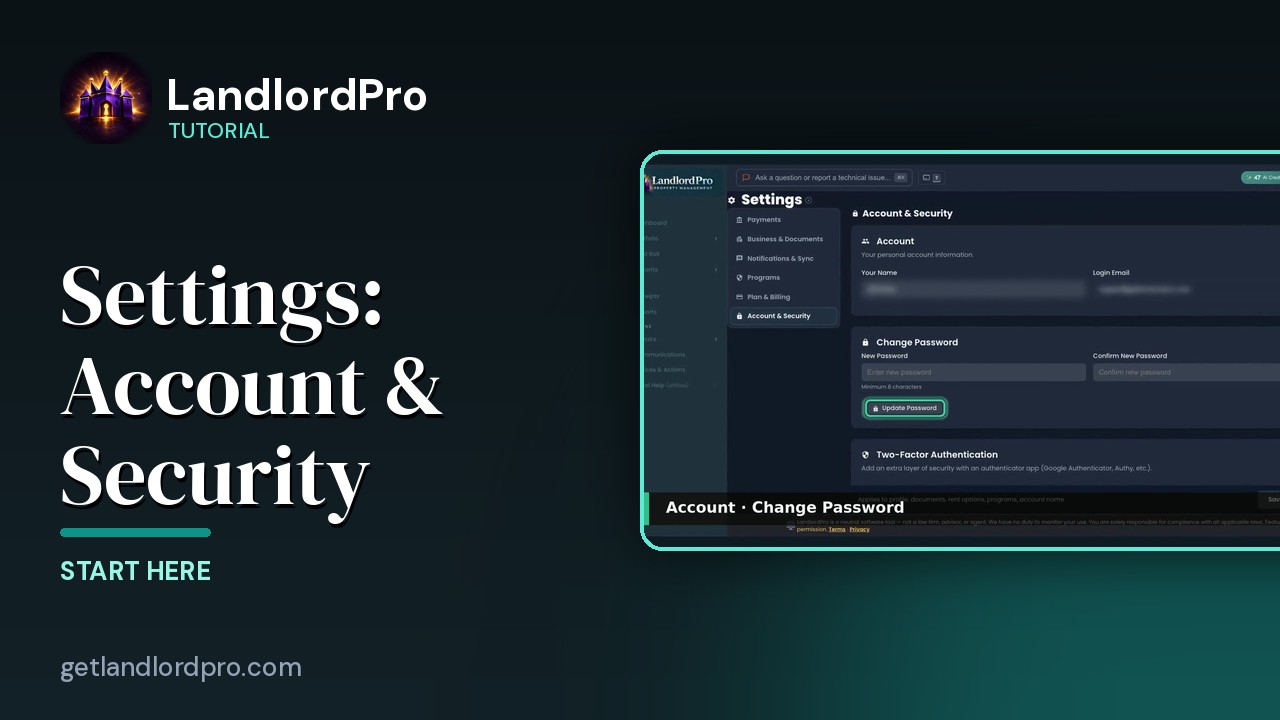
Settings · Account & Security — option by option
Two-factor authentication, trusted devices, and account…
0:45All tutorials: the LandlordPro tutorial library · free tools: landlord calculators · help center.
See it on your own properties
LandlordPro is one tool for the whole job of being a landlord: ads built in minutes and pushed to Zillow, applications that pre-screen on your own criteria, leases created and e-signed in minutes, a tenant portal with ACH or Venmo payment, one-click messaging to every tenant in a building, phone contacts that sync as tenants are added, AI receipt scanning straight into Schedule E reports, guided photo move-in/move-out records, and a rent roll that does it all.
Try LandlordPro free →LandlordPro is not a law firm and does not give legal advice. Consult an attorney for your state and situation.