
Communications — reminders, consent, one-tap sends
Auto-reminders, filters, the tenant row, the send menu that messages every tenant or every tenant in one building in one click, phone contacts, and your own notifications.
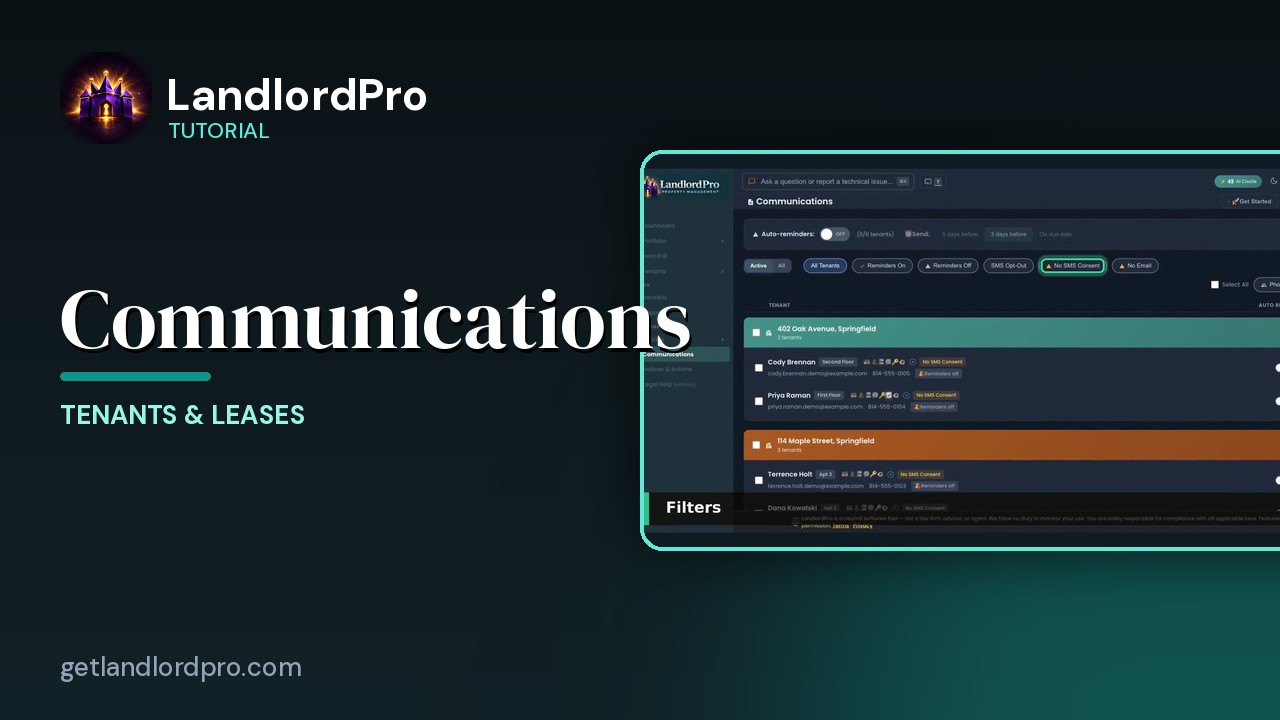
Transcript
Intro0:00
Communications. Every tenant, how they can be reached, and what goes out automatically. Auto-reminders at the top, filters. Then a row per tenant with the icon bar, a reminder switch, and a send menu. Let's walk it.
Auto-reminders0:14
Auto-reminders. The master switch turns rent reminders on for everyone, and the count shows how many tenants have them. Send. Five days before, three days before, or on the due date. Each tenant also has their own switch on the right, so you can leave someone out.
Filters0:32
Filters. Active tenants are all, including past ones. All tenants, reminders on, reminders off. SMS opt out. Tenants who replied stop. No SMS consent. Tenants who haven't agreed to text yet, so text to them are blocked. And no email.
The tenant row0:50
Each row. Name and unit, the tenant icon bar, which has its own video, and the consent badges. No SMS consent. Reminders off. Email and phone under it. The checkbox selects tenants for a bulk send, and select All grabs everyone.
Send menu1:07
Send. Email reminder, text reminder, or both. Grate out when there's no SMS consent. Portal link by email or text, so the tenant can get into their portal. And regenerate and send portal link, which kills the old link first, for when a phone is lost or a roommate moves out.
Phone Contacts1:26
Phone contacts. With Sync on, every tenant is already in your phone's contacts and stays current. Manage Sync controls it. Or take a snapshot. Email yourself a file, open it in mail, add all contacts. There's a full video on this one.
My Notifications1:42
My notifications is about you. How you're told when a tenant messages you, pays rent or submits a repair by email or text, and how often. Instantly or a digest. Everyone reachable, consent respected, nothing sent twice. That's communications. Get LandlordPro. Free to try. The address is on your screen.
More in Tenants & Leases
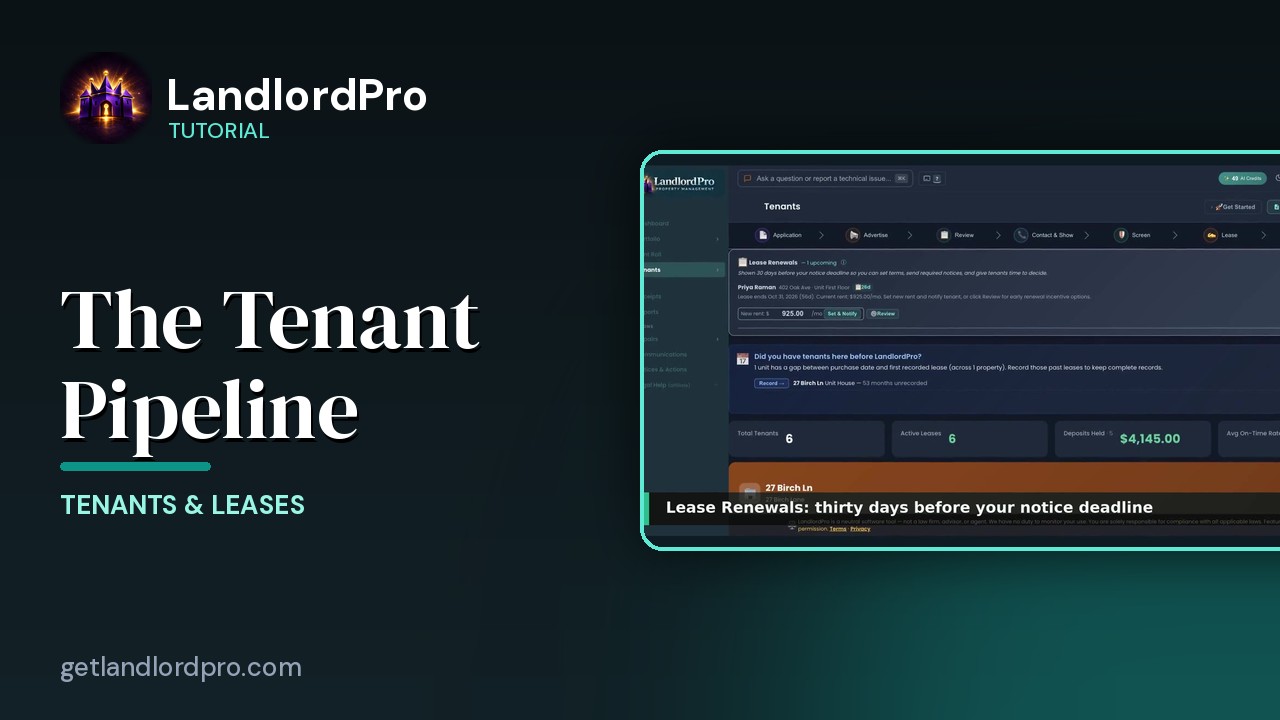
Tenants — the whole pipeline, one page
The whole tenant pipeline on one page: seven stages from application to lease, renewals, past tenants, the…
3:42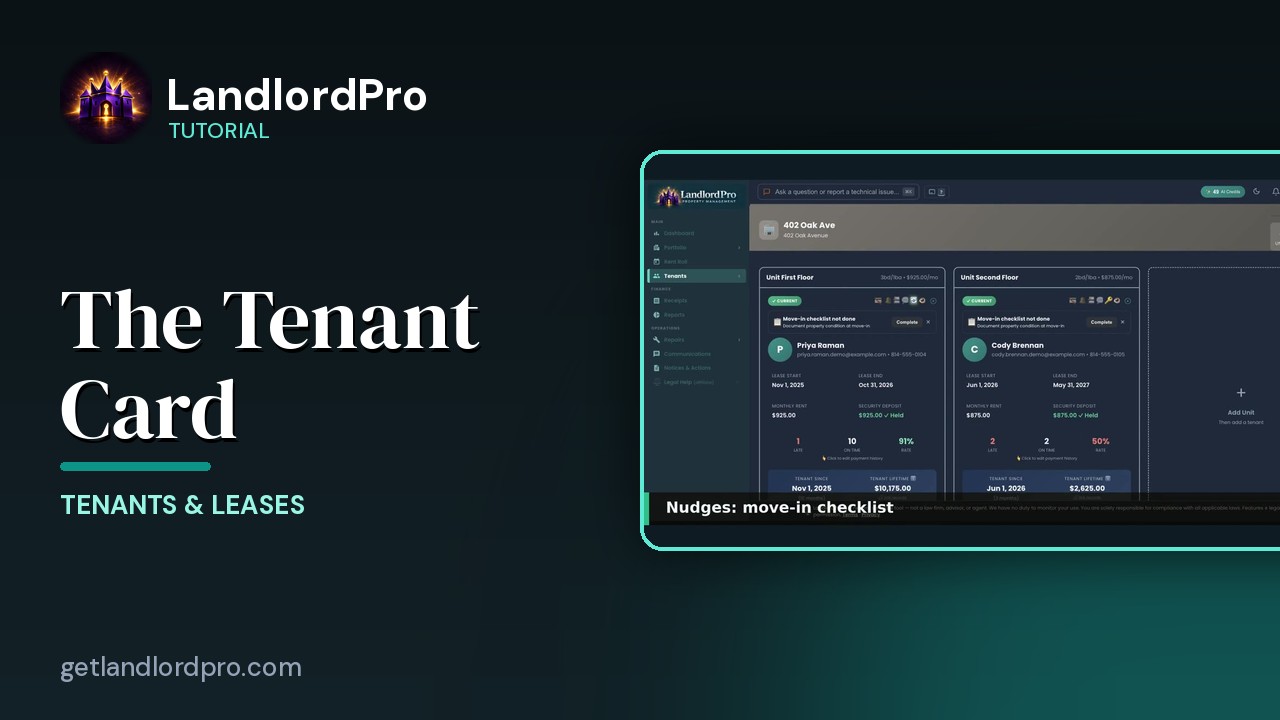
The Tenant Card
Reading a tenant card: status and icon bar, nudges, lease and money, late / on-time rate, payment history,…
1:40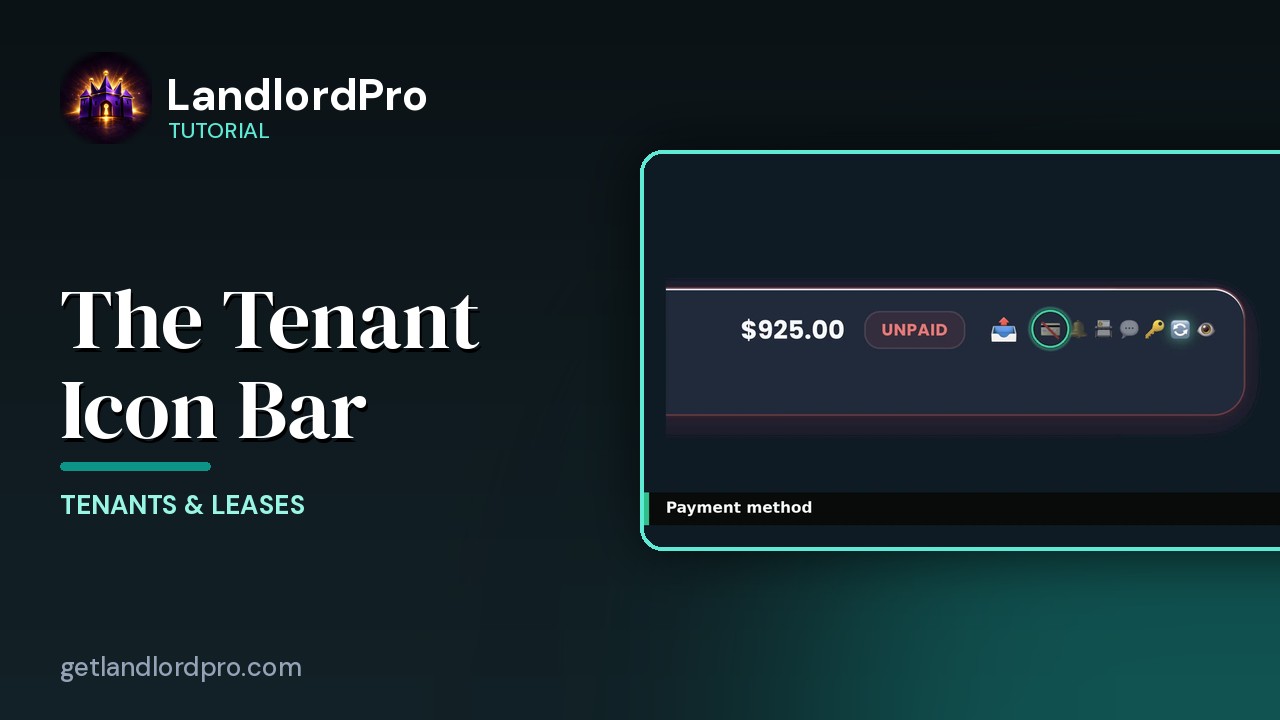
The Tenant Icon Bar
Manage tenant settings and communication at a glance: send a bill, payment card, reminder bell, contact card,…
3:24
Leases — Create, Import, Sign & Send
Create a lease in minutes with the wizard, bring your own with an AI scan, or store a signed copy; then…
4:40
The Move-In Checklist — guided photo walkthrough
Use your phone as the camera for a guided room-by-room move-in / move-out condition record, then send it to…
4:12
Tenants in Your Phone Contacts
Your tenants land in your phone's contacts automatically as they're added — with the rent amount right on the…
1:01
Notices & Actions — the paper trail
The paper trail: the calendar, counters and filters, drafting and sending a notice, the state eviction…
2:46All tutorials: the LandlordPro tutorial library · free tools: landlord calculators · help center.
See it on your own properties
LandlordPro is one tool for the whole job of being a landlord: ads built in minutes and pushed to Zillow, applications that pre-screen on your own criteria, leases created and e-signed in minutes, a tenant portal with ACH or Venmo payment, one-click messaging to every tenant in a building, phone contacts that sync as tenants are added, AI receipt scanning straight into Schedule E reports, guided photo move-in/move-out records, and a rent roll that does it all.
Try LandlordPro free →LandlordPro is not a law firm and does not give legal advice. Consult an attorney for your state and situation.