
Tenants — the whole pipeline, one page
The whole tenant pipeline on one page: seven stages from application to lease, renewals, past tenants, the numbers, tenant cards, advertising, reviewing, showing, screening, and leasing.
Transcript
Intro0:00
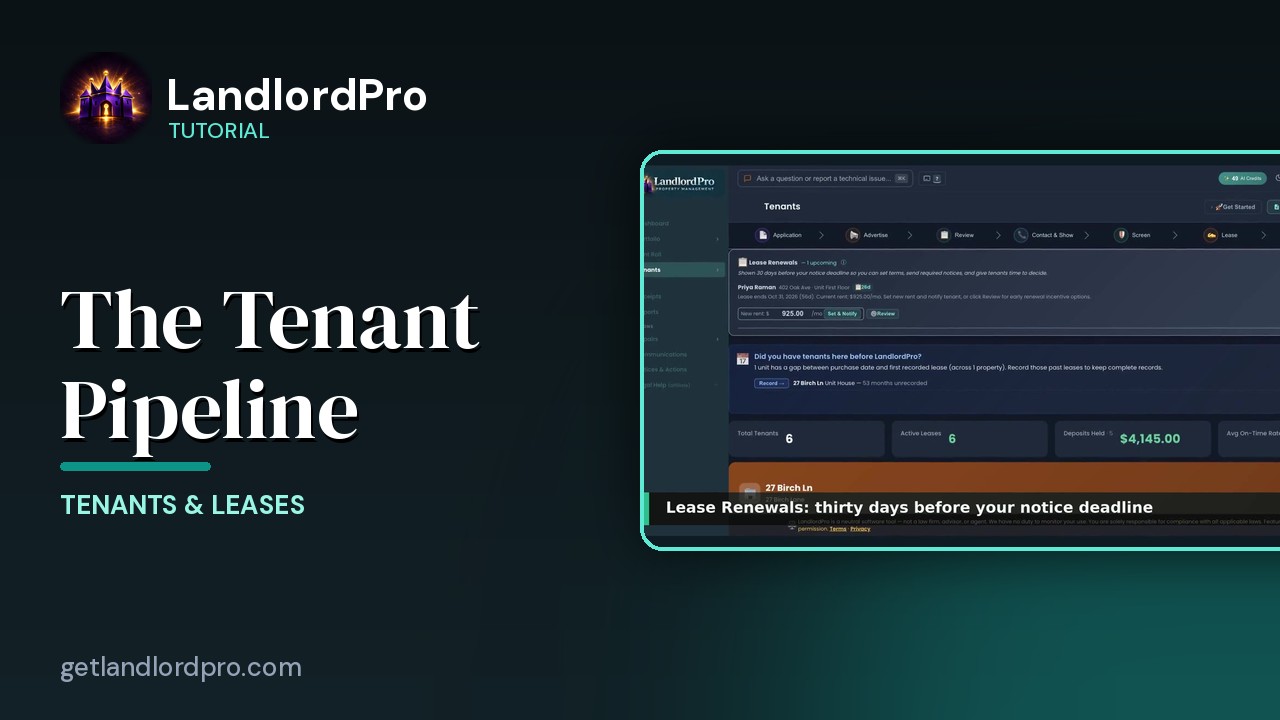
The tenants page is the whole pipeline, from a blank application to a tenant paying rent. Across the top, the seven stages. Under them, what needs you now, the numbers, and every property with its tenant cards? Let's walk it.
The seven stages0:15
The stages left to right. Application. The questions applicants answer. Advertise. Post the vacancy with your application link included. Review. Applicants ranked against your qualifications. Contact and show. Schedule showings and track the conversation. Screen. Credit, criminal and eviction checks. Lease. Generate an e-sign. Current. The tenants you have. Click any stage to jump to it.
Get Started · Lease Actions0:46
In the header, get started walks you through each stage with a tour. Lease actions is the lease menu. Import your own lease. Finish when you started. Build a new one from scratch, amend, end early, terminate by mutual agreement, store a signed copy, or add a past lease. That menu has its own video, leases.
Renewals1:05
Lease renewals appears 30 days before your notice deadline for any lease that's ending. Type the new rent and set and notify, or review for the full renewal with early renewal incentives. Snooze it if you're not ready. The renewal. Current lease and the auto renewal it would roll into. Renewal rent. An optional early renewal incentive. Extra rent items carried forward. And the rent increase notice your state requires, sent for you. Confirm the terms or cancel the auto renewal.
Past tenants1:37
If a unit has months between when you bought it and its first lease here, this banner counts them. Record opens add historical lease so your history is complete. Dismiss it if there's nothing to add.
The numbers1:49
The numbers. Total tenants, active leases, deposits you're holding, and the average on-time payment rate across your active tenants.
Tenant cards1:59
Then each property with units and occupancy in the header, and a card for every unit. The tenant, the lease, the money, and the buttons. An empty slot is add unit. The card has its own video next.
Application2:12
The application stage is your rental application. 72 fields and 10 sections ready to go. Add your own questions. The public link is what you put in your ads. Copy it or preview what applicants see. Add a question, set qualifications to auto rank applicants, and view full application to read every field, section by section.
Advertise2:34
Advertise. Every vacant unit ready to list with a readiness bar. Edit listing opens the marketing kit, and list now sends it to the feed. Units with a lease ending soon sit under upcoming vacancy, so you can prepare the listing early. Occupied units are folded away below.
Review · Contact & Show2:53
Review is where applicants land, ranked by how well they match your qualifications. The first time in, you set the criteria you'll apply to everyone. That's the fair housing gate. Contact and show is next. Showings, confirmations, and the conversation per prospect.
Screen · Lease3:10
Screen runs credit, criminal and eviction checks through TAS works. The applicant enters their own social security number, so it never touches your account. New screening starts one. And lease. Generation, e-signatures, deposit collection, and the move-in checklist, all from lease actions. From a blank application to a tenant paying rent, all on one page. That's tenants. Get LandlordPro. Free to try. The address is on your screen.
More in Tenants & Leases
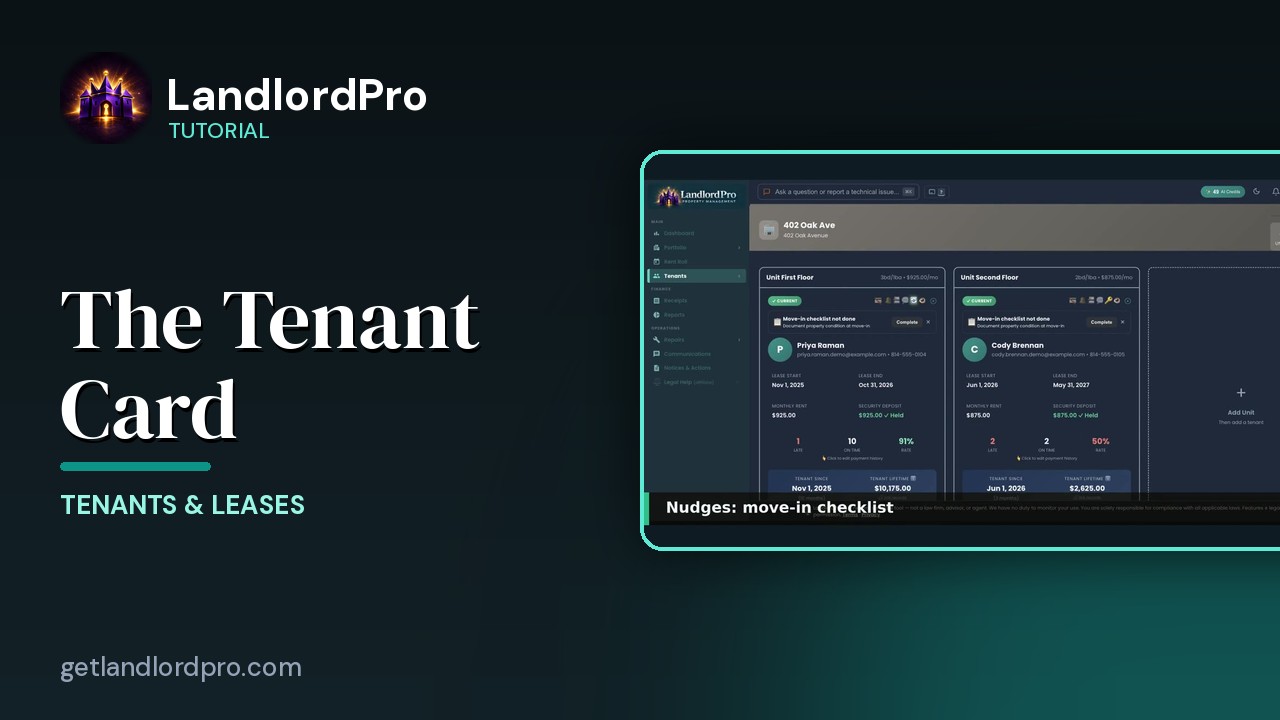
The Tenant Card
Reading a tenant card: status and icon bar, nudges, lease and money, late / on-time rate, payment history,…
1:40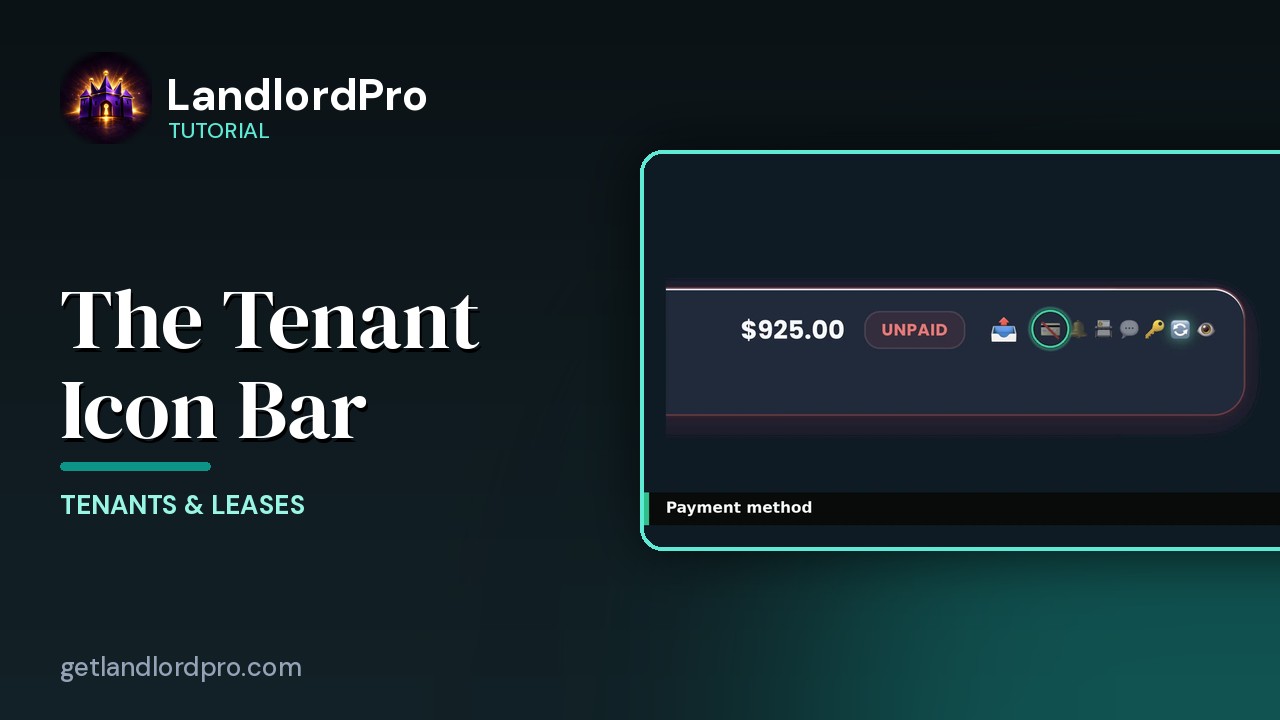
The Tenant Icon Bar
Manage tenant settings and communication at a glance: send a bill, payment card, reminder bell, contact card,…
3:24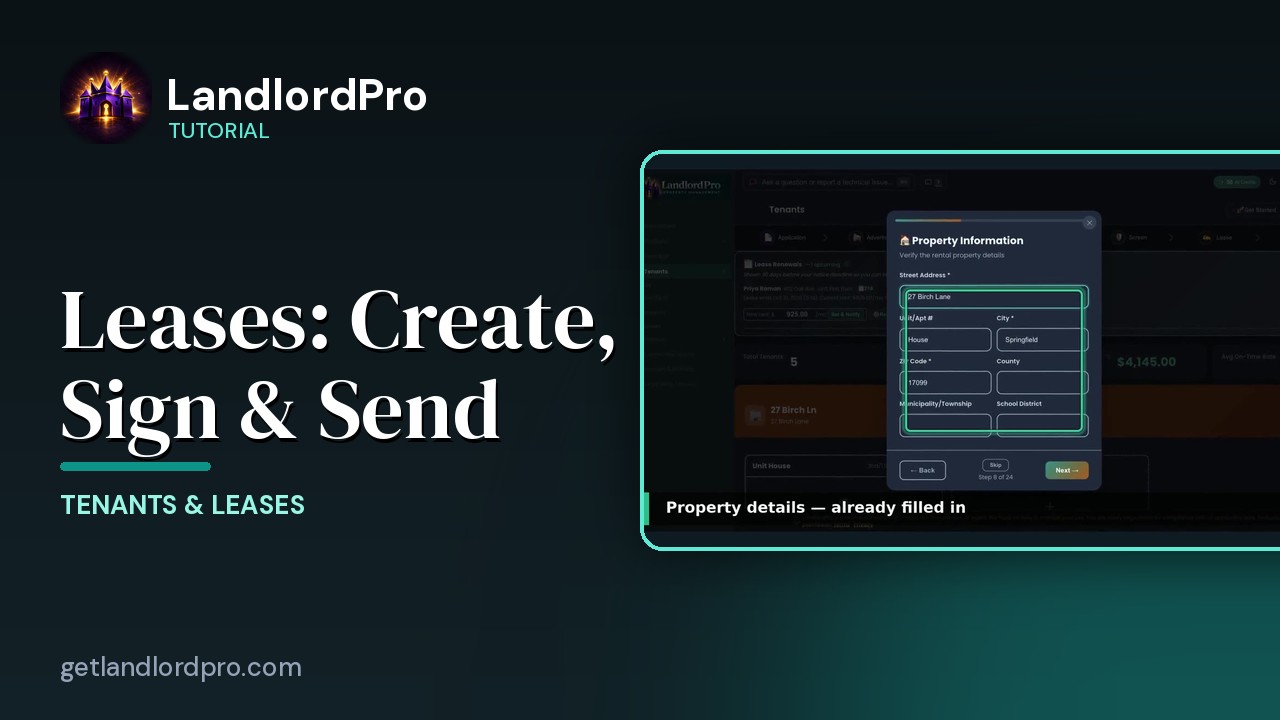
Leases — Create, Import, Sign & Send
Create a lease in minutes with the wizard, bring your own with an AI scan, or store a signed copy; then…
4:40
The Move-In Checklist — guided photo walkthrough
Use your phone as the camera for a guided room-by-room move-in / move-out condition record, then send it to…
4:12
Tenants in Your Phone Contacts
Your tenants land in your phone's contacts automatically as they're added — with the rent amount right on the…
1:01
Communications — reminders, consent, one-tap sends
Auto-reminders, filters, the tenant row, the send menu that messages every tenant or every tenant in one…
2:07
Notices & Actions — the paper trail
The paper trail: the calendar, counters and filters, drafting and sending a notice, the state eviction…
2:46All tutorials: the LandlordPro tutorial library · free tools: landlord calculators · help center.
See it on your own properties
LandlordPro is one tool for the whole job of being a landlord: ads built in minutes and pushed to Zillow, applications that pre-screen on your own criteria, leases created and e-signed in minutes, a tenant portal with ACH or Venmo payment, one-click messaging to every tenant in a building, phone contacts that sync as tenants are added, AI receipt scanning straight into Schedule E reports, guided photo move-in/move-out records, and a rent roll that does it all.
Try LandlordPro free →LandlordPro is not a law firm and does not give legal advice. Consult an attorney for your state and situation.