
The Tenant Portal — what your tenants get
What your tenants get: a link and PIN, billing and ACH/Venmo payment, history and receipts, messages, repair requests, Quick Fix, photos, docs, deposit, renewal, and settings.
Transcript
Link & PIN0:00
Every tenant you add gets their own portal. One link and a four-digit PIN they set themselves. No passwords for you to manage, no app store, nothing to install. It works on any phone, and they can pin it to their home screen like an app.
Billing & Pay0:15
Here's what they see. Balance due, last paid, next due. And this month's bill with a pay button. If you've set up ACH, they pay bank to bank and can turn on autopay. If you take Venmo, Zillow or Chex, the button shows your instructions instead. Either way, you stop answering. How much do I owe?
History & receipts0:35
Every payment they've ever made, with receipts they can pull themselves. That's the can you send me a receipt text. Gone.
Messages0:44
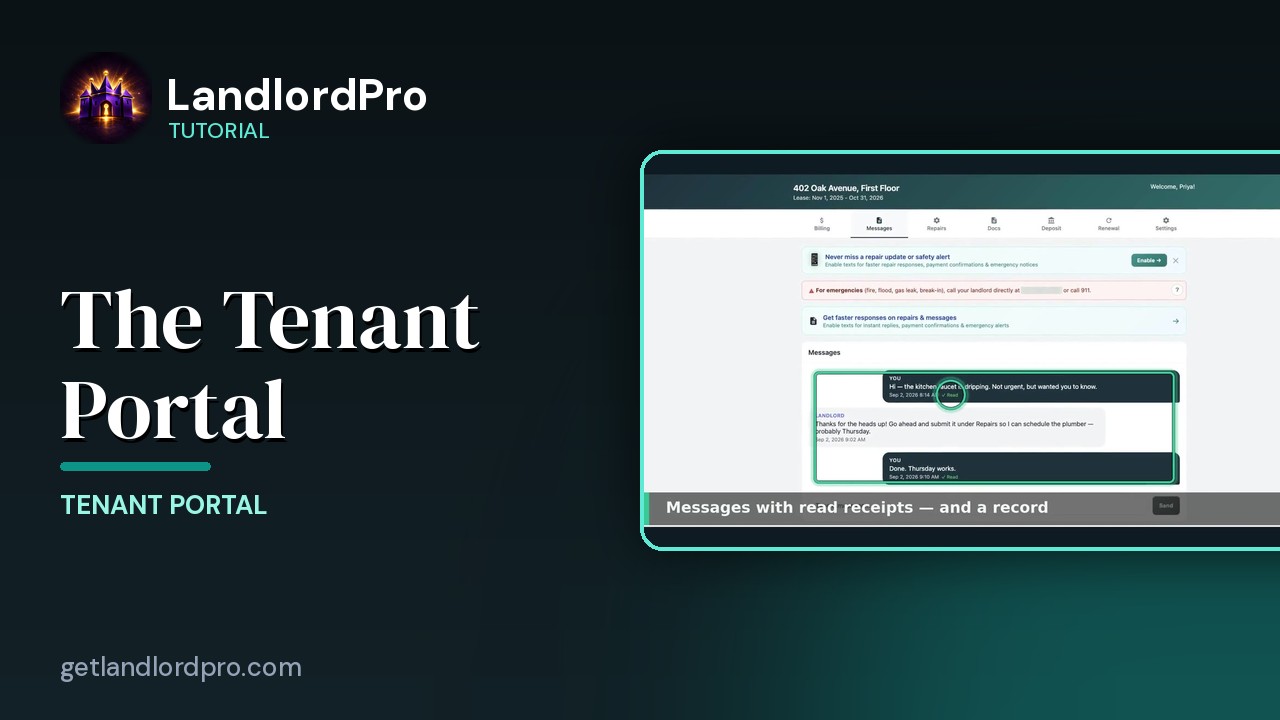
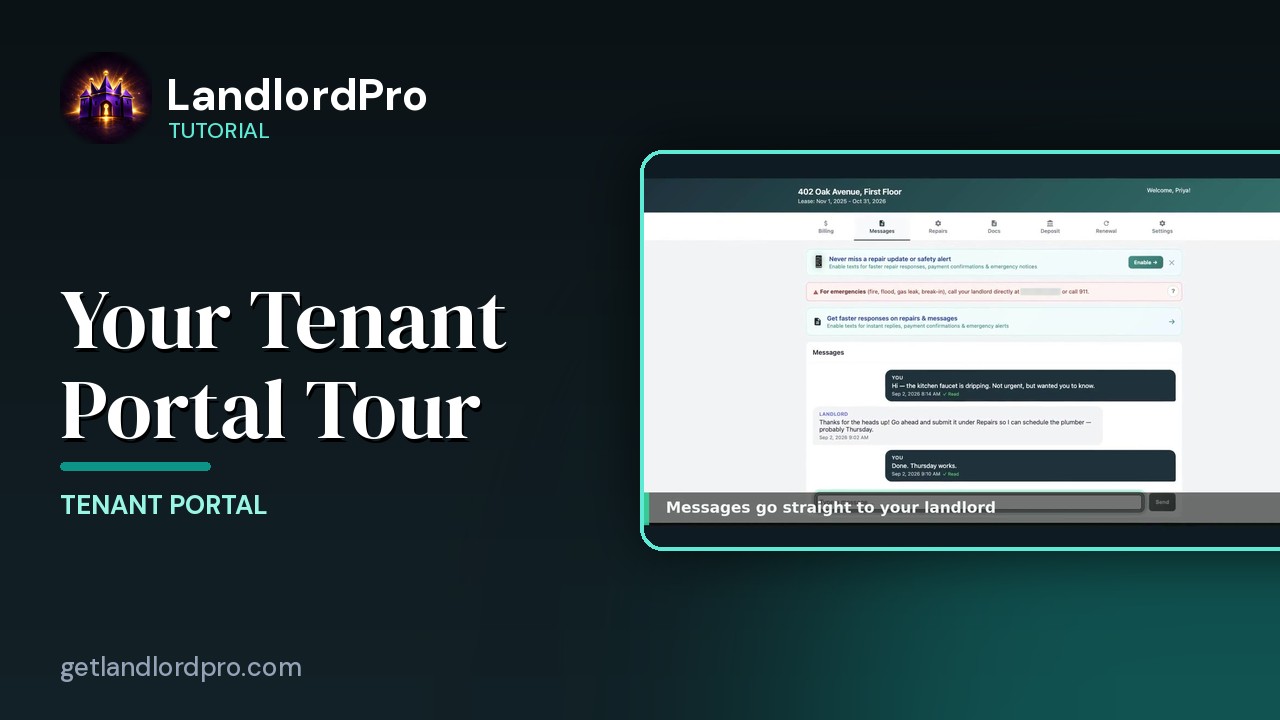
Messages go through the portal, so there's always a record. With read receipts, so you know they saw it. They can opt into texts for the urgent stuff. The emergency line stays at the top. Call 911, then calls you.
Repairs0:58
Repairs are the big one. Instead of a vague text at 10 at night, they walk through a guided form. What needs fixing, where it is, whether it's an emergency.
Quick Fix1:09
And before it ever reaches you, the portal offers a Quick Fix. Jiggle the handle, check the flapper, try the plunger. A lot of tickets end right there. Anything urgent gets flagged automatically.
Photos1:22
Still broken. Photos and a description. And it lands in your repairs queue with everything you need to dispatch it.
Docs1:30
They're lease, amendments, anything you upload, and anything waiting for signature. All in one place. Nobody's digging through email.
Deposit1:39
The deposit tab shows exactly what you're holding. And it move out the itemized settlement.
Renewal1:45
As the lease end approaches, the portal asks them. Planning to renew. Find out weeks early instead of the week before.
Settings1:54
They manage their own notification preferences and can save your contact card straight to their phone. All of this is built in. Nothing to set up. Add a tenant, send the portal link done. Fewer calls, fewer texts, and a paper trail for everything. Get LandlordPro. Free to try. The address is on your screen.
More in Tenant Portal
All tutorials: the LandlordPro tutorial library · free tools: landlord calculators · help center.
See it on your own properties
LandlordPro is one tool for the whole job of being a landlord: ads built in minutes and pushed to Zillow, applications that pre-screen on your own criteria, leases created and e-signed in minutes, a tenant portal with ACH or Venmo payment, one-click messaging to every tenant in a building, phone contacts that sync as tenants are added, AI receipt scanning straight into Schedule E reports, guided photo move-in/move-out records, and a rent roll that does it all.
Try LandlordPro free →LandlordPro is not a law firm and does not give legal advice. Consult an attorney for your state and situation.