
Your Tenant Portal — a 2-minute tour (for tenants)
For tenants: your PIN, paying rent, receipts, messages, repair requests, Quick Fix, photos, documents, your deposit, renewal, and settings.
Transcript
Your PIN0:00
Welcome to your tenant portal. Your Landlord sent you a link. The first time you open it, choose a four-digit PIN. That's your key from now on, so pick when you'll remember. Next time, just enter your PIN. If you ever forget it, tap Forgot Your PIN, and your Landlord will send you a fresh link.
Billing & paying0:20
Home is billing. You're balance your last payment when the next one's due and this month's bill. Tap the Pay button to pay it. Straight from your bank if your Landlord has turned that on or follow the instructions shown. And if you save the portal to your home screen, it works just like an app.
Receipts0:37
Every payment you've made is listed here. Need a receipt? Tap Request Receipt and it's emailed to you.
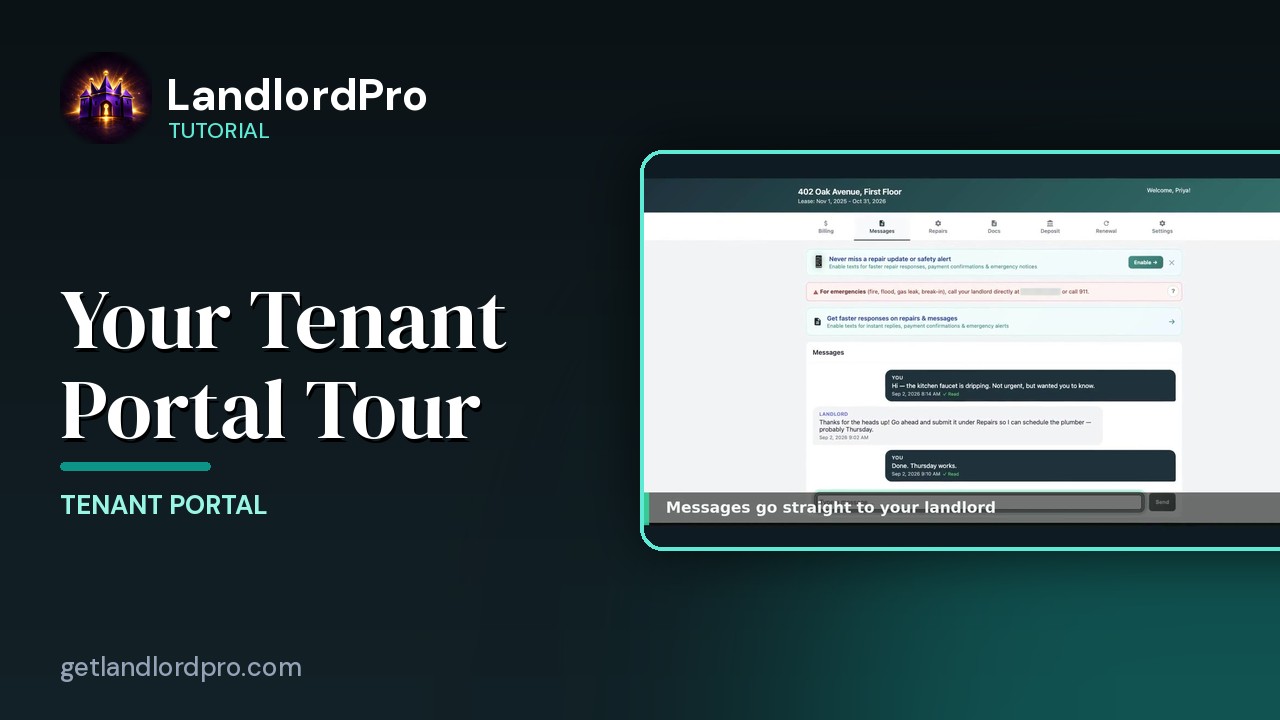
Messages0:45
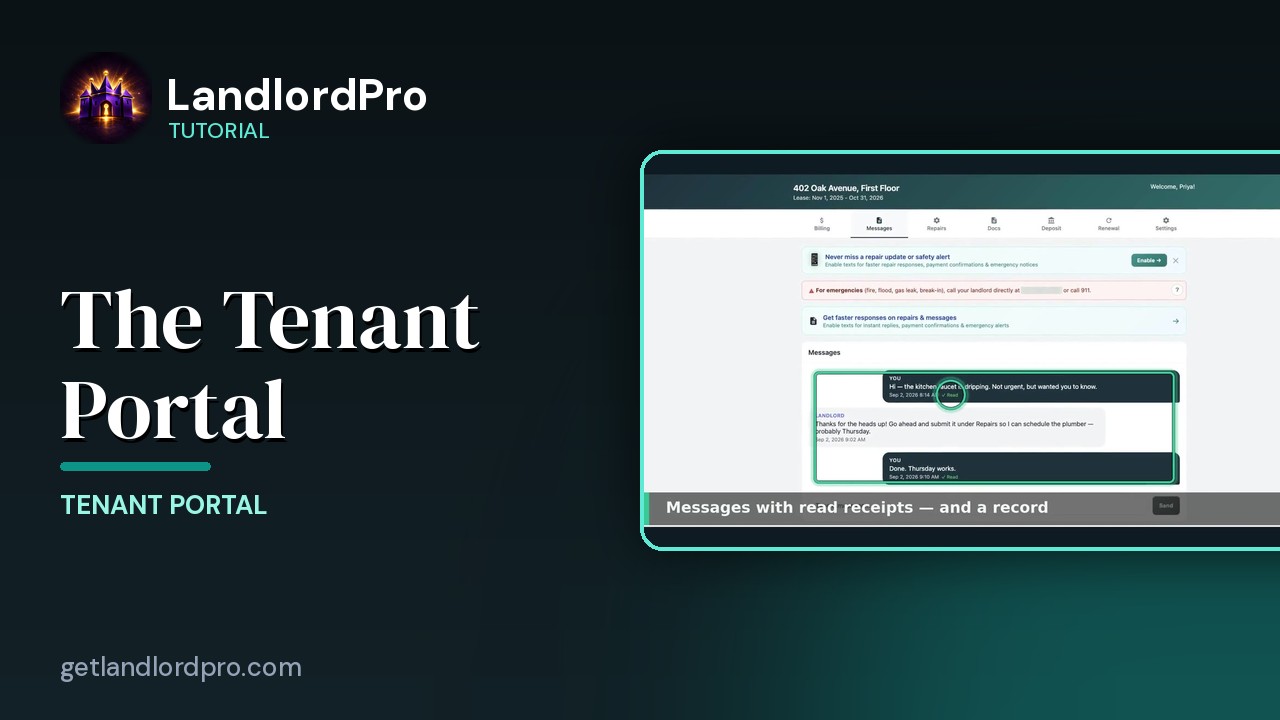
Messages go straight to your Landlord and you'll see a check mark when they've read it. Turn on texts to get replies and payment confirmations on your phone. For emergencies, fire flood a gas smell. Call 911 first, then the number at the top.
Repair requests1:02
Something broken. Tap Submit New Repair Request. Pick what it is, where it is, and whether it's an emergency.
Quick Fix1:11
The portal may suggest a Quick Fix to try first. It often saves you a wait. If it worked, tap Fixed It. If not, still broken and check anything that applies.
Photos1:22
Add up to five photos and a short description. Photos get it fixed faster. Your Landlord gets it instantly and you can follow the ticket right here under Repairs. Your lease and any documents your Landlord shares
Docs1:33
live under Docs. Plus anything waiting for your signature.
Deposit1:40
Deposit shows exactly what's being held for you and how it's returned at the end of your lease. When your lease is winding down,
Renewal1:47
let your Landlord know here whether you plan to renew. It's just a heads up. Not a commitment.
Settings1:55
And in Settings, choose how you'd like to be notified and save your Landlord's contact info to your phone. That's your portal. Pay Message Reporter Repair Sign. All in one place. Questions. Send a message. Your Landlord is on the other end.
More in Tenant Portal
All tutorials: the LandlordPro tutorial library · free tools: landlord calculators · help center.
See it on your own properties
LandlordPro is one tool for the whole job of being a landlord: ads built in minutes and pushed to Zillow, applications that pre-screen on your own criteria, leases created and e-signed in minutes, a tenant portal with ACH or Venmo payment, one-click messaging to every tenant in a building, phone contacts that sync as tenants are added, AI receipt scanning straight into Schedule E reports, guided photo move-in/move-out records, and a rent roll that does it all.
Try LandlordPro free →LandlordPro is not a law firm and does not give legal advice. Consult an attorney for your state and situation.