
Reports — twenty reports, one click
Twenty landlord reports, one click each: the Annual Tax Report, summaries and estimates, categories and coverage, and the Document Manager.
Transcript
Intro0:00
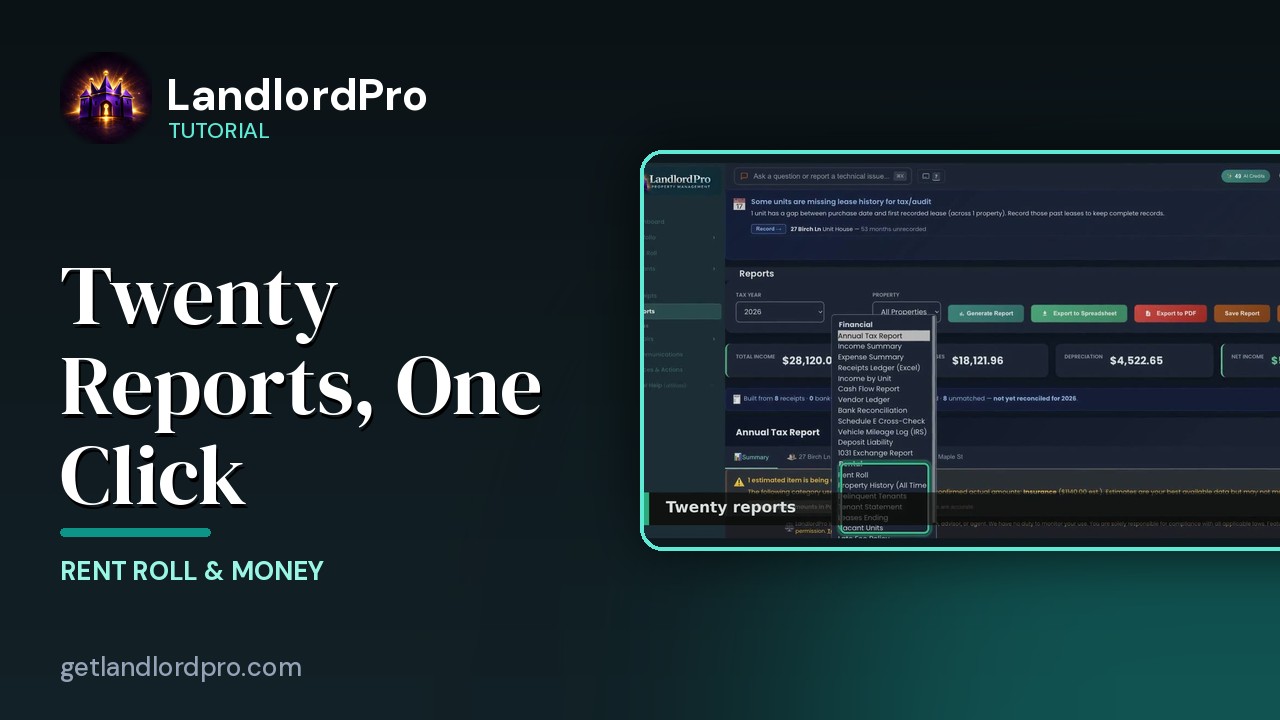
Reports. Pick a tax year, pick a report, pick a property or all of them and generate. 20 reports, all built from the receipts and rent roll you already keep. Let's walk it.
Missing lease history0:12
If a unit has months before its first recorded lease, this banner says so because tax and audit reports want complete years. Record opens at historical lease.
Twenty reports0:23
The report types. Financial. The annual tax report, income and expense summaries, a receipts ledger for Excel, income by unit, cash flow, a vendor ledger, bank reconciliation, the Schedule E cross check, the IRS mileage log, deposit liability and a 1031 exchange report. Rental. Rent roll, property history, delinquent tenants, tenant statements, leases ending, vacant units, late fee policy and work orders.
Annual Tax Report0:52
Generate the annual tax report and the totals come up first. Income, expenses, depreciation, net income. Under them, what it was built from. How many receipts, how many bank reconciled and whether the year is reconciled yet. Export to a spreadsheet or a PDF. Save report files it in your documents and documents opens that library.
Summary & estimates1:15
The summary tab, then a tab per property. If any number is an estimate, a warning says which. Hear insurance from your portfolio projections with a button to enter the actual amounts. The table. Income, expenses, mortgage interest, depreciation, net. Mortgage interest marked ESD comes from the amortization schedule. Enter your lenders 1098 with the pencil or on the portfolio.
Categories & coverage1:41
Expenses by category per property with totals and receipt assignment coverage. How many receipts are assigned to a property? 100% means the report is complete. Less means something's unassigned and not in it yet.
Document Manager1:56
Document manager holds every file with an attachment. Saved reports, scanned receipts, leases. Filter by type, property, tenant, year, status or search. Select files to share to a tenant's portal or unshare. Download a zip or print. Upload a new document or scan multi-page to combine photos into one PDF. 20 reports, one click, built from the records you already keep. That's reports. Get LandlordPro. Free to try. The address is on your screen.
More in Rent Roll & Money
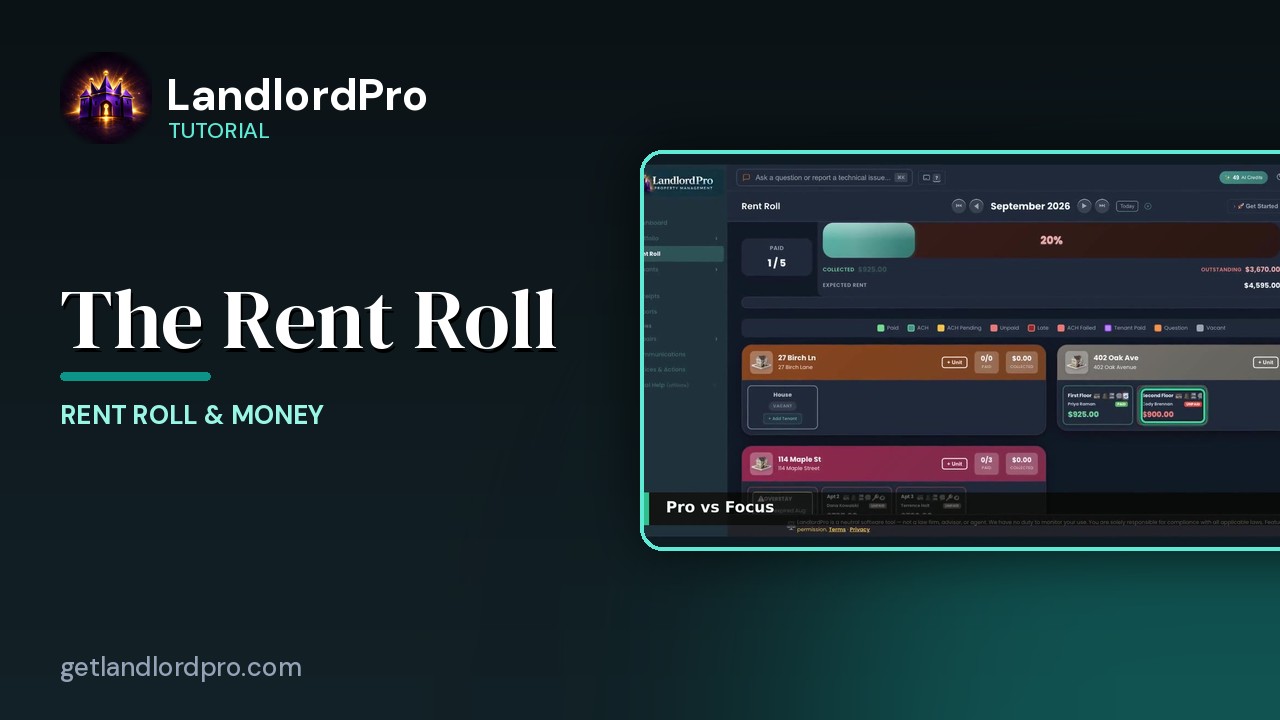
The Rent Roll — one month, every unit
The rent roll that does it all: one month, every unit, with payments, late payments, credits and discounts.…
2:59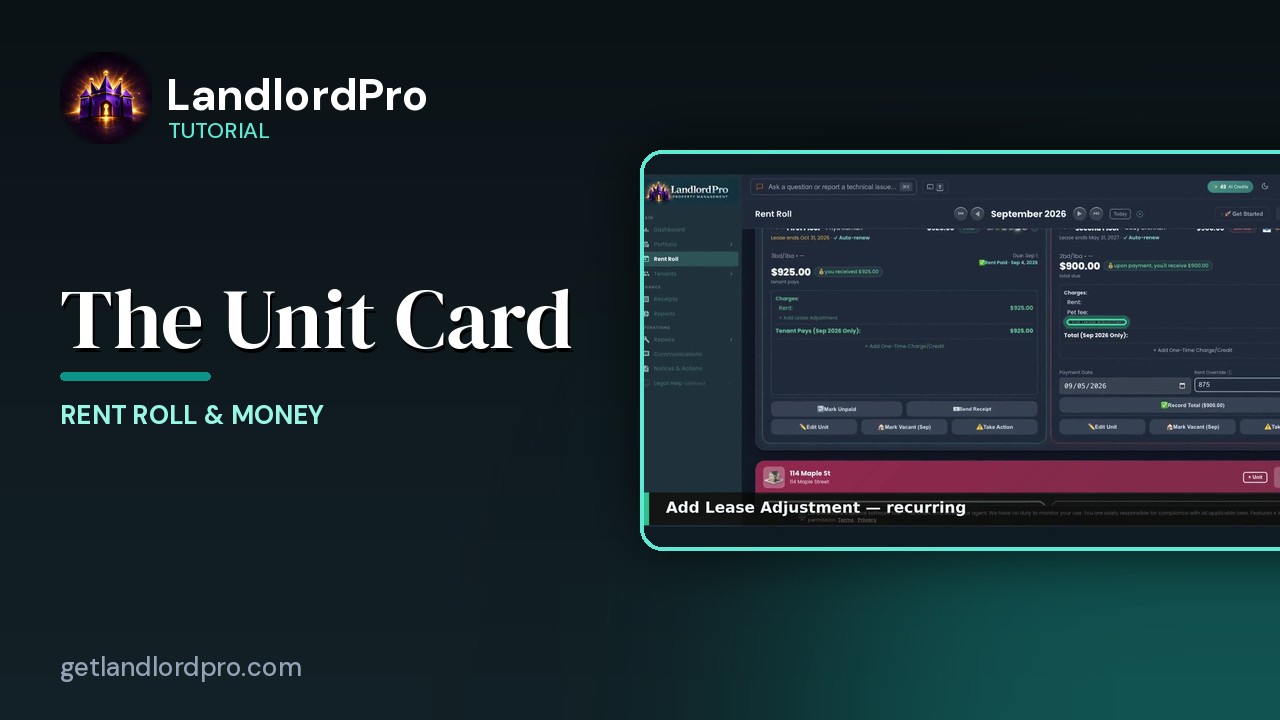
The Unit Card — button by button
Every button on a rent roll unit card: the icon bar, the numbers, lease adjustments, one-time charges,…
2:05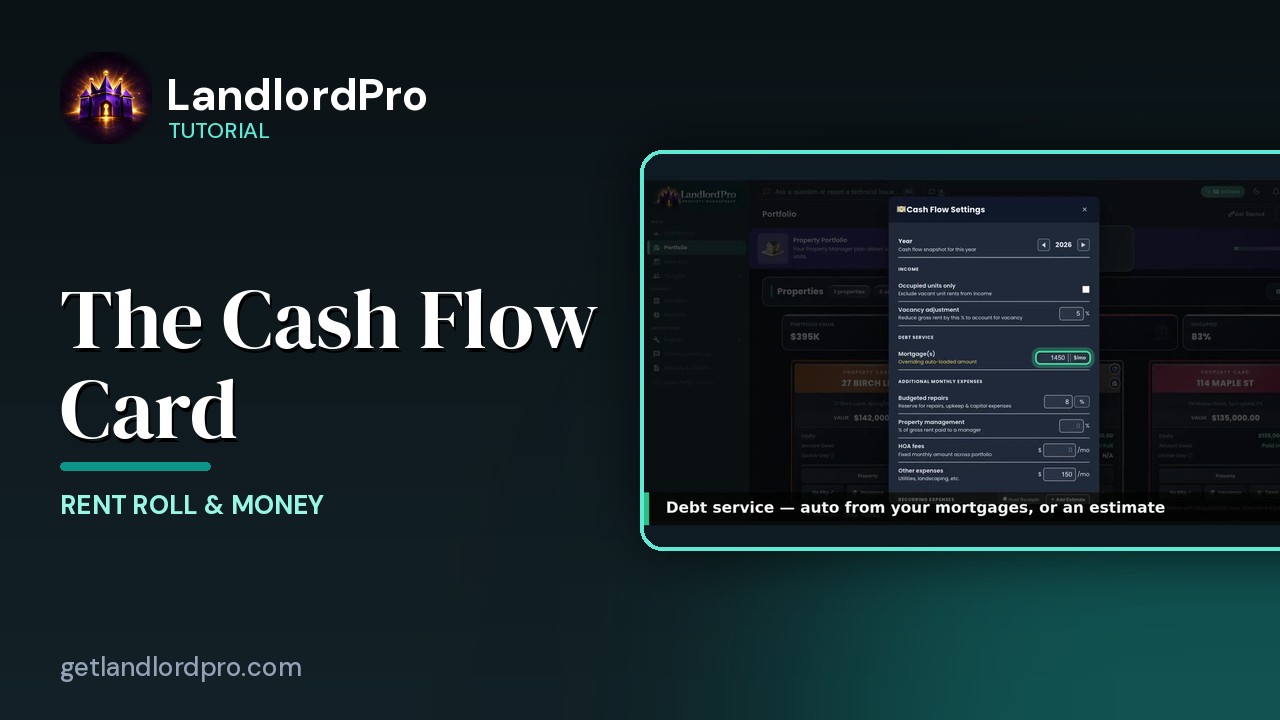
The Cash Flow Card — real cash flow, on your terms
Real cash flow per property, on your terms: year and income, debt service, expenses, estimates or hunted…
2:03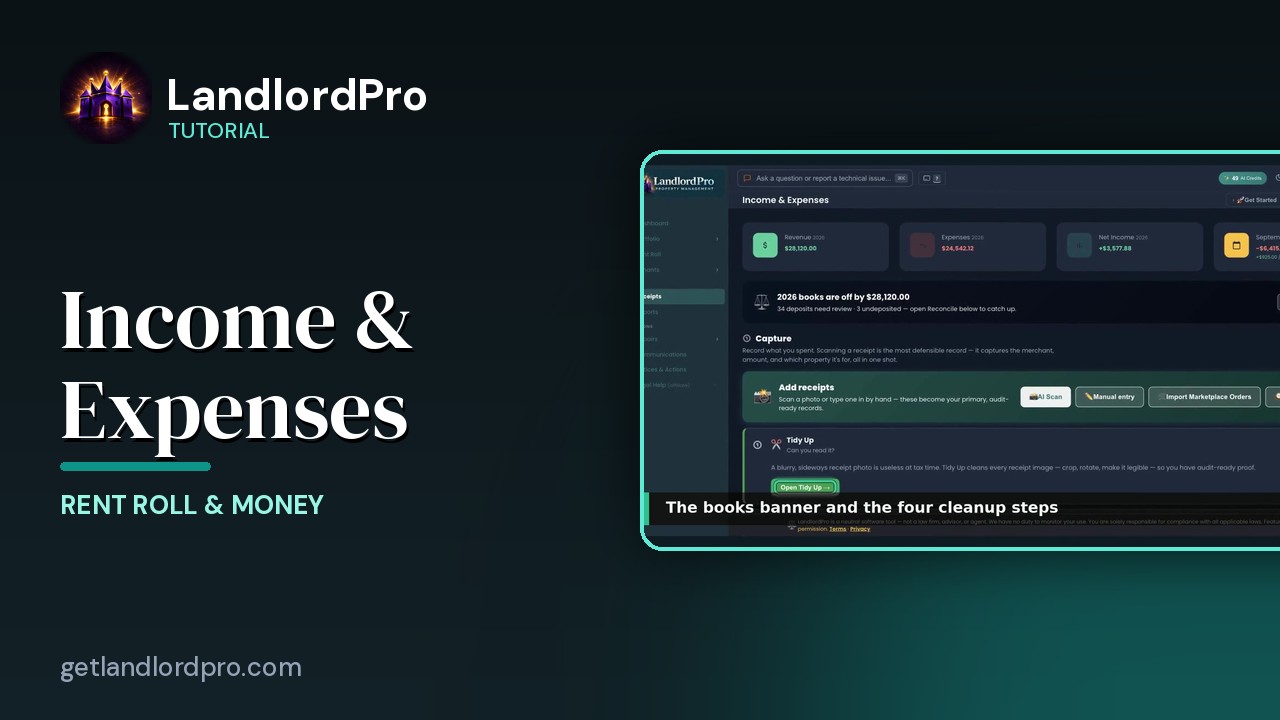
Income & Expenses — capture, reconcile, report
Capture receipts with your phone as the scanner, let AI read them, tidy up, reconcile against the bank,…
3:12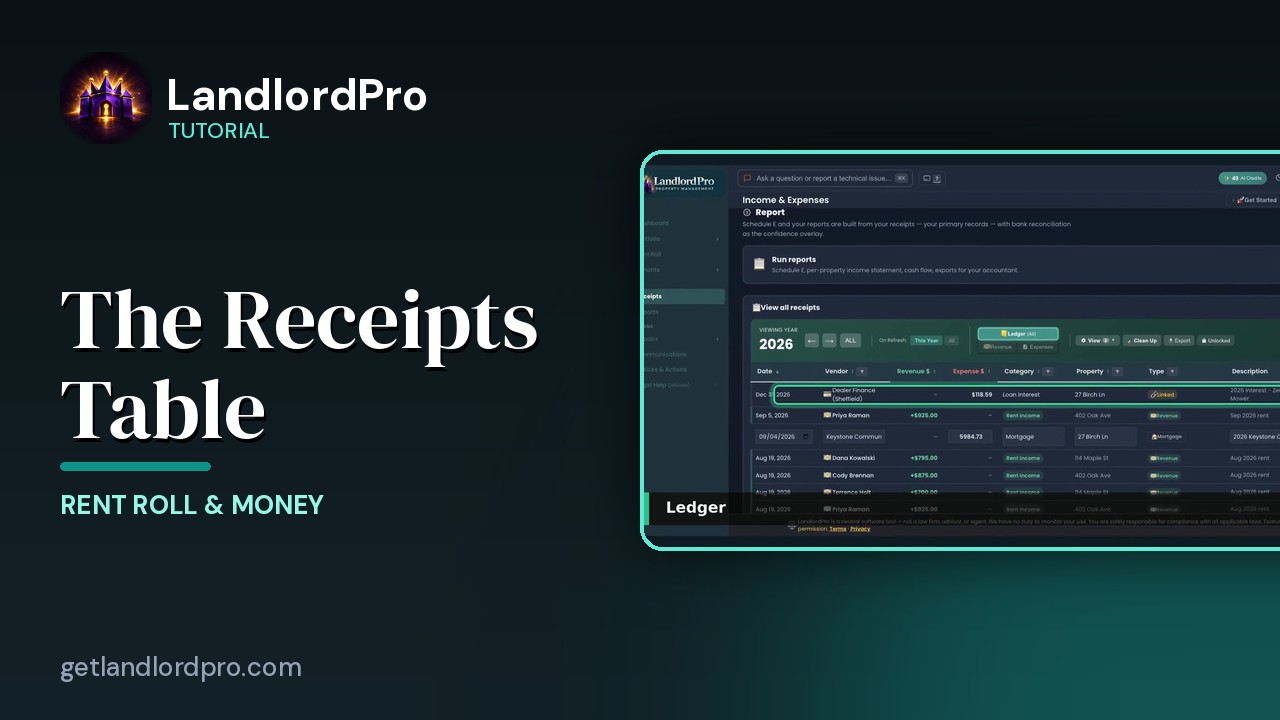
The Receipts Table
Working the receipts table: year and views, revenue, the ledger, view options, row actions, estimates and…
2:07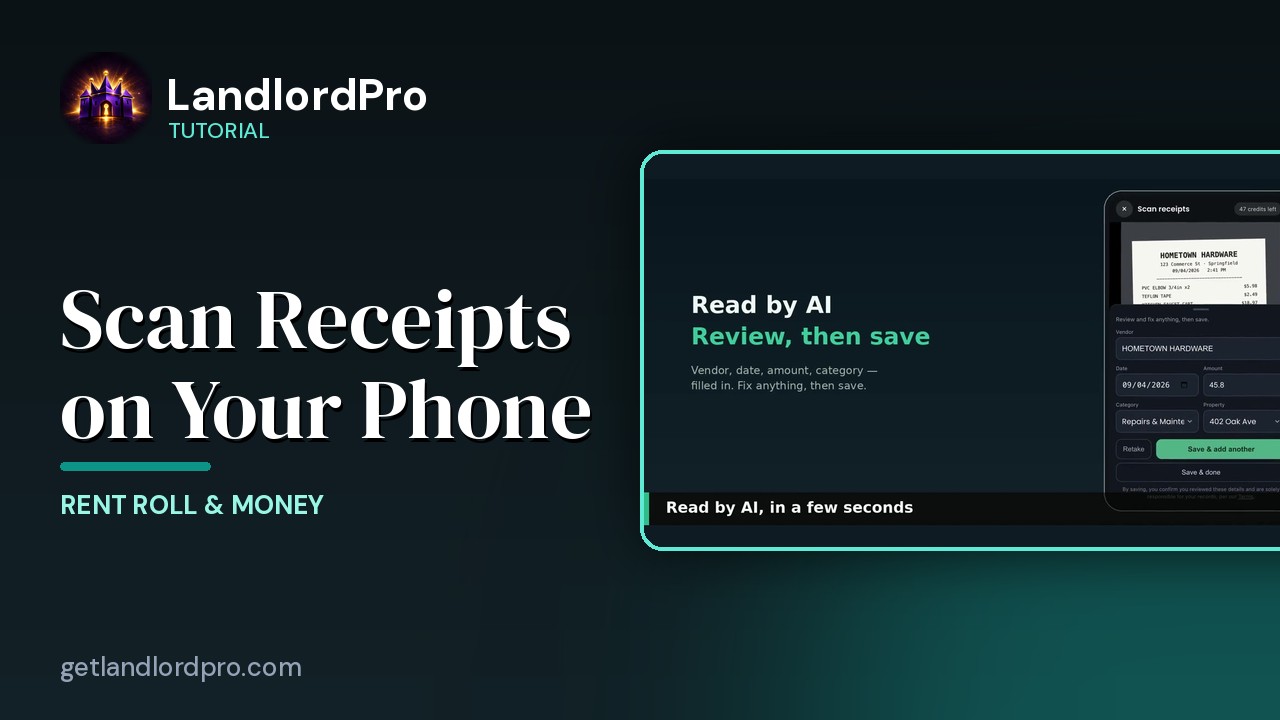
Scanning Receipts on Your Phone
Snap a receipt on your phone, let AI read it, save and add another — it's already in your receipts when you…
1:18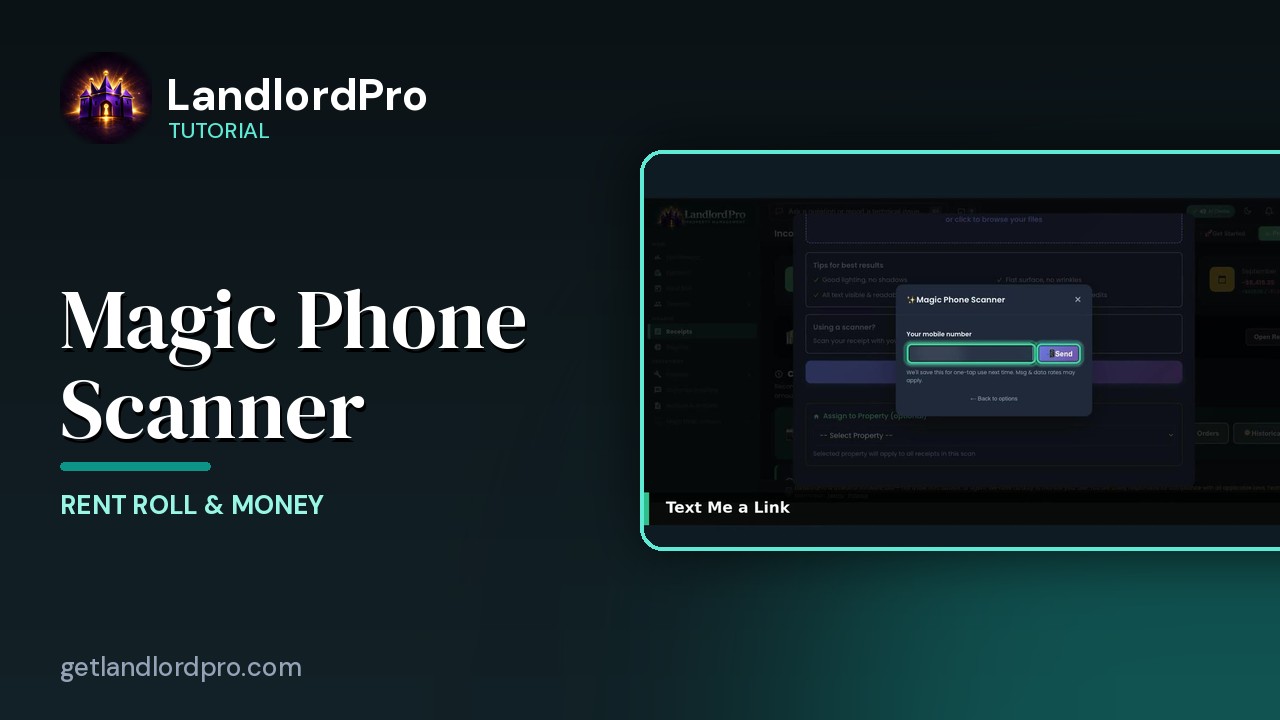
Magic Phone Scanner — receipts from your phone
Your phone becomes the receipt scanner: connect it to the desktop by QR code or text, snap receipts, and…
1:58All tutorials: the LandlordPro tutorial library · free tools: landlord calculators · help center.
See it on your own properties
LandlordPro is one tool for the whole job of being a landlord: ads built in minutes and pushed to Zillow, applications that pre-screen on your own criteria, leases created and e-signed in minutes, a tenant portal with ACH or Venmo payment, one-click messaging to every tenant in a building, phone contacts that sync as tenants are added, AI receipt scanning straight into Schedule E reports, guided photo move-in/move-out records, and a rent roll that does it all.
Try LandlordPro free →LandlordPro is not a law firm and does not give legal advice. Consult an attorney for your state and situation.