
Repairs — tickets, vendors, work orders, maintenance
Repairs end to end: tickets, the ticket itself with messages and photos, assigning, scheduling, vendors, maintenance, reports, and inspections.
Transcript
Intro0:00
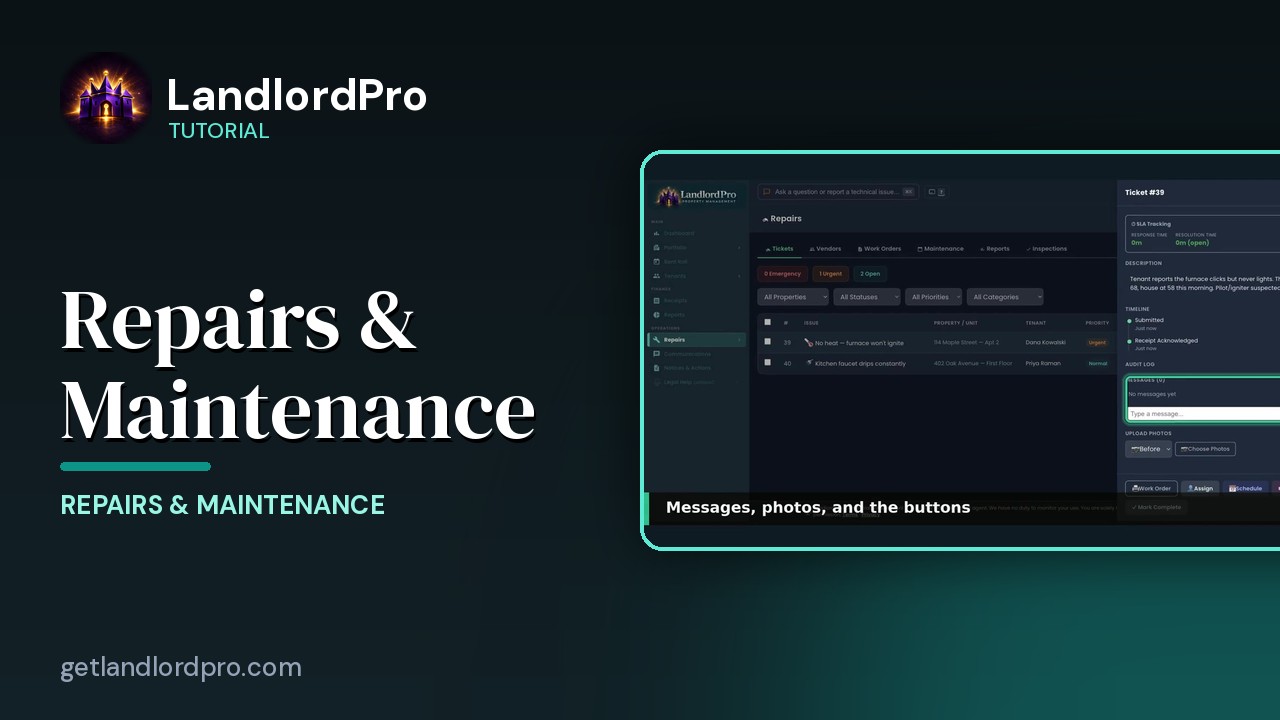
Repairs. Six tabs. Tickets the requests coming in. Vendors who fixes them. Work orders, task lists you send to a worker. Maintenance, the recurring schedules. Reports what repairs cost. And inspections. Let's walk it.
Tickets0:17
Tickets. The counters. Emergencies, urgent and open. Filters by property, status, priority and category. Tenants submit tickets from their portal. Add ticket logs when yourself. Each row. The issue, property and unit, tenant priority status, who it's assigned to the SLA clock and when it came in. Click a row to open it.
The ticket0:41
The ticket. Six stages across the top. Submitted, acknowledged, scheduled, working, done, closed. The details, whether entry is okay and SLA tracking. Response time and resolution time, live. The description and a timeline of everything that's happened.
Messages · photos · buttons0:58
Lower down the audit log, messages with the tenant and before and after photos. The buttons. Work order prints one for the vendor. Assign to yourself or a vendor. Schedule the visit. Start work. Mark complete. And once a vendor is on it, request work order signature. Assign to yourself if you're the handyman. Unassign or pick a vendor from your list.
Assign1:18
Schedule1:25
Schedule a date and a time window and the tenant sees it in their portal.
Vendors1:31
Vendors. A card per contractor. Category, phone and email. Address, notes, jobs and total spent. Save contact puts them in your phone. Edit. Portal opens their vendor portal link. Assign gives them a ticket. Deactivate hides them. AI refresh all updates vendor details and add all to contacts exports the whole list.
Maintenance1:54
Maintenance is the recurring stuff. Quick add gives you the usual ones. HVAC filters, smoke detectors, gutters, pest control, winterizing, water heater flush. Each schedule has a frequency, a next due date, a cost estimate and a season. Overdue due soon and done this year up top. Pause one when a property's vacant.
Reports2:15
Reports. Repair history and cost trends. Tickets completed, still open, total cost, average cost per repair, average response and resolution time and month by month costs for the last 12 months or any range per property.
Inspections2:31
Inspections. Every unit with its last and next inspection and whether it's overdue, due soon or on track. Pick the type, move in, move out or routine and inspect starts the walkthrough with photos. This is the same inspection you can start from a property card. Every repair from the tenant's request to done and paid. That's repairs. Get LandlordPro. Free to try. The address is on your screen.
All tutorials: the LandlordPro tutorial library · free tools: landlord calculators · help center.
See it on your own properties
LandlordPro is one tool for the whole job of being a landlord: ads built in minutes and pushed to Zillow, applications that pre-screen on your own criteria, leases created and e-signed in minutes, a tenant portal with ACH or Venmo payment, one-click messaging to every tenant in a building, phone contacts that sync as tenants are added, AI receipt scanning straight into Schedule E reports, guided photo move-in/move-out records, and a rent roll that does it all.
Try LandlordPro free →LandlordPro is not a law firm and does not give legal advice. Consult an attorney for your state and situation.