
The Rent Roll — one month, every unit
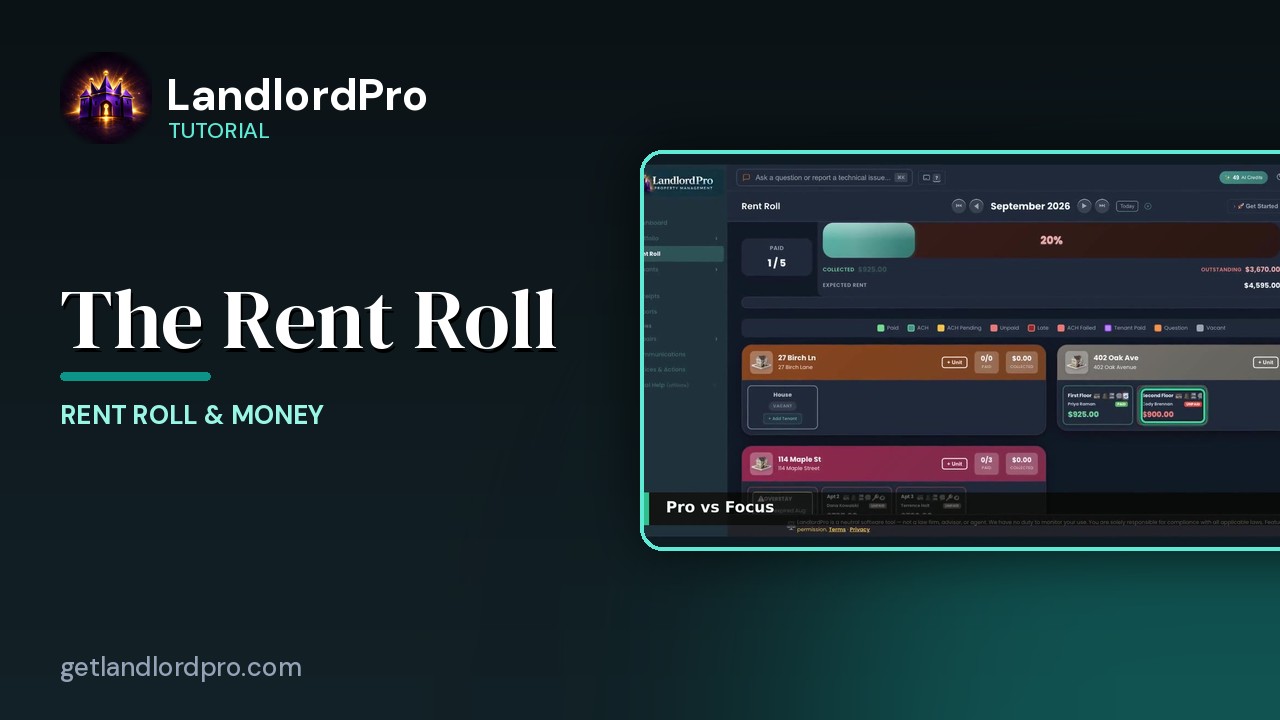
The rent roll that does it all: one month, every unit, with payments, late payments, credits and discounts. Summary, Pro vs Focus views, filters, delinquent-only, bulk actions, payment history, and property groups.
Transcript
Intro0:00
The rent roll. One month every unit, who's paid and who hasn't. The month at the top, the totals under it, filters and bulk actions, then every property with its units. Let's walk it.
The month0:13
The month is the whole page. The arrows step a month at a time. The double arrows jump to the first and last months you have. Today brings you back, and clicking the month name lets you type any month in year. Every number below follows the month you pick.
Summary0:28
The summary. Paid. How many units are paid this month? The bar. The percent of expected rent that's in. Collected and outstanding, and expected rent underneath. Click it to open a drawer with prior balances, and double click to fold past due amounts into the bar. Occupied on the right.
Pro vs Focus0:48
Pro and focus. Pro is the full card view. Focus shrinks every unit to a colored tile. Green paid, red unpaid, yellow ACH pending, gray vacant, and the legend explains the rest. Tap a tile and it opens full size. Here's that tile opened. The same full card, one at a time, and the arrows move you through the property.
Filters1:12
Filters. By property, by payment status, paid, unpaid or partial. Or by unit status, occupied or vacant. Clear resets them.
Delinquent Only1:22
Delinquent only is the one tap version. Just the units that owe money, this month or from a prior balance, and the totals recompute for that set. Minus all and plus all collapse or expand every card on the page.
Bulk Actions1:36
Bulk actions work on the whole month. Send reminders nudges every unpaid tenant and skips the ones on ACH. Mark all paid when the checks are in your hand. Send receipts emails everyone who's paid. Export the month as a spreadsheet or a print ready PDF. And tenant payment history.
Payment History1:55
Pick a tenant and it lays out every month you've tracked across every lease. Charged, paid, status and date with lifetime totals at the top and a CSV export at the bottom.
Property groups2:07
Each property is a group. The header shows paid units and dollars collected, plus unit as a unit. And if there are months before your records begin, this chip counts them. Click it to add a historical lease or mark the unit vacant for that stretch. Historical leases are records, not live activity. No reminders, no late fees. Pre-fill from PDF reads an old lease for you.
Unit cards2:32
Inside each group, every unit is a card. The unit, the tenant, the rent, the status pill, the tenant icon bar and a triangle to expand it. A vacant unit shows add tenant instead. The card has its own video next. One month every unit and everything you do about it. That's the rent roll. Get LandlordPro. Free to try. The address is on your screen.
More in Rent Roll & Money
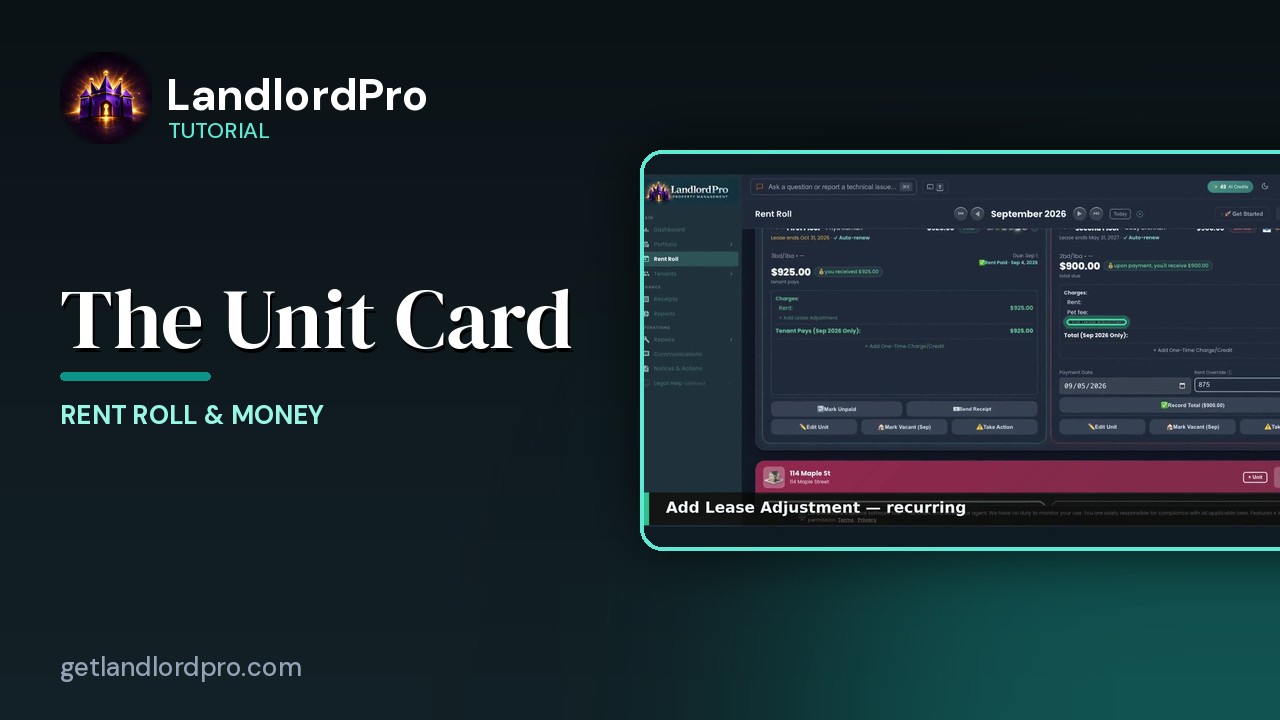
The Unit Card — button by button
Every button on a rent roll unit card: the icon bar, the numbers, lease adjustments, one-time charges,…
2:05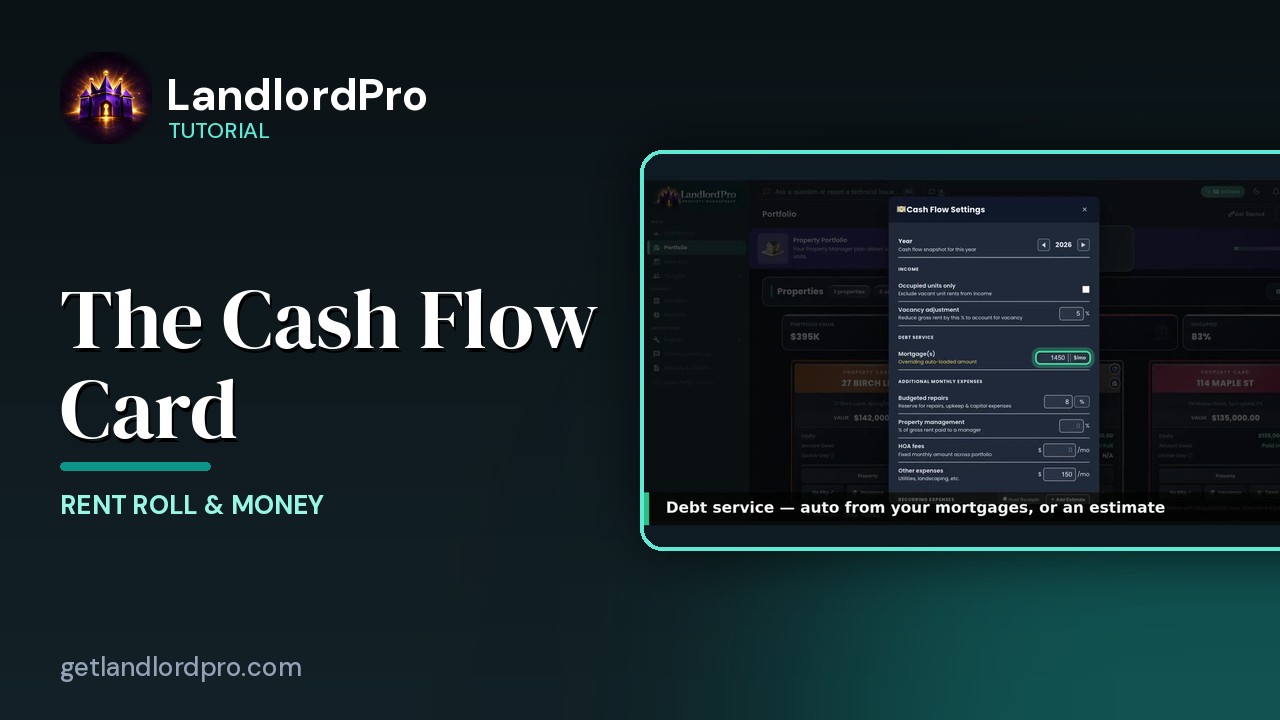
The Cash Flow Card — real cash flow, on your terms
Real cash flow per property, on your terms: year and income, debt service, expenses, estimates or hunted…
2:03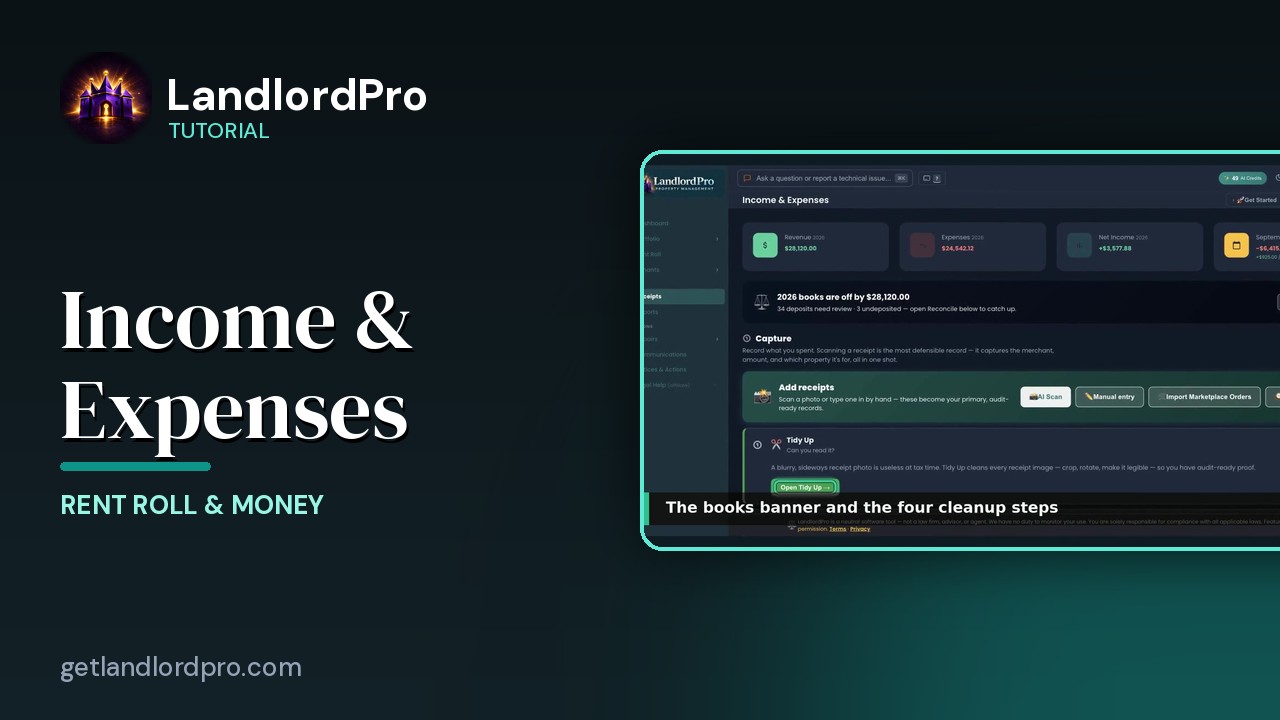
Income & Expenses — capture, reconcile, report
Capture receipts with your phone as the scanner, let AI read them, tidy up, reconcile against the bank,…
3:12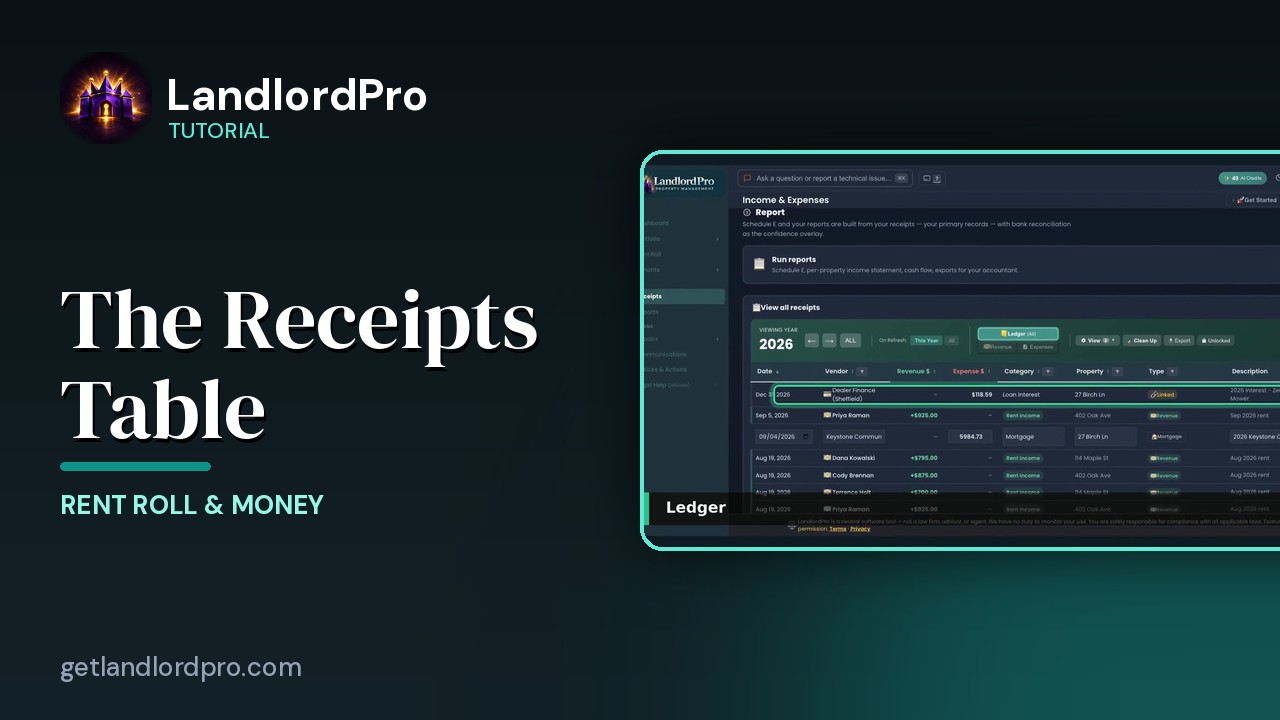
The Receipts Table
Working the receipts table: year and views, revenue, the ledger, view options, row actions, estimates and…
2:07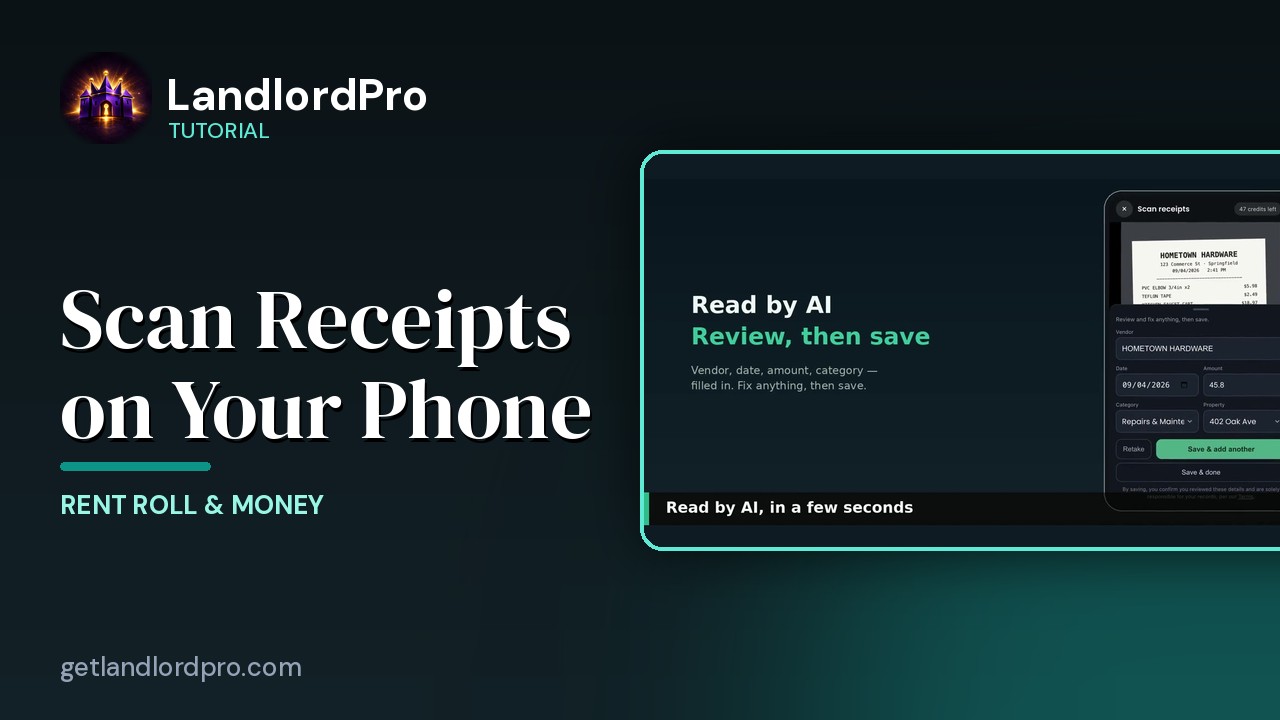
Scanning Receipts on Your Phone
Snap a receipt on your phone, let AI read it, save and add another — it's already in your receipts when you…
1:18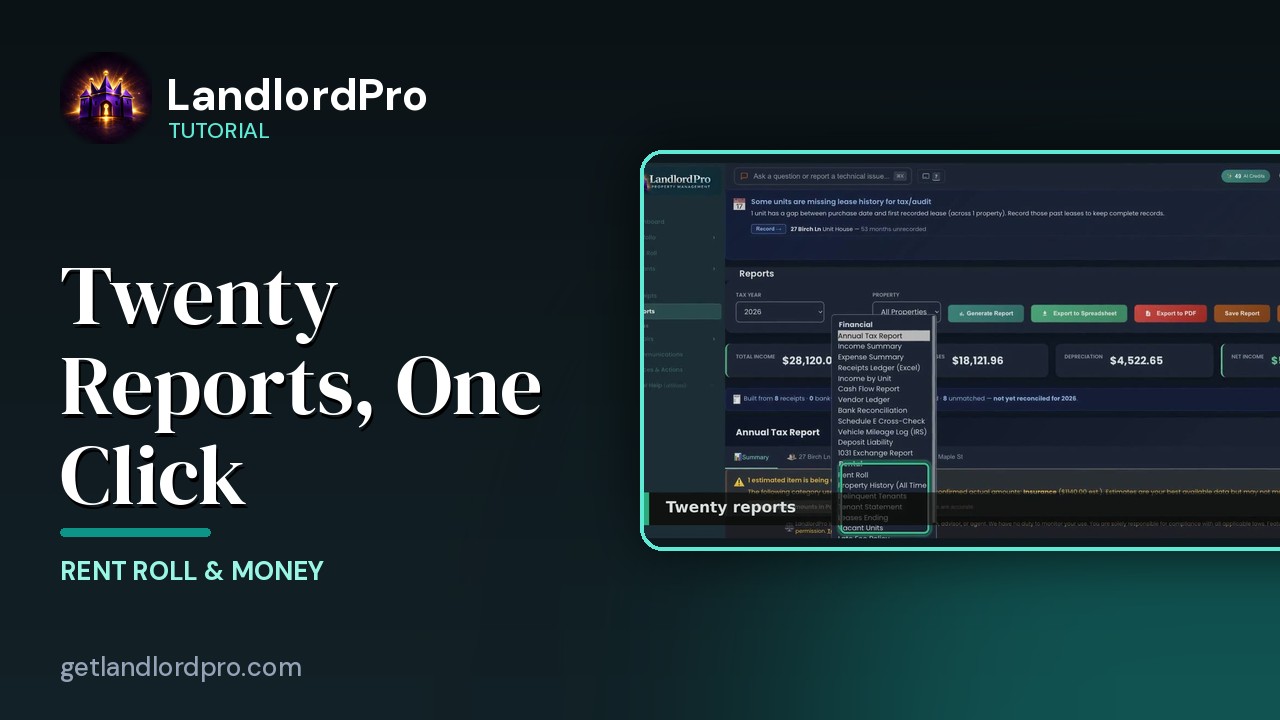
Reports — twenty reports, one click
Twenty landlord reports, one click each: the Annual Tax Report, summaries and estimates, categories and…
2:30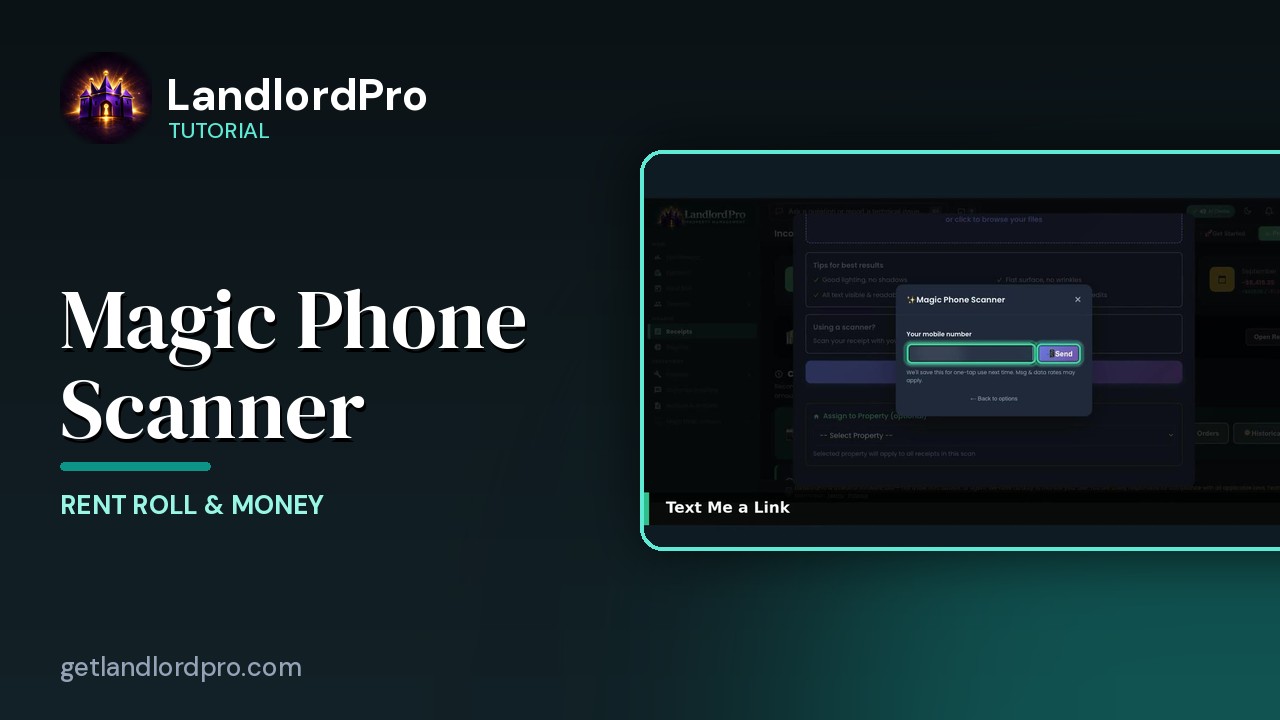
Magic Phone Scanner — receipts from your phone
Your phone becomes the receipt scanner: connect it to the desktop by QR code or text, snap receipts, and…
1:58All tutorials: the LandlordPro tutorial library · free tools: landlord calculators · help center.
See it on your own properties
LandlordPro is one tool for the whole job of being a landlord: ads built in minutes and pushed to Zillow, applications that pre-screen on your own criteria, leases created and e-signed in minutes, a tenant portal with ACH or Venmo payment, one-click messaging to every tenant in a building, phone contacts that sync as tenants are added, AI receipt scanning straight into Schedule E reports, guided photo move-in/move-out records, and a rent roll that does it all.
Try LandlordPro free →LandlordPro is not a law firm and does not give legal advice. Consult an attorney for your state and situation.