
The Unit Card — button by button
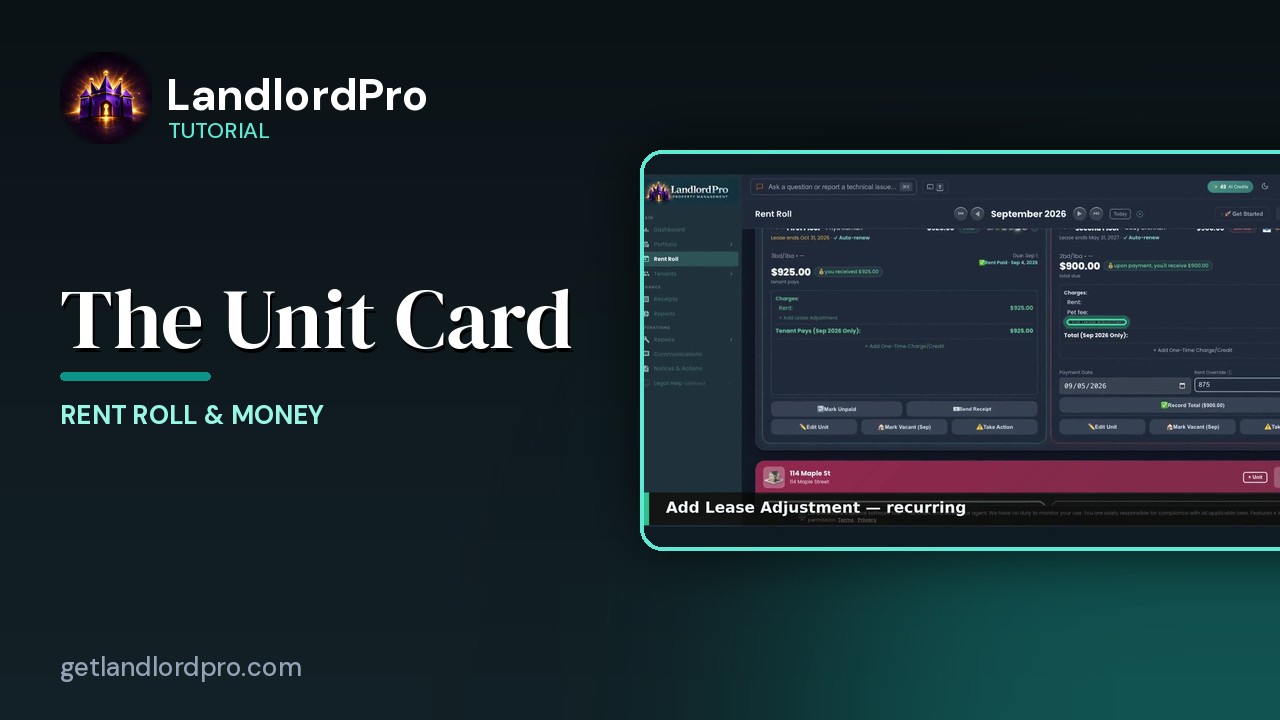
Every button on a rent roll unit card: the icon bar, the numbers, lease adjustments, one-time charges, recording a payment, what changes once paid, Edit / Vacant / Take Action, and handling an overstay.
Transcript
Intro0:00
The unit card collapsed its one line. The unit, the tenant, this month's amount, the status pill, the tenant icon bar, and the triangle that expands it. Open it and you get the money and the buttons.
Icon bar0:13
The icon bar. Send a bill, payment settings, a reminder, the contact card, messages, the portal key, and a look at what the tenant sees. It's the same bar as on the tenant's page, and it has its own video, the tenant icon bar.
The numbers0:29
Expanded. The amount due, the due date, and what you'll actually receive after fees. Then charges. Rent any adjustments, and the total for this month only.
Lease adjustments0:40
Add lease adjustment is for recurring changes. A pet fee, parking, a storage credit. It becomes its own line on every month's bill, like this pet fee.
One-time charges0:51
Add one-time charge or credit is for the one-offs. A repair bill, a rent concession, a refund. There's a clip inside that modal.
Recording payment1:00
Then the payment. Pick the date, change the amount if the tenant paid something different, and record total marks it paid. Everything updates. The pill, the property header, and the summary at the top.
Once paid1:13
Once it's paid, the card turns green and the buttons change. Mark unpaid if you made a mistake, and send receipt emails the tenant a receipt.
Edit · Vacant · Take Action1:22
The bottom row. Edit unit. Bedrooms, bathrooms, the occupancy history, and the lease details. Mark vacant. The move out flow with the deposit settlement and the final bill. Take action. Start a notice from a late-rent warning to a court filing.
Overstay1:40
When a lease has expired and the tenant is still there, the card flags an overstay and bills the holdover rate from the lease. Here 150%. Resolve overstay sets the real move out date and prorates it. One card per unit, and everything you do for that tenant is on it. Get LandlordPro. Free to try. The address is on your screen.
More in Rent Roll & Money
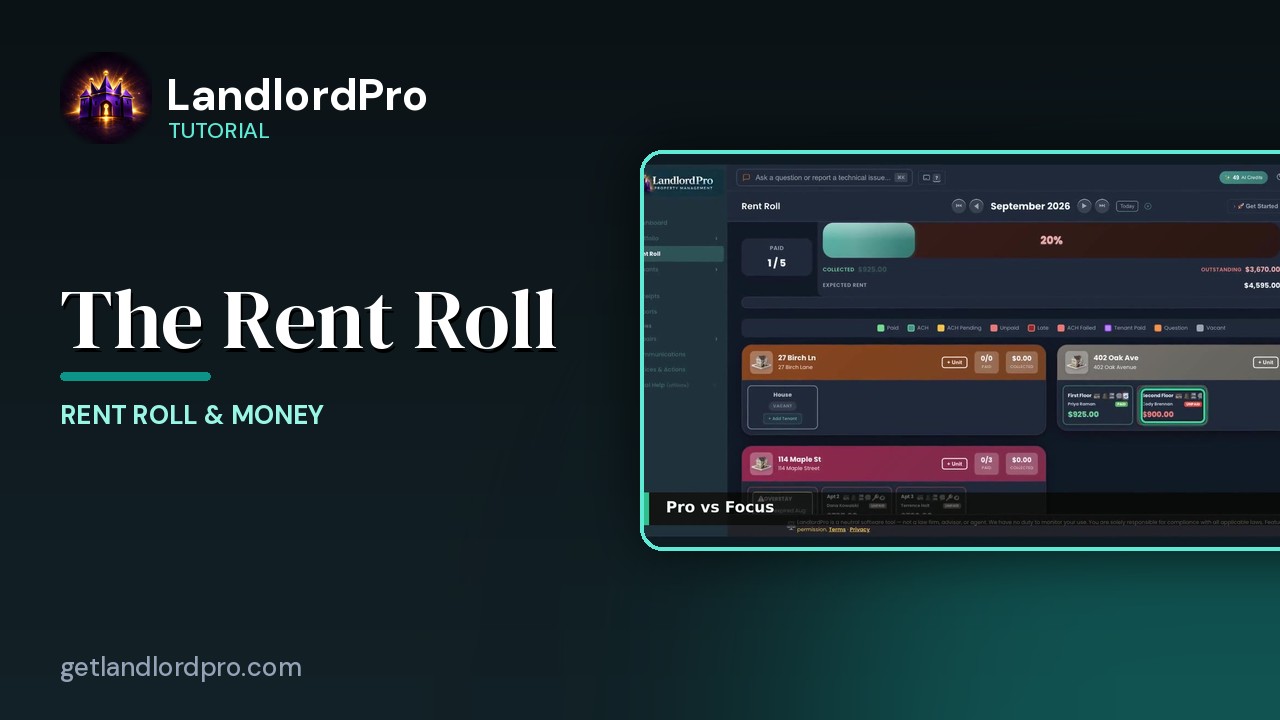
The Rent Roll — one month, every unit
The rent roll that does it all: one month, every unit, with payments, late payments, credits and discounts.…
2:59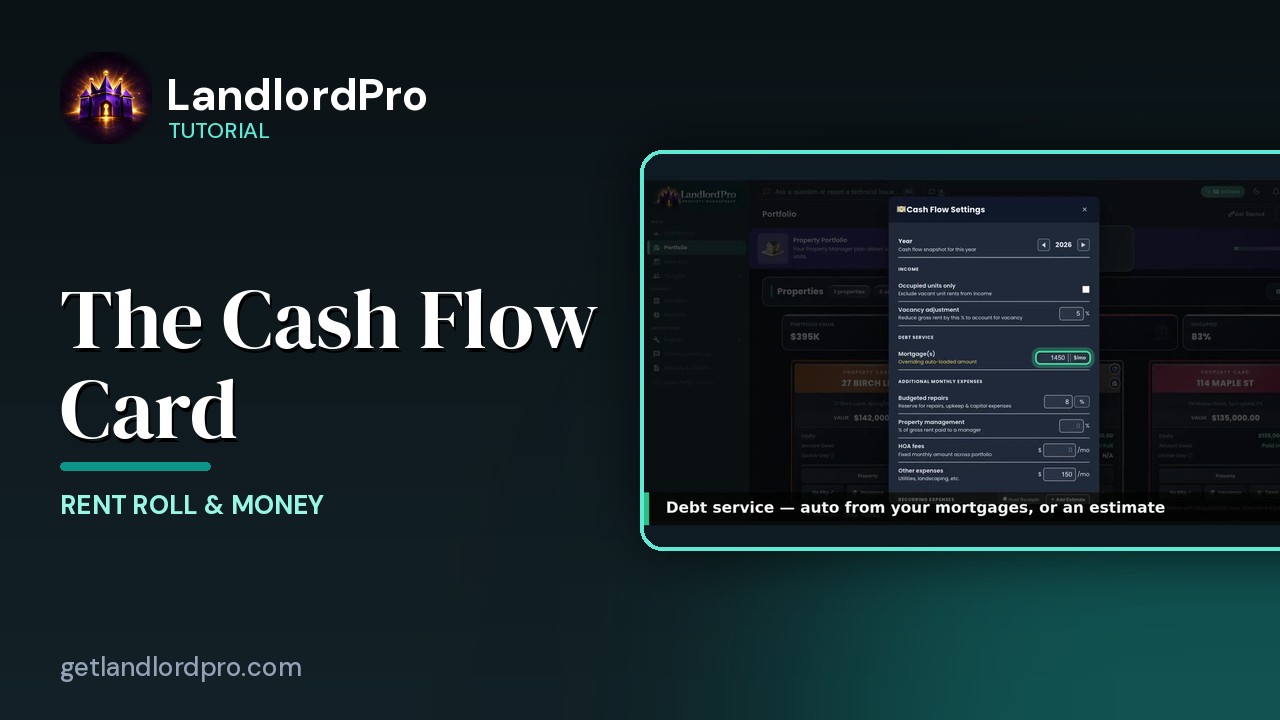
The Cash Flow Card — real cash flow, on your terms
Real cash flow per property, on your terms: year and income, debt service, expenses, estimates or hunted…
2:03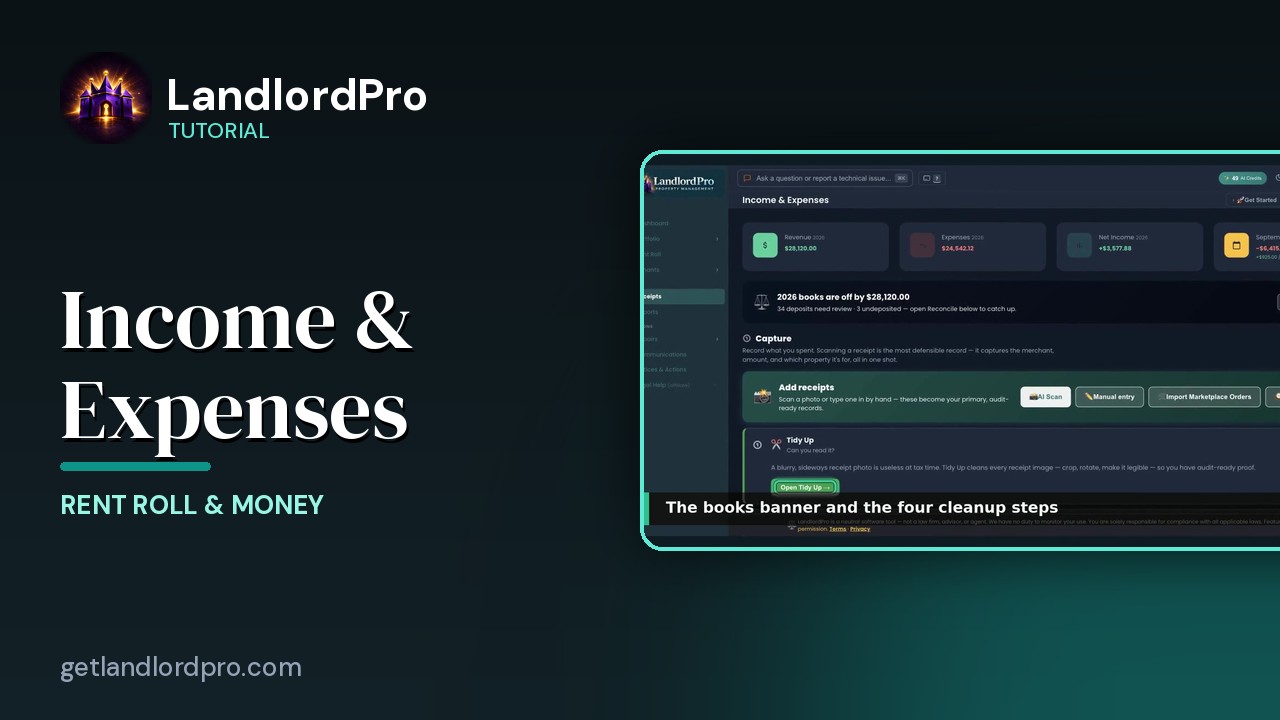
Income & Expenses — capture, reconcile, report
Capture receipts with your phone as the scanner, let AI read them, tidy up, reconcile against the bank,…
3:12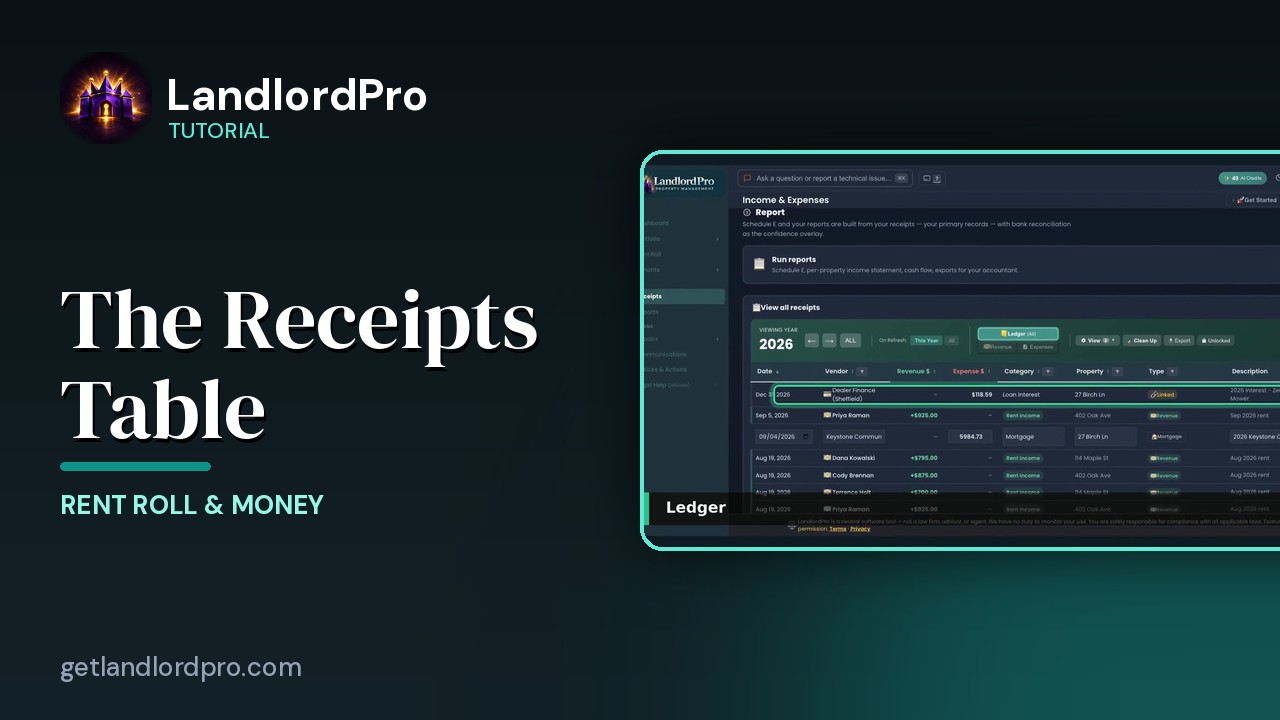
The Receipts Table
Working the receipts table: year and views, revenue, the ledger, view options, row actions, estimates and…
2:07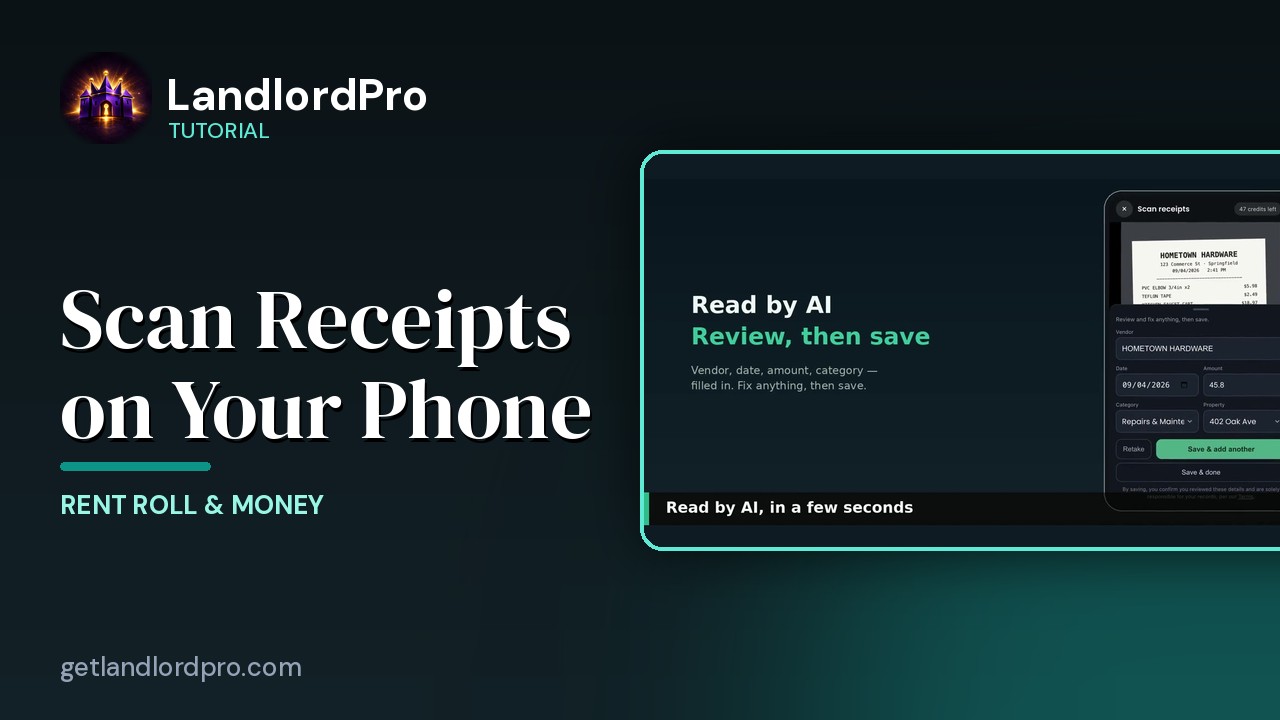
Scanning Receipts on Your Phone
Snap a receipt on your phone, let AI read it, save and add another — it's already in your receipts when you…
1:18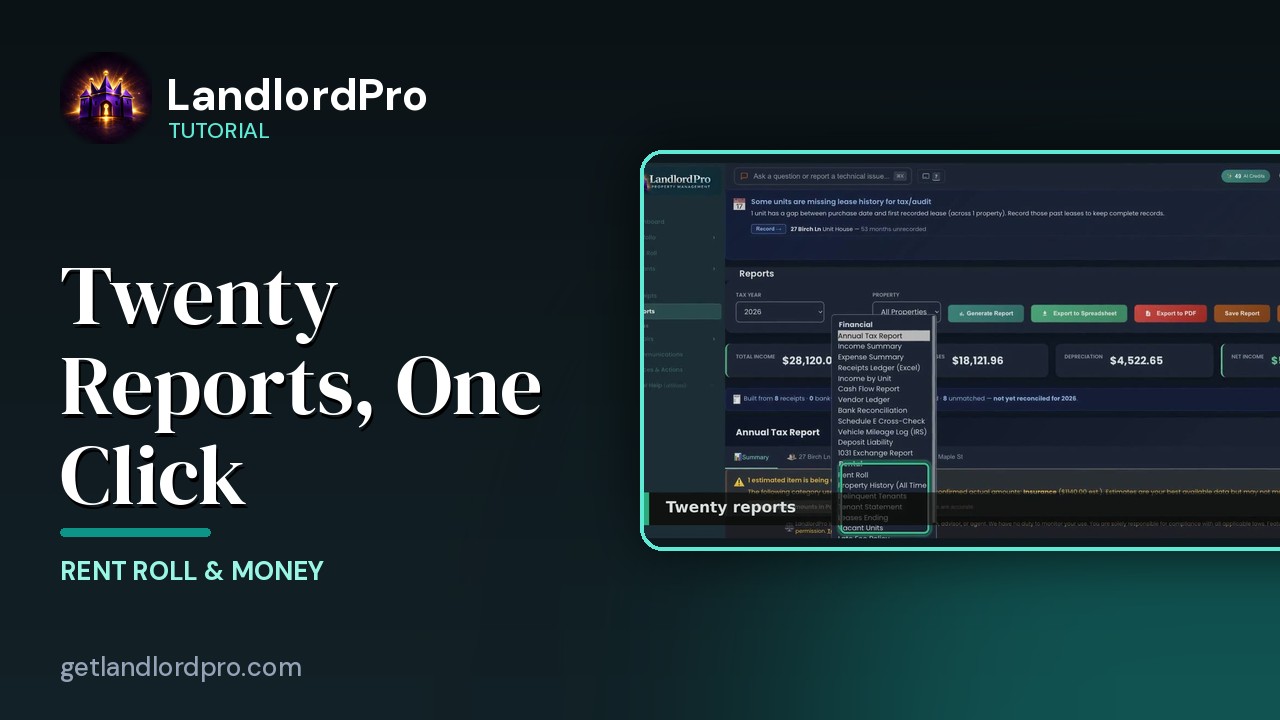
Reports — twenty reports, one click
Twenty landlord reports, one click each: the Annual Tax Report, summaries and estimates, categories and…
2:30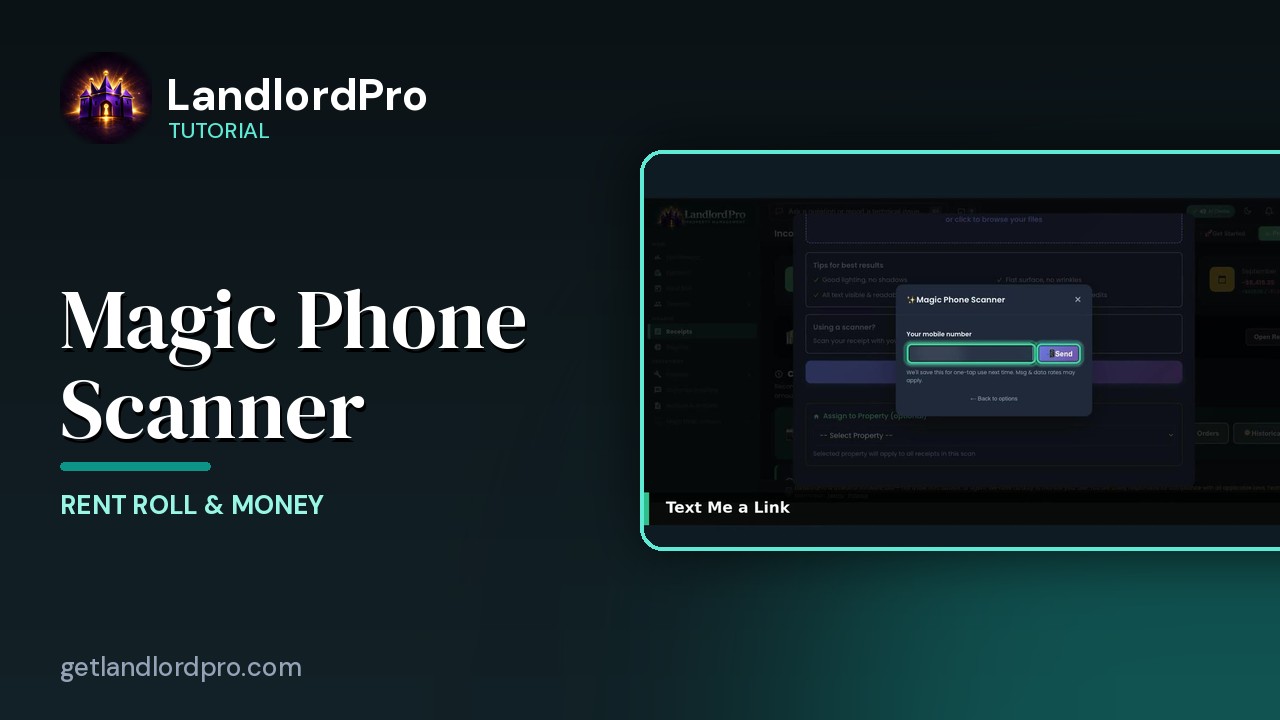
Magic Phone Scanner — receipts from your phone
Your phone becomes the receipt scanner: connect it to the desktop by QR code or text, snap receipts, and…
1:58All tutorials: the LandlordPro tutorial library · free tools: landlord calculators · help center.
See it on your own properties
LandlordPro is one tool for the whole job of being a landlord: ads built in minutes and pushed to Zillow, applications that pre-screen on your own criteria, leases created and e-signed in minutes, a tenant portal with ACH or Venmo payment, one-click messaging to every tenant in a building, phone contacts that sync as tenants are added, AI receipt scanning straight into Schedule E reports, guided photo move-in/move-out records, and a rent roll that does it all.
Try LandlordPro free →LandlordPro is not a law firm and does not give legal advice. Consult an attorney for your state and situation.