
Income & Expenses — capture, reconcile, report
Capture receipts with your phone as the scanner, let AI read them, tidy up, reconcile against the bank, verify, and report — straight into Schedule E.
Transcript
Intro0:00
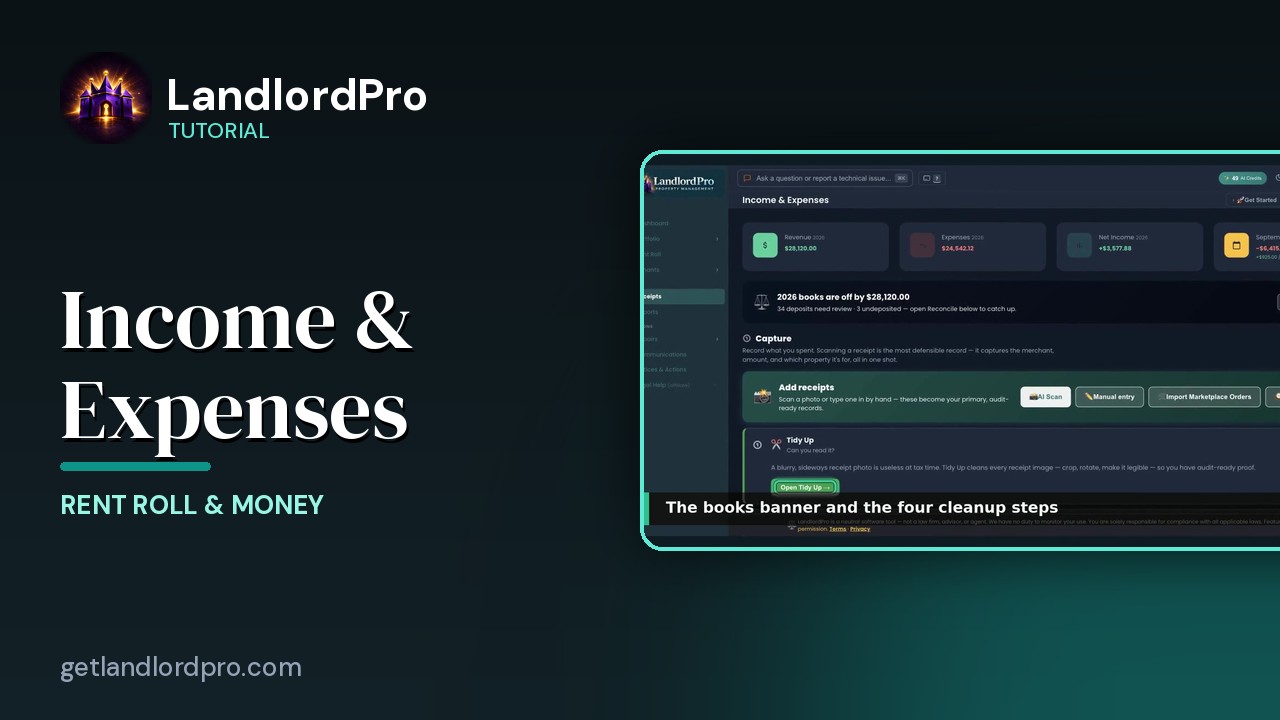
Income and Expenses, your receipts hub. It's built in three phases. Capture what you spent, reconcile it against the bank and report. The year's numbers up top, the phases down the page, and every receipt in a table at the bottom. Let's walk it.
Revenue · Expenses · Net0:16
The four cards. Revenue and Expenses for the year, net income and this month, with income and spending under it. They come from your receipts and your rent roll.
Capture0:26
Capture four ways to add a receipt. AI scan reads a photo or a PDF. Merchant amounts date and which property. Manual entry types one in. Import marketplace orders turns an Amazon order history into receipts, no credits. And historical backfill enters years of past expenses in a grid. Each of these has a clip inside it.
The books banner0:50
When the books don't match the bank, this banner says by how much and why, and open reconcile takes you there. Under Capture, the four-step cleanup. Step one, tidy up. A blurry, sideways receipt photo is useless at tax time, so tidy up crops and straightens every image into auditory proof.
Tidy Up1:09
Tidy up detects the paper edges on each photo. Drag the box to adjust, skip to leave one as is, and crop and save all keeps what you kept.
Organize · Reconcile · Snap1:19
Step two, organize. Every receipt categorized and assigned to a property. Then the reconcile phase. Connect a data source. Your bank or a statement CSV, so every receipt is confirmed as cleared and anything you forgot to scan surfaces. Step three, snap, catches the same expense counted twice, once from a scan and once from the bank, and it runs automatically.
Reconcile1:44
Step four, reconcile. Sweep runs on its own, on page load and nightly, and settles everything provable. Links charges to receipts, pairs transfers, matches rent deposits. What needs your judgment goes to deposits, one question at a time, then charges. Match a receipt, promote with a reason, save a rule or ignore. Verify is the read-only proof. Month by month, green when it's done, with percent bank verified.
Verify2:11
The month grid and under it the insurance, tax and mortgage interest check. What your portfolio expects versus what receipts have recorded. A receipt overrides the estimate. Bank matching confirms it.
Report2:24
Phase three, report. Schedule E and every other report are built from these receipts, with bank reconciliation as the confidence layer. Open reports takes you there. Reports has its own video.
View all receipts2:38
Then the table. Every receipt for the year you're viewing. Step years with the arrows or show all. Ledger shows income and expenses together. Revenue and expenses split them. View sets grouping and what's shown. Cleanup jumps to the four steps. Export downloads a spreadsheet. And unlocked means you can edit in line. The table has its own video. Capture reconcile report. That's income and expenses. Get LandlordPro. Free to try. The address is on your screen.
More in Rent Roll & Money
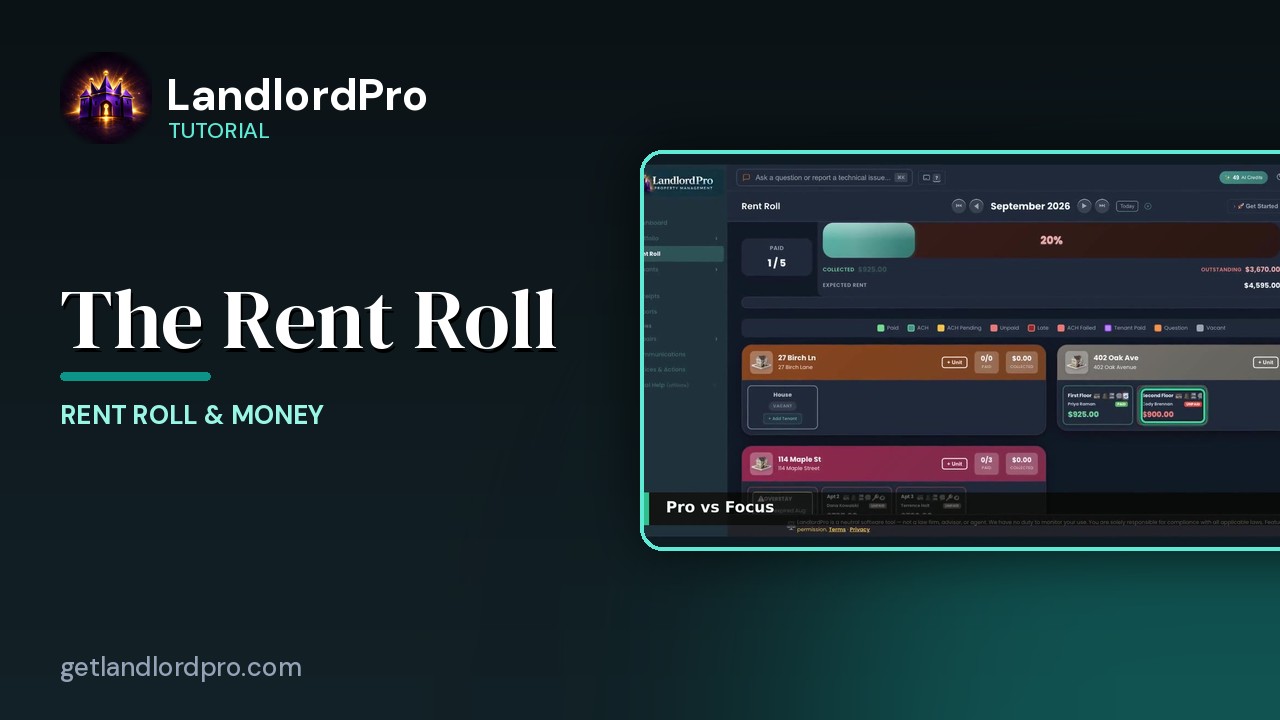
The Rent Roll — one month, every unit
The rent roll that does it all: one month, every unit, with payments, late payments, credits and discounts.…
2:59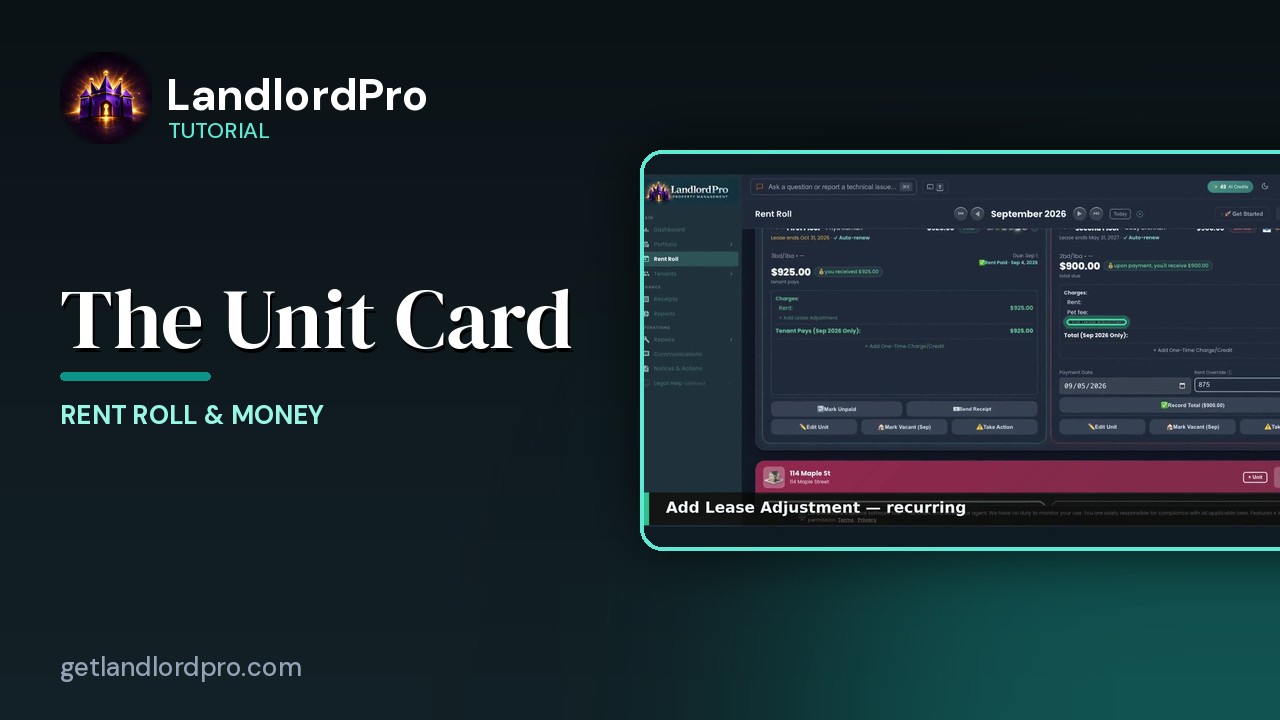
The Unit Card — button by button
Every button on a rent roll unit card: the icon bar, the numbers, lease adjustments, one-time charges,…
2:05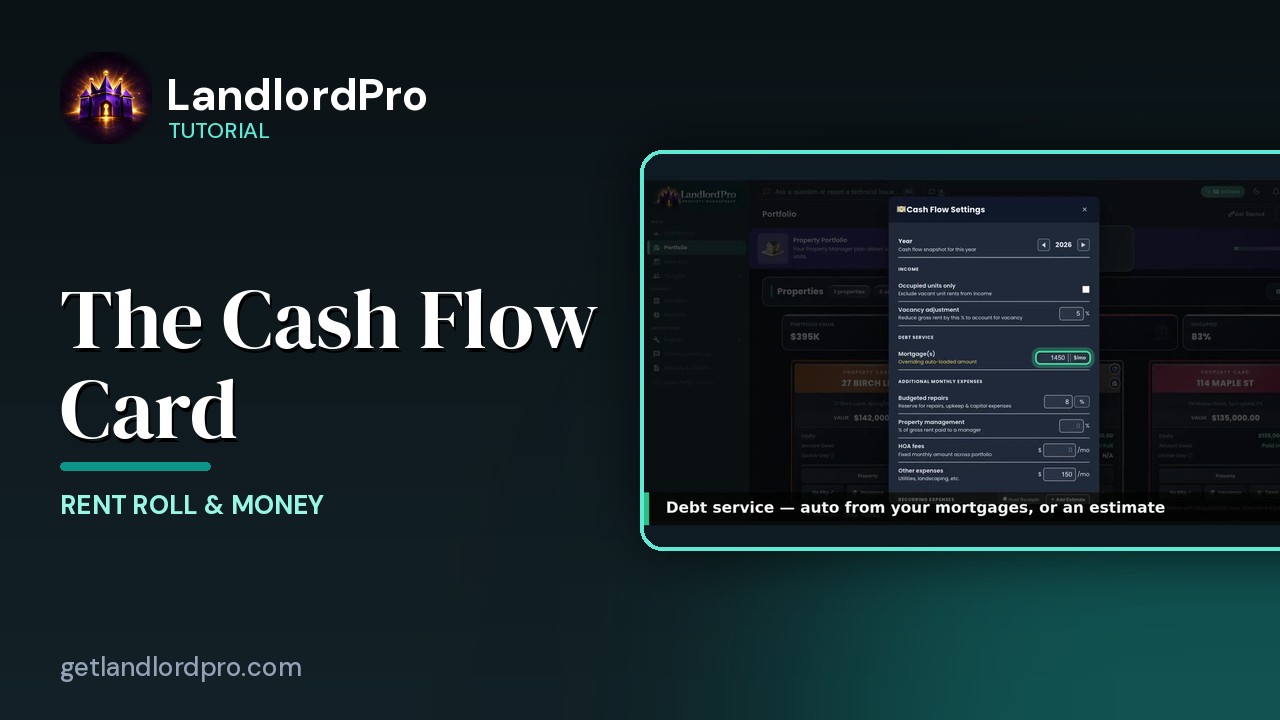
The Cash Flow Card — real cash flow, on your terms
Real cash flow per property, on your terms: year and income, debt service, expenses, estimates or hunted…
2:03
The Receipts Table
Working the receipts table: year and views, revenue, the ledger, view options, row actions, estimates and…
2:07
Scanning Receipts on Your Phone
Snap a receipt on your phone, let AI read it, save and add another — it's already in your receipts when you…
1:18
Reports — twenty reports, one click
Twenty landlord reports, one click each: the Annual Tax Report, summaries and estimates, categories and…
2:30
Magic Phone Scanner — receipts from your phone
Your phone becomes the receipt scanner: connect it to the desktop by QR code or text, snap receipts, and…
1:58All tutorials: the LandlordPro tutorial library · free tools: landlord calculators · help center.
See it on your own properties
LandlordPro is one tool for the whole job of being a landlord: ads built in minutes and pushed to Zillow, applications that pre-screen on your own criteria, leases created and e-signed in minutes, a tenant portal with ACH or Venmo payment, one-click messaging to every tenant in a building, phone contacts that sync as tenants are added, AI receipt scanning straight into Schedule E reports, guided photo move-in/move-out records, and a rent roll that does it all.
Try LandlordPro free →LandlordPro is not a law firm and does not give legal advice. Consult an attorney for your state and situation.