
Magic Phone Scanner — receipts from your phone
Your phone becomes the receipt scanner: connect it to the desktop by QR code or text, snap receipts, and watch them land in your books.
Transcript
Intro0:00
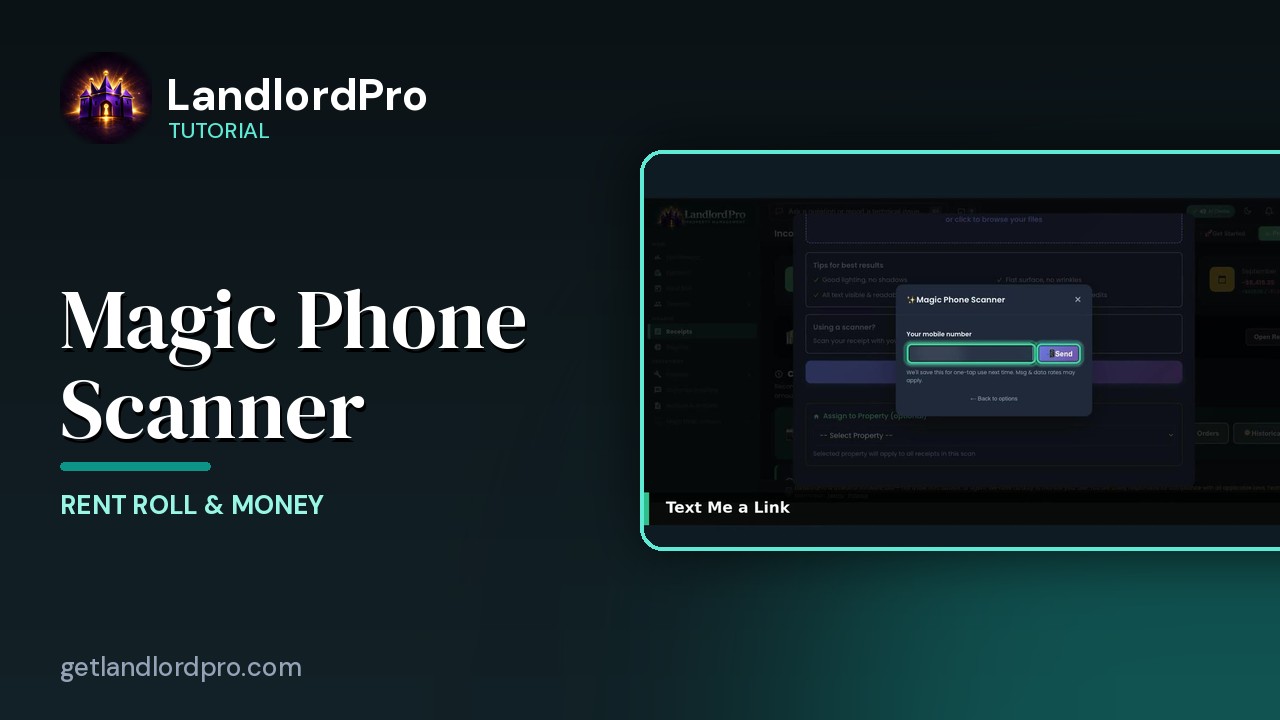
The AI Receipt Scanner takes a photo or PDF, drop it here or browse, but most receipts are in your hand, not on your desk. That's what the Magic Phone Scanner is for. Your phone becomes the camera, and every photo lands in this window instantly.
The button0:16
Scroll down in the scanner, Magic Phone Scanner, snap receipts from your phone, they appear here, and below it, assign a property up front so every receipt in this batch gets filed to it.
Two ways to connect0:28
Two ways to connect the phone, text me a link, one tap in the scanner opens, or scan QR code with the phone camera. Text me a link, your number is send and the link is on your phone, it's remembered so next time it really is one tap.
The QR code0:46
Or the QR code, point the phone camera at it, the session stays open for 15 minutes of scanning and the window waits for the photos.
On your phone0:55
On the phone, ready to scan. Take photo opens the camera, choose from library, picks one you already took. No app to install, it's a web page. Snap and it's sent. One photo sent to desktop, desktop ready for photos. Keep taking them, one receipt per photo, and they queue up on the desktop while you review. Done, go back to desktop when you're through.
Back on the desktop1:20
Back on the desktop, the QR window closed itself and the photo is in the scanner. One photo received from phone. Check it's legible, tick the confirmation, and extract receipt reads it with AI, one credit per receipt found, charged when you extract, not when you save. Each receipt gets a confirmation card to review before it's saved, and scan another pulls the next phone photo. Receipt in hand to receipt on file, without walking to the desk. That's the magic phone scanner. Get LandlordPro. Free to try. The address is on your screen.
More in Rent Roll & Money
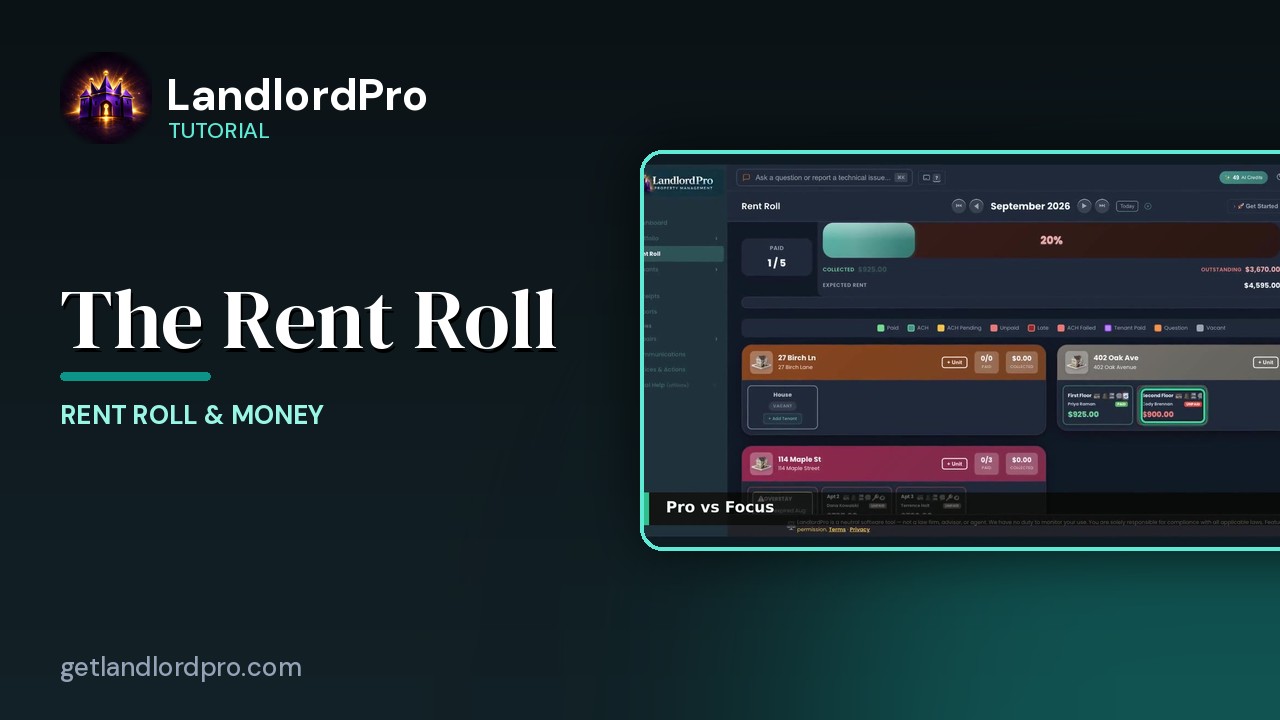
The Rent Roll — one month, every unit
The rent roll that does it all: one month, every unit, with payments, late payments, credits and discounts.…
2:59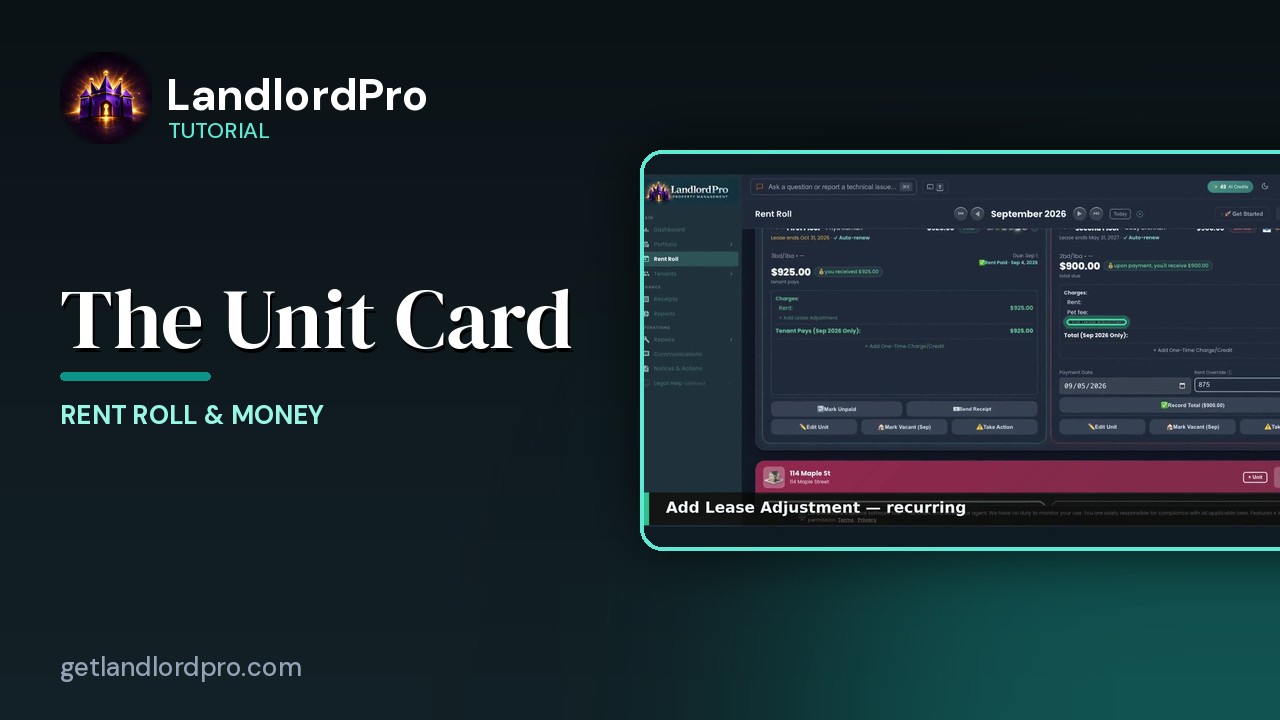
The Unit Card — button by button
Every button on a rent roll unit card: the icon bar, the numbers, lease adjustments, one-time charges,…
2:05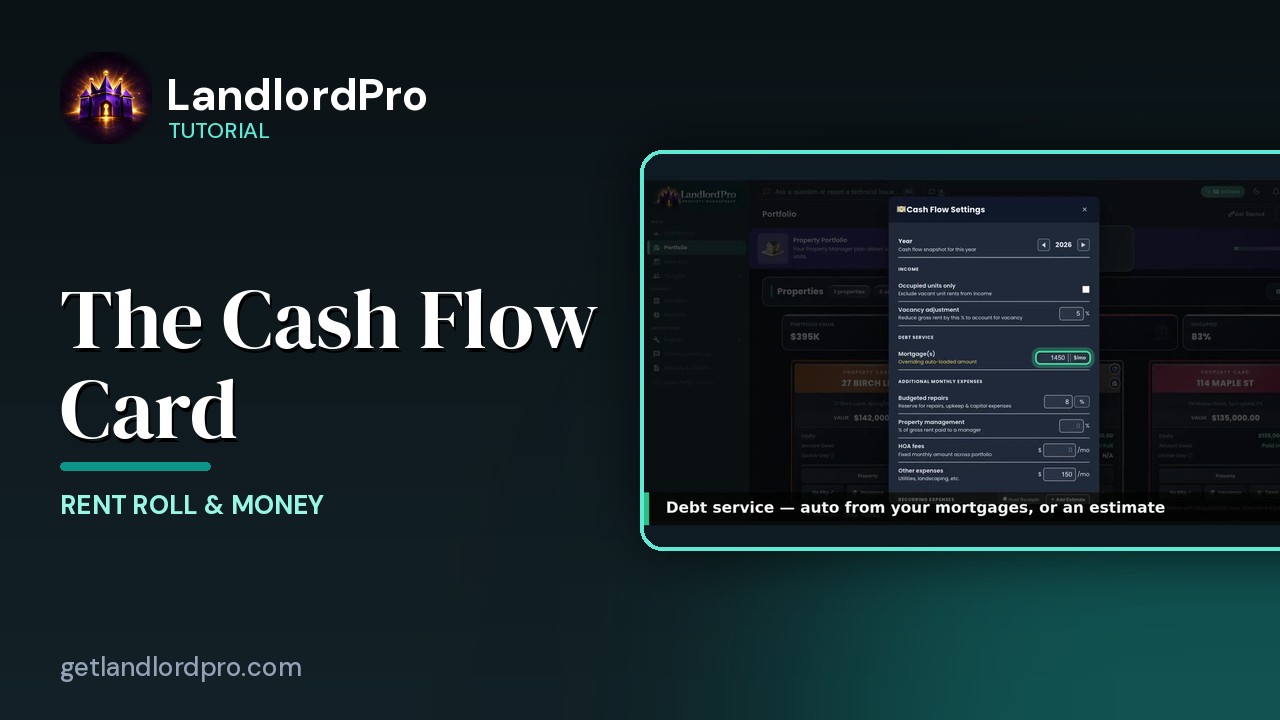
The Cash Flow Card — real cash flow, on your terms
Real cash flow per property, on your terms: year and income, debt service, expenses, estimates or hunted…
2:03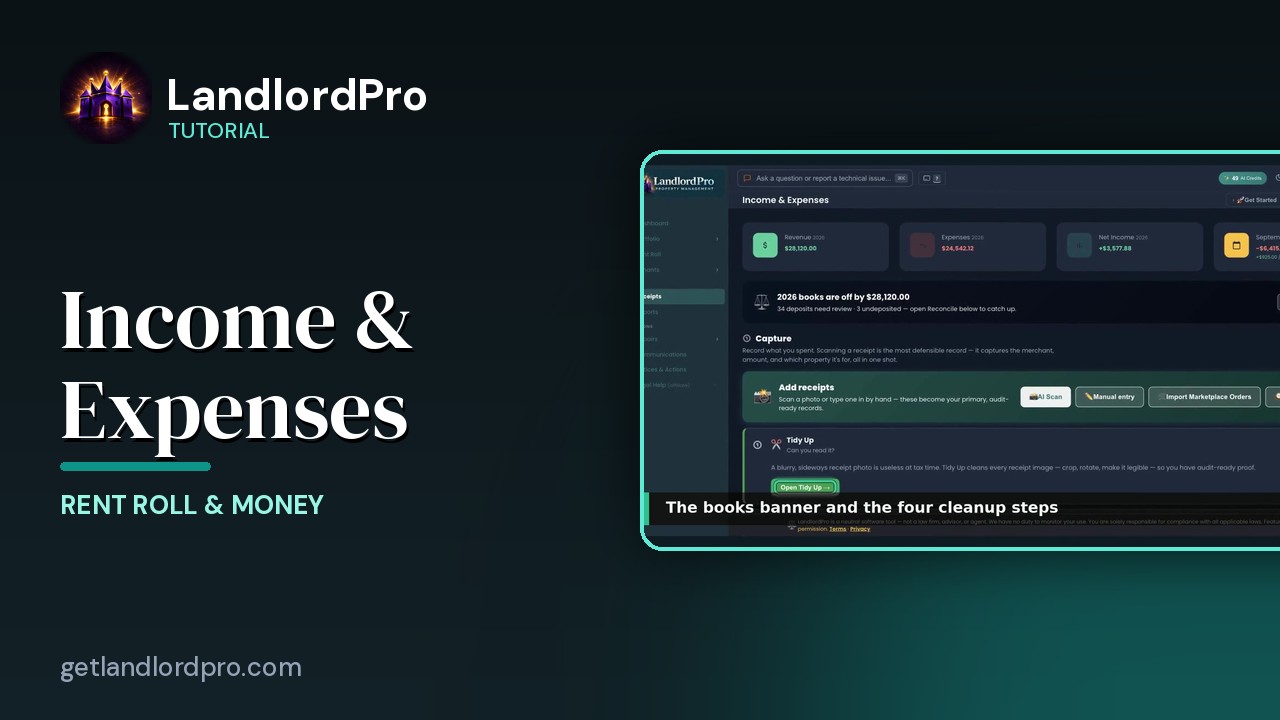
Income & Expenses — capture, reconcile, report
Capture receipts with your phone as the scanner, let AI read them, tidy up, reconcile against the bank,…
3:12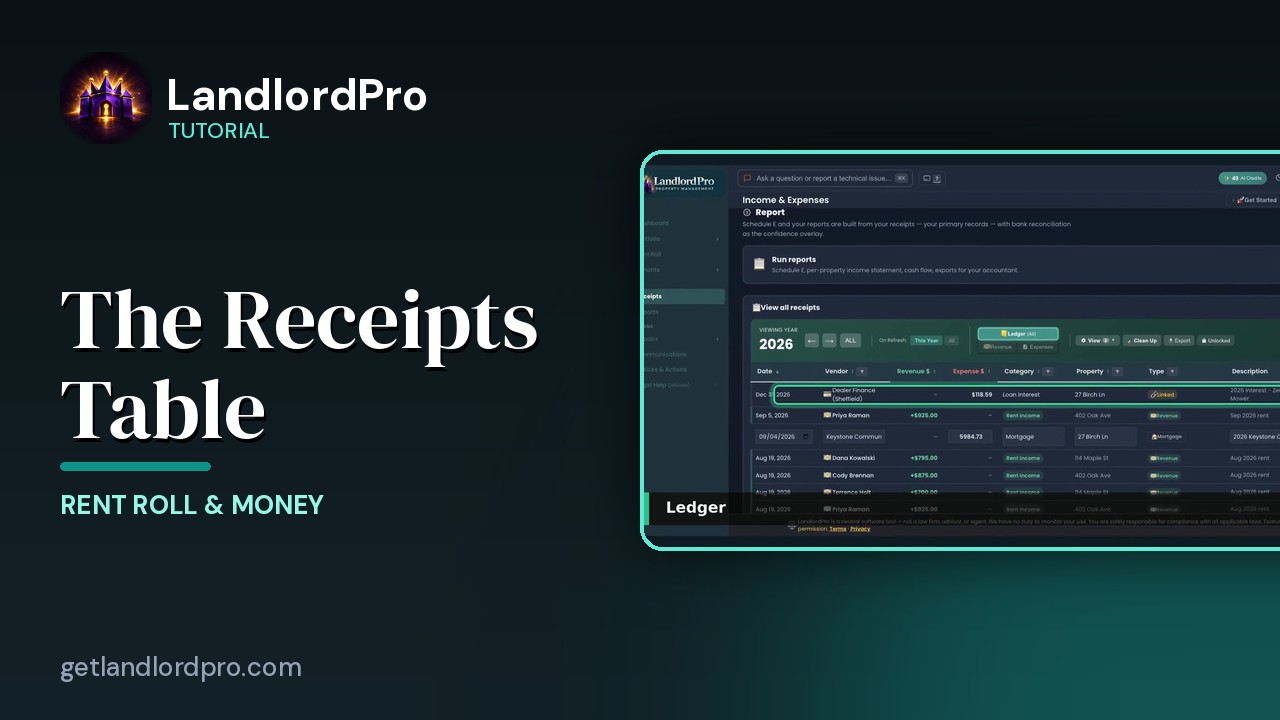
The Receipts Table
Working the receipts table: year and views, revenue, the ledger, view options, row actions, estimates and…
2:07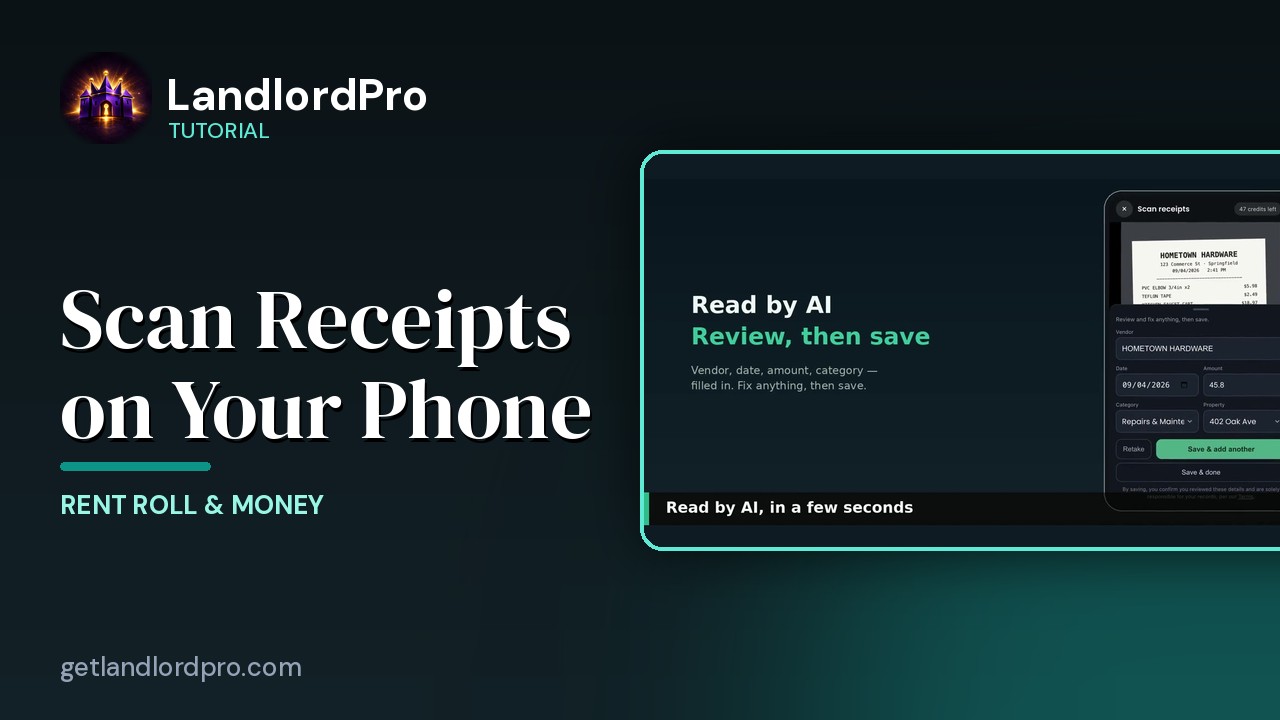
Scanning Receipts on Your Phone
Snap a receipt on your phone, let AI read it, save and add another — it's already in your receipts when you…
1:18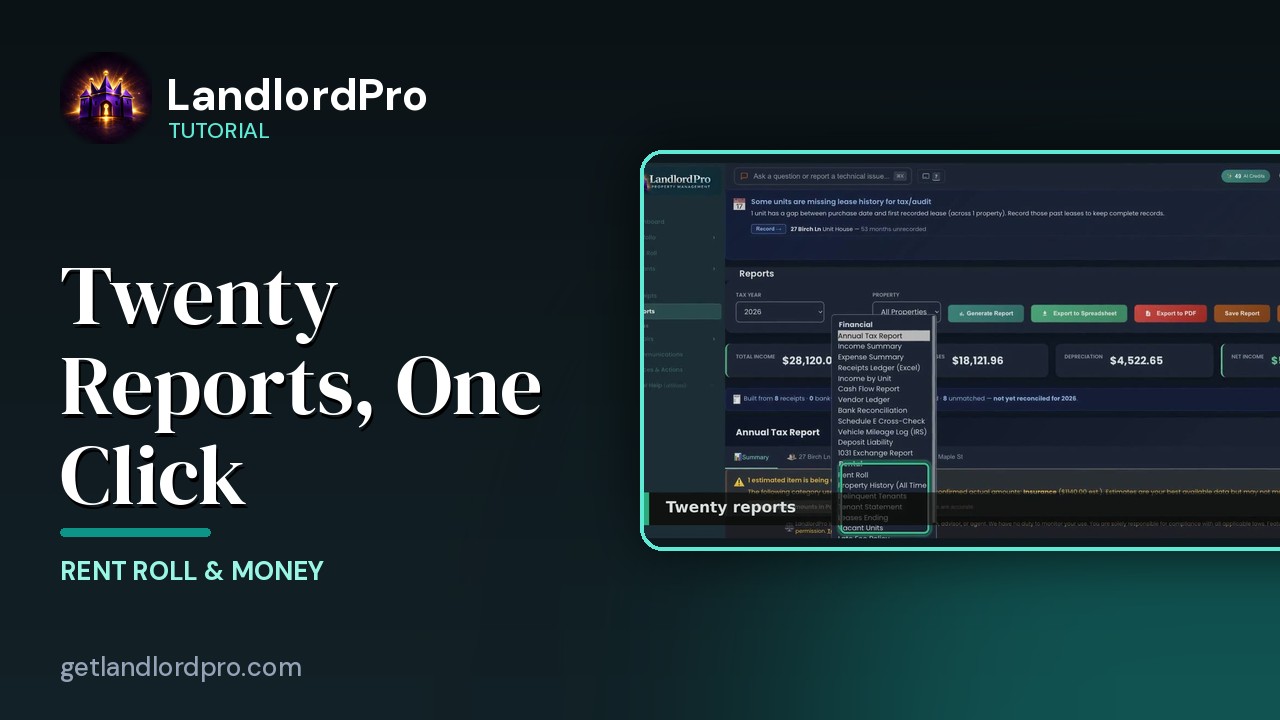
Reports — twenty reports, one click
Twenty landlord reports, one click each: the Annual Tax Report, summaries and estimates, categories and…
2:30All tutorials: the LandlordPro tutorial library · free tools: landlord calculators · help center.
See it on your own properties
LandlordPro is one tool for the whole job of being a landlord: ads built in minutes and pushed to Zillow, applications that pre-screen on your own criteria, leases created and e-signed in minutes, a tenant portal with ACH or Venmo payment, one-click messaging to every tenant in a building, phone contacts that sync as tenants are added, AI receipt scanning straight into Schedule E reports, guided photo move-in/move-out records, and a rent roll that does it all.
Try LandlordPro free →LandlordPro is not a law firm and does not give legal advice. Consult an attorney for your state and situation.