
Notices & Actions — the paper trail
The paper trail: the calendar, counters and filters, drafting and sending a notice, the state eviction reference, the data trail, the records bundle, and the legal calendar.
Transcript
Intro0:00
Notices and Actions is where the paper trail lives. Late rent reminders, lease violation notices, pay or quit, eviction cases, and the deadlines that go with them. Counters up top, filters, then the sections. Let's walk it. And a reminder, LandlordPro is a software tool, not a law firm. Notice rules vary by state and county.
Calendar · New Notice0:22
In the header, Get Started walks you through it. Calendar opens the legal calendar, with every notice's effective date and deadline. New notice starts one.
Counters & filters0:33
The counters, active cases, drafts resolved. The filters cut the list to overdue, approaching a deadline, awaiting the tenant's view or resolved. Active cases are formal cases in progress, evictions included.
A draft notice0:48
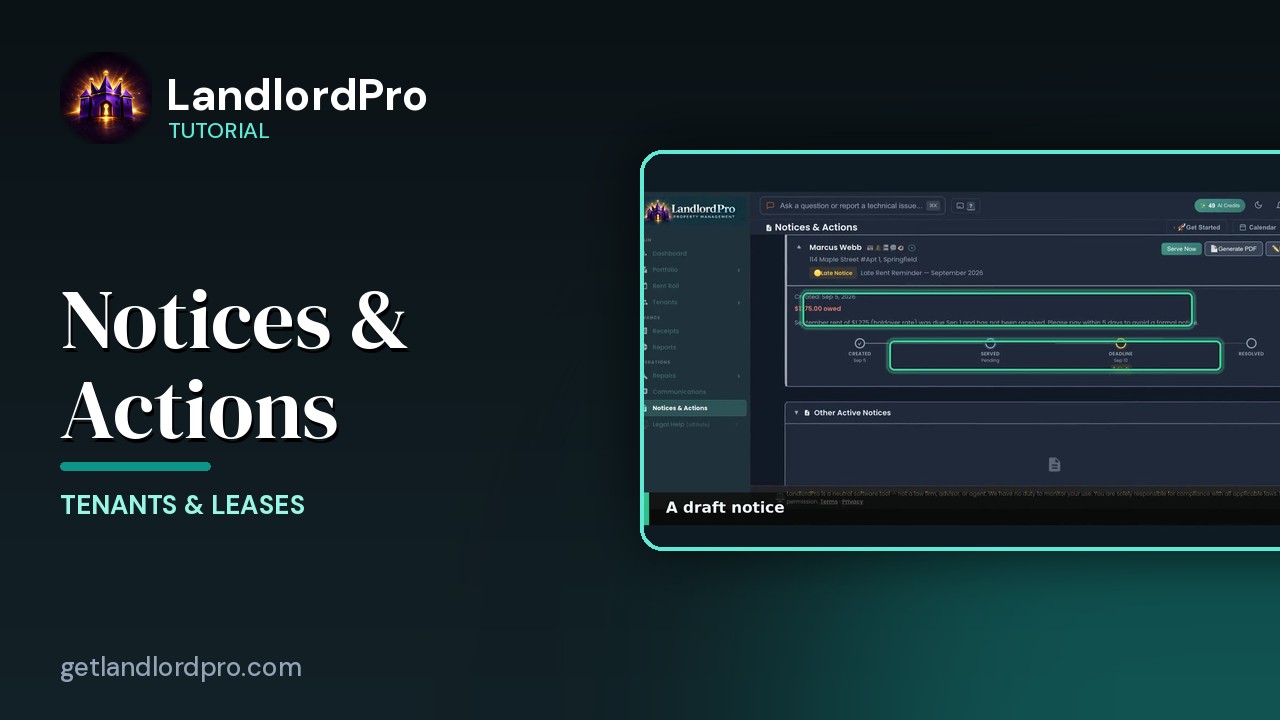
A draft notice, the tenant with the icon bar, the unit, the notice type and title. Created date, what's owed and the text. The timeline, created, served, deadline, resolved with days left. Serve now signs and serves it. Generate PDF makes the document. Edit reopens it. The trash deletes the draft.
New Notice1:10
New notice, pick the tenant, then what's going on? Didn't pay rent, broke a lease rule, you want them to move out. A tenant passed away, a court filing or something else. For unpaid rent it offers two paths. A friendly late rent reminder, the recommended first step or a formal pay or quit notice. There's a clip inside that modal.
State Eviction Reference1:31
State eviction reference, 51 jurisdictions. Pick a state or my states for where your properties are. Each card gives the notice periods by type, hearing and appeal windows, typical timelines, local quirks and the statute. It's for planning. Timelines are statutory minimums and the real process is usually longer.
Data Trail1:52
Tenant data trail. A card per tenant with how many events are logged when they last viewed something in their portal and their balance. The gavel badge means there's a notice on file. Search or include archived tenants.
Records bundle2:06
Open one and it's the tenant's whole history. Payments, notices, portal views all with details. Prepare records bundle, packages it for your attorney or the court.
Legal calendar2:17
The legal calendar. Notice effective dates and deadlines alongside rent due. Mortgage payments, maintenance and everything else with ad, taxes, export, sync and month or week views. It's the same calendar as the dashboard. Every notice, every deadline and the record to back it up. That's notices and actions. Get LandlordPro. Free to try. The address is on your screen.
More in Tenants & Leases
Tenants — the whole pipeline, one page
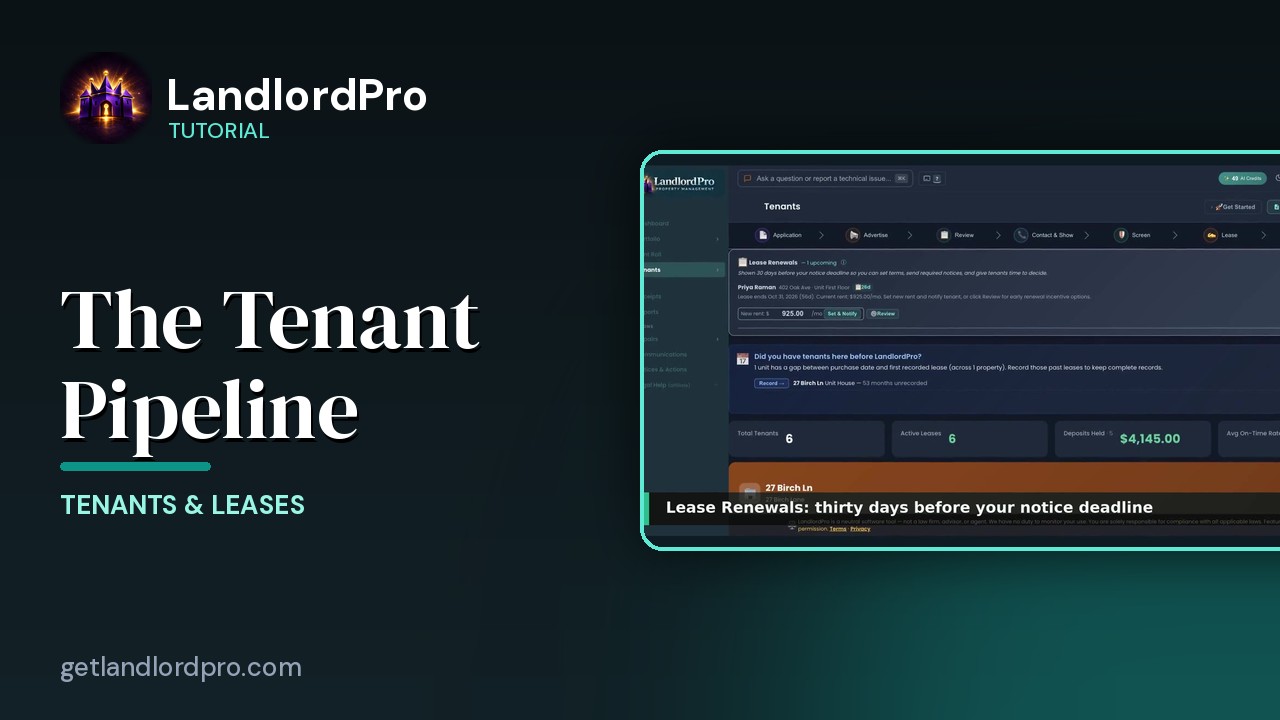
The whole tenant pipeline on one page: seven stages from application to lease, renewals, past tenants, the…
3:42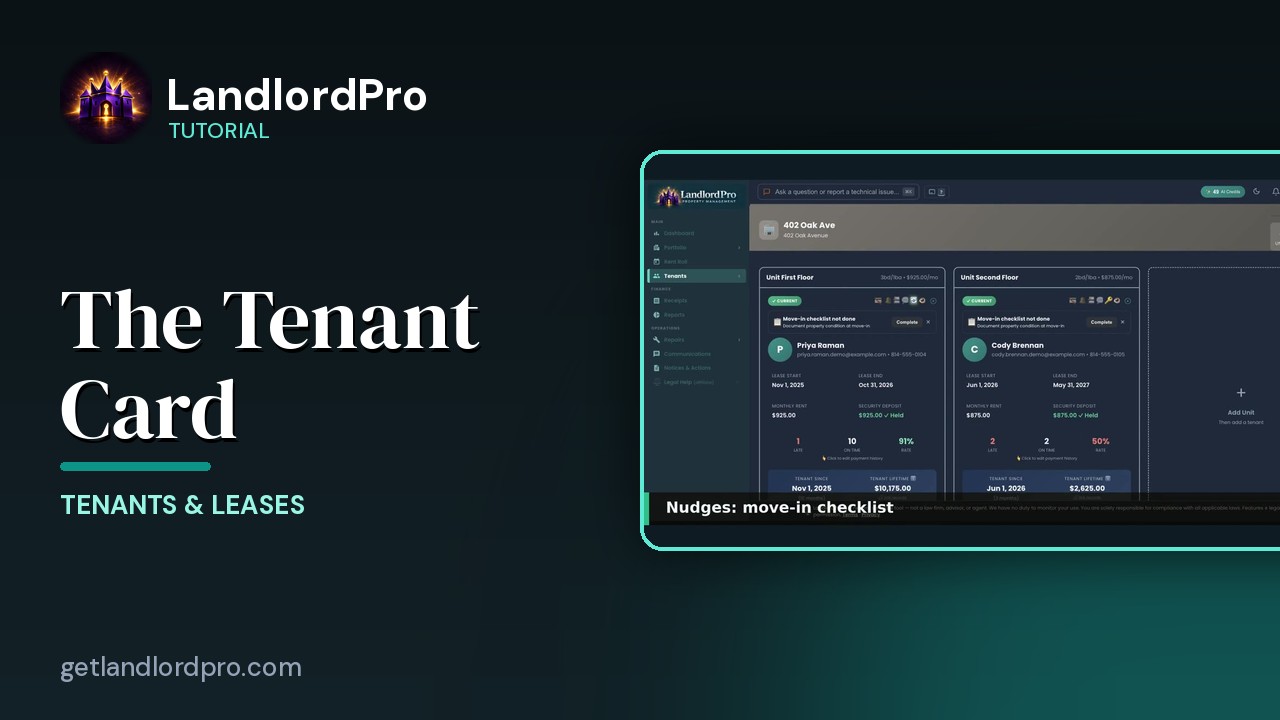
The Tenant Card
Reading a tenant card: status and icon bar, nudges, lease and money, late / on-time rate, payment history,…
1:40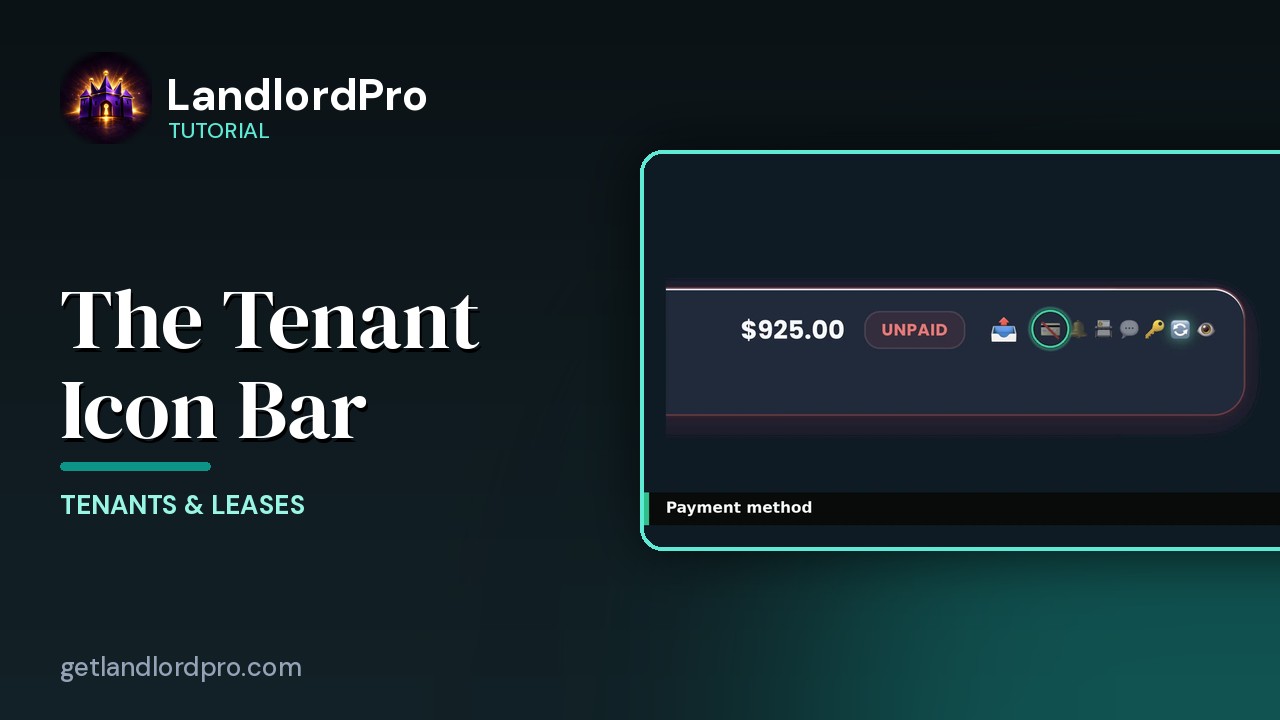
The Tenant Icon Bar
Manage tenant settings and communication at a glance: send a bill, payment card, reminder bell, contact card,…
3:24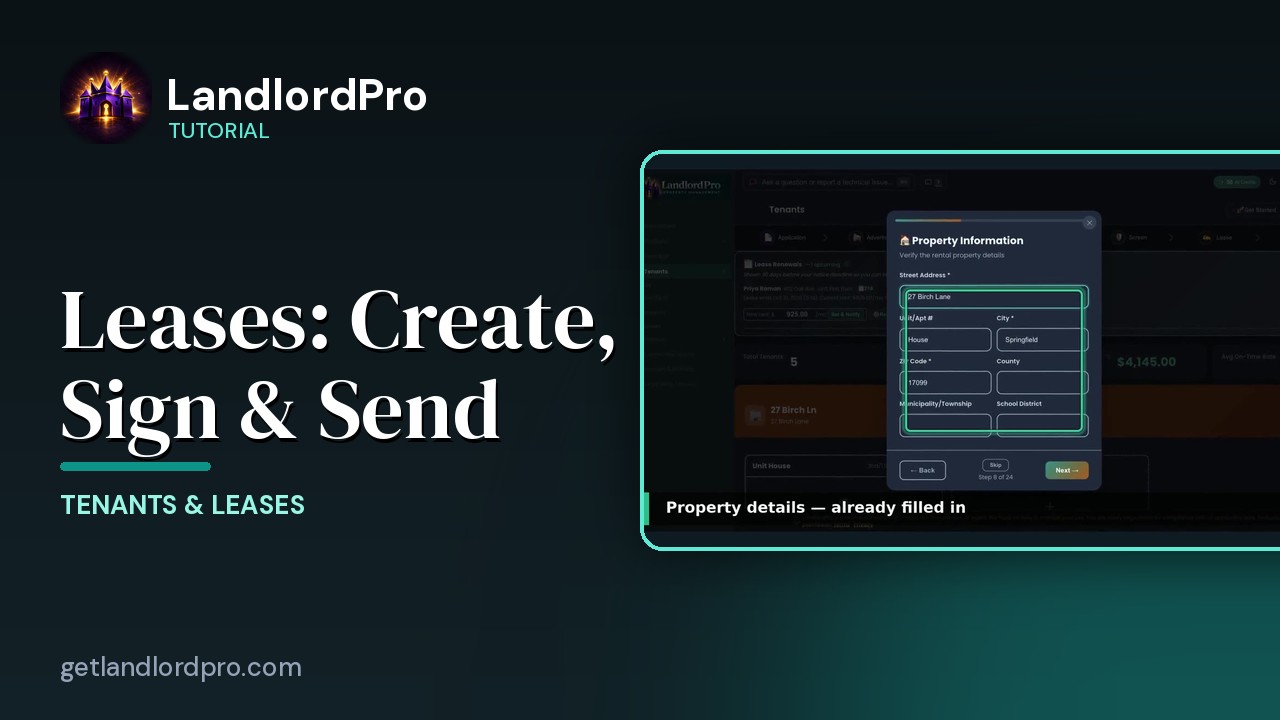
Leases — Create, Import, Sign & Send
Create a lease in minutes with the wizard, bring your own with an AI scan, or store a signed copy; then…
4:40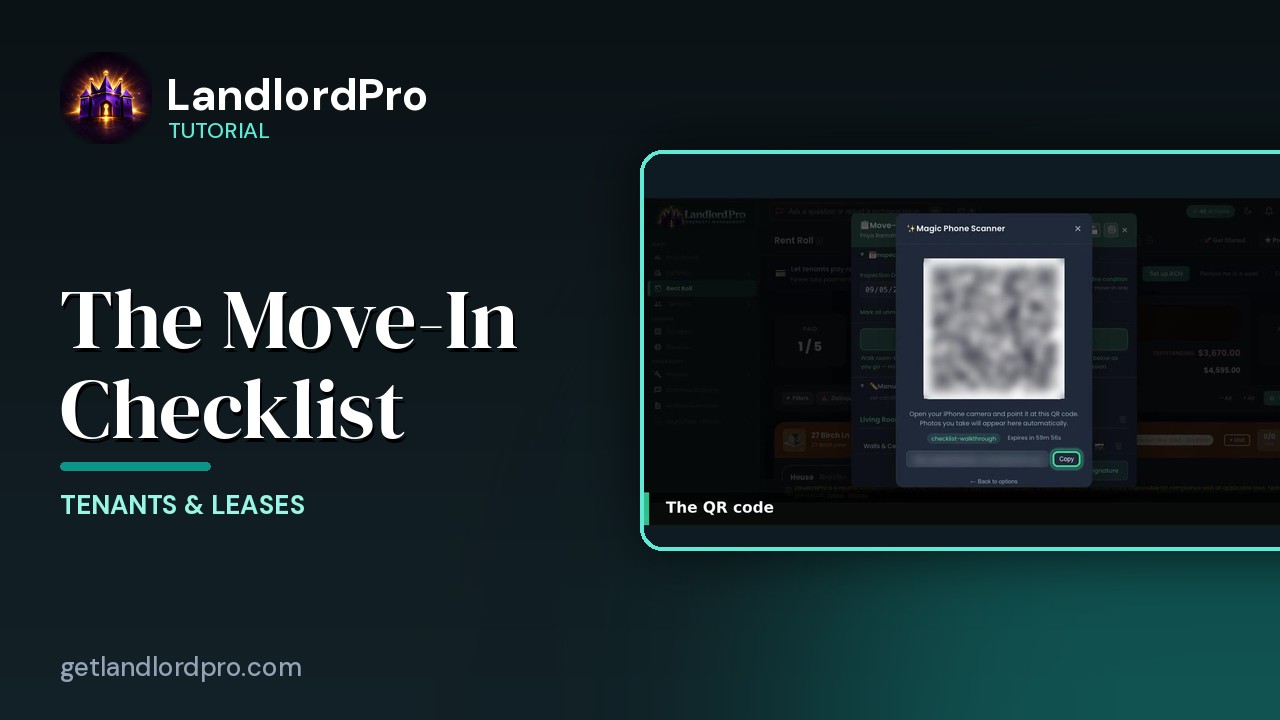
The Move-In Checklist — guided photo walkthrough
Use your phone as the camera for a guided room-by-room move-in / move-out condition record, then send it to…
4:12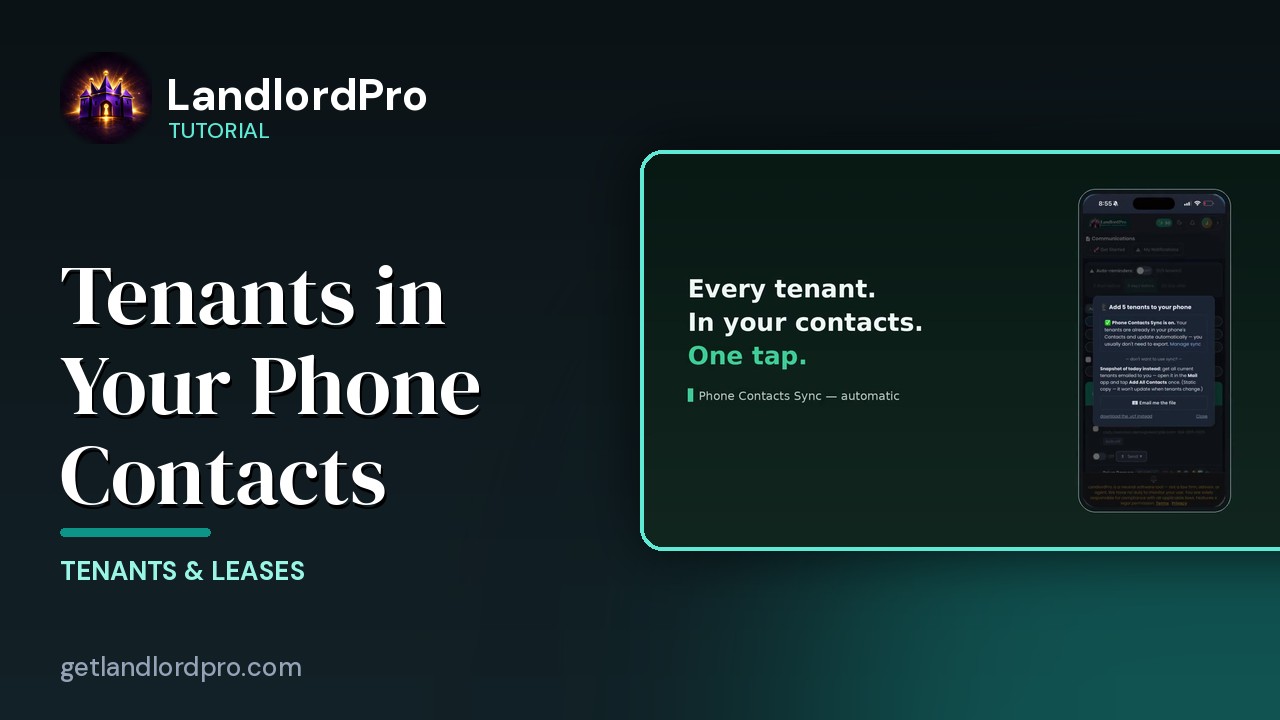
Tenants in Your Phone Contacts
Your tenants land in your phone's contacts automatically as they're added — with the rent amount right on the…
1:01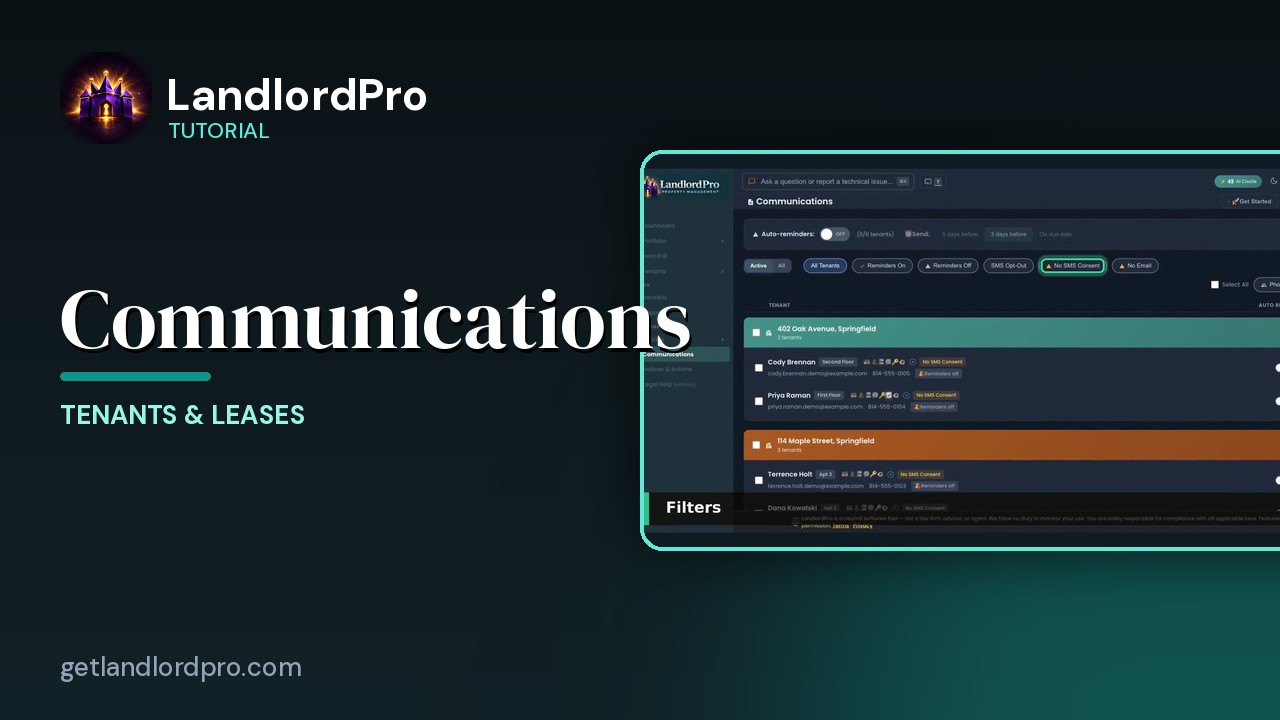
Communications — reminders, consent, one-tap sends
Auto-reminders, filters, the tenant row, the send menu that messages every tenant or every tenant in one…
2:07All tutorials: the LandlordPro tutorial library · free tools: landlord calculators · help center.
See it on your own properties
LandlordPro is one tool for the whole job of being a landlord: ads built in minutes and pushed to Zillow, applications that pre-screen on your own criteria, leases created and e-signed in minutes, a tenant portal with ACH or Venmo payment, one-click messaging to every tenant in a building, phone contacts that sync as tenants are added, AI receipt scanning straight into Schedule E reports, guided photo move-in/move-out records, and a rent roll that does it all.
Try LandlordPro free →LandlordPro is not a law firm and does not give legal advice. Consult an attorney for your state and situation.