
Leases — Create, Import, Sign & Send
Create a lease in minutes with the wizard, bring your own with an AI scan, or store a signed copy; then preview, e-sign, and send. Every wizard step, start to finish.
Transcript
Lease Actions0:00
Every lease in LandlordPro starts from one button. Lease Actions. Instead of a menu of features, it asks what you're actually trying to do. New leases. Import the one you already have, finish when you started, or build one from scratch. Existing leases. Amend the terms, end one early, do a signed mutual termination, or just store a signed copy. And for the books, record a past lease that already ended.
Four document modes0:28
Inside the wizard, the first real decision is how you want to handle the document. Generate with e-signatures. We build it, send it, collect the signatures, chase the reminders, and store it. Bring your own lease. Upload it and AI pulls the terms out. Track terms only. Rent dates deposit no document at all. Or generate for printing to sign on paper.
Bring your own (AI)0:52
Bring your own is the shortcut for attorney-drafted leases. Upload the PDF and Claude reads it. Tenant property, rent dates, deposit. All filled in for you. Tell it whether you already have the property or the tenant on file, and it links everything up.
Store a signed copy1:08
Already signed on paper. Pick the tenant and attach the file. No AI, nothing changes. It's just stored safely, and it shows up in their portal under docs.
Wizard: property & unit1:20
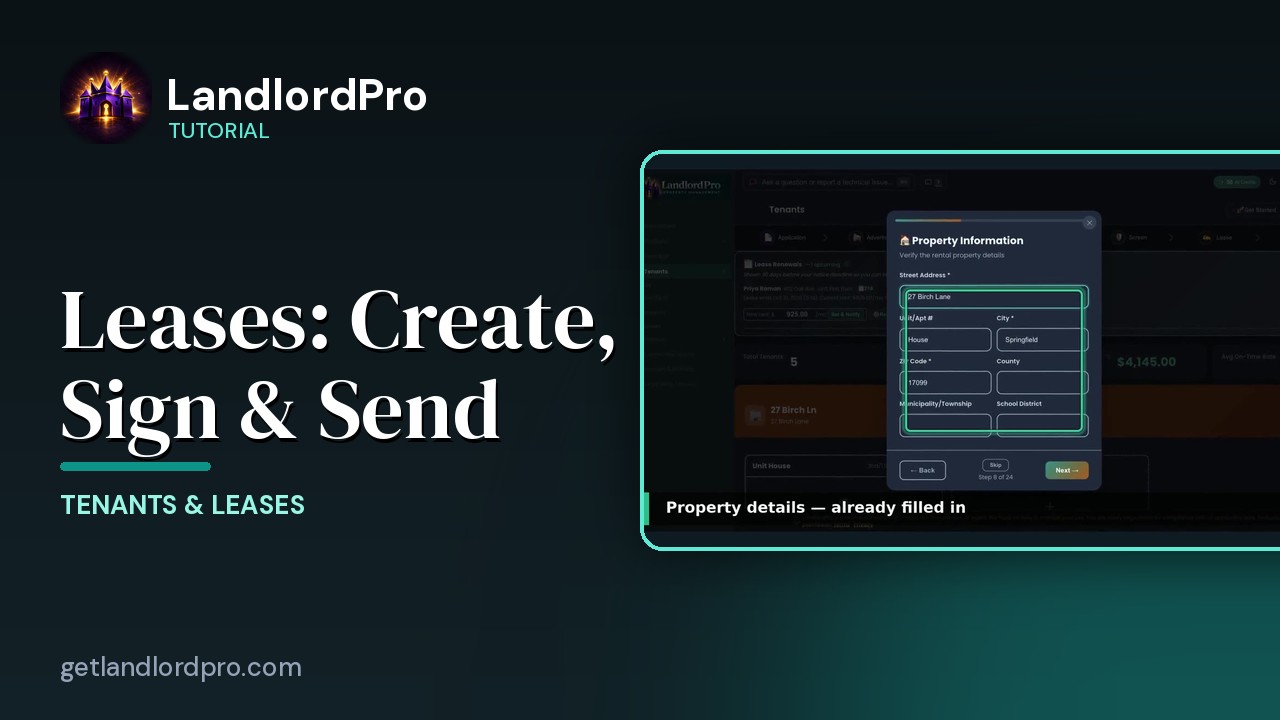
Now the full wizard from scratch with e-signatures. It can run up to 24 steps, which sounds like a lot. Most are one-click and anything optional you can skip. Property then unit. Property details are already filled from your portfolio. Verify, add the county or school district if your lease needs it, and move on.
Landlord & tenant1:41
Your information comes straight from settings, business profile. Set it once, and every lease after this is pre-filled. If someone signs on your behalf, there's a signing agent setting there too. The tenant, if they applied through LandlordPro, one-click fills this from their application. Add co-signers and anyone living there who isn't signing.
Term, rent, deposit2:03
Lease term, start and end or month to month. Auto-renew is on by default with a 12 month term and 30 days notice. That's what drives the renewal reminders you'll see later. You can also schedule an annual rent increase here. Rent details, the amount, the due day, your grace period and late fee, the bounce check fee, and which payment methods you accept. All of this flows into the rent role automatically. Security deposit, quick set one month, one and a half or two, and record where it's held. That's saved for next time.
Utilities → pets2:39
Then the property specifics, who pays each utility. Which appliances are included and maintained by you. And the safety devices installed. Smoke and CO detectors are pre-checked because the law usually requires them. Pet policy, no pets or pets with restrictions.
Fees, lead paint, policies3:01
Recurring adjustments, pet rent, parking storage. One tap each and they carry into the rent role every month and through renewals. Lead based paint disclosure, required for anything built before 1978. Enter the year and the wizard handles the federal language. Lease policies, renters insurance, required recommended or not mentioned. And your default and eviction options. Property rules are toggles, smoke free, utilities in the tenant's name before keys and more.
Rules & extra terms3:30
Each one adds a clause to the draft. Additional terms, scheduled inspections with reminders, move in repairs you're promising and any custom clauses.
Review & generate3:46
Review everything on one screen. Read the disclaimer. LandlordPro is in a law firm and you can always use your attorney's lease instead. Check the box and generate.
Preview3:58
Here's the draft, watermarked until it's signed. From here, download the PDF to print or send it for signature.
Sign & send4:07
E-signing goes landlord first. Read the acknowledgement, type your name, draw your signature. Sign and send and the tenant gets a secure link that's good for 7 days with automatic reminders if they sit on it. When they sign, the finished lease lands in docks for both of you.
After: tenant card4:24
And the tenant card carries it from here. Lease ready dates, rent, deposit. Until move in flips it to active and the rent role takes over. Get LandlordPro. Free to try. The address is on your screen.
More in Tenants & Leases
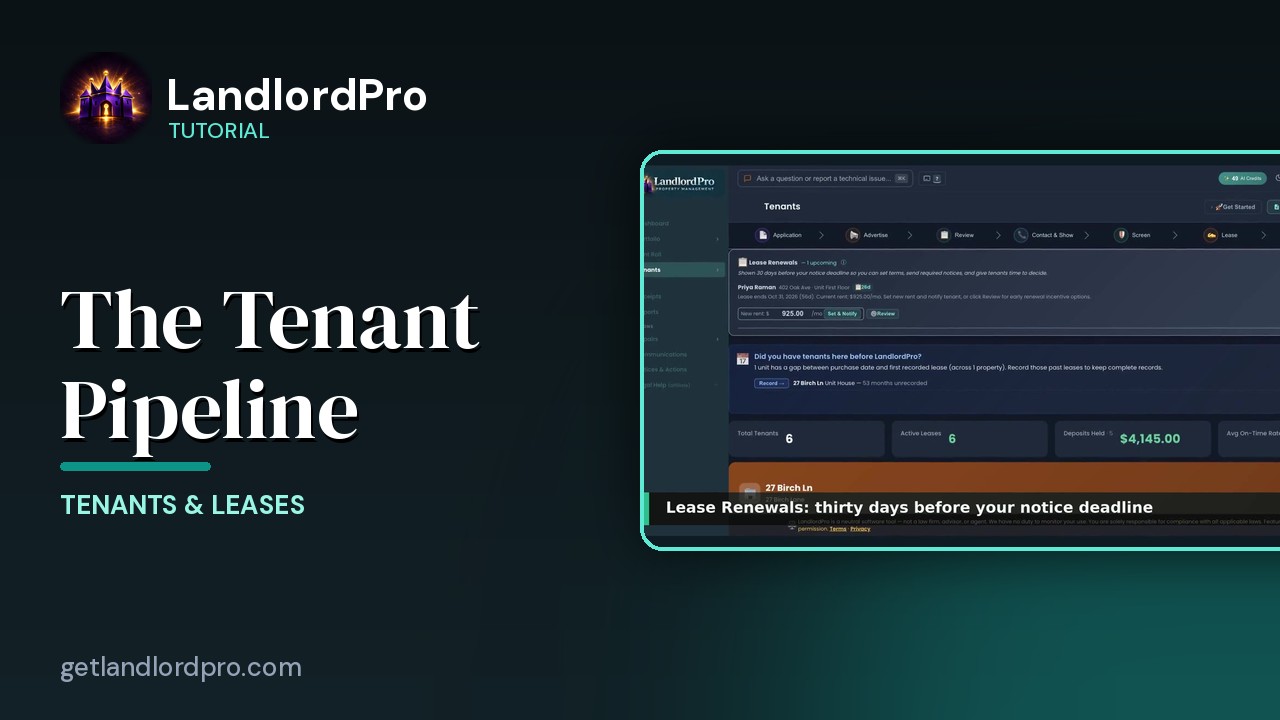
Tenants — the whole pipeline, one page
The whole tenant pipeline on one page: seven stages from application to lease, renewals, past tenants, the…
3:42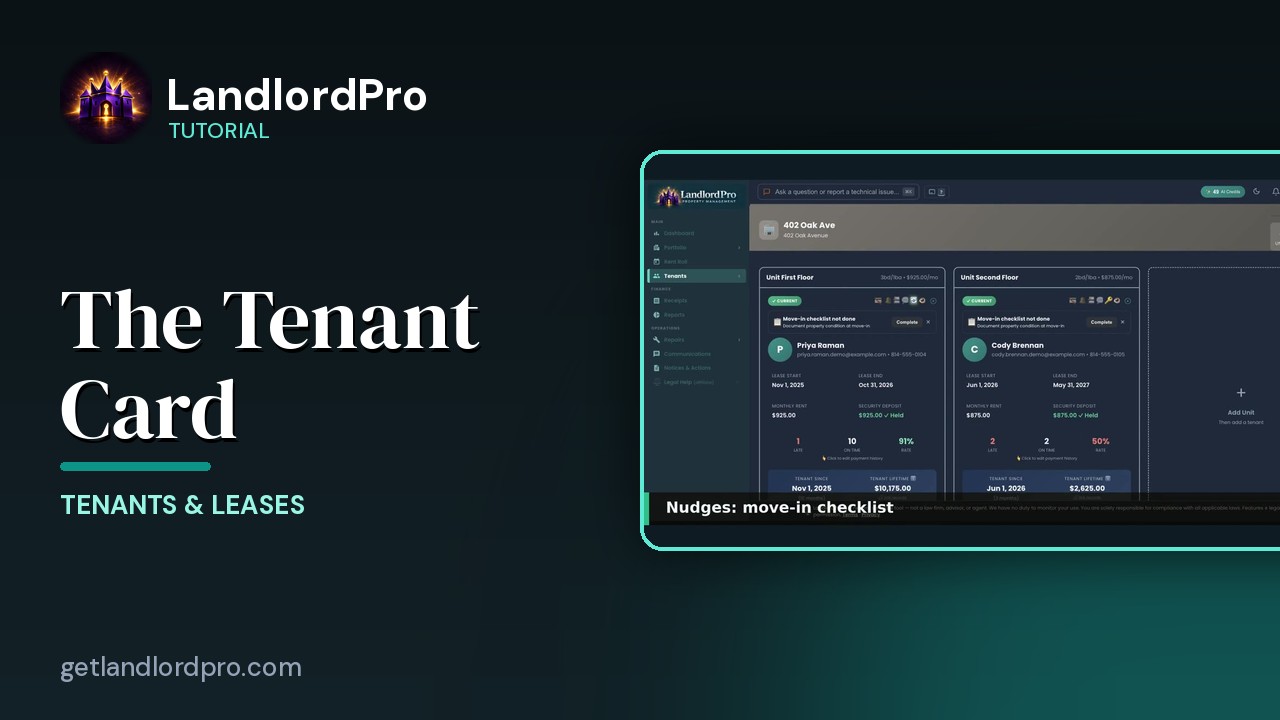
The Tenant Card
Reading a tenant card: status and icon bar, nudges, lease and money, late / on-time rate, payment history,…
1:40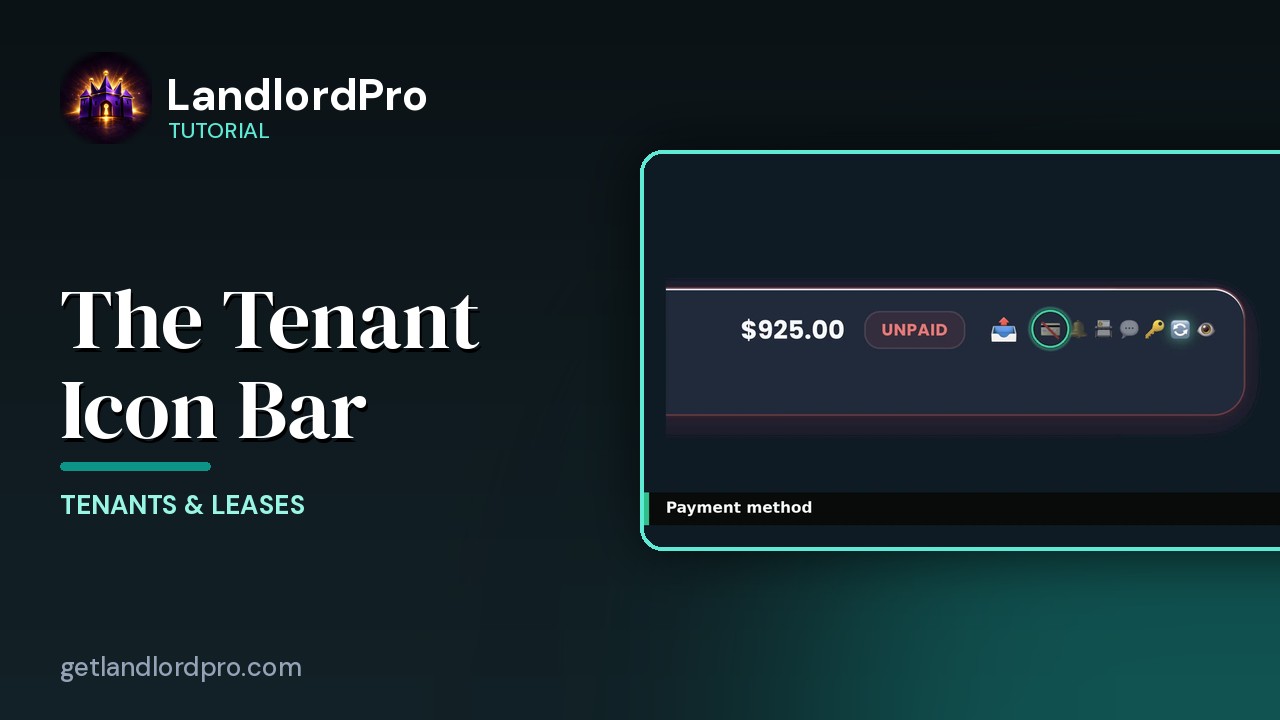
The Tenant Icon Bar
Manage tenant settings and communication at a glance: send a bill, payment card, reminder bell, contact card,…
3:24
The Move-In Checklist — guided photo walkthrough
Use your phone as the camera for a guided room-by-room move-in / move-out condition record, then send it to…
4:12
Tenants in Your Phone Contacts
Your tenants land in your phone's contacts automatically as they're added — with the rent amount right on the…
1:01
Communications — reminders, consent, one-tap sends
Auto-reminders, filters, the tenant row, the send menu that messages every tenant or every tenant in one…
2:07
Notices & Actions — the paper trail
The paper trail: the calendar, counters and filters, drafting and sending a notice, the state eviction…
2:46All tutorials: the LandlordPro tutorial library · free tools: landlord calculators · help center.
See it on your own properties
LandlordPro is one tool for the whole job of being a landlord: ads built in minutes and pushed to Zillow, applications that pre-screen on your own criteria, leases created and e-signed in minutes, a tenant portal with ACH or Venmo payment, one-click messaging to every tenant in a building, phone contacts that sync as tenants are added, AI receipt scanning straight into Schedule E reports, guided photo move-in/move-out records, and a rent roll that does it all.
Try LandlordPro free →LandlordPro is not a law firm and does not give legal advice. Consult an attorney for your state and situation.