
The Tenant Icon Bar
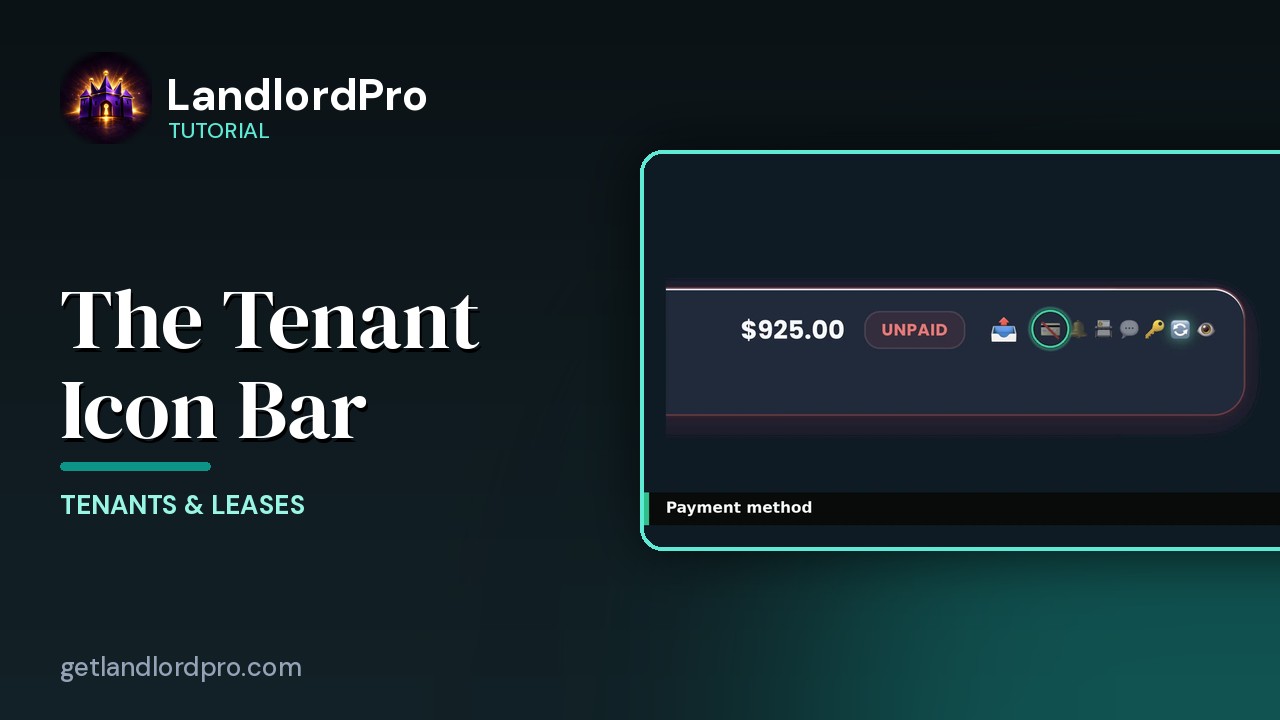
Manage tenant settings and communication at a glance: send a bill, payment card, reminder bell, contact card, messages, portal key, renewal, and the portal eye.
Transcript
Where it appears0:00
Everywhere LandlordPro shows a tenant's name, you'll see this little row of icons next to it. It's one of the most powerful things in the app. A control panel for that tenant, right in the row. Payment, reminders, contacts, messages, portal, renewals. You can see the status and take action without opening anything. And it's the same bar everywhere. Here it is on the tenant's page, above each tenant card. On communications, next to every name. Inside notice cases. Same icons, same order, same click. Wherever the tenant is, the bar is.
Walkthrough0:36
Let's walk through it left to right. Every icon has a hover tip, and every icon does something when you click it.
Send bill0:44
First, the outbox. This one lives only on the rent roll, and only while rent is unpaid. Click it to send this month's bill, or a rent reminder to that tenant. Once it's sent, it turns into an envelope. Click it again to resent, or to edit the bill.
Payment card1:01
Next, the card. How this tenant pays. Slashed out means manual. You mark rent paid yourself. Click it to switch them to bank-to-bank ACH. When ACH is on, the card lights up, and that little Amine's auto pay is running. Rent pulls itself every month. One click, and the payment window opens right there. Pick the method, add instructions, save.
Reminder bell1:27
The bell is automatic rent reminders. Right means on, dim means off. Click it, and you land on communications with that tenant highlighted, ready to change their schedule.
Contact card1:39
The contact card puts the tenant in your phone. One tap, add just this tenant, or turn on phone contacts, sync for everyone. So when they call, your phone shows their name and their unit.
Messages1:53
The speech bubble is messaging. Tenants write to you from their portal. Unread messages show a red count, and the bubble glows so you can't miss it. Click it, and the conversation slides in from the side. Read, reply, done. You never leave the page you were on.
Portal key2:11
The key is portal access. It only shows up when something needs you. A glowing key means the tenant is asking for a PIN reset. One click resets it and resends their portal link. If a tenant has never been invited, an amber outbox appears here instead. Click it to send the invite. The arrows appear on their own
Renewal2:30
when a lease is inside its last 90 days. Click to review the renewal. Set the new rent, add an early renewal incentive, send the notice. Once you've dealt with it, the icon goes away by itself.
Portal eye2:45
And last, always last, the eye. It opens the tenant's portal exactly as they see it. Balance bills, documents, repairs. So when a tenant calls confused, you're looking at the same screen they are. It's a preview. You can't pay on their behalf. That's the bar. Payment, reminders, contacts, messages, portal access, renewals. Every tenant status and every common action at a glance, everywhere their name shows up. No menus. No hunting. Get LandlordPro. Free to try. The address is on your screen.
More in Tenants & Leases
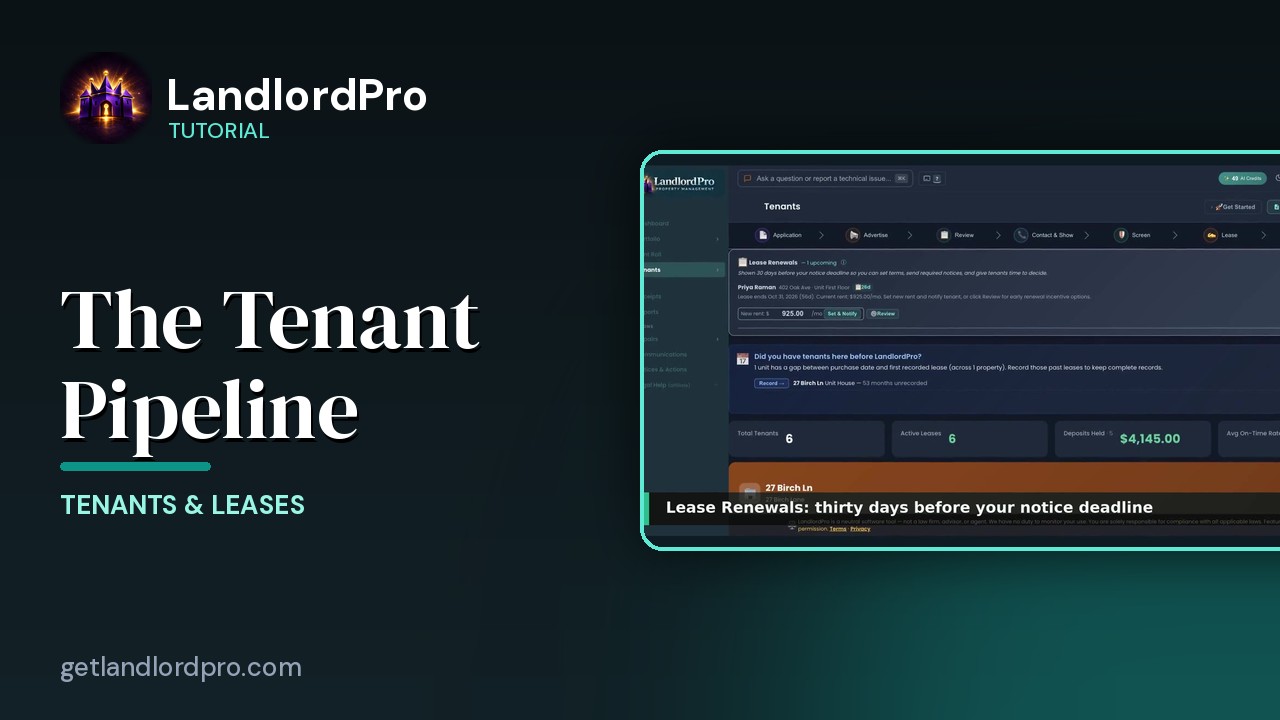
Tenants — the whole pipeline, one page
The whole tenant pipeline on one page: seven stages from application to lease, renewals, past tenants, the…
3:42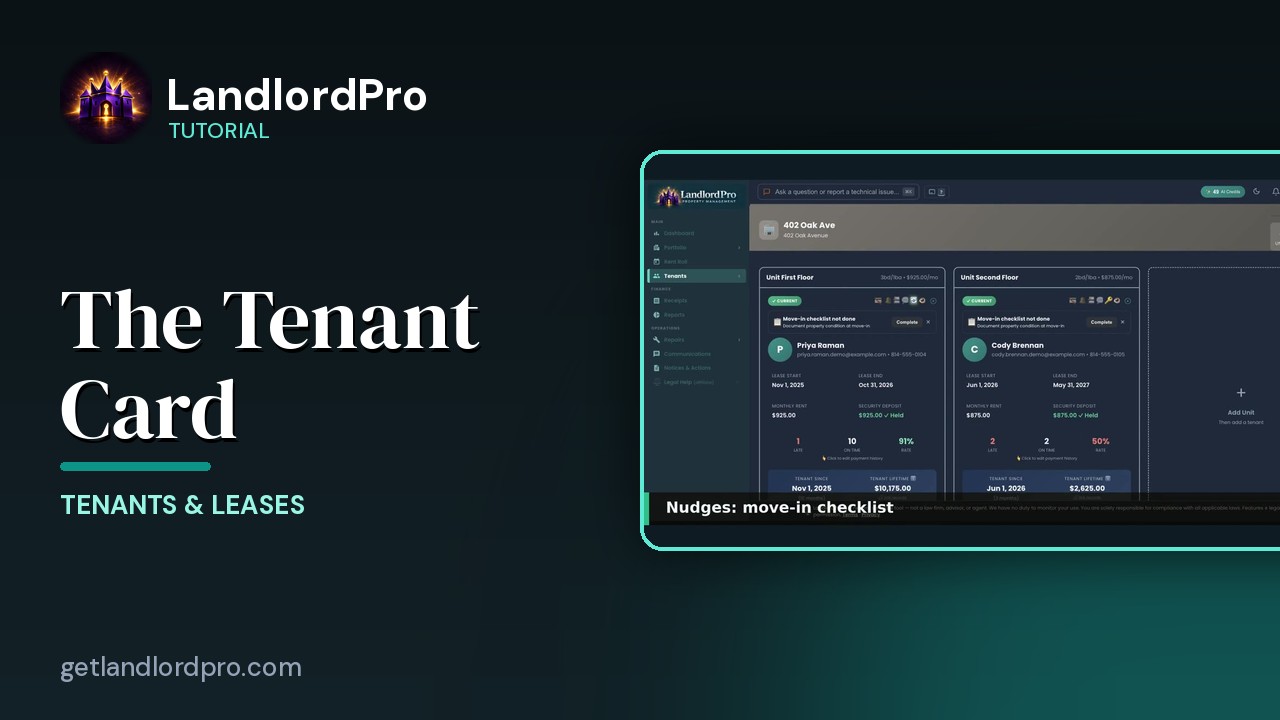
The Tenant Card
Reading a tenant card: status and icon bar, nudges, lease and money, late / on-time rate, payment history,…
1:40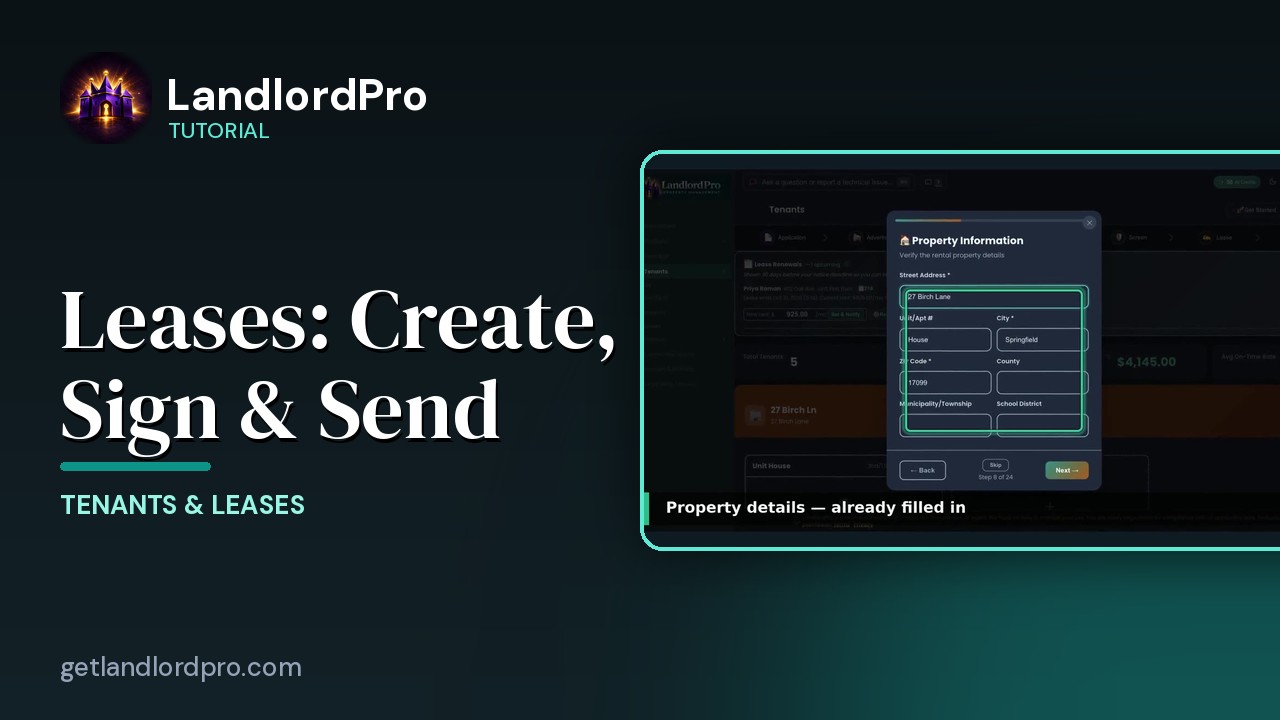
Leases — Create, Import, Sign & Send
Create a lease in minutes with the wizard, bring your own with an AI scan, or store a signed copy; then…
4:40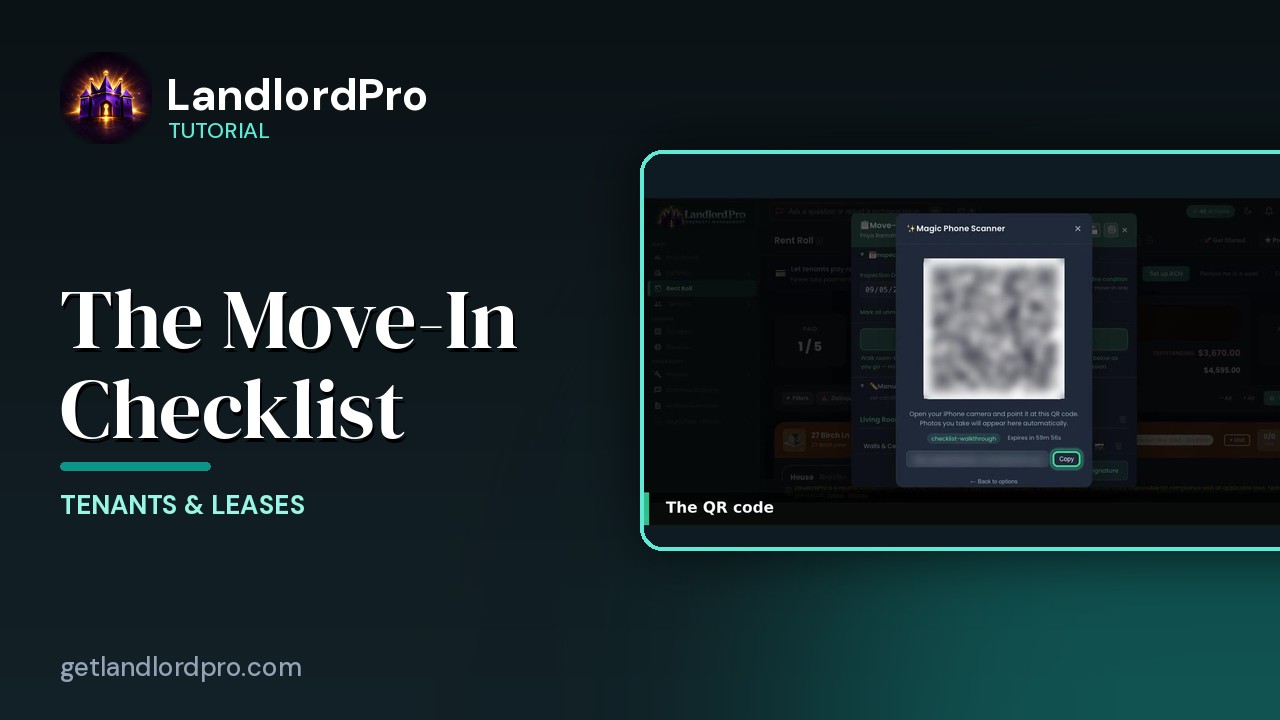
The Move-In Checklist — guided photo walkthrough
Use your phone as the camera for a guided room-by-room move-in / move-out condition record, then send it to…
4:12
Tenants in Your Phone Contacts
Your tenants land in your phone's contacts automatically as they're added — with the rent amount right on the…
1:01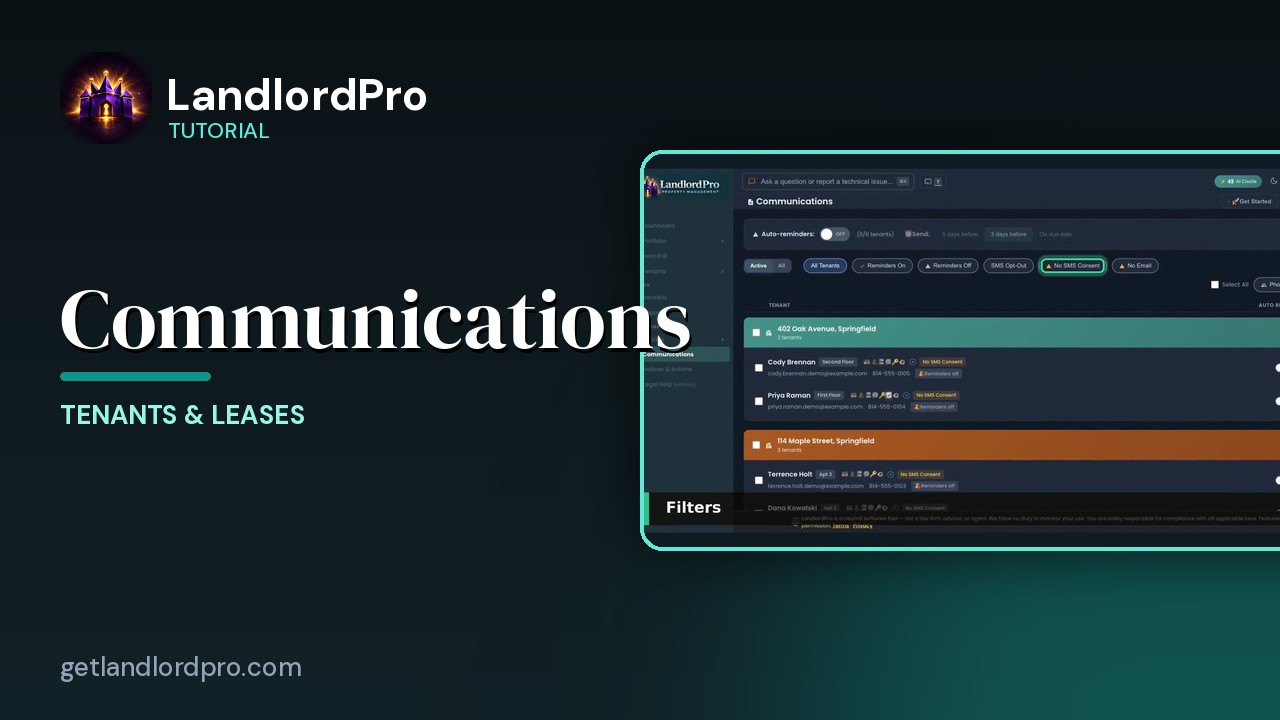
Communications — reminders, consent, one-tap sends
Auto-reminders, filters, the tenant row, the send menu that messages every tenant or every tenant in one…
2:07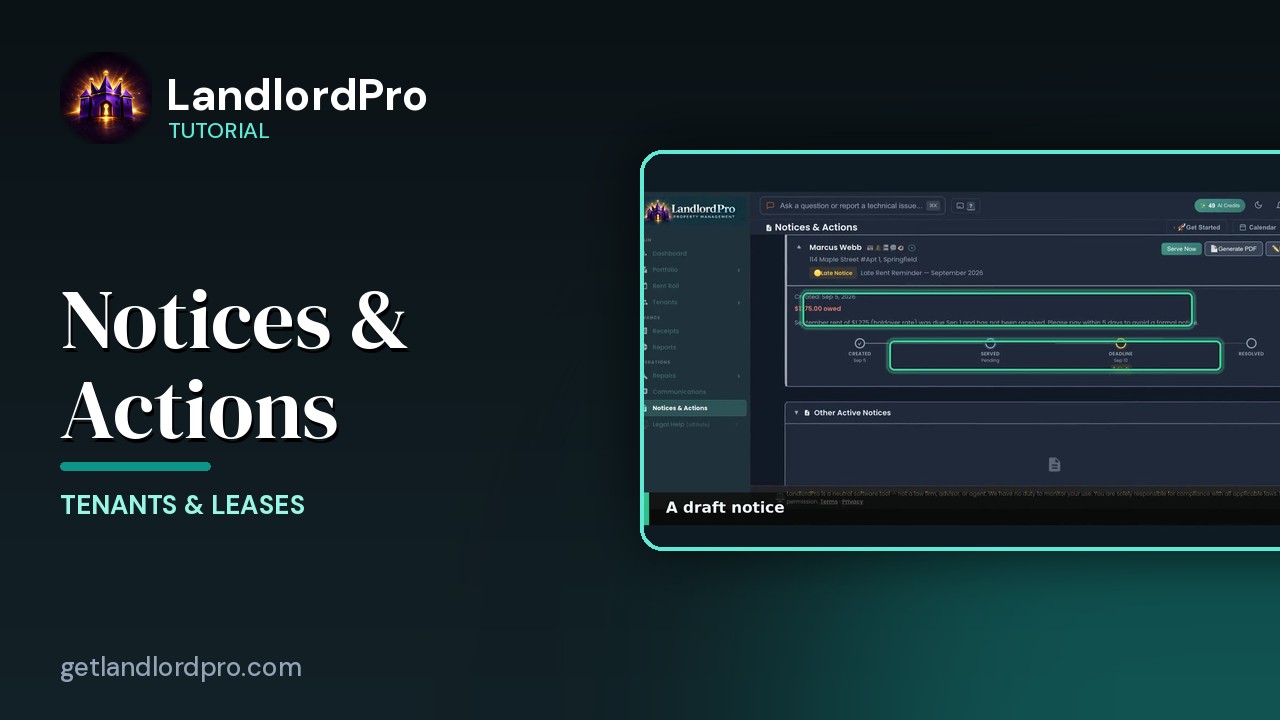
Notices & Actions — the paper trail
The paper trail: the calendar, counters and filters, drafting and sending a notice, the state eviction…
2:46All tutorials: the LandlordPro tutorial library · free tools: landlord calculators · help center.
See it on your own properties
LandlordPro is one tool for the whole job of being a landlord: ads built in minutes and pushed to Zillow, applications that pre-screen on your own criteria, leases created and e-signed in minutes, a tenant portal with ACH or Venmo payment, one-click messaging to every tenant in a building, phone contacts that sync as tenants are added, AI receipt scanning straight into Schedule E reports, guided photo move-in/move-out records, and a rent roll that does it all.
Try LandlordPro free →LandlordPro is not a law firm and does not give legal advice. Consult an attorney for your state and situation.